
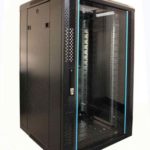
 FREE STANDING CABINETS
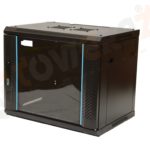 WALL MOUNTED CABINETS
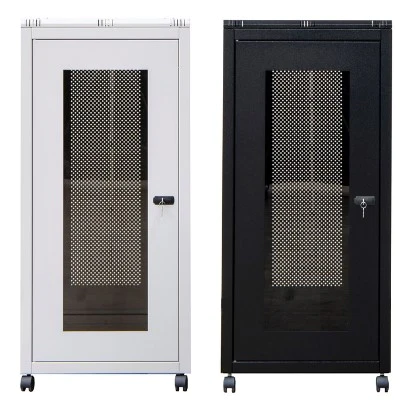
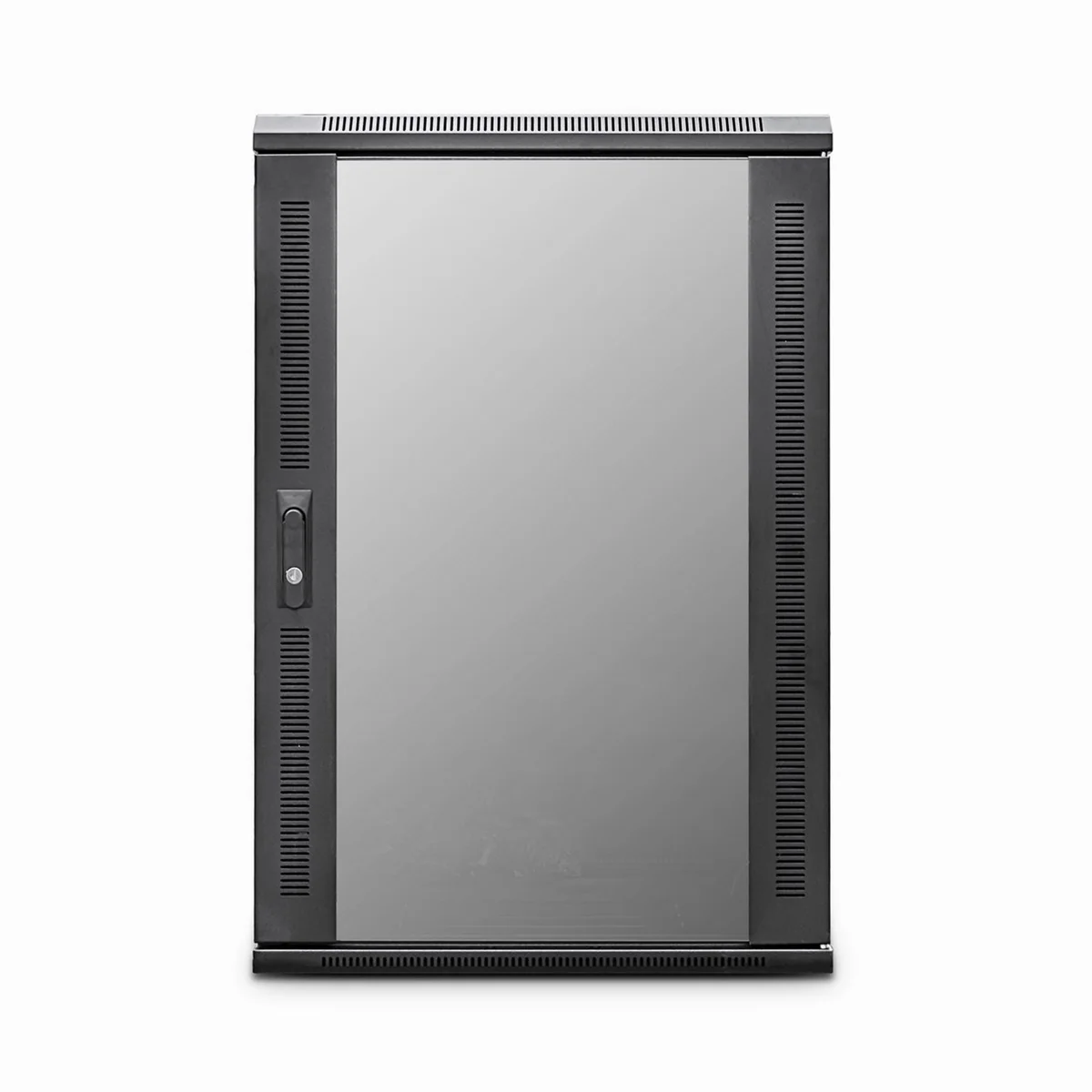
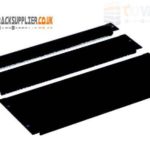 Blanking panel
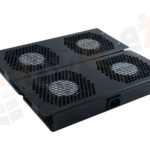 fan units
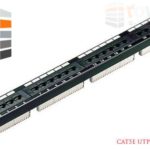 PATCH PANEL
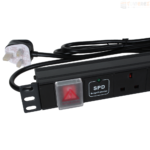 Power Distribution Unit
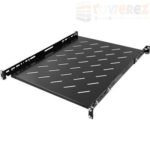 SHELVES
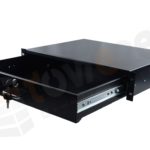 RACK DRAWER
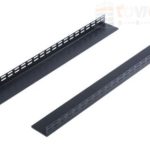 TOWEREZ RAILS
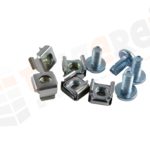 CAGE & NUTS

Will a 1000mm Deep Server Cabinet Fit Blade Servers? UK Rail Depth, PDU and Cable Clearance Guide


Yes, a 1000mm deep server cabinet for blade servers will often accommodate a blade chassis, but external depth alone does not confirm compatibility. You must check the chassis-to-rail length, adjustable mounting-rail range, rear cable clearance, PDU position, airflow direction and the cabinet’s safe working load. A 1000mm cabinet is a practical choice for many blade deployments, provided its usable internal depth is sufficient for the specific chassis and accessories.
Why cabinet depth matters for blade servers
Blade systems usually place several server modules, shared power supplies, network interconnects and management components inside one chassis. This makes the chassis deeper, heavier and more cable-intensive than many conventional 1U or 2U rack servers.
The cabinet must provide enough space for more than the chassis body. You also need room for:
- The front and rear mounting brackets or rack ears.
- Adjustable 19-inch mounting rails.
- Power leads and data cables at the rear.
- Power distribution units, vertical cable managers or patching equipment.
- Airflow gaps and access for maintenance.
- Any rear support brackets recommended by the chassis manufacturer.
This is why a cabinet described as 1000mm deep may have less than 1000mm of usable equipment depth. Door thickness, frame construction, rear posts and cable-management zones reduce the space available between the front mounting plane and the rear door.
Will a 1000mm deep server cabinet for blade servers fit?
A 1000mm deep server cabinet for blade servers is generally suitable when the manufacturer’s installation guide confirms that the chassis fits between the cabinet’s front and rear mounting rails, with adequate clearance for cables and airflow. The key measurement is not the cabinet’s outside-to-outside depth. It is the adjustable rack depth and the free space behind the installed equipment.
Before ordering, compare these measurements:
| Measurement | What to check | Why it matters |
|---|---|---|
| Chassis depth | Front face to the furthest rear component | Shows the physical length that must fit inside the cabinet |
| Mounting depth | Distance between the front and rear rack posts | Confirms whether the chassis can be secured correctly |
| Rear service clearance | Space from the chassis rear to the door, PDU or cable manager | Prevents crushed cables and blocked access |
| Usable cabinet depth | Manufacturer’s internal equipment-depth figure | Provides a more realistic comparison than external depth |
| Weight capacity | Static and dynamic load ratings | Supports safe installation and future expansion |
If the product specification only states external cabinet depth, ask the supplier for the front-to-rear rail adjustment range and the recommended maximum equipment depth. This is especially important when the cabinet has a deep rear door, integrated fan tray or factory-fitted cable management.
Understanding UK 19-inch rack rails
Most blade chassis are designed for standard 19-inch rack cabinets. In the UK, a server cabinet may be supplied with square-hole, threaded-hole or tapped-hole mounting rails. The rail format affects which cage nuts, screws and mounting kits are required, but it does not by itself guarantee that a chassis will fit.
Square-hole rails
Square-hole rails are common in modern data-centre cabinets. Cage nuts can be positioned at the required rack units, making them flexible for different equipment. Confirm that the blade chassis rail kit is compatible with the cabinet’s post profile and hole spacing.
Threaded rails
Threaded rails may use different screw sizes or thread standards. They can work well, but a chassis supplied with a particular rail kit may require adapters or alternative fixings. Never force a mounting screw into an incompatible thread.
Adjustable front and rear posts
For blade installations, adjustable rear posts are highly desirable. They allow the chassis to be supported at the correct points and help create a controlled rear cable zone. A cabinet with fixed rear posts may have enough nominal depth but still be unsuitable if the mounting brackets do not align.
How much rear clearance do blade servers need?
Rear clearance depends on the chassis design. Some blade systems use power and network connectors that project only a short distance. Others have transceivers, fibre modules, copper patch leads, power plugs or cable breakout assemblies extending considerably farther behind the chassis.
Allow space for the cable bend radius, not just the connector length. Fibre cables and high-speed copper links can be damaged when bent sharply. Power cords also need enough room to leave the socket without pressing against the rear door.
As a practical planning method, measure from the rear mounting plane to the furthest connector, then add the minimum bend radius specified for the cable. Add further allowance for finger access and maintenance. If the cabinet has a rear PDU, deduct the PDU depth and plug clearance from the remaining space.
Do not treat the rear door as unused space. A cable that fits with the door open may become stressed, disconnected or obstructed when the cabinet is closed.
PDU placement in a deep blade-server cabinet
Power distribution units are commonly mounted vertically at the rear sides of a cabinet, horizontally at the rear, or on the cabinet’s mounting rails. For blade systems, vertical PDUs are often the most space-efficient option because they preserve rack units for equipment and can place outlets close to the chassis power supplies.
When planning PDU placement, check:
- Whether the PDU body occupies space needed by the chassis or rail brackets.
- Whether plugs project into the equipment exhaust or cable-management path.
- How many power supplies each blade chassis uses.
- Whether separate power feeds are required for resilience.
- Whether outlet orientation allows the cabinet door to close.
- Whether the PDU has monitoring, switching or inlet requirements that affect its position.
For resilient installations, avoid placing both power feeds where one accidental cable movement, PDU fault or maintenance action can affect the entire chassis. Label A and B supplies clearly, and coordinate the PDU arrangement with the cabinet’s power and cooling design.
Airflow and thermal planning
Blade chassis commonly draw cool air through the front and exhaust warm air at the rear, although the exact pattern must be confirmed from the equipment documentation. The cabinet should support a front-to-rear airflow layout and should not obstruct perforated doors or ventilation paths.
Useful checks include:
- Confirm that the front door has adequate perforation for the chassis intake.
- Keep blanking panels fitted in unused rack spaces.
- Prevent rear cables from covering exhaust openings.
- Check whether the cabinet’s roof, base or fan system is suitable for the heat output.
- Keep hot exhaust from one cabinet away from the intake of another.
A deeper cabinet does not automatically provide better cooling. Airflow depends on the chassis fans, cabinet doors, cable arrangement, room layout and cooling capacity. If the blade enclosure has a high heat load, obtain the manufacturer’s thermal guidance before finalising the cabinet.
Weight, loading and installation safety
Blade chassis can be difficult to install because their weight is concentrated in a relatively small footprint. A fully populated enclosure may be substantially heavier than an empty chassis. Check the cabinet’s static load rating, castor rating and levelling-foot capacity separately.
Use suitable lifting equipment or a team lift, follow the chassis installation instructions and fit rear support rails where specified. Install heavy equipment low in the cabinet to improve stability. If the cabinet will be moved while populated, verify its dynamic load rating and ensure that all doors, side panels and accessories remain secure.
Blade-server cabinet buying checklist
- Record the blade chassis model, dimensions, weight and rail-kit requirements.
- Measure the chassis from the front rack face to the furthest rear connector or component.
- Confirm the cabinet’s usable mounting depth, not only its external depth.
- Check the front-to-rear rail adjustment range and post compatibility.
- Allow space for cable bend radius, PDU plugs and rear service access.
- Confirm the cabinet has suitable airflow, perforated doors and blanking-panel compatibility.
- Check static and dynamic load ratings for the populated installation.
- Plan PDU position, power-feed separation and cable routing before delivery.
- Verify door, side-panel and roof clearance in the intended room location.
- Ask the cabinet supplier to confirm compatibility in writing if any dimension is close.
Common mistakes to avoid
Using external depth as the only measurement
A 1000mm external cabinet may offer considerably less internal equipment depth. Always request the usable rail-to-rail range.
Ignoring rear plugs and bend radius
A chassis may mount correctly but still fail operationally when power and network cables are connected. Include the complete cable assembly in the depth calculation.
Assuming every 19-inch rail kit is interchangeable
Width may be standard while rail shape, post position, fixing method and support requirements differ. Match the chassis rail kit to the cabinet.
Filling every rack unit
Leaving no room for blanking panels, cable access or future equipment can reduce serviceability and impair airflow. Plan the complete cabinet layout rather than buying only for the initial chassis count.
Key takeaways
- A 1000mm deep server cabinet for blade servers can be suitable, but the chassis specification must be checked first.
- Usable rail depth is more important than the cabinet’s advertised external depth.
- Rear cable clearance, PDU position and bend radius are essential parts of the fit calculation.
- Confirm UK 19-inch rail compatibility, mounting support, load rating and airflow.
- When measurements are close, choose a deeper cabinet or obtain written confirmation from the supplier.
Frequently asked questions
Will a 1000mm deep server cabinet fit every blade chassis?
No. Many blade chassis can fit, but compatibility depends on the chassis depth, rail adjustment range, rear connectors, cable bend radius, PDU placement and cabinet’s usable internal depth.
Is a 1000mm cabinet depth measured internally or externally?
Product listings commonly use the cabinet’s overall external depth, but the exact convention can vary. Ask for the usable equipment depth and front-to-rear mounting-rail range before ordering.
Do blade servers require special rack rails?
They may. The correct rail kit depends on the chassis and cabinet post design. Check whether the cabinet uses square-hole or threaded rails and whether the supplied kit supports the required mounting depth and load.
Where should a PDU be mounted for blade servers?
A vertical rear PDU is often space-efficient, but the best position depends on outlet orientation, plug depth, cable routing, power-feed separation and rear-door clearance. Confirm that it does not obstruct airflow or chassis rails.
What should I do if the blade chassis is nearly the same depth as the cabinet?
Do not rely on a tight nominal fit. Add clearance for rear connectors, cable bend radius, PDU plugs, ventilation and maintenance. If the result is marginal, select a deeper cabinet or obtain written compatibility confirmation.
{“@context”:”https://schema.org”,”@type”:”FAQPage”,”mainEntity”:[{“@type”:”Question”,”name”:”Will a 1000mm cabinet fit every blade chassis?”,”acceptedAnswer”:{“@type”:”Answer”,”text”:”No. Many blade chassis can fit, but compatibility depends on the chassis depth, rail adjustment range, rear connectors, cable bend radius, PDU placement and cabinet’s usable internal depth.”}},{“@type”:”Question”,”name”:”Is a 1000mm cabinet depth measured internally or externally?”,”acceptedAnswer”:{“@type”:”Answer”,”text”:”Product listings commonly use the cabinet’s overall external depth, but the exact convention can vary. Ask for the usable equipment depth and front-to-rear mounting-rail range before ordering.”}},{“@type”:”Question”,”name”:”Do blade servers require special rack rails?”,”acceptedAnswer”:{“@type”:”Answer”,”text”:”They may. The correct rail kit depends on the chassis and cabinet post design. Check whether the cabinet uses square-hole or threaded rails and whether the supplied kit supports the required mounting depth and load.”}},{“@type”:”Question”,”name”:”Where should a PDU be mounted for blade servers?”,”acceptedAnswer”:{“@type”:”Answer”,”text”:”A vertical rear PDU is often space-efficient, but the best position depends on outlet orientation, plug depth, cable routing, power-feed separation and rear-door clearance. Confirm that it does not obstruct airflow or chassis rails.”}},{“@type”:”Question”,”name”:”What should I do if the blade chassis is nearly the same depth as the cabinet?”,”acceptedAnswer”:{“@type”:”Answer”,”text”:”Do not rely on a tight nominal fit. Add clearance for rear connectors, cable bend radius, PDU plugs, ventilation and maintenance. If the result is marginal, select a deeper cabinet or obtain written compatibility confirmation.”}}]}