
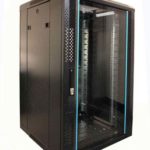
 FREE STANDING CABINETS
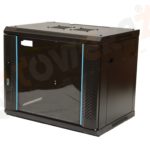 WALL MOUNTED CABINETS
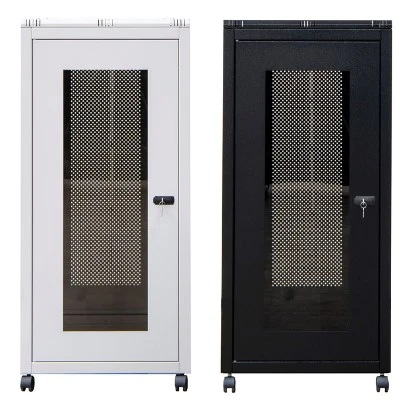
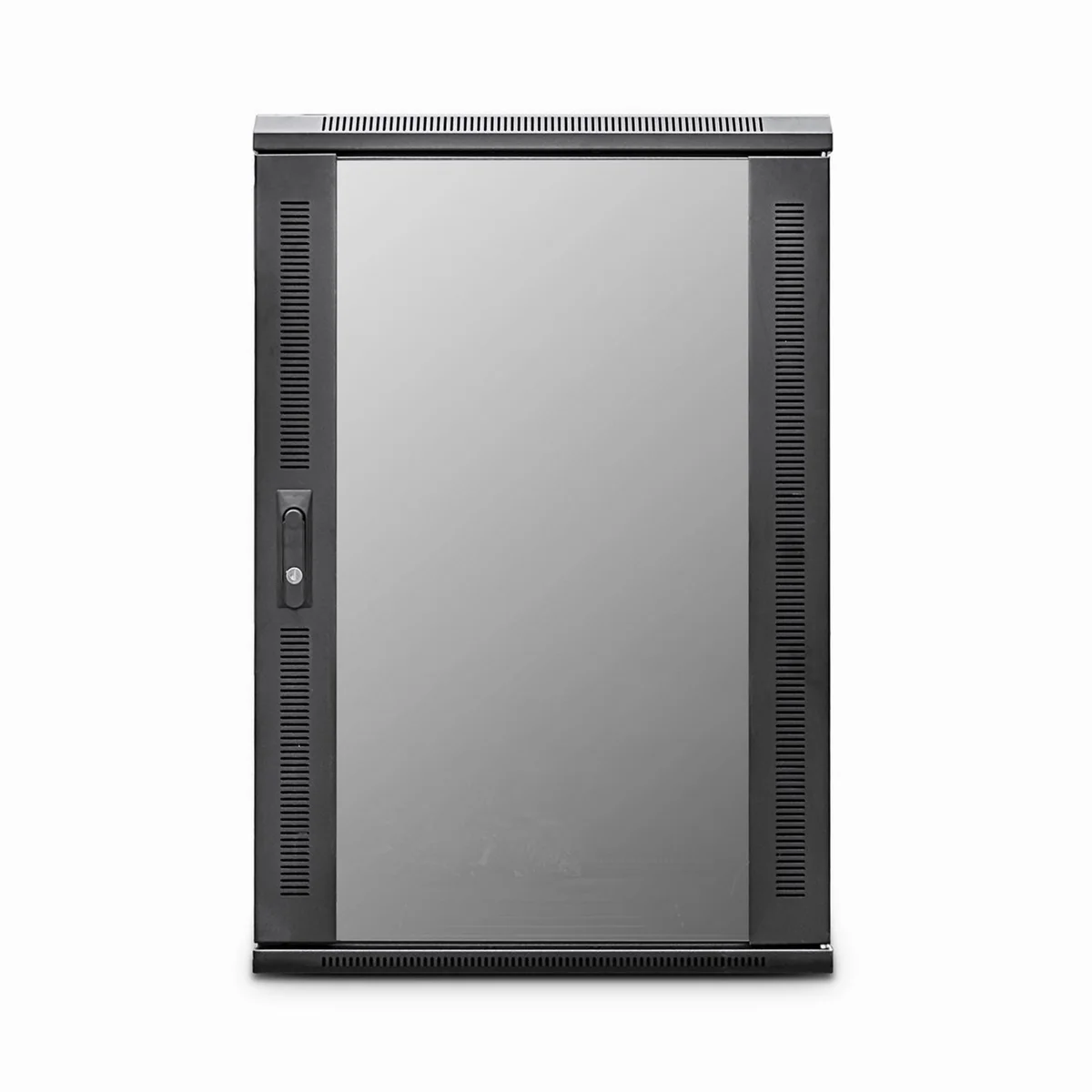
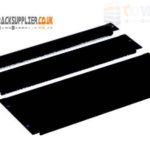 Blanking panel
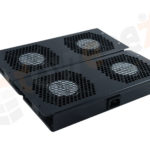 fan units
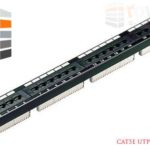 PATCH PANEL
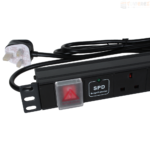 Power Distribution Unit
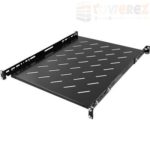 SHELVES
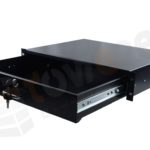 RACK DRAWER
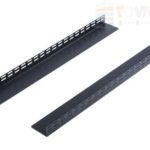 TOWEREZ RAILS
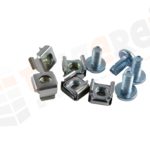 CAGE & NUTS

How Much Weight Can an 18U Server Cabinet Hold? UK Load Ratings Explained

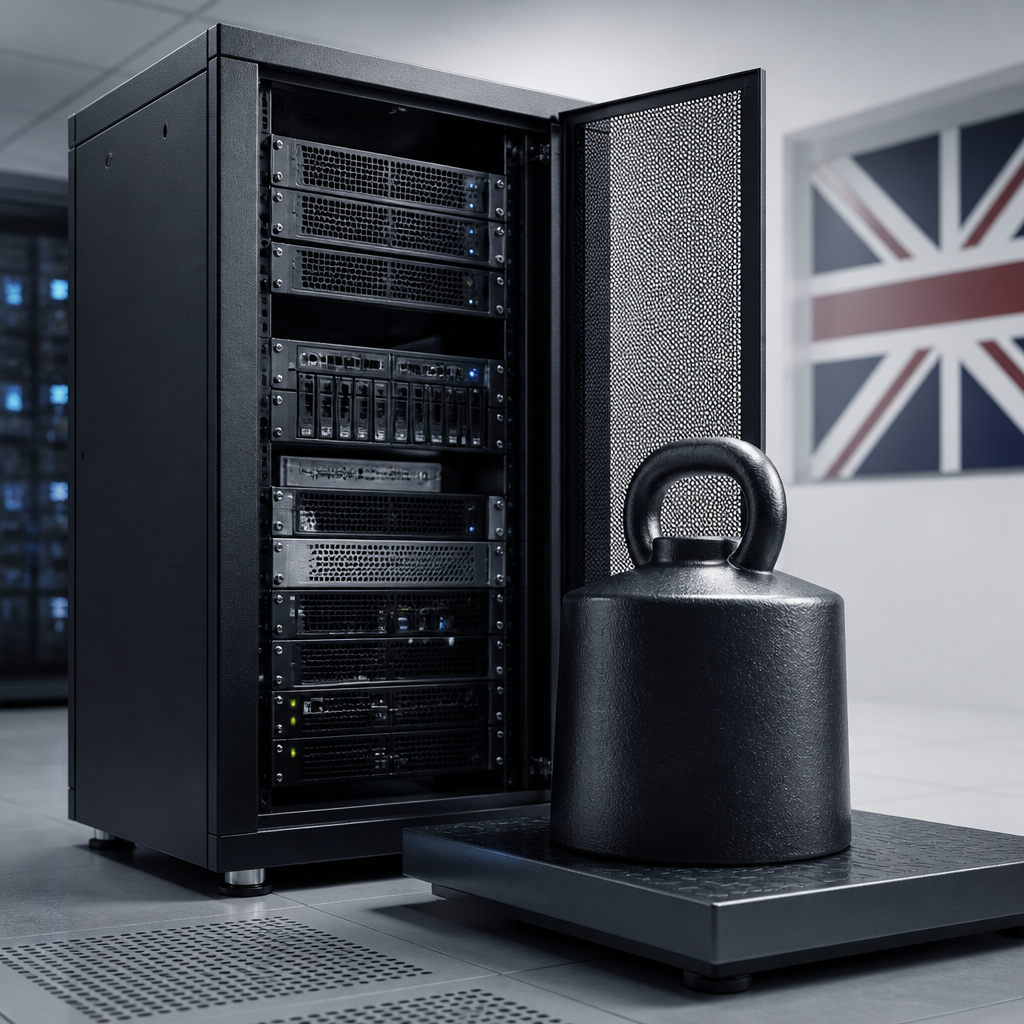
Short answer: 18U server cabinet weight capacity in the UK varies by cabinet design, mounting method and manufacturer. Many floor-standing 18U cabinets are rated for roughly 300–600 kg of static equipment, while wall-mounted models usually support substantially less. Always use the manufacturer’s stated static and dynamic ratings, then leave a safety margin for equipment, accessories, cables and future expansion.
The “18U” measurement tells you the cabinet’s usable vertical rack space, not how much weight it can carry. A cabinet with 18U of space may be a lightweight wall box for switches and patch panels, or a heavy-duty floor-standing enclosure designed for servers, UPS systems and storage hardware. Those two products can have very different load limits even though both are described as 18U cabinets.
What does 18U mean?
One rack unit, written as 1U, is a standard vertical measurement used for rack-mounted IT equipment. One U is approximately 44.45 mm high, so an 18U cabinet provides around 800 mm of nominal rack space before allowing for the cabinet frame, roof, base and other construction features.
The U rating does not describe:
- the cabinet’s maximum weight;
- the depth of equipment it accepts;
- the strength of the mounting rails;
- whether the cabinet is suitable for servers or only network equipment; or
- whether the cabinet is designed to be wall-mounted or floor-standing.
For that reason, capacity must be checked separately from rack height. A deep 18U cabinet with four vertical rails and a reinforced frame can support much more equipment than a shallow cabinet with two wall-mount rails.
18U server cabinet weight capacity UK: typical ratings explained
There is no single UK-wide load rating for every 18U cabinet. Capacity is set by the product design and tested or specified by the manufacturer. As a practical guide, the following broad categories are commonly encountered:
| Cabinet type | Typical application | Indicative capacity category |
|---|---|---|
| Light wall-mounted 18U cabinet | Patch panels, switches, small routers and structured cabling | Low to moderate load; limited by the wall and fixings |
| Reinforced wall-mounted 18U cabinet | Network hardware, shelves and compact power equipment | Moderate load when correctly fixed to suitable structure |
| Floor-standing 18U network cabinet | Switches, shelves, small servers and cable management | Moderate to high static load |
| Heavy-duty floor-standing 18U cabinet | Rack servers, storage, UPS units and dense installations | High static load, subject to the manufacturer’s specification |
Some floor-standing cabinets are advertised with static capacities in the several-hundred-kilogram range, often around 300–600 kg for suitable heavy-duty designs. This is an indicative range rather than a guaranteed industry standard. Wall-mounted products can have much lower ratings, and the supporting wall may become the limiting factor before the cabinet itself reaches its published capacity.
Never compare cabinets using a capacity figure alone. Check whether the rating applies to the complete cabinet, the rack rails, the base, the castors or a separate shelf. Also confirm whether it applies with the cabinet standing on its levelling feet, mounted on a plinth or supported by a wall bracket.
Static load versus dynamic load
Static load rating
Static load is the weight the cabinet can support while it remains stationary and properly installed. It normally includes the equipment fitted to the rails, shelves, blanking panels, cable managers and other accessories. Some manufacturers state static capacity with the load distributed across the cabinet; others specify a maximum load on the rails or base.
A static rating is relevant when a floor-standing cabinet remains in its installed position. It does not automatically mean the cabinet can be safely moved while fully loaded.
Dynamic load rating
Dynamic load is the weight the cabinet can carry while being moved, usually on castors. Moving a loaded cabinet creates forces that are not present when it is stationary. Uneven floors, door thresholds, ramps and sudden stops can increase those forces further.
Dynamic ratings are usually lower than static ratings. If a cabinet does not publish a dynamic rating, do not assume that its static rating applies during movement. Remove equipment or obtain written guidance from the manufacturer before relocating a loaded enclosure.
Rail, shelf and base limits
The complete cabinet may have a high overall capacity while individual components have lower limits. For example, a pair of adjustable rails may be suitable for a light network switch but not a deep server. A cantilever shelf may have its own maximum load, and the bottom of the cabinet may be rated differently from the rack rails.
Check all relevant limits:
- maximum total cabinet load;
- maximum load per pair of rack rails;
- maximum shelf capacity;
- maximum load on the cabinet base;
- maximum castor or levelling-foot capacity;
- maximum wall-bracket or fixing capacity; and
- maximum permitted point load at any single location.
What affects an 18U cabinet’s load capacity?
Cabinet construction
Steel thickness, frame design, welded joints, removable panels and the number of vertical mounting rails all influence strength. A fully assembled cabinet with a rigid welded frame may perform differently from a flat-pack enclosure. Reinforced corners, cross-bracing and a strong roof or base can also improve resistance to distortion.
Mounting position
A floor-standing cabinet transfers its load through the base, feet or castors into the floor. A wall-mounted cabinet transfers the load into its rear panel, brackets, fixings and the wall structure. This makes installation quality particularly important for wall boxes.
Plasterboard alone is generally not an appropriate load-bearing substrate for a heavily populated cabinet. Depending on the building, the installer may need to fix into masonry, structural timber, steel framing or a purpose-built support. The correct fixing method should be selected for the actual wall, not simply for the cabinet’s advertised weight.
Equipment depth and centre of gravity
Deep servers, UPS systems and battery units can place more leverage on the front and rear rails than shallow switches. A heavy device mounted high in the cabinet can also raise the centre of gravity and make the enclosure less stable.
Where possible, install the heaviest equipment low in the cabinet. Use the manufacturer’s rails or a properly rated shelf, and do not rely on front mounting ears to support equipment that requires rear support.
Castors, feet and floor conditions
Castors are convenient but may reduce the safe moving capacity compared with the stationary rating. The floor must also be level, strong enough and free from obstacles. Once positioned, many cabinets should be transferred from castors onto levelling feet or another approved stationary support.
How to calculate the required cabinet capacity
Start with the equipment list rather than the cabinet’s nominal U size. Record the mass of every item, including equipment that may be installed later.
- List the rack-mounted devices. Include servers, switches, storage appliances, patch panels and power distribution units.
- Add shelves and accessories. Include rack shelves, cable managers, KVM hardware, blanking panels and support brackets.
- Include power equipment. UPS systems, external battery packs and transformers can be among the heaviest items.
- Allow for cabling. Copper and fibre cabling has weight, particularly in a dense installation with overhead or side cable management.
- Add planned expansion. Use the likely future equipment requirement rather than sizing the cabinet only for today’s load.
- Compare the total with the correct rating. Use the static rating for an installed cabinet and the dynamic rating for movement.
- Apply a safety margin. Do not design right up to the published maximum, especially where the load is concentrated or the cabinet will be moved.
For example, an installation might contain two servers, a UPS, a switch, a shelf and cable accessories. Add the manufacturer’s mass for each item, then compare the result with the cabinet’s static rating. If a heavy UPS is installed on a shelf, check the shelf rating separately as well as the overall cabinet rating. The weakest component determines the safe configuration.
Choosing between a wall-mounted and floor-standing 18U cabinet
A wall-mounted 18U cabinet can be a good choice where floor space is limited and the equipment is relatively light. It is commonly used for patching, switches, small routers and telecommunications hardware. Before selecting one, verify the empty cabinet mass, maximum equipment load, wall type and fixing arrangement.
A floor-standing cabinet is usually more suitable for deep servers, storage arrays, UPS systems and equipment that needs a shelf or rear support. It also makes future changes easier, although it requires adequate floor space, ventilation and access for doors and cabling.
Do not select a wall cabinet simply because the available equipment fits within 18U. Vertical space and load capacity are separate design requirements. If a wall-mounted unit is close to its limit, a small floor-standing cabinet may provide a safer and more adaptable solution.
UK installation and safety considerations
For installations in the UK, follow the cabinet manufacturer’s instructions and use competent installers where structural, electrical or building issues are involved. The cabinet should not obstruct escape routes, fire equipment, ventilation paths or access to electrical isolation points.
Consider the following before loading the enclosure:
- Confirm that the floor or wall can support the combined cabinet and equipment mass.
- Use suitable fixings for the substrate and follow the specified fixing pattern.
- Fit levelling feet, plinths or anti-tip components where supplied.
- Keep heavy equipment low to improve stability.
- Check clearances for doors, rear access, cable bend radius and ventilation.
- Plan power distribution so that heavy or bulky equipment is supported correctly.
- Earth and bond the cabinet in accordance with the installation design and applicable electrical requirements.
- Keep a record of the installed equipment and its approximate total mass.
In a server room, also consider the building’s floor loading and the route used to bring the cabinet into position. A cabinet that is safe when distributed across a strong floor may be unsuitable on a raised floor without appropriate load-spreading measures. Consult the building or facilities team where the installation is dense or unusually heavy.
Common mistakes when assessing rack capacity
Confusing U capacity with weight capacity
An 18U cabinet can have enough vertical space but insufficient structural capacity. The number of free rack units does not indicate how much weight remains available.
Using the static figure for a moving cabinet
Rolling a fully populated cabinet over a threshold can create shock loads. Use the published dynamic rating, follow the movement procedure and obtain specialist advice if no moving rating is provided.
Ignoring shelves and batteries
Servers are not always the heaviest components. UPS batteries, external storage shelves and equipment placed on general-purpose shelves can quickly change the load calculation.
Relying on an online description without checking the datasheet
Retail listings may omit whether a load figure is static, dynamic, evenly distributed or limited to a particular configuration. Use the manufacturer’s technical datasheet or installation manual for the final decision.
Practical checklist before buying an 18U cabinet
- Is the cabinet wall-mounted or floor-standing?
- What are the published static and dynamic load ratings?
- Does the rating include the cabinet base, rails, shelves and castors?
- Are the rails adjustable enough for the equipment depth?
- Can the heaviest devices receive front and rear support?
- Is the wall or floor suitable for the combined load?
- Will the cabinet have enough ventilation and cable access?
- Is there room for future equipment without exceeding the rating?
- Are suitable shelves, cage nuts, rails and power accessories included or available?
- Can the cabinet be safely delivered, positioned and maintained?
Key takeaways
- There is no universal 18U server cabinet weight capacity in the UK.
- Floor-standing cabinets generally support more weight than wall-mounted cabinets, but the manufacturer’s specification is decisive.
- Static load applies to a stationary cabinet; dynamic load applies when it is being moved.
- Check the ratings of rails, shelves, castors, feet, fixings and the supporting wall or floor.
- Place heavy equipment low, distribute the load and retain a sensible safety margin.
- Size the cabinet using the total equipment mass, accessories and planned expansion—not U height alone.
Frequently asked questions
How much weight can an 18U server cabinet hold?
It depends on the design. Many heavy-duty floor-standing 18U cabinets have static ratings in the several-hundred-kilogram range, while wall-mounted cabinets are normally rated much lower. Check the exact manufacturer’s specification and the supporting floor or wall.
Is an 18U wall-mounted cabinet suitable for a server?
It may be suitable for a compact, shallow and relatively light server if the cabinet, rails, wall and fixings are all rated for the load. Deep or heavy servers, UPS units and storage equipment are often better installed in a floor-standing cabinet with proper rear support.
What is the difference between static and dynamic rack load?
Static load is the capacity when the cabinet is stationary. Dynamic load is the capacity while it is being moved on castors or another mobility system. Dynamic capacity is usually lower because movement creates additional forces.
Should I use the full published load rating?
No. Treat the published figure as an upper limit for the specified configuration, not as a target. Leave a safety margin for uneven loading, accessories, future changes and installation conditions.
Does 18U describe the cabinet’s size or its weight limit?
18U describes the approximate vertical space available for rack-mounted equipment. It does not describe the cabinet’s weight limit, depth, wall strength or rail capacity.
Where can I find the correct load rating?
Look in the manufacturer’s datasheet, installation manual or product technical drawing. Confirm whether the figure is static or dynamic, evenly distributed or point-specific, and whether it includes shelves, rails, castors or other accessories.
{“@context”:”https://schema.org”,”@type”:”FAQPage”,”mainEntity”:[{“@type”:”Question”,”name”:”How much weight can an 18U server cabinet hold?”,”acceptedAnswer”:{“@type”:”Answer”,”text”:”It depends on the design. Many heavy-duty floor-standing 18U cabinets have static ratings in the several-hundred-kilogram range, while wall-mounted cabinets are normally rated much lower. Check the exact manufacturer’s specification and the supporting floor or wall.”}},{“@type”:”Question”,”name”:”Is an 18U wall-mounted cabinet suitable for a server?”,”acceptedAnswer”:{“@type”:”Answer”,”text”:”It may be suitable for a compact, shallow and relatively light server if the cabinet, rails, wall and fixings are all rated for the load. Deep or heavy servers, UPS units and storage equipment are often better installed in a floor-standing cabinet with proper rear support.”}},{“@type”:”Question”,”name”:”What is the difference between static and dynamic rack load?”,”acceptedAnswer”:{“@type”:”Answer”,”text”:”Static load is the capacity when the cabinet is stationary. Dynamic load is the capacity while it is being moved on castors or another mobility system. Dynamic capacity is usually lower because movement creates additional forces.”}},{“@type”:”Question”,”name”:”Should I use the full published load rating?”,”acceptedAnswer”:{“@type”:”Answer”,”text”:”No. Treat the published figure as an upper limit for the specified configuration, not as a target. Leave a safety margin for uneven loading, accessories, future changes and installation conditions.”}},{“@type”:”Question”,”name”:”Does 18U describe the cabinet’s size or its weight limit?”,”acceptedAnswer”:{“@type”:”Answer”,”text”:”18U describes the approximate vertical space available for rack-mounted equipment. It does not describe the cabinet’s weight limit, depth, wall strength or rail capacity.”}},{“@type”:”Question”,”name”:”Where can I find the correct load rating?”,”acceptedAnswer”:{“@type”:”Answer”,”text”:”Look in the manufacturer’s datasheet, installation manual or product technical drawing. Confirm whether the figure is static or dynamic, evenly distributed or point-specific, and whether it includes shelves, rails, castors or other accessories.”}}]}