
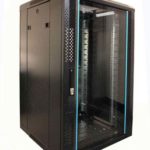
 FREE STANDING CABINETS
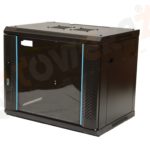 WALL MOUNTED CABINETS
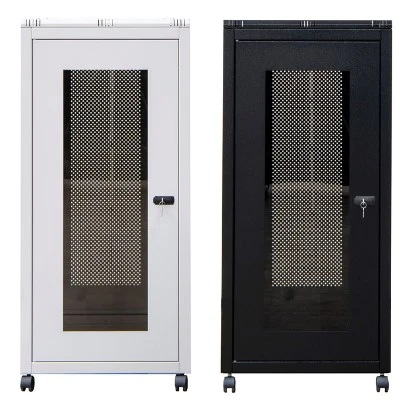
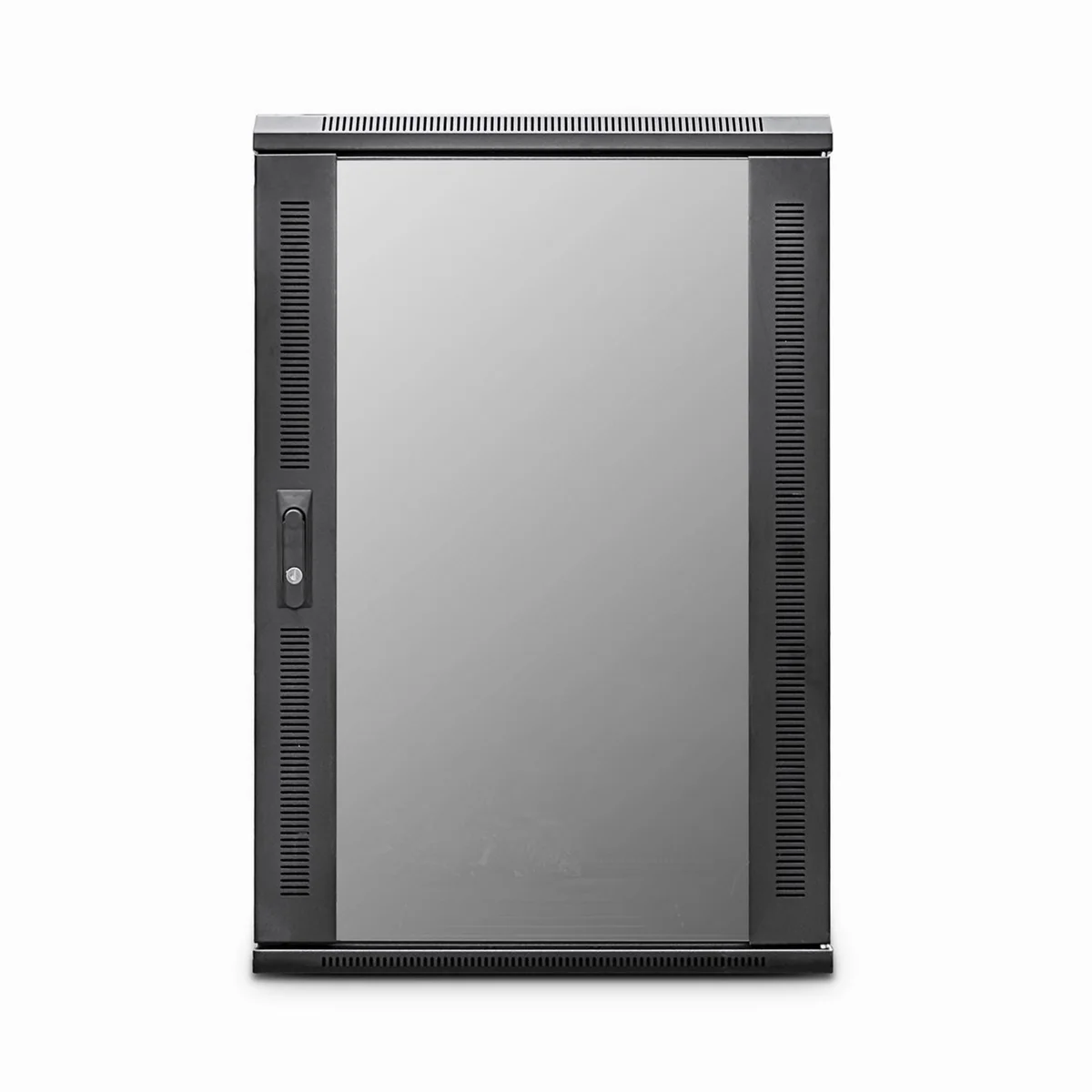
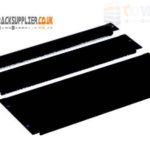 Blanking panel
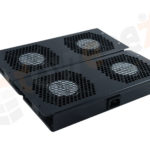 fan units
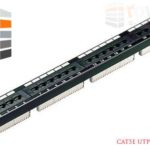 PATCH PANEL
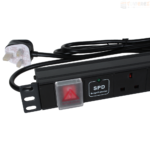 Power Distribution Unit
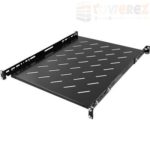 SHELVES
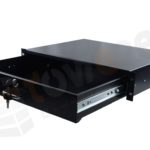 RACK DRAWER
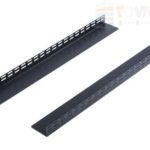 TOWEREZ RAILS
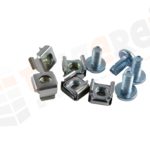 CAGE & NUTS

Floor-Standing Server Cabinet vs Open Frame Rack: Which Is Best for UK Businesses?

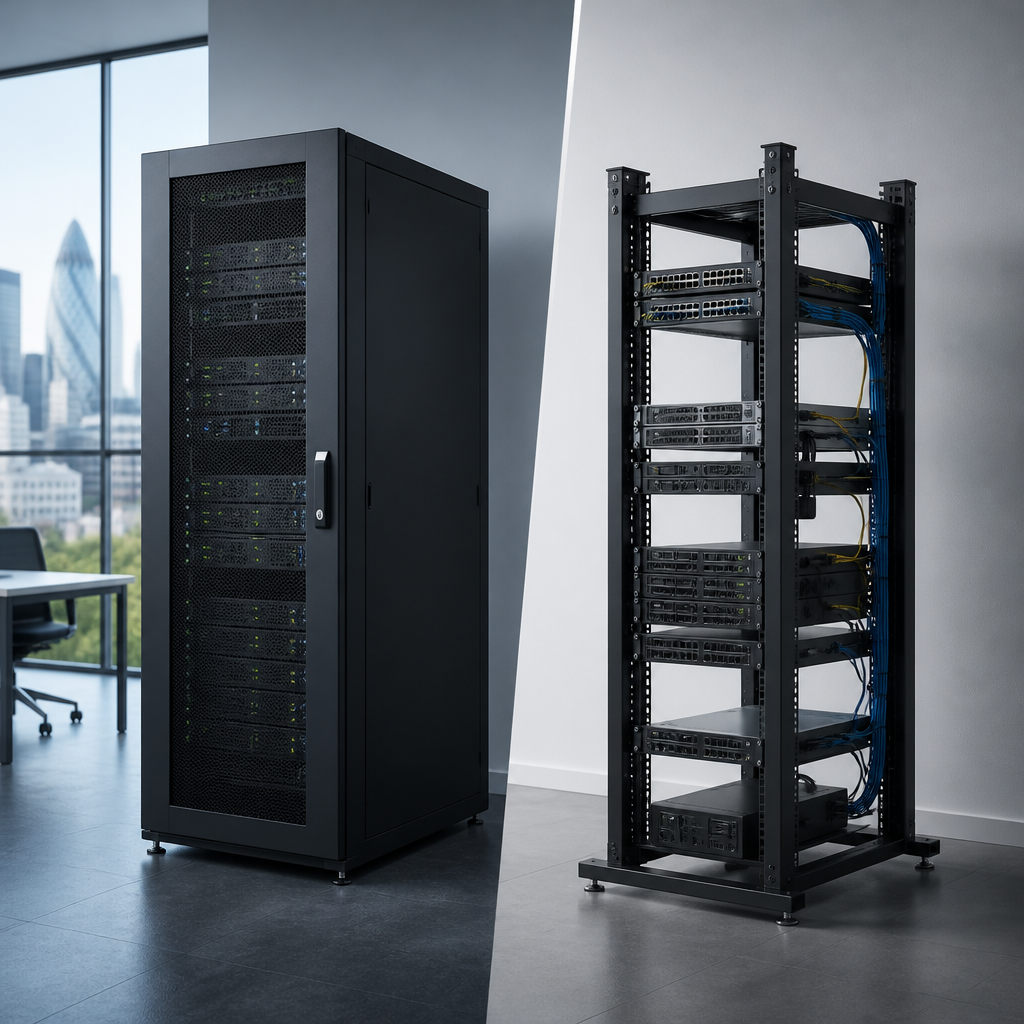
Quick answer: For most UK businesses, a floor standing server cabinet is the better choice when equipment needs protection, controlled airflow, cable management and room to grow. An open frame rack is usually better for lower-cost installations in secure rooms where easy access, visibility and maximum ventilation matter more than physical protection.
Choosing between a floor standing server cabinet vs open frame rack affects security, cooling, maintenance, noise, capacity and future expansion. The right option depends on where your equipment will be installed, how much protection it needs and whether the rack will house servers, network switches, patch panels, power distribution units or a mixture of devices.
What is a floor-standing server cabinet?
A floor-standing server cabinet is an enclosed, freestanding enclosure designed to hold standard 19-inch rack equipment. It normally includes front and rear mounting rails, lockable doors, removable side panels, cable entry points and ventilation openings. Many models also support roof-mounted fans, castors, levelling feet and accessories such as shelves, PDUs and brush panels.
Cabinet sizes are commonly described by rack units, or U. One rack unit is 44.45 mm high, so a 42U cabinet provides substantially more vertical capacity than a 12U or 24U model. External width and depth also matter because a cabinet must accommodate the equipment, power cables, network leads and the required airflow clearance.
Although often associated with server rooms, cabinets can also be used in offices, schools, retail premises, warehouses and small data rooms. Lockable doors and side panels make them suitable where equipment is located near employees, visitors or other building users.
What is an open frame rack?
An open frame rack is a two-post or four-post metal frame with exposed mounting rails. It has no enclosing doors or side panels, which leaves equipment accessible from the front, rear and sides. Open racks are often used for patch panels, switches, routers, test equipment and other devices that need frequent access.
The open design promotes natural air movement and can make installation easier. It also reduces the amount of material used, so the initial purchase price is often lower than that of a comparable cabinet. However, the equipment remains exposed to accidental contact, dust, impact and unauthorised access.
An open frame rack should generally be installed in a dedicated, access-controlled room or communications area. It is rarely the best choice for a public-facing office, a shared storage area or any location where equipment could be disturbed.
Floor standing server cabinet vs open frame rack: key differences
| Consideration | Floor-standing server cabinet | Open frame rack |
|---|---|---|
| Physical security | Lockable doors and panels provide stronger protection. | Equipment is exposed unless the room itself is secure. |
| Airflow | Requires planned front-to-rear airflow and suitable ventilation. | Excellent natural ventilation around the equipment. |
| Dust protection | Doors and panels can reduce exposure when correctly managed. | Offers little protection from dust or airborne debris. |
| Noise control | Can reduce perceived noise, particularly with solid or acoustic features. | Fans and drives are fully exposed. |
| Maintenance access | Good access, but doors or panels may need to be opened or removed. | Very quick access from all sides. |
| Cable management | Usually offers better options for routing and protecting cables. | Cables are easier to reach but may appear untidy or be vulnerable. |
| Cost and footprint | Higher purchase cost and a larger enclosed footprint. | Usually lower cost and a simple, compact structure. |
When a floor-standing server cabinet is the better choice
Security and controlled access
A cabinet is the safer option when equipment is installed outside a restricted server room. A lockable front door helps deter casual interference, while rear doors and side panels can prevent people from disconnecting cables or touching live equipment.
Physical security is especially important for businesses handling customer information, financial records, healthcare data or commercially sensitive systems. A cabinet does not replace access controls, monitoring or good cybersecurity, but it provides an additional physical barrier.
Dust, debris and demanding environments
Offices, workshops, warehouses and retail areas can expose IT equipment to dust, packaging fibres and accidental knocks. A cabinet with suitable doors and filtered ventilation can reduce contamination compared with a completely open frame. Filters still need regular inspection and cleaning, and a closed cabinet should never be treated as maintenance-free.
Noise and appearance
Fans, hard drives and power supplies can create noticeable noise. An enclosed cabinet may reduce the perceived sound level and gives the installation a more professional appearance. This can be useful when the equipment is near workstations, meeting rooms or customer areas.
Expansion and structured cabling
A cabinet is useful when the rack will contain a mixture of servers, switches, patch panels, UPS equipment and power distribution. Vertical cable managers, rear rails and brush panels can help keep power and data cables organised. A tidy installation is easier to troubleshoot and less likely to suffer from accidental disconnections.
When an open frame rack is the better choice
Secure technical rooms
An open rack can be a practical solution in a locked communications room with controlled access. If the room already provides physical security, adding cabinet doors may offer limited additional value.
Frequent access and testing
Open frames are convenient for laboratories, staging areas and network installation work. Technicians can reach equipment quickly from multiple directions without removing doors or side panels. This can simplify patching, inspection and temporary equipment changes.
Maximum natural ventilation
Because there are no panels restricting air movement, an open rack can help avoid heat accumulation in installations with modest thermal loads. It is still necessary to understand the equipment manufacturer’s airflow requirements and to avoid blocking fan intakes or exhausts.
Budget-sensitive network installations
For a small switch, patch panel and router installation in a suitable secure room, an open frame rack may deliver the required functionality at a lower initial cost. The total project cost should also include cable management, shelves, power distribution and any anchoring or installation work.
Cooling and airflow considerations
Cooling should be assessed before selecting either design. Modern rack equipment commonly draws cool air through the front and exhausts warm air through the rear. A cabinet should support this front-to-rear pattern rather than allowing hot exhaust air to recirculate into equipment intakes.
- Keep blanking panels in unused cabinet spaces to limit bypass airflow.
- Do not place a cabinet directly against a wall if rear ventilation and maintenance access are required.
- Check the cabinet’s fan options, roof ventilation and cable entry arrangements.
- Keep high-heat equipment positioned so its exhaust does not enter another device’s intake.
- Use temperature monitoring where equipment is business-critical.
An open frame rack makes airflow easier, but it does not remove the need for a properly ventilated room. Room temperature, air-conditioning capacity, equipment load and rack location all influence operating conditions. If a cabinet will contain several servers or a UPS, a basic heat-load review is worthwhile.
How to choose the right rack size
Start by listing every item that will be installed now and during the expected life of the system. Record each device’s height in U, depth, weight, power requirements and recommended clearances. Include patch panels, shelves, cable managers and PDUs rather than counting only servers and switches.
Allow spare capacity for growth. Filling every available rack unit on day one can make later expansion difficult and restrict airflow. A useful plan also leaves room for cable bend radius, vertical managers and equipment that may be deeper than the initial devices.
Depth is particularly important. A short network cabinet may not support deep servers, sliding rails or rear cable connections. Check the usable mounting depth, not just the cabinet’s external depth. Confirm that the floor can support the fully loaded cabinet or rack, especially where batteries or heavy servers are involved.
Installation and safety checklist for UK businesses
- Survey the location: measure doorways, lift access, ceiling height, floor area and the route for delivery.
- Check the floor: confirm that the structure can support the rack, equipment and accessories.
- Plan power: identify socket locations, circuit capacity, UPS requirements and PDU placement.
- Separate cabling: route power and data cables neatly and follow the relevant site practices.
- Provide earthing and bonding: follow the manufacturer’s instructions and use a qualified installer where required.
- Secure the installation: anchor open racks and tall cabinets where there is a risk of tipping.
- Label connections: document both ends of every important cable before commissioning.
- Leave service clearance: ensure technicians can work safely at the front and rear.
For UK premises, electrical work, fire protection, building access and data-centre requirements should be considered as part of the wider installation. A rack manufacturer’s instructions do not replace site-specific risk assessments or professional electrical advice.
Which option offers better value?
An open frame rack usually has the lower purchase price, but price alone does not determine value. Consider the cost of accessories, installation, cable management, security controls, cleaning, future expansion and downtime caused by accidental interference or poor airflow.
A floor-standing server cabinet may cost more initially but can protect a larger investment over time. It is often the more economical choice when the alternative would require a separate secure enclosure, extra dust control or later replacement because the rack has no room for expansion.
Conversely, an open frame rack can be excellent value for a controlled technical environment with low physical risk and frequent maintenance access. The best decision is the one that matches the installation’s operational requirements rather than simply choosing the cheapest frame.
Decision guide: cabinet or open frame rack?
Choose a floor-standing server cabinet if you need lockable protection, cleaner presentation, improved cable control, reduced exposure to dust or capacity for a mixed server and network installation.
Choose an open frame rack if the equipment is in a secure technical room, technicians need unrestricted access, natural ventilation is a priority and the installation mainly contains network or patching equipment.
Practical rule: If you would be concerned about someone touching, unplugging or damaging the equipment, use a cabinet or improve room security before choosing an open frame design.
Key takeaways
- A cabinet provides stronger physical protection, better presentation and more structured cable management.
- An open frame rack offers easy access, natural airflow and a lower-cost design for suitable secure rooms.
- Rack depth, usable U capacity, weight rating and airflow are as important as the enclosure type.
- Leave space for growth and accessories instead of sizing the installation only for today’s equipment.
- Consider the complete lifecycle cost, including installation, security, maintenance and future expansion.
Frequently asked questions
Is a floor-standing server cabinet more secure than an open frame rack?
Yes. A floor-standing server cabinet normally has lockable doors and panels, so it provides more physical protection than an open frame rack. It should still be installed in a controlled area, because cabinet locks are only one part of a wider security plan.
Does an open frame rack keep servers cooler?
It can provide more unrestricted natural airflow, but it does not automatically keep servers cooler. Temperature depends on equipment load, room ventilation, fan direction, rack layout and clearance. A correctly ventilated cabinet can also cool equipment effectively.
Can I install servers in an open frame rack?
Yes, provided the rack has compatible 19-inch mounting rails, sufficient depth and an appropriate weight rating. Confirm that the server rails or shelves are compatible and that the room provides adequate security, power and ventilation.
How much spare rack space should I allow?
There is no universal figure because growth plans vary, but avoid filling the rack completely at installation. Allow space for future equipment, cable management, blanking panels and airflow. Review the expected expansion over the rack’s planned service life.
Is a cabinet or open frame rack better for a small office?
A lockable cabinet is generally better if the rack will be located in a shared office, cupboard or area accessible to non-technical staff. An open frame rack may be suitable when the equipment is inside a dedicated, locked communications room with reliable ventilation.
{“@context”:”https://schema.org”,”@type”:”FAQPage”,”mainEntity”:[{“@type”:”Question”,”name”:”Is a floor-standing server cabinet more secure than an open frame rack?”,”acceptedAnswer”:{“@type”:”Answer”,”text”:”Yes. A floor-standing server cabinet normally has lockable doors and panels, so it provides more physical protection than an open frame rack. It should still be installed in a controlled area, because cabinet locks are only one part of a wider security plan.”}},{“@type”:”Question”,”name”:”Does an open frame rack keep servers cooler?”,”acceptedAnswer”:{“@type”:”Answer”,”text”:”It can provide more unrestricted natural airflow, but it does not automatically keep servers cooler. Temperature depends on equipment load, room ventilation, fan direction, rack layout and clearance. A correctly ventilated cabinet can also cool equipment effectively.”}},{“@type”:”Question”,”name”:”Can I install servers in an open frame rack?”,”acceptedAnswer”:{“@type”:”Answer”,”text”:”Yes, provided the rack has compatible 19-inch mounting rails, sufficient depth and an appropriate weight rating. Confirm that the server rails or shelves are compatible and that the room provides adequate security, power and ventilation.”}},{“@type”:”Question”,”name”:”How much spare rack space should I allow?”,”acceptedAnswer”:{“@type”:”Answer”,”text”:”There is no universal figure because growth plans vary, but avoid filling the rack completely at installation. Allow space for future equipment, cable management, blanking panels and airflow. Review the expected expansion over the rack’s planned service life.”}},{“@type”:”Question”,”name”:”Is a cabinet or open frame rack better for a small office?”,”acceptedAnswer”:{“@type”:”Answer”,”text”:”A lockable cabinet is generally better if the rack will be located in a shared office, cupboard or area accessible to non-technical staff. An open frame rack may be suitable when the equipment is inside a dedicated, locked communications room with reliable ventilation.”}}]}