
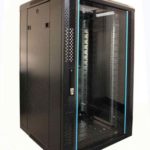
 FREE STANDING CABINETS
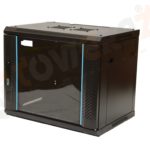 WALL MOUNTED CABINETS
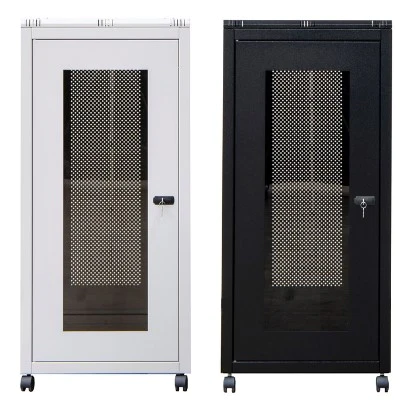
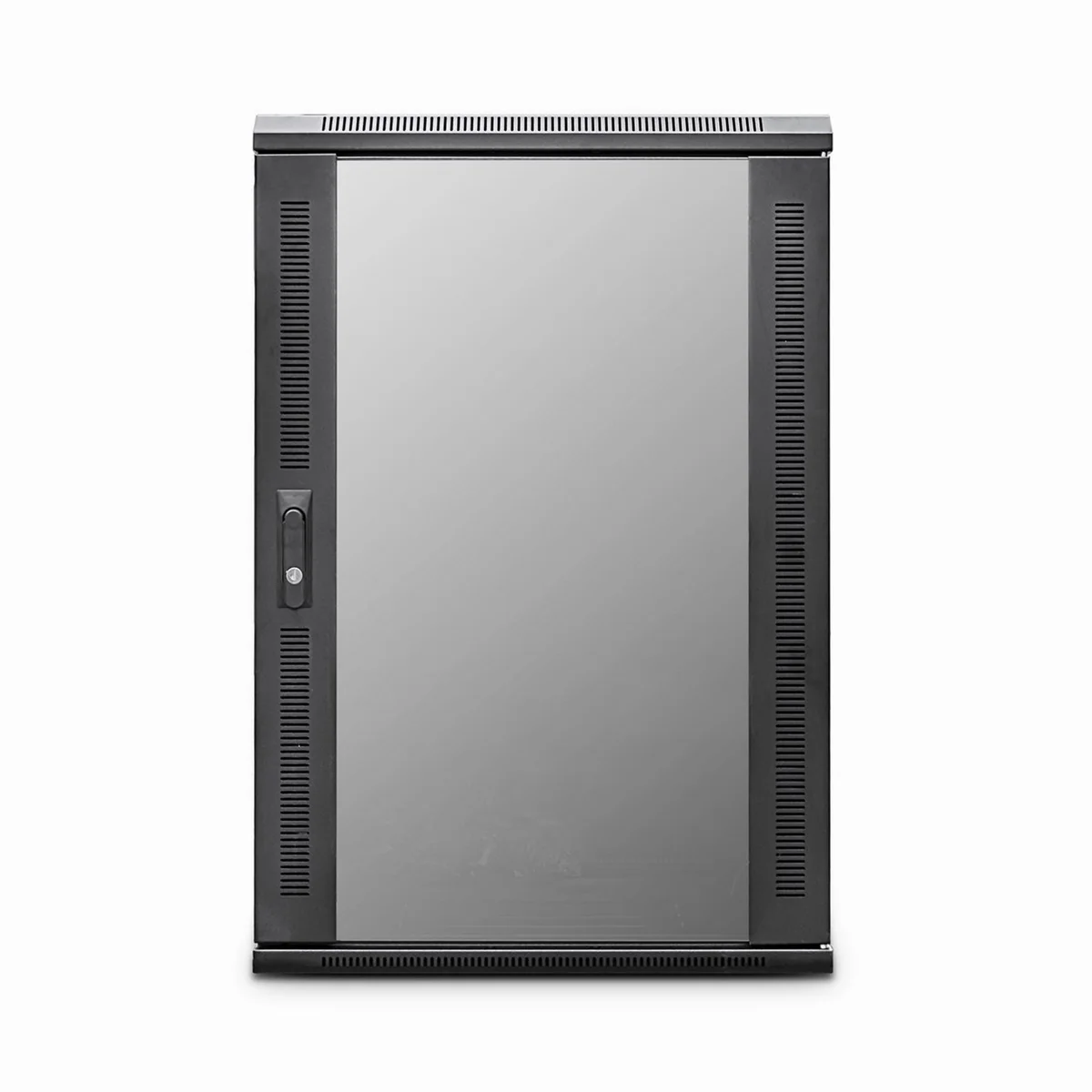
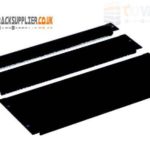 Blanking panel
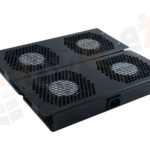 fan units
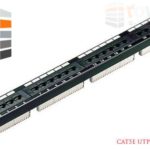 PATCH PANEL
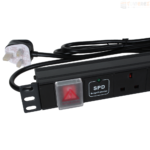 Power Distribution Unit
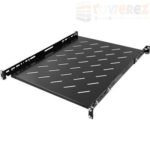 SHELVES
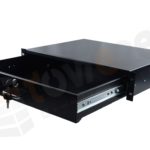 RACK DRAWER
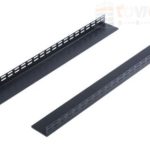 TOWEREZ RAILS
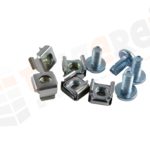 CAGE & NUTS

Can a 600mm Deep Server Cabinet Fit a Server? UK Rail Depth and Cable Clearance Guide

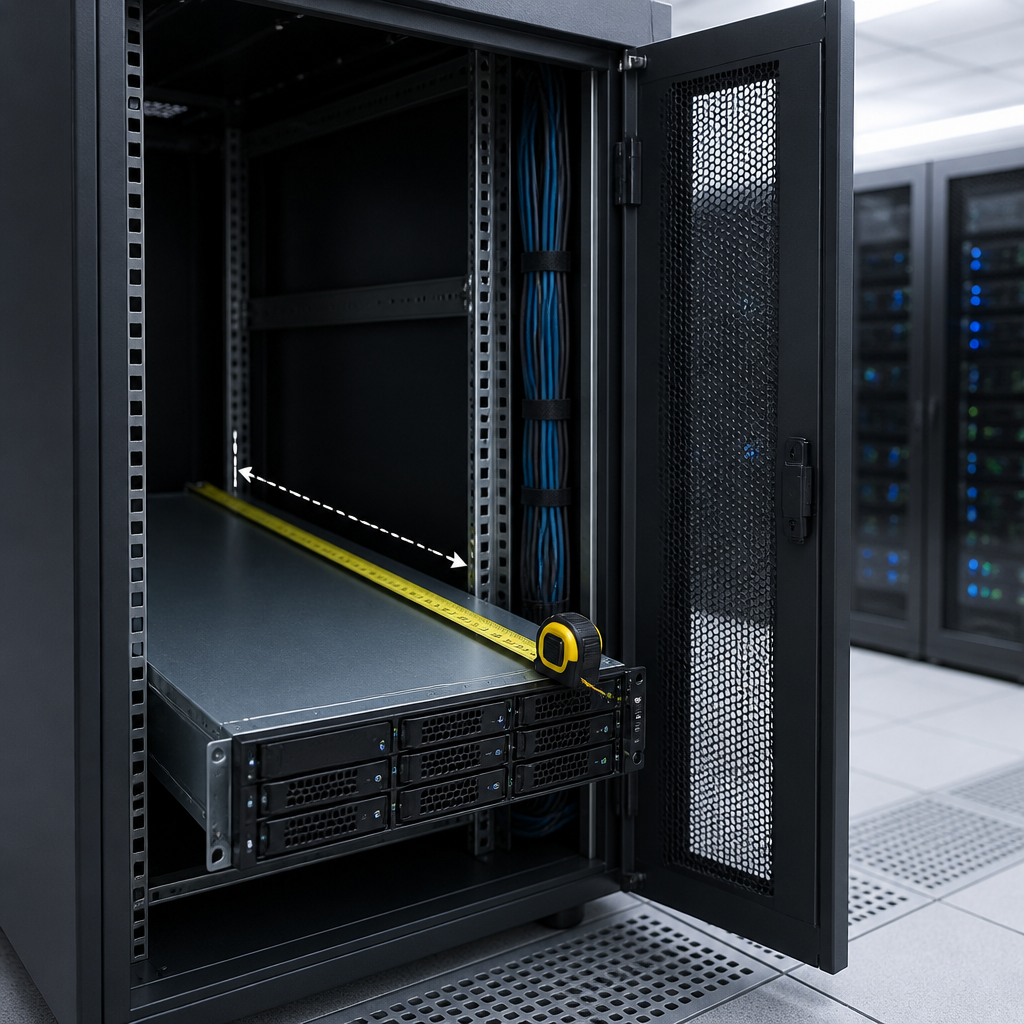
Yes, a 600mm deep server cabinet can fit some rack servers, but not every server. The deciding factors are the cabinet’s usable rail-to-rail depth, the server chassis length, the position of the mounting brackets and the space needed for power and network cables. A 600mm external measurement is not the same as 600mm of clear equipment depth, so check the cabinet and server dimensions before ordering.
This guide explains how to assess a 600mm deep server cabinet for a UK installation, including 19-inch rack compatibility, mounting-rail adjustment, rear clearance, cable management and the types of equipment that are usually suitable.
What does 600mm deep mean?
Cabinet depth normally refers to the outside measurement from the front of the enclosure to the rear. It can include the front and rear doors, side panels, handles, frame sections and other structural parts. The actual distance available for equipment is therefore smaller.
When comparing cabinets, look for three separate measurements:
- Overall depth: the cabinet’s external front-to-back size.
- Usable mounting depth: the distance between the front and rear rack rails.
- Internal clearance: the open space available around the equipment, including room for connectors, airflow and cable bends.
For example, a cabinet sold as 600mm deep may offer considerably less than 600mm between its mounting rails. Doors can reduce practical clearance further, particularly when a server has rear power inlets, sliding cable arms or cables with large plugs.
Always request the manufacturer’s technical drawing or installation-depth specification. A product title alone is not enough to confirm whether a server will fit.
Can a 600mm deep server cabinet fit a server?
A 600mm deep server cabinet is usually suitable for short-depth rack servers, compact appliances and many network devices. It may also fit selected 1U or 2U servers designed for shallow enclosures. However, many full-depth enterprise servers require more space than a 600mm cabinet can provide once rails, rear connectors and cable bend radius are included.
The key question is not simply whether the metal chassis can be placed inside the cabinet. The server must be mounted securely, the doors should close without pressure, ventilation must remain unobstructed and cables must not be forced into tight bends.
Use this basic comparison:
| Measurement to check | Why it matters |
|---|---|
| Server chassis depth | Shows how far the equipment extends from its front mounting ears to the rear. |
| Cabinet rail-to-rail depth | Confirms whether the rack ears and rear support points can be mounted. |
| Rear connector space | Allows room for power leads, network cables, fibre connectors and video cables. |
| Door and frame clearance | Prevents the server or cable plugs from touching the rear door. |
| Airflow clearance | Helps maintain the manufacturer’s intended front-to-rear cooling path. |
UK 19-inch rack rails and server compatibility
Most UK data and communications cabinets use the standard 19-inch rack width. This describes the horizontal mounting format, not the depth. A device can be 19-inch rack compatible and still be too deep for a particular cabinet.
Rack units also describe height rather than depth. One rack unit, written as 1U, is approximately 44.45mm high. A 2U server occupies twice that vertical space, but its depth may vary greatly between manufacturers and product families.
Cabinets commonly use adjustable front and rear mounting rails. Moving the rails can help position a shorter server, but rail adjustment does not create extra space behind the server. If the chassis is too long, or if its cables project beyond the rear frame, adjusting the rails will not solve the problem.
What to check on the rails
- Confirm that the cabinet has four-post mounting, not only front mounting rails.
- Check the minimum and maximum distance between the front and rear rails.
- Verify that the rail holes match the server hardware, such as square cage-nut holes or threaded holes.
- Check whether the server manufacturer requires a proprietary rail kit.
- Confirm that the rails can support the server’s weight at the required extension.
- Make sure the rear support does not interfere with power supplies, fans or cable connections.
A shelf can support equipment that is not compatible with the cabinet rails, but it should be rated for the load and positioned so that it does not block ventilation. A shelf is not always a substitute for proper server rails, particularly for heavy equipment or a server that must be serviced while installed.
How much cable clearance does a shallow cabinet need?
Cable clearance is one of the most common reasons a server that appears to fit cannot be installed correctly. A power connector, network plug or fibre lead may project beyond the chassis and require additional space before the rear door can close.
There is no single clearance figure suitable for every installation. The required space depends on connector type, cable stiffness, bend radius, cable-management hardware and the direction of the server’s ports. Fibre cables and high-speed copper cables may have specific minimum bend requirements that should be followed.
Allow room for:
- Power cables and the curve created by the plug and strain relief.
- Network cables connected to every active port.
- Fibre patch leads, which should not be sharply bent or crushed.
- Keyboard, monitor or management cables where applicable.
- Vertical or horizontal cable managers at the cabinet’s rear.
- Removal of cables during maintenance without pulling on the connector.
Practical rule: measure from the front mounting face to the furthest rear point of the connected equipment, not merely to the back of the bare chassis. Then compare that figure with the cabinet’s clear space behind the rear rail and in front of the closed door.
If the installation is close to the limit, choose a cabinet with a perforated rear door, a greater usable depth or a cable-access arrangement that keeps connectors outside the main equipment space. Avoid relying on a tight bend to make a server fit.
Which equipment suits a 600mm deep server cabinet?
Shallow cabinets are often a good choice for edge computing, small offices, branch sites, classrooms, retail premises and communications rooms where floor space is limited. They can be particularly suitable for equipment with a compact chassis.
Commonly compatible equipment may include:
- Short-depth 1U and 2U servers.
- Network switches and routers designed for standard racks.
- Patch panels, fibre panels and cable-management accessories.
- Firewalls, security appliances and virtualisation appliances with shallow chassis.
- Small uninterruptible power supplies, provided their depth and ventilation requirements are suitable.
- Rack-mounted monitors, shelves and KVM equipment designed for shallow cabinets.
Compatibility still depends on the exact model. Network switches often fit easily, but some switches have rear power sockets, fixed power supplies or side-to-side airflow that affects cabinet selection. UPS units can be especially deep and heavy, so check both dimensions and the cabinet’s load rating.
Which servers may not fit?
Many full-depth enterprise servers, storage arrays and multi-node systems are designed for deeper cabinets. Their chassis may extend well behind the rear rails, while sliding rails and cable-management arms can require additional depth. A server may physically enter a 600mm cabinet but still be unsuitable because its rails cannot lock, its rear fan exhaust is restricted or the door cannot close.
Be cautious with:
- Servers with long chassis and rear-mounted redundant power supplies.
- Storage systems with drive bays, expansion shelves or rear cable arms.
- Servers supplied with manufacturer-specific sliding rails.
- Equipment with rear-facing airflow or connectors that project significantly.
- Heavy systems that need rear support brackets.
If the manufacturer specifies a minimum rack depth, treat that requirement as essential. Do not reduce it merely because the cabinet’s external depth appears similar.
How to measure before buying
A simple measurement process can prevent an expensive return or difficult installation.
- Read the server manual. Record the chassis depth, mounting-ear position, rail requirements, rear clearance and airflow direction.
- Measure the installed configuration. Include bezels, handles, power supplies, transceivers and any cable-management arm supplied with the server.
- Check the cabinet drawing. Identify the usable rail-to-rail dimension, rear-door clearance and any obstruction from the frame or cable entry points.
- Compare the mounting system. Confirm that the server rails or shelf are compatible with the cabinet’s rail type and load rating.
- Add cable space. Consider the largest connector and the bend radius of the cables that will remain attached during normal operation.
- Check airflow and service access. Make sure blanking panels, fans and doors will not disrupt cooling, and allow enough room to remove equipment safely.
When a dimension is close, ask the cabinet supplier for a written confirmation based on the exact server model. Product descriptions often use nominal dimensions, while installation drawings reveal the usable space.
Doors, airflow and cabinet installation
A shallow cabinet needs suitable ventilation as well as sufficient depth. Front-to-rear airflow is common for servers, so a perforated front door and a ventilated rear door may be preferable to solid panels. Do not block the server’s intake with a solid door, cable bundle or poorly positioned shelf.
Consider where the cabinet will be installed. A wall-mounted 600mm cabinet may have limited rear access, making rear connections and maintenance more difficult. A floor-standing cabinet can provide easier access, but it still needs enough clearance behind the rear door for cables and ventilation.
Check the cabinet’s maximum equipment load, especially if fitting a UPS, batteries or several metal servers. The wall, floor or mounting surface must also be rated for the fully populated cabinet. Use suitable fixings and follow the cabinet manufacturer’s installation instructions.
600mm deep server cabinet buying checklist
- Confirm the exact usable mounting depth, not just the external depth.
- Check the server chassis, rail and cable-management dimensions.
- Verify 19-inch compatibility and the correct rack hardware.
- Allow clearance behind connectors and in front of the rear door.
- Check airflow direction, perforation and fan options.
- Confirm cabinet load capacity and the strength of the installation surface.
- Review door swing, removable panels and rear access.
- Plan power distribution, earthing and cable routing before delivery.
- Ask for a technical drawing if the fit is marginal.
Key takeaways
- A 600mm external cabinet depth does not provide 600mm of usable server space.
- A 600mm deep server cabinet is generally best for short-depth servers and network equipment.
- The server’s rail requirements and connected cable depth are as important as its chassis length.
- Adjustable rails help position equipment but cannot compensate for insufficient rear clearance.
- Check the manufacturer’s installation dimensions before purchasing, particularly for full-depth servers, storage and UPS systems.
Frequently asked questions
Can a 600mm deep server cabinet fit a standard rack server?
It can fit some short-depth rack servers, but many full-depth enterprise servers need a deeper cabinet. Compare the server’s mounting and connected depth with the cabinet’s usable rail-to-rail depth and rear-door clearance.
How much depth does a server need in a 600mm cabinet?
The required depth depends on the server model, rails, connectors and cables. Measure from the front mounting face to the furthest rear point of the installed equipment, then include practical space for cable bends and ventilation.
Can adjustable rails make any server fit?
No. Adjustable rails can accommodate different chassis lengths within their range, but they cannot create extra space behind a server. The chassis, connectors, cable bends and rear door must all clear the cabinet.
Is a 600mm cabinet suitable for a rack UPS?
Some compact UPS units will fit, but many rack UPS models are deep and heavy. Check the UPS dimensions, rail or shelf requirements, ventilation, battery weight and the cabinet’s load rating before installation.
What should I do if the server is only slightly too deep?
Do not force the door or sharply bend cables. Check whether a compatible rail position, cable-entry route or alternative cable-management method provides enough clearance. If not, choose a deeper cabinet or a shorter-depth server model.
{“@context”:”https://schema.org”,”@type”:”FAQPage”,”mainEntity”:[{“@type”:”Question”,”name”:”Can a 600mm deep server cabinet fit a standard rack server?”,”acceptedAnswer”:{“@type”:”Answer”,”text”:”It can fit some short-depth rack servers, but many full-depth enterprise servers need a deeper cabinet. Compare the server’s mounting and connected depth with the cabinet’s usable rail-to-rail depth and rear-door clearance.”}},{“@type”:”Question”,”name”:”How much depth does a server need in a 600mm cabinet?”,”acceptedAnswer”:{“@type”:”Answer”,”text”:”The required depth depends on the server model, rails, connectors and cables. Measure from the front mounting face to the furthest rear point of the installed equipment, then include practical space for cable bends and ventilation.”}},{“@type”:”Question”,”name”:”Can adjustable rails make any server fit?”,”acceptedAnswer”:{“@type”:”Answer”,”text”:”No. Adjustable rails can accommodate different chassis lengths within their range, but they cannot create extra space behind a server. The chassis, connectors, cable bends and rear door must all clear the cabinet.”}},{“@type”:”Question”,”name”:”Is a 600mm cabinet suitable for a rack UPS?”,”acceptedAnswer”:{“@type”:”Answer”,”text”:”Some compact UPS units will fit, but many rack UPS models are deep and heavy. Check the UPS dimensions, rail or shelf requirements, ventilation, battery weight and the cabinet’s load rating before installation.”}},{“@type”:”Question”,”name”:”What should I do if the server is only slightly too deep?”,”acceptedAnswer”:{“@type”:”Answer”,”text”:”Do not force the door or sharply bend cables. Check whether a compatible rail position, cable-entry route or alternative cable-management method provides enough clearance. If not, choose a deeper cabinet or a shorter-depth server model.”}}]}