
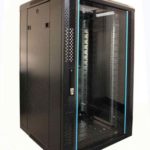
 FREE STANDING CABINETS
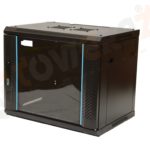 WALL MOUNTED CABINETS
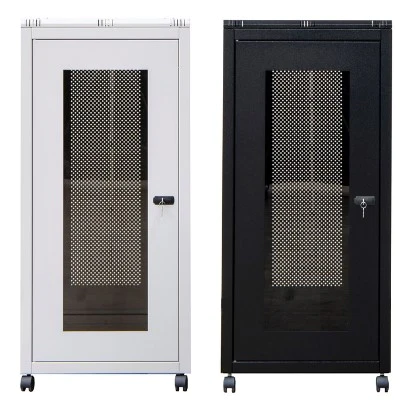
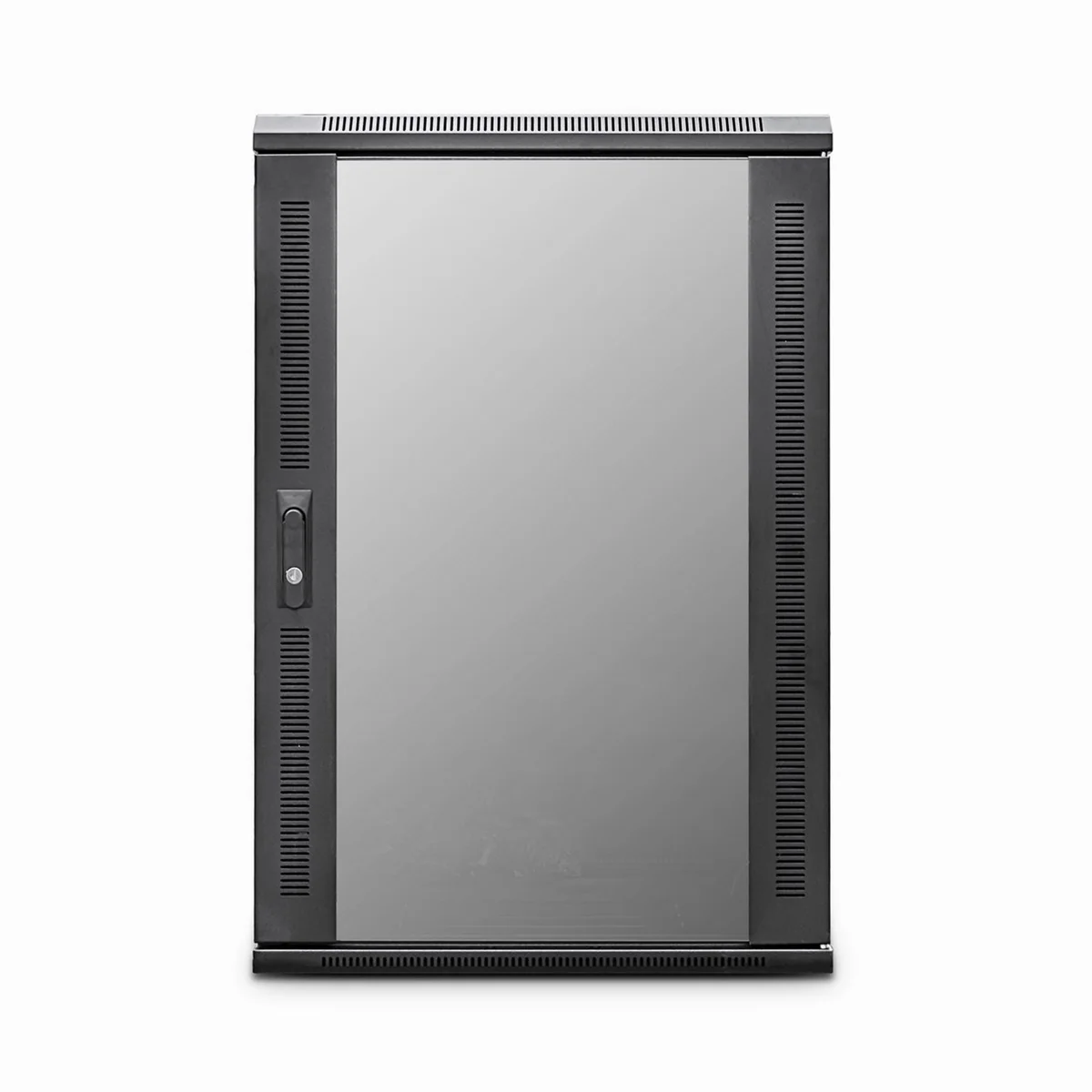
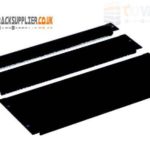 Blanking panel
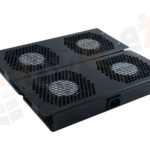 fan units
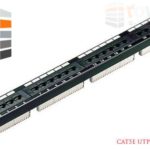 PATCH PANEL
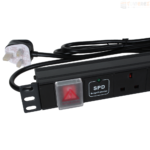 Power Distribution Unit
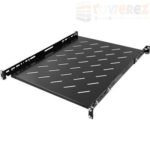 SHELVES
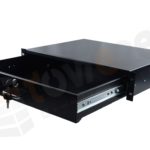 RACK DRAWER
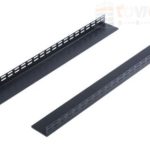 TOWEREZ RAILS
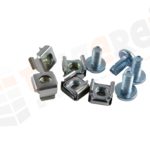 CAGE & NUTS

800mm Deep Server Cabinet Dimensions: UK Usable Depth and Rail Clearance Guide

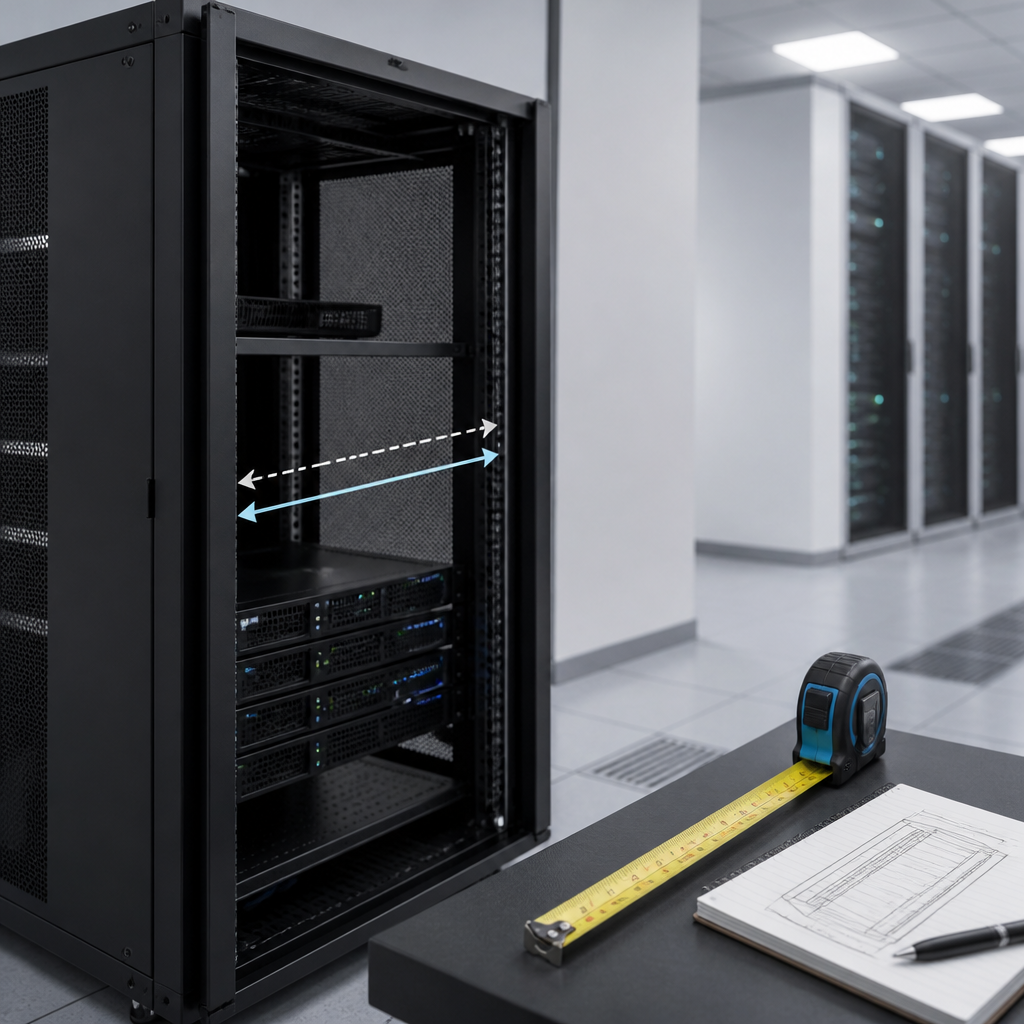
800mm deep server cabinet dimensions UK commonly refer to a cabinet with an external depth of approximately 800mm, usually paired with a 600mm external width and a height measured in rack units (U). The usable equipment depth is always less than the outside measurement because doors, mounting rails, cable space and rear clearance occupy part of the cabinet. For reliable selection, check the cabinet’s adjustable rail range and internal usable depth rather than relying on the 800mm label alone.
What does an 800mm deep server cabinet measure?
An 800mm server cabinet is normally described by its external dimensions. A typical cabinet specification may be shown as 600mm wide x 800mm deep x a selected height, such as 18U, 27U, 42U or 47U. The width and depth describe the cabinet body, while the height is generally expressed in rack units.
One rack unit, written as 1U, is 44.45mm of vertical equipment space. Therefore, a 42U cabinet has 42U of nominal mounting capacity, although the complete cabinet’s external height is greater because it includes the roof, base, frame, castors or levelling feet.
| Specification | What it usually means | Why it matters |
|---|---|---|
| External width | Often about 600mm | Determines floor space and compatibility with standard 19-inch equipment |
| External depth | About 800mm | Includes doors, frame and other cabinet structure |
| Rack width | 19-inch equipment mounting standard | Defines compatibility with servers, switches and patch panels |
| Rack height | Measured in U | Determines how many vertical rack units can be installed |
| Usable depth | Distance available between practical front and rear limits | Determines whether equipment, cables and airflow clearances fit |
800mm deep server cabinet dimensions UK: external size versus usable depth
The most important distinction in an 800mm deep server cabinet is the difference between external depth and usable depth. External depth is measured from the outside front of the cabinet to the outside rear. It may include the front and rear doors, hinges, handles or protruding fittings, depending on the manufacturer’s method.
Usable depth is the space available for equipment between the front and rear mounting arrangements. It can also be described as equipment depth, rack depth or rail-to-rail depth. This measurement varies because many cabinets have adjustable front and rear 19-inch mounting rails.
For example, an 800mm external cabinet might not provide 800mm of equipment space. The doors and frame consume some depth, while a gap behind the equipment may be needed for power plugs, network connectors and bend radius. A cabinet may therefore be suitable for a particular server only if its published rail range and recommended equipment depth meet the installation requirement.
Practical rule: measure the equipment from its front mounting ears to its furthest rear point, then add room for connectors, cable bends, airflow and servicing. Compare that total with the cabinet’s stated usable depth and rail adjustment range.
How much rail clearance does an 800mm cabinet provide?
Rail clearance is not a single universal figure for every 800mm cabinet. It depends on the construction of the frame, the position of the adjustable rails, the door design and whether the cabinet uses square-hole, round-hole or threaded mounting posts.
Front-to-rear rail adjustment
Most full-height data cabinets use separate front and rear mounting posts. These posts can usually be moved forwards or backwards to accommodate different server chassis depths. The manufacturer may state the adjustment as a minimum and maximum rail position, or as a rail-to-rail range.
Do not confuse this range with the maximum physical depth of equipment that can be installed. A server may fit between the rails but still fail to fit once its rear power leads, network cables, cable arms or airflow requirements are included.
Front clearance
Leave enough space in front of the rails for the equipment’s mounting ears, handles and cable connections. A front door can also reduce the practical clearance if it has a curved profile, lock, strengthening bars or a recessed frame.
Rear clearance
Rear clearance is especially important for servers with dual power supplies, cable management arms or high-density network connections. Check whether cables exit straight backwards or require a side bend. A cabinet can have adequate rail-to-rail depth but still be unsuitable if the rear door or wall prevents cables from being routed safely.
Typical dimensions to check before buying
There is no single universal cabinet size beyond the rack standards. Two products both described as 800mm deep may have different external heights, rail ranges and internal layouts. Use the following checklist when comparing models.
- External width: confirm whether the cabinet is approximately 600mm wide or a wider model intended for additional side-to-side cable management.
- External depth: verify how the manufacturer measures the 800mm dimension and whether doors, handles or rear fittings are included.
- Usable depth: request the clear equipment depth, not just the cabinet body depth.
- Rail range: check the minimum and maximum front-to-rear mounting positions.
- Rack height: select enough U space for current equipment plus planned expansion and airflow gaps.
- Door swing: allow room for front and rear doors to open during installation and maintenance.
- Base dimensions: account for castors, plinths, levelling feet and any part that extends beyond the frame.
- Loading capacity: check the static and rolling load ratings, particularly for multiple servers and uninterruptible power supplies.
Choosing the correct U height
Cabinet height is selected according to the number of rack units required. Add together the height of every rack-mounted device, then include space for blanking panels, vertical separation, power distribution and future equipment.
A small wall-mounted or floor-standing cabinet may be suitable for patch panels, switches and compact appliances. Larger 42U or 47U cabinets are commonly considered where several servers, storage systems, power distribution units and network devices must be installed in one enclosure. The right choice depends on the equipment list and the available room height, not simply on the maximum cabinet size.
Remember that the stated U capacity is not the same as the cabinet’s external height. A 42U cabinet is taller than 42 times 44.45mm because the roof, base, castors and frame add to the overall measurement. Confirm the total height before moving the cabinet through doors, lifts or ceiling-height restricted areas.
Installation space and room planning
When planning an installation, allow space for the cabinet itself and for safe access around it. An 800mm external depth may become a larger footprint once the front and rear doors are opened. Rear access is valuable for commissioning, fault finding and replacing power supplies or network connections.
Measure the route to the final position, including corridors, door openings, thresholds, lifts and turning areas. Check the cabinet’s packaged dimensions as well as its assembled dimensions. Packaging can add width, height and depth that affect delivery.
Floor loading should also be considered. A fully populated cabinet can weigh substantially more than the empty enclosure. Confirm that the floor, raised-floor tiles or equipment platform can support the expected load, and use levelling feet where recommended by the manufacturer.
Ventilation, doors and cable management
Server cabinets need a clear airflow path. Perforated front and rear doors are commonly used to support front-to-back cooling, but ventilation performance depends on the equipment layout, blanking panels, fan direction and the room’s cooling system.
Unused rack spaces should generally be managed with blanking panels where appropriate, because open gaps can allow air to bypass equipment. Keep cables from blocking fan intakes or exhausts, and avoid tightly bending copper or fibre connections beyond their specified bend radius.
Some cabinets include horizontal cable management rings, rear posts, brush panels or overhead routing options. These features can reduce the depth available for equipment, so inspect the internal drawings before finalising a purchase. If the installation needs a rear cable arm, include its travel and service loop in the depth calculation.
How to measure equipment for an 800mm cabinet
- Measure from the front mounting face or rack ears to the furthest rear component.
- Identify anything that extends beyond the chassis, including handles, cable arms, power inlet modules and removable brackets.
- Measure the required plug and connector clearance rather than assuming cables can turn immediately at the rear.
- Check the manufacturer’s minimum and maximum rail positions against the equipment’s mounting-hole pattern.
- Add a service margin for airflow, cable routing and maintenance access.
- Compare the result with the cabinet’s stated usable depth, rear door clearance and cable-management space.
For sliding servers, also confirm that the supplied rails are compatible with the cabinet. Some rail kits require square cage nuts, threaded holes or specific front-to-rear post spacing. A server that physically fits may still need a different rail kit or shelf if its rails are not compatible.
Common mistakes when comparing 800mm server cabinets
- Assuming 800mm means 800mm of internal depth: the label normally describes the outside cabinet depth.
- Ignoring the rear door: plugs and cables may collide with the door even when the chassis fits between the rails.
- Using chassis depth alone: cable arms, sockets and bend radius can require additional space.
- Forgetting floor space: open doors and rear service access need room beyond the cabinet footprint.
- Choosing height without expansion: a fully occupied rack leaves little room for future equipment or airflow management.
- Overlooking delivery constraints: the assembled cabinet may fit the room but not the access route.
Key takeaways
- An 800mm cabinet dimension normally describes external depth, not clear equipment depth.
- Standard rack equipment is generally designed for 19-inch mounting, while cabinet width is often around 600mm.
- Adjustable front and rear rails determine how much chassis depth can be supported.
- Power plugs, network cables, cable arms and airflow require clearance beyond the equipment chassis.
- Always confirm usable depth, rail adjustment, door clearance, total height and loading capacity from the manufacturer’s drawing.
Frequently asked questions
Is an 800mm server cabinet 800mm deep inside?
No. The 800mm description normally refers to the cabinet’s external depth. The internal usable depth is reduced by doors, frame members, mounting rails and the clearance required for connectors and cables.
What is the usual width of an 800mm server cabinet?
Many 800mm-deep floor-standing cabinets are approximately 600mm wide and provide 19-inch mounting rails. Wider cabinets are also available where extra side-to-side cable management or equipment clearance is required.
How do I know whether a server will fit?
Compare the server’s mounting-ear-to-rear measurement, connector clearance and cable requirements with the cabinet’s published usable depth and front-to-rear rail adjustment range. Do not rely on the 800mm external depth alone.
What does 42U mean in a cabinet specification?
42U means the cabinet provides 42 rack units of nominal vertical mounting space. Each rack unit is 44.45mm high, but the cabinet’s total external height is greater because of the roof, base, frame, castors and levelling feet.
Should I leave space behind equipment in an 800mm cabinet?
Yes. Rear space is needed for power and data connections, cable bend radius, airflow and servicing. The required amount depends on the equipment and the cabinet layout, so follow the equipment and cabinet manufacturer’s guidance.
Does an 800mm cabinet include doors and handles in its dimensions?
Not always. Manufacturers can measure external depth in different ways. Check the product drawing to see whether doors, handles, hinges or rear fittings are included and confirm the overall footprint with all accessories installed.
{“@context”:”https://schema.org”,”@type”:”FAQPage”,”mainEntity”:[{“@type”:”Question”,”name”:”Is an 800mm server cabinet 800mm deep inside?”,”acceptedAnswer”:{“@type”:”Answer”,”text”:”No. The 800mm description normally refers to the cabinet’s external depth. The internal usable depth is reduced by doors, frame members, mounting rails and the clearance required for connectors and cables.”}},{“@type”:”Question”,”name”:”What is the usual width of an 800mm server cabinet?”,”acceptedAnswer”:{“@type”:”Answer”,”text”:”Many 800mm-deep floor-standing cabinets are approximately 600mm wide and provide 19-inch mounting rails. Wider cabinets are also available where extra side-to-side cable management or equipment clearance is required.”}},{“@type”:”Question”,”name”:”How do I know whether a server will fit?”,”acceptedAnswer”:{“@type”:”Answer”,”text”:”Compare the server’s mounting-ear-to-rear measurement, connector clearance and cable requirements with the cabinet’s published usable depth and front-to-rear rail adjustment range. Do not rely on the 800mm external depth alone.”}},{“@type”:”Question”,”name”:”What does 42U mean in a cabinet specification?”,”acceptedAnswer”:{“@type”:”Answer”,”text”:”42U means the cabinet provides 42 rack units of nominal vertical mounting space. Each rack unit is 44.45mm high, but the cabinet’s total external height is greater because of the roof, base, frame, castors and levelling feet.”}},{“@type”:”Question”,”name”:”Should I leave space behind equipment in an 800mm cabinet?”,”acceptedAnswer”:{“@type”:”Answer”,”text”:”Yes. Rear space is needed for power and data connections, cable bend radius, airflow and servicing. The required amount depends on the equipment and the cabinet layout, so follow the equipment and cabinet manufacturer’s guidance.”}},{“@type”:”Question”,”name”:”Does an 800mm cabinet include doors and handles in its dimensions?”,”acceptedAnswer”:{“@type”:”Answer”,”text”:”Not always. Manufacturers can measure external depth in different ways. Check the product drawing to see whether doors, handles, hinges or rear fittings are included and confirm the overall footprint with all accessories installed.”}}]}