
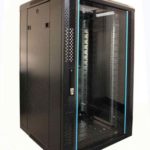
 FREE STANDING CABINETS
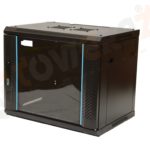 WALL MOUNTED CABINETS
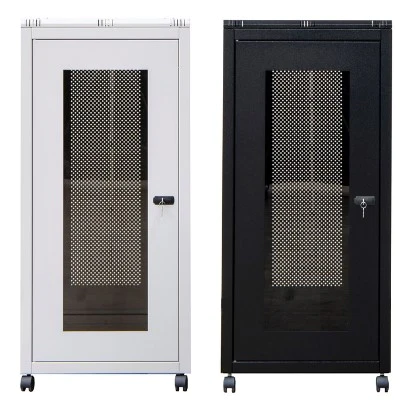
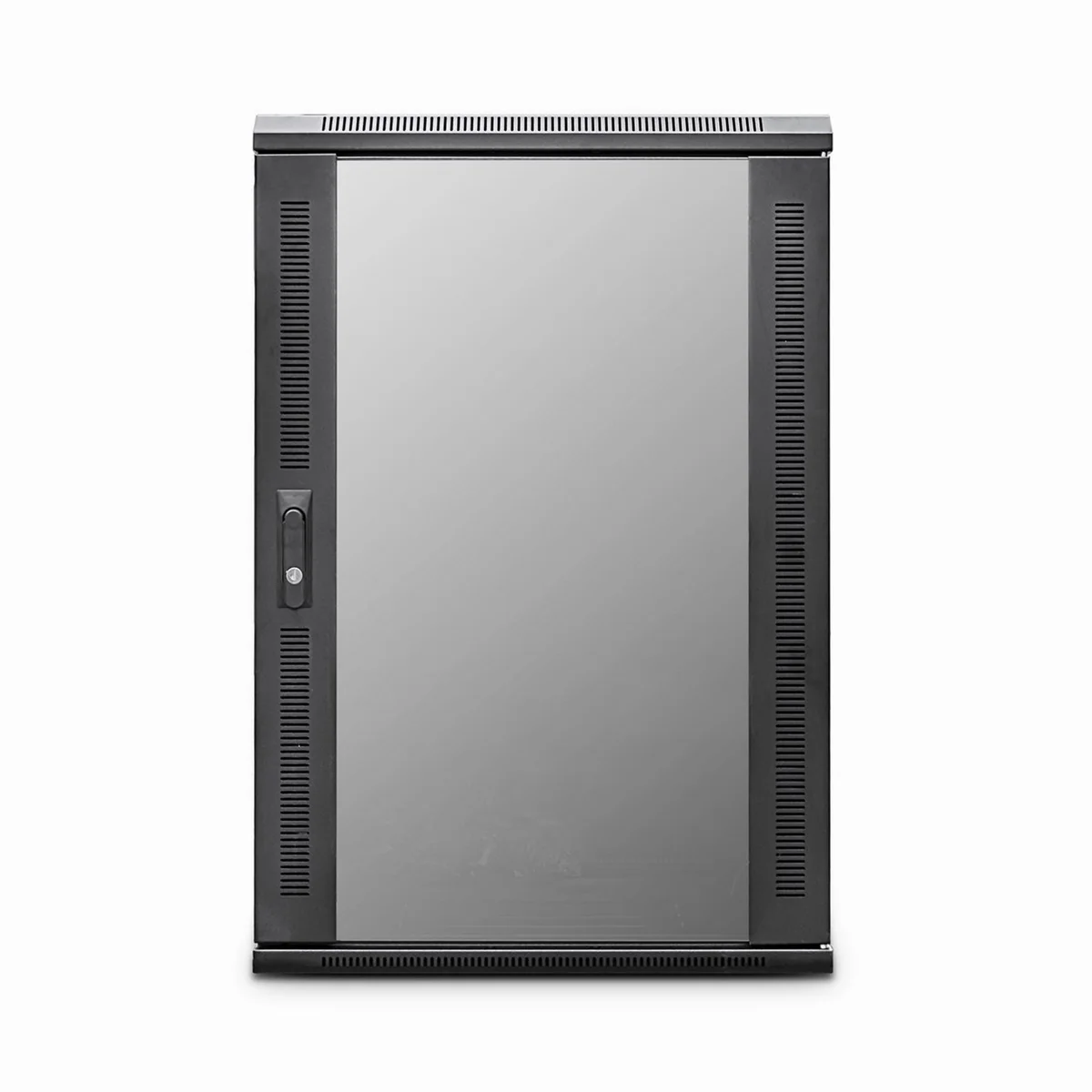
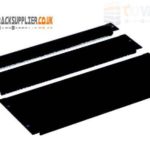 Blanking panel
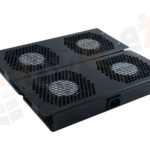 fan units
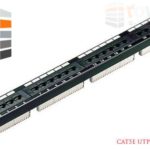 PATCH PANEL
 Power Distribution Unit
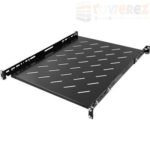 SHELVES
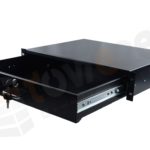 RACK DRAWER
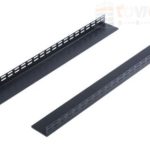 TOWEREZ RAILS
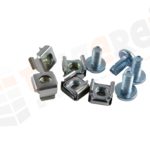 CAGE & NUTS

Server Cabinet Accessories Checklist: UK Guide to Shelves, PDUs, Fans and Cable Management

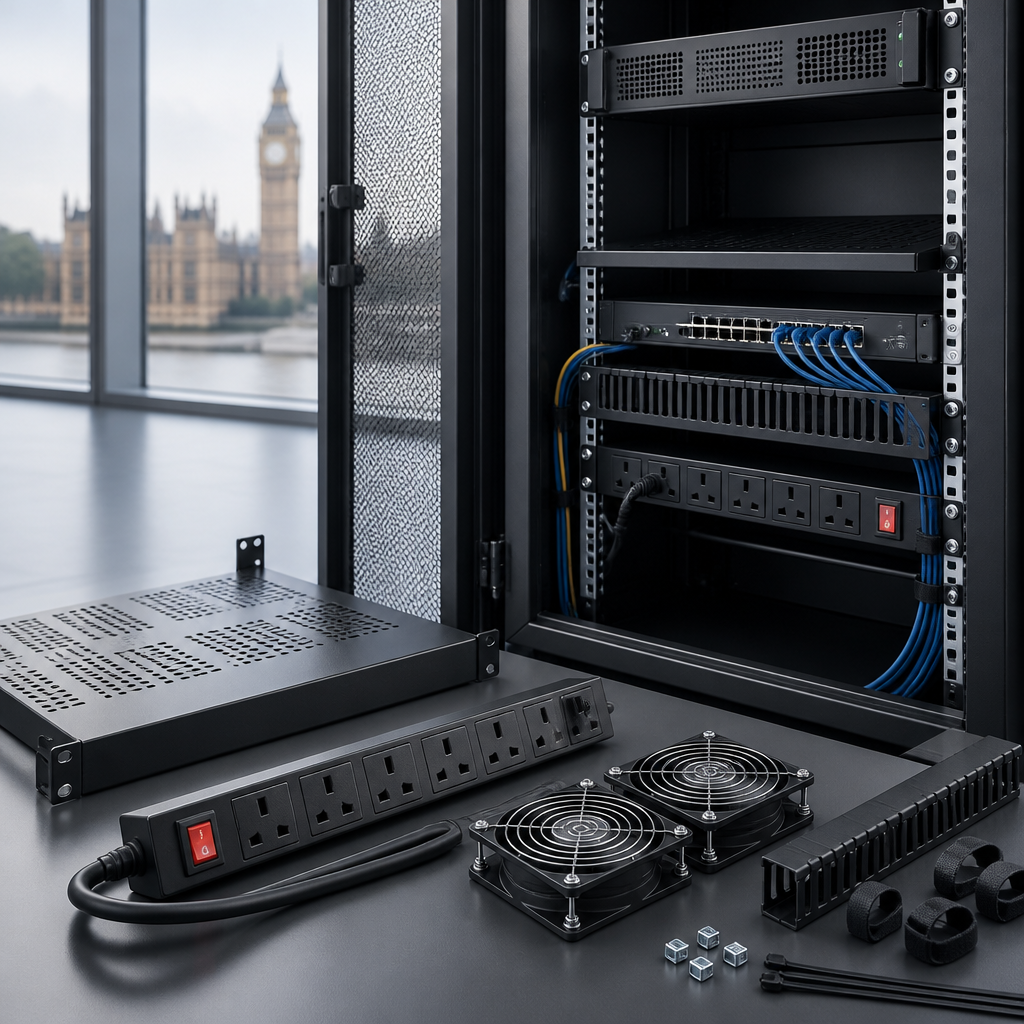
Choosing the right server cabinet accessories makes a rack safer, easier to maintain and more reliable. For most UK installations, start with a compatible 19-inch shelf or mounting kit, a correctly rated PDU, cable management, blanking panels, suitable cooling and physical security. Check the cabinet’s width, depth, height in U, load rating and power requirements before buying anything.
Server Cabinet Accessories Checklist
A server cabinet is more than a metal enclosure. Its accessories determine how efficiently equipment is installed, powered, cooled and maintained. Use this checklist before ordering:
- Compatibility: Confirm the cabinet is a standard 19-inch rack and check its usable depth, mounting-hole type and available rack units.
- Mounting: Add shelves, rails, cage nuts, screws or equipment supports for devices that are not directly rack-mountable.
- Power: Select a PDU with the correct input connection, outlet type, voltage, current rating and cable length.
- Cooling: Provide front-to-back airflow, roof or side ventilation where required, and blanking panels for unused rack spaces.
- Cable management: Use horizontal and vertical managers, brush panels, cable rings and patch leads of appropriate lengths.
- Security: Consider lockable doors, side panels, access control and anchoring if the cabinet is in a public or shared area.
- Maintenance: Include labelling, earthing provisions, spare fixing hardware and enough space for safe access.
The best accessory list depends on the equipment and location. A small network cabinet in an office will need a different setup from a floor-standing cabinet containing servers, switches and a UPS.
Check Cabinet Compatibility Before You Buy
Compatibility is the first filter for any rack accessory. Most data cabinets are designed around the 19-inch equipment format, but dimensions within that standard vary significantly.
Rack units and usable height
Rack height is measured in U, with one rack unit equal to 44.45 mm. Measure the equipment and leave room for airflow, cable bends and future expansion. Do not plan to fill every available U unless the manufacturer specifically supports that arrangement.
Accessories such as shelves, patch panels, cable managers and PDUs also consume rack space. A vertical PDU may use little or no horizontal rack space, while a horizontal PDU commonly occupies 1U or 2U.
Depth, width and mounting hardware
Check the cabinet’s internal depth rather than relying only on its external dimensions. Servers, UPS units and some network appliances can require substantial clearance behind the front mounting ears. Allow additional room for power plugs, network connectors and cable bend radius.
Confirm whether the cabinet uses square cage-nut holes, threaded mounting holes or another fixing system. Keep spare cage nuts and compatible screws on hand, but do not force hardware into an unsuitable thread. Equipment that is too heavy for a shelf should be supported with manufacturer-approved rails or a fixed support system.
Server Cabinet Shelves and Mounting Supports
Shelves are among the most useful server cabinet accessories because they allow non-rack-mountable devices to sit securely inside the cabinet. Typical examples include small computers, routers, modems, media converters, monitoring equipment and backup devices.
Choose the right shelf type
- Fixed shelves: A stable option for equipment that does not need frequent access. Check the maximum load and depth.
- Sliding shelves: Useful for maintenance because equipment can be pulled forward, but they require adequate clearance and have a defined load rating.
- Vented shelves: Perforations improve airflow around equipment that generates heat.
- Universal shelves: Flexible for mixed equipment, although they may provide less secure retention than dedicated rails.
- Cantilever shelves: Suitable for lighter devices where rear support is not required, subject to the manufacturer’s load limit.
Place heavy equipment low in a floor-standing cabinet to improve stability. Secure smaller devices with suitable straps or brackets where vibration, movement or accidental contact could cause a problem. Never exceed the shelf’s rated load, and remember that the total cabinet load also includes doors, PDUs, UPS units and cabling.
PDUs and Power Distribution
A power distribution unit, or PDU, distributes mains power to equipment in the cabinet. It is not automatically a replacement for a UPS, surge protection system or dedicated electrical design. Choose it based on the cabinet’s actual electrical requirement and the installation’s protection arrangements.
What to check on a UK PDU
- Input connection: Match the PDU lead and plug to the available supply. UK installations may use BS 1363 or IEC connections, depending on the design.
- Outlet format: Common rack equipment connections include IEC C13 and C19, while some devices use UK sockets.
- Current and power rating: The rating must be suitable for the connected load and the upstream circuit. Do not treat a higher-rated PDU as permission to overload the supply.
- Mounting orientation: Horizontal units typically use rack space; vertical units may mount along the cabinet’s side or rear.
- Monitoring: Metered or switched models can provide visibility and control, but they add configuration and cybersecurity considerations.
- Redundancy: Equipment with dual power supplies may benefit from separate PDUs connected to appropriately designed supplies.
Keep power cables separate from data cables where practical, label both ends, and leave enough slack for equipment service without creating loops across ventilation paths. Electrical work, circuit changes and final safety checks should be handled by a suitably competent person in accordance with applicable UK requirements and manufacturer instructions.
Cooling, Airflow and Blanking Panels
Heat management should be planned before the cabinet is populated. Most rack equipment draws cool air from the front and exhausts warm air at the rear, so accessories should support that airflow pattern rather than obstruct it.
Useful cooling accessories
- Roof fan trays: Help extract warm air from the top of a cabinet where the design and environment permit it.
- Ventilated doors and side panels: Improve air movement while retaining physical protection.
- Temperature sensors: Provide an early warning of rising cabinet or inlet temperatures.
- Blanking panels: Close unused front rack spaces and reduce the recirculation of warm exhaust air.
- Brush panels: Allow cables to pass through while limiting open gaps that can disrupt airflow.
Do not install fans as a substitute for removing a heat source or improving room ventilation. Keep the cabinet’s front and rear clear, avoid blocking equipment vents, and check whether the room’s heating, ventilation and air-conditioning system can handle the load. A temperature alarm is useful, but it should complement routine inspection rather than replace it.
Cable Management for a Neat, Serviceable Rack
Good cable management reduces installation errors and makes future changes faster. It also protects connectors from strain and helps preserve airflow. Plan cable routes before installing the final equipment.
Recommended cable management accessories
- Horizontal cable managers: Organise patch leads between patch panels and switches.
- Vertical managers: Create larger routing channels at the sides of a cabinet, particularly in wide network racks.
- Brush strips: Seal cable entry points while allowing cables to pass through.
- Hook-and-loop ties: Secure cables without compressing them as tightly as some plastic ties can.
- Rack cable rings: Provide simple routing for small bundles.
- Fibre management trays: Protect fibre cables from sharp bends and excessive tension.
- Labels and identification tags: Make both ends of each cable easy to trace.
Use patch leads that are long enough to route neatly but not so long that they create dense coils. Respect the minimum bend radius for fibre and copper cabling, especially near plugs and patch panels. Keep cables away from fan intakes and avoid using cable ties so tightly that they deform the cable jacket.
A practical layout often places patch panels above switches, with a cable manager between them. Power can be routed along one side or through a separate vertical channel, while data cabling follows a consistent path. The exact arrangement should reflect the equipment manufacturer’s recommendations and the cabinet’s construction.
Security, Earthing and Physical Protection
In an office, school, retail site or shared comms room, physical protection may be as important as cooling. Lockable front and rear doors help limit casual access, while lockable side panels can prevent equipment removal or interference.
Consider a cabinet with suitable locks, a key-management process and, where appropriate, floor or wall anchoring. Confirm that the building surface and fixing method can support the loaded cabinet. A tall cabinet should be stabilised before equipment is installed, particularly if it has movable shelves or a heavy door.
Use the cabinet’s designated bonding and earthing arrangements. Do not assume that painted panels or mounting screws provide a complete protective-earth path. Follow the cabinet and equipment instructions, and have the installation checked by a qualified person where required.
Accessories for Installation and Maintenance
A small stock of installation accessories prevents avoidable delays. Useful items include:
- Spare cage nuts, rack screws and washers.
- Equipment support brackets and rear cable supports.
- Power and data labels that remain legible in the cabinet environment.
- A rack elevation diagram showing each device’s U position.
- Short and standard-length patch leads for common connections.
- A torch, suitable screwdriver set and cable tester for commissioning work.
- Replacement filters or fan assemblies where the cabinet design uses them.
Record the model, serial number, power connection and network purpose of each installed device. Keep the rack diagram and cable schedule updated after every change. Clear documentation is one of the most valuable server cabinet accessories because it reduces the time needed to diagnose faults.
Example Accessory Lists by Cabinet Type
| Cabinet use | Practical accessories |
|---|---|
| Small network cabinet | Fixed shelf, compact PDU, patch panel, horizontal cable manager, brush panel and blanking panels. |
| Office server cabinet | Heavy-duty shelf or rails, monitored PDU, cable managers, temperature sensor, lockable doors and UPS support. |
| High-density equipment cabinet | Vertical PDUs, structured cable management, extensive blanking panels, airflow monitoring and a carefully reviewed cooling plan. |
| Shared or public-area cabinet | Lockable doors and side panels, anchoring, tamper-resistant access arrangements and clear maintenance records. |
These are starting points rather than fixed bills of materials. Always compare accessory dimensions and ratings with the cabinet and installed equipment before ordering.
How to Plan a Server Cabinet Installation
- List the equipment: Record dimensions, weight, power connections, heat output guidance and mounting requirements.
- Draw the rack elevation: Allocate U positions, leaving room for airflow, cable management and expansion.
- Plan power: Calculate the expected load, select suitable PDUs and confirm the upstream supply.
- Plan airflow: Keep front-to-back ventilation clear and specify blanking panels or fan accessories where needed.
- Install heavy items first: Keep weight low and follow safe lifting practices.
- Route and label cables: Separate power and data where practical and label both ends.
- Test and document: Check connections, airflow, cabinet stability and cable identification before handover.
Key takeaway: Buy server cabinet accessories as part of a complete rack design, not as isolated add-ons. Compatibility, load rating, cooling, power and maintainability should all be checked together.
FAQs About Server Cabinet Accessories
What are the most important server cabinet accessories?
The essentials are a suitable PDU, mounting shelves or rails, cable management, blanking panels, adequate cooling and physical security. The exact combination depends on the equipment, cabinet size and installation environment.
Do all server cabinets use the same shelves?
No. Shelves vary by rack width, depth, mounting method and load rating. Check the cabinet’s internal dimensions and fixing system before selecting a shelf.
Should I use a horizontal or vertical PDU?
A horizontal PDU commonly occupies rack space but is easy to access from the front or rear. A vertical PDU can preserve horizontal rack units and provide more outlets, but it must fit the cabinet’s side or rear mounting position.
Are blanking panels necessary in a server cabinet?
Blanking panels are strongly recommended for unused spaces in cabinets using front-to-back airflow. They help limit warm-air recirculation and support a more predictable cooling path.
How should cables be organised in a rack?
Route cables through horizontal or vertical managers, use hook-and-loop ties, maintain bend-radius requirements and label both ends. Keep power and data paths separate where practical, and avoid blocking equipment vents.
Do server cabinet accessories need professional installation?
Basic shelves and cable managers can often be installed by a competent technician. Electrical work, circuit changes, earthing and safety verification should be carried out by a suitably qualified or competent person in line with UK requirements and manufacturer instructions.
{“@context”:”https://schema.org”,”@type”:”FAQPage”,”mainEntity”:[{“@type”:”Question”,”name”:”What are the most important server cabinet accessories?”,”acceptedAnswer”:{“@type”:”Answer”,”text”:”The essentials are a suitable PDU, mounting shelves or rails, cable management, blanking panels, adequate cooling and physical security. The exact combination depends on the equipment, cabinet size and installation environment.”}},{“@type”:”Question”,”name”:”Do all server cabinets use the same shelves?”,”acceptedAnswer”:{“@type”:”Answer”,”text”:”No. Shelves vary by rack width, depth, mounting method and load rating. Check the cabinet’s internal dimensions and fixing system before selecting a shelf.”}},{“@type”:”Question”,”name”:”Should I use a horizontal or vertical PDU?”,”acceptedAnswer”:{“@type”:”Answer”,”text”:”A horizontal PDU commonly occupies rack space but is easy to access from the front or rear. A vertical PDU can preserve horizontal rack units and provide more outlets, but it must fit the cabinet’s side or rear mounting position.”}},{“@type”:”Question”,”name”:”Are blanking panels necessary in a server cabinet?”,”acceptedAnswer”:{“@type”:”Answer”,”text”:”Blanking panels are strongly recommended for unused spaces in cabinets using front-to-back airflow. They help limit warm-air recirculation and support a more predictable cooling path.”}},{“@type”:”Question”,”name”:”How should cables be organised in a rack?”,”acceptedAnswer”:{“@type”:”Answer”,”text”:”Route cables through horizontal or vertical managers, use hook-and-loop ties, maintain bend-radius requirements and label both ends. Keep power and data paths separate where practical, and avoid blocking equipment vents.”}},{“@type”:”Question”,”name”:”Do server cabinet accessories need professional installation?”,”acceptedAnswer”:{“@type”:”Answer”,”text”:”Basic shelves and cable managers can often be installed by a competent technician. Electrical work, circuit changes, earthing and safety verification should be carried out by a suitably qualified or competent person in line with UK requirements and manufacturer instructions.”}}]}