
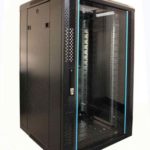
 FREE STANDING CABINETS
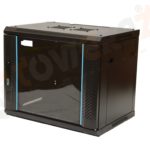 WALL MOUNTED CABINETS
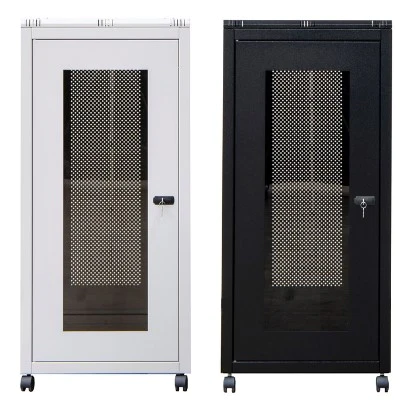
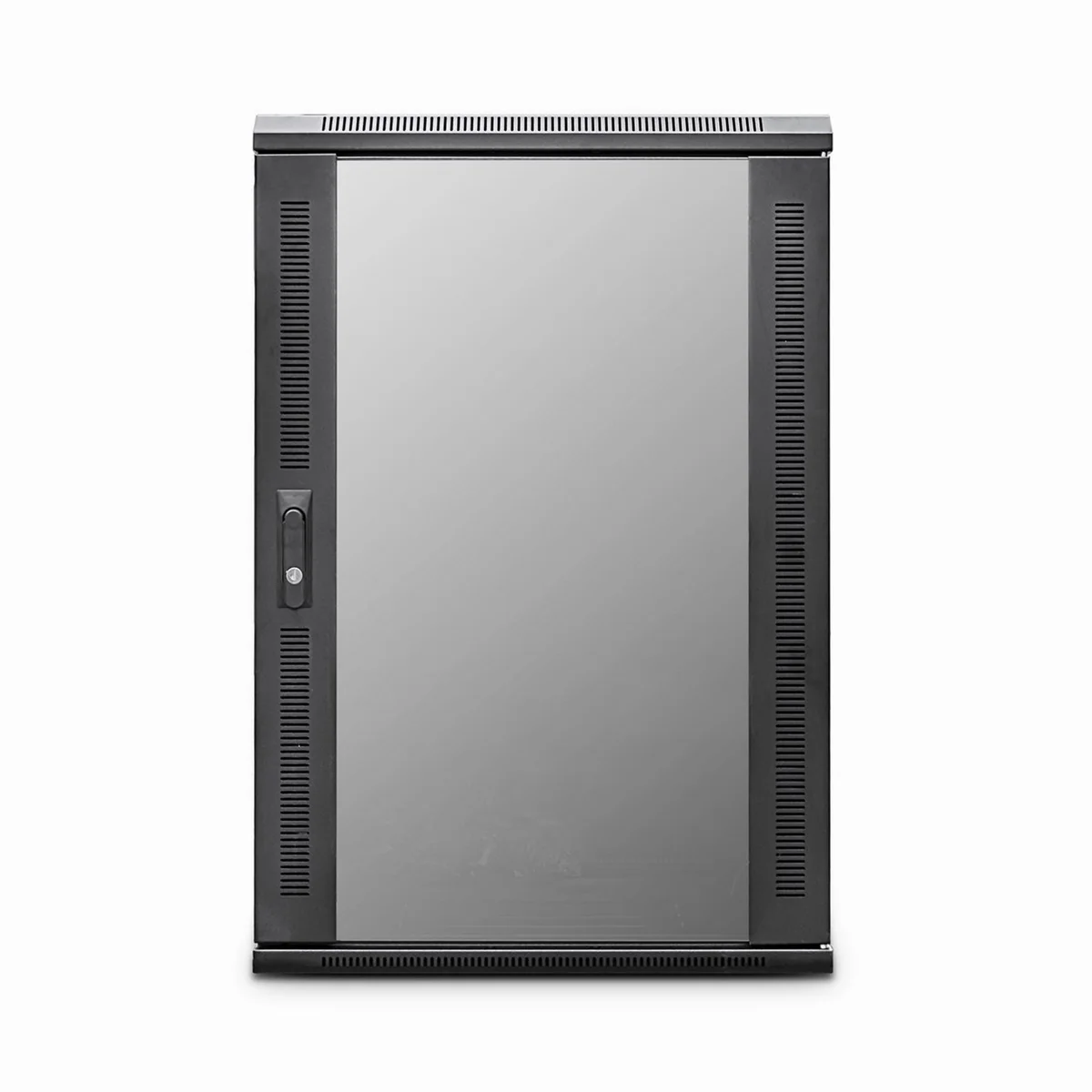
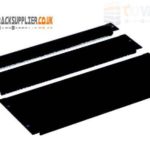 Blanking panel
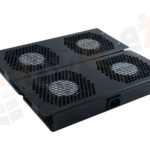 fan units
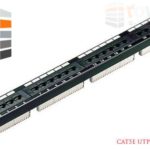 PATCH PANEL
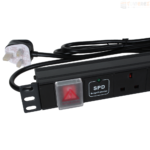 Power Distribution Unit
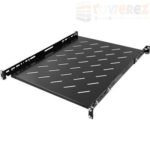 SHELVES
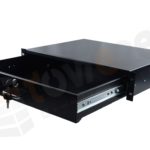 RACK DRAWER
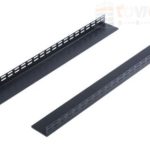 TOWEREZ RAILS
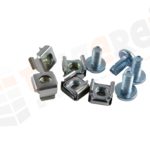 CAGE & NUTS

What Size Network Cabinet Do I Need? UK Guide to U Height, Depth and Switch Fit

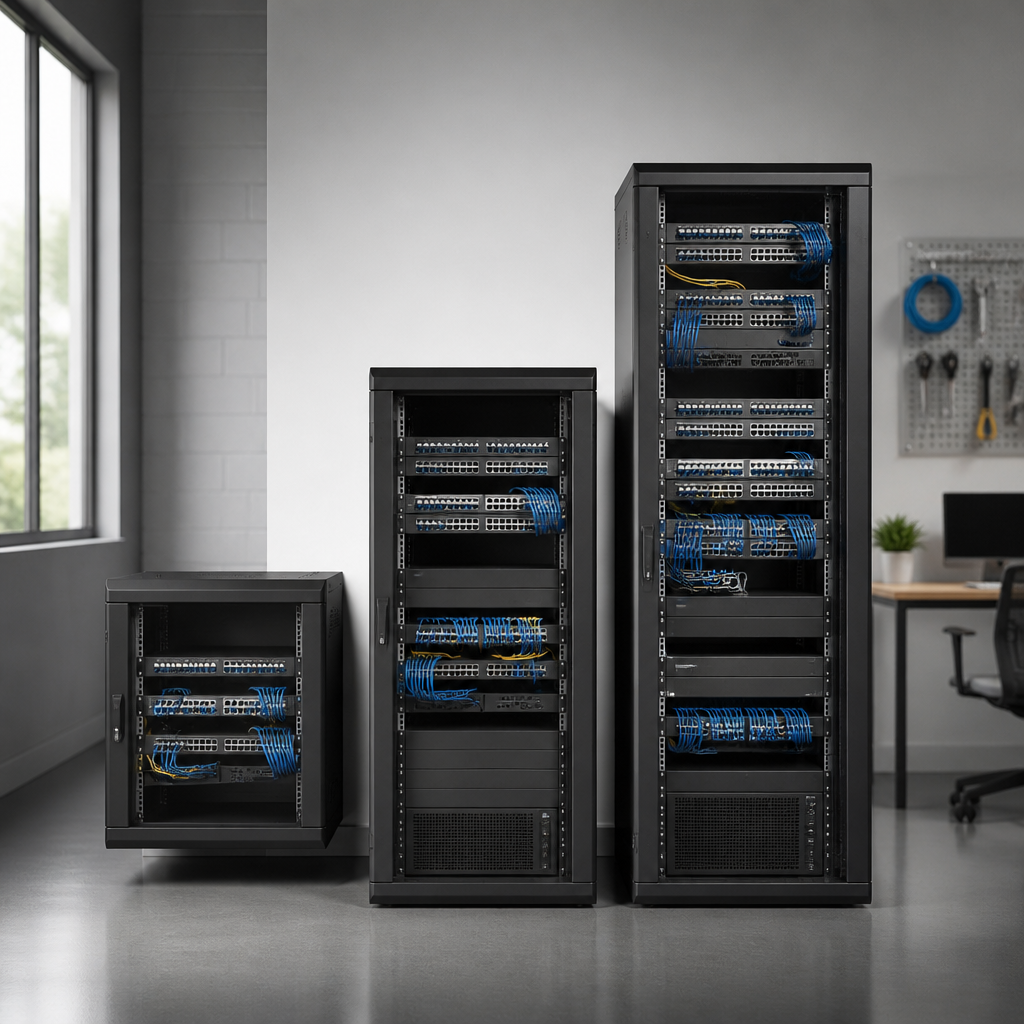
Direct answer: Choose a 19-inch network cabinet with enough rack units (U) for your equipment, at least 100 mm of spare height for airflow and expansion, and sufficient internal depth for the deepest device plus cable clearance. For many small UK installations, a 6U–12U wall-mounted cabinet is suitable; larger systems usually need a 24U–42U floor-standing cabinet.
Understanding network cabinet sizes UK installers commonly specify will help you avoid a cabinet that is too shallow, too short or difficult to maintain. Cabinet size is not only about whether a switch physically fits. You also need to allow for patch leads, power distribution, ventilation, cable routing, equipment rails and future additions.
How network cabinet sizes are measured
Network cabinets are usually described by three measurements: rack height, width and depth. Height is given in rack units, or U; width is commonly based on the 19-inch equipment standard; and depth describes how much room is available from the front mounting rails towards the rear of the cabinet.
What does 1U mean?
One rack unit, written as 1U, is 44.45 mm high. This is the standard vertical spacing used by rack-mount switches, patch panels, cable managers, servers and other equipment. A cabinet advertised as 9U therefore provides approximately 400 mm of nominal rack height, although the usable internal height may be slightly different.
Allowances are needed for blanking panels, ventilation and equipment that does not use every available millimetre. A cabinet’s stated U rating refers to the mounting space between its rails, not necessarily its total external height.
Why is a cabinet called 19 inch?
A standard 19-inch cabinet is designed for equipment with front mounting ears positioned on a 19-inch rack pattern. The cabinet’s outside width will be greater than 19 inches because it includes side panels, doors, frame sections and cable-entry space.
Some cabinets are also sold in 600 mm or 800 mm external widths. The wider versions can provide valuable room for vertical cable management and power distribution, but they do not automatically provide more rack width. Always check the manufacturer’s internal dimensions and rail spacing before ordering.
Network cabinet sizes UK: which U height do you need?
The right U height depends on the equipment you have now, the equipment you may add later and the amount of cable management required. The following ranges are useful starting points rather than rigid rules.
| Cabinet size | Typical application | What to check |
|---|---|---|
| 4U–6U | Small switches, patch panels, routers or CCTV equipment | Limited room for cable management and expansion |
| 9U–12U | Small office networks, broadband equipment and several patch panels | Wall strength, door clearance and heat removal |
| 15U–18U | Growing installations with multiple switches and power equipment | Cabinet weight, ventilation and usable depth |
| 22U–27U | Medium-sized network rooms or communications cupboards | Floor loading, rear access and future device capacity |
| 32U–42U | Larger network rooms, server rooms and structured cabling systems | Cooling, power capacity, aisle space and installation access |
Small wall-mounted cabinets
A 6U, 9U or 12U wall cabinet is often suitable for a small office, retail unit, branch site or home lab. It can house a patch panel, network switch, router, shelf and cable management accessories. Wall mounting saves floor space, but the wall and fixings must safely support the fully loaded cabinet.
Do not select a wall cabinet solely because the equipment fits in its U height. A switch with many patch leads may need extra front clearance, while a rear power supply or fibre bend radius may require more depth than the switch itself.
Floor-standing cabinets
Floor-standing cabinets commonly provide 18U or more, with 24U, 27U, 36U and 42U options used for larger installations. They are more appropriate when you need several switches, fibre panels, servers, UPS equipment or substantial cable management.
A 42U cabinet is not automatically the best choice. A lightly populated tall cabinet can waste space and may be difficult to position. Choose a size that leaves practical room for growth without compromising access, ventilation or security.
How much cabinet depth do you need?
Depth is one of the most common causes of cabinet-sizing mistakes. A device can fit within the nominal depth but still be unsuitable once power connectors, transceivers, patch leads and rear cable bends are included.
Measure the equipment from its front mounting face to the furthest rear obstruction. Then add clearance for:
- Rear power connectors and IEC leads.
- Fibre and copper cable bend radius.
- Airflow around ventilation openings.
- Rear support brackets or cage nuts.
- Door, side-panel and cable-entry clearance.
- Future equipment that may be deeper than today’s hardware.
As a practical rule, select a cabinet with at least 50–100 mm more usable mounting depth than the longest installed device. For deeper servers, UPS units or storage hardware, follow the equipment manufacturer’s minimum cabinet-depth requirement rather than relying on a general rule.
Common cabinet depth categories
Shallow cabinets may have an internal depth suitable for compact switches and patch panels, while deeper cabinets are designed for servers and larger power equipment. Product descriptions can refer to external depth, overall depth or usable rail-to-rail depth, and these are not interchangeable.
Before buying, confirm all of the following:
- The front-to-rear length of each device.
- The cabinet’s usable rail depth, not just its external depth.
- Whether the front and rear doors reduce available clearance.
- Where cables and power leads enter the cabinet.
- Whether adjustable mounting rails can be positioned correctly.
Will your network switch fit?
Most rack-mountable switches are designed for a standard 19-inch rack and occupy 1U or 2U. However, some compact, desktop-style and specialist switches are not rack-mountable without a shelf or optional bracket kit. Check whether the switch includes rack ears, and confirm that its depth is compatible with the cabinet.
For a switch with front-facing ports, leave enough space for patch leads to exit without sharply bending against the door. A horizontal cable manager above or below the switch can make patching neater and reduce strain on ports. If the switch has rear-facing power or network connections, make sure the cabinet has suitable rear access.
Power-over-Ethernet switches can produce more heat than basic non-PoE models. Review the switch’s ventilation requirements and consider a perforated door, roof fans or additional cabinet ventilation where appropriate. Avoid placing equipment so closely together that hot air is trapped between devices.
Allow space for patch panels and cable management
A cabinet filled entirely with active equipment is usually harder to install and maintain. Patch panels, brush panels, horizontal managers and vertical managers all consume space, but they can significantly improve airflow and make fault-finding easier.
For a basic installation, a useful arrangement might include a patch panel, a cable manager, a network switch and a power distribution unit. Larger systems may need separate fibre shelves, additional patch panels, spare panels and dedicated vertical management.
Leave spare U space where possible. A common planning approach is to reserve around 20–30% of the rack for future equipment and layout changes, although the right amount depends on the project. The spare space should not be treated as permission to ignore heat, weight or power limits.
Wall cabinet or floor cabinet?
| Choose a wall cabinet when | Choose a floor cabinet when |
|---|---|
| Equipment is compact and relatively light | You need many rack units or heavier hardware |
| Floor space is limited | You need servers, UPS equipment or deep devices |
| Rear access is manageable from a hinged or removable cabinet | Technicians need comfortable front and rear access |
| The wall structure can support the loaded cabinet | There is a suitable, level floor and enough door clearance |
Wall cabinets can become difficult to service when fully loaded, particularly if they are mounted high. Consider technician access, safe lifting and the position of incoming cables before choosing one. For a communications room, a floor-standing cabinet is often more flexible even if the initial equipment list is small.
Other specifications to check before buying
Ventilation and cooling
Check whether the cabinet has perforated doors, ventilation slots or fan compatibility. Passive ventilation may be adequate for low-power equipment, but higher heat loads can require active fans and a suitable room ventilation strategy.
Mounting rails and accessories
Adjustable front and rear rails make it easier to fit devices of different depths. Confirm that the cabinet includes the correct cage nuts, mounting screws, shelves or support rails. A shelf can hold non-rack-mountable equipment, but it must be rated for the load and may reduce airflow.
Doors, locks and access
Glass, perforated and solid doors offer different benefits. Perforated doors generally support airflow, while a glass door makes it easier to view equipment. A lock can help restrict access, but it should not prevent technicians from safely reaching power isolation points and cabling.
Cable entry and power
Look for suitable top, bottom and rear cable-entry points. A cabinet should also accommodate a rack-mounted PDU or other power distribution method without obstructing equipment. Check the electrical load, plug types and circuit arrangements with a qualified electrician where required.
A simple cabinet sizing method
- List every device. Record its U height, rack width, depth, weight and power requirements.
- Add non-device space. Include patch panels, cable managers, shelves, PDUs and fibre accessories.
- Calculate the U total. Add the equipment and accessories, then reserve space for growth.
- Check depth. Compare the deepest device with the cabinet’s usable rail depth and cable clearance.
- Check heat and weight. Confirm ventilation, wall loading, floor loading and power capacity.
- Confirm the site. Measure doorways, lift access, ceiling height, working space and cable routes.
For example, a small installation with a 1U patch panel, 1U switch, 1U cable manager and a 1U PDU uses 4U of equipment space. A 6U cabinet may technically fit these items, but a 9U or 12U option could provide more practical room for a shelf, ventilation and future expansion.
Key takeaways
- Use 19-inch rack compatibility as the starting point, but verify the actual cabinet and device dimensions.
- Calculate U height from equipment, accessories and future growth—not just today’s hardware.
- Check usable internal depth and cable bend space, rather than relying on external depth.
- Allow room for patch panels, cable managers, ventilation and safe maintenance.
- Choose wall cabinets for compact, lighter installations and floor cabinets for larger or deeper systems.
- Confirm heat, weight, power, access and installation constraints before ordering.
FAQs about network cabinet sizes UK
What is the most common network cabinet size?
There is no single standard size for every installation. Small offices often use 6U–12U wall cabinets, while larger network rooms commonly use floor cabinets from around 18U upwards. The correct choice depends on equipment, depth, expansion and site conditions.
How much spare space should I leave in a network cabinet?
Aim to leave practical room for future equipment and cable management. Reserving roughly 20–30% of the rack can be useful, but the exact allowance depends on the installation’s growth plans, heat output and available floor or wall space.
Can a network switch go in any 19-inch cabinet?
Only if it is rack-mountable or supported by a suitable shelf or bracket, and only if its depth, connectors and ventilation requirements are compatible. Check the switch manufacturer’s installation guidance and the cabinet’s usable dimensions.
Is cabinet depth the same as usable depth?
No. A cabinet’s advertised depth may include doors, handles and panels. Usable depth normally refers to the distance available between the mounting rails. Always check the manufacturer’s rail-to-rail measurement and allow additional room for cables and power connectors.
Should I choose a wall-mounted or floor-standing cabinet?
Choose a wall-mounted cabinet for compact, lighter equipment where floor space is limited and the wall can safely support the load. Choose a floor-standing cabinet when you need more U height, deeper equipment, heavier devices or easier rear access.
Do PoE switches need a larger cabinet?
Not necessarily a larger cabinet, but they may need better ventilation because they can generate more heat. Check the switch’s heat output and ventilation guidance, then ensure the cabinet can move air effectively around the equipment.
{“@context”:”https://schema.org”,”@type”:”FAQPage”,”mainEntity”:[{“@type”:”Question”,”name”:”What is the most common network cabinet size?”,”acceptedAnswer”:{“@type”:”Answer”,”text”:”There is no single standard size for every installation. Small offices often use 6U–12U wall cabinets, while larger network rooms commonly use floor cabinets from around 18U upwards. The correct choice depends on equipment, depth, expansion and site conditions.”}},{“@type”:”Question”,”name”:”How much spare space should I leave in a network cabinet?”,”acceptedAnswer”:{“@type”:”Answer”,”text”:”Aim to leave practical room for future equipment and cable management. Reserving roughly 20–30% of the rack can be useful, but the exact allowance depends on the installation’s growth plans, heat output and available floor or wall space.”}},{“@type”:”Question”,”name”:”Can a network switch go in any 19-inch cabinet?”,”acceptedAnswer”:{“@type”:”Answer”,”text”:”Only if it is rack-mountable or supported by a suitable shelf or bracket, and only if its depth, connectors and ventilation requirements are compatible. Check the switch manufacturer’s installation guidance and the cabinet’s usable dimensions.”}},{“@type”:”Question”,”name”:”Is cabinet depth the same as usable depth?”,”acceptedAnswer”:{“@type”:”Answer”,”text”:”No. A cabinet’s advertised depth may include doors, handles and panels. Usable depth normally refers to the distance available between the mounting rails. Always check the manufacturer’s rail-to-rail measurement and allow additional room for cables and power connectors.”}},{“@type”:”Question”,”name”:”Should I choose a wall-mounted or floor-standing cabinet?”,”acceptedAnswer”:{“@type”:”Answer”,”text”:”Choose a wall-mounted cabinet for compact, lighter equipment where floor space is limited and the wall can safely support the load. Choose a floor-standing cabinet when you need more U height, deeper equipment, heavier devices or easier rear access.”}},{“@type”:”Question”,”name”:”Do PoE switches need a larger cabinet?”,”acceptedAnswer”:{“@type”:”Answer”,”text”:”Not necessarily a larger cabinet, but they may need better ventilation because they can generate more heat. Check the switch’s heat output and ventilation guidance, then ensure the cabinet can move air effectively around the equipment.”}}]}