
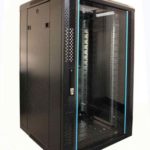
 FREE STANDING CABINETS
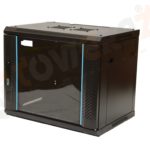 WALL MOUNTED CABINETS
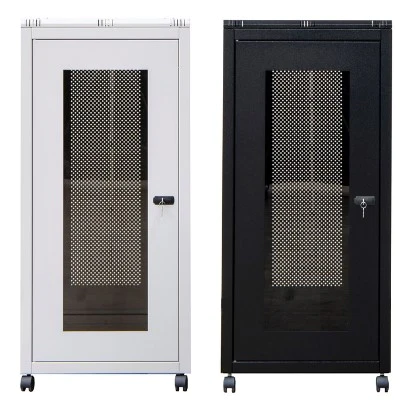
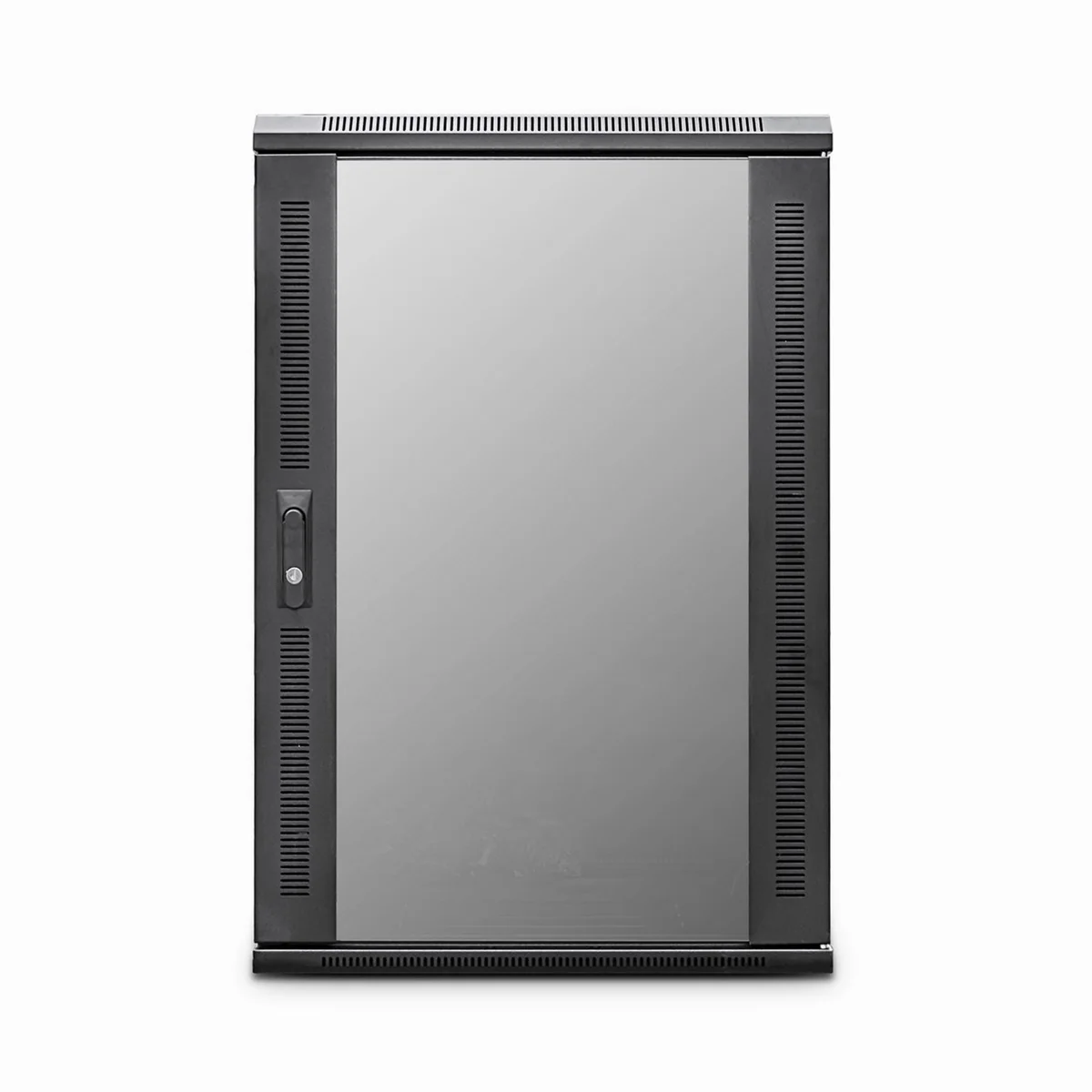
 Blanking panel
 fan units
 PATCH PANEL
 Power Distribution Unit
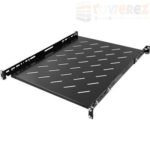 SHELVES
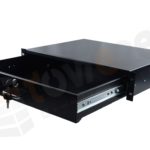 RACK DRAWER
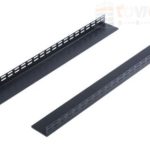 TOWEREZ RAILS
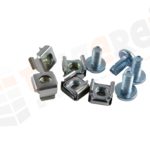 CAGE & NUTS

27U Server Cabinet Dimensions: UK Guide to Height, Width, Depth and Equipment Fit

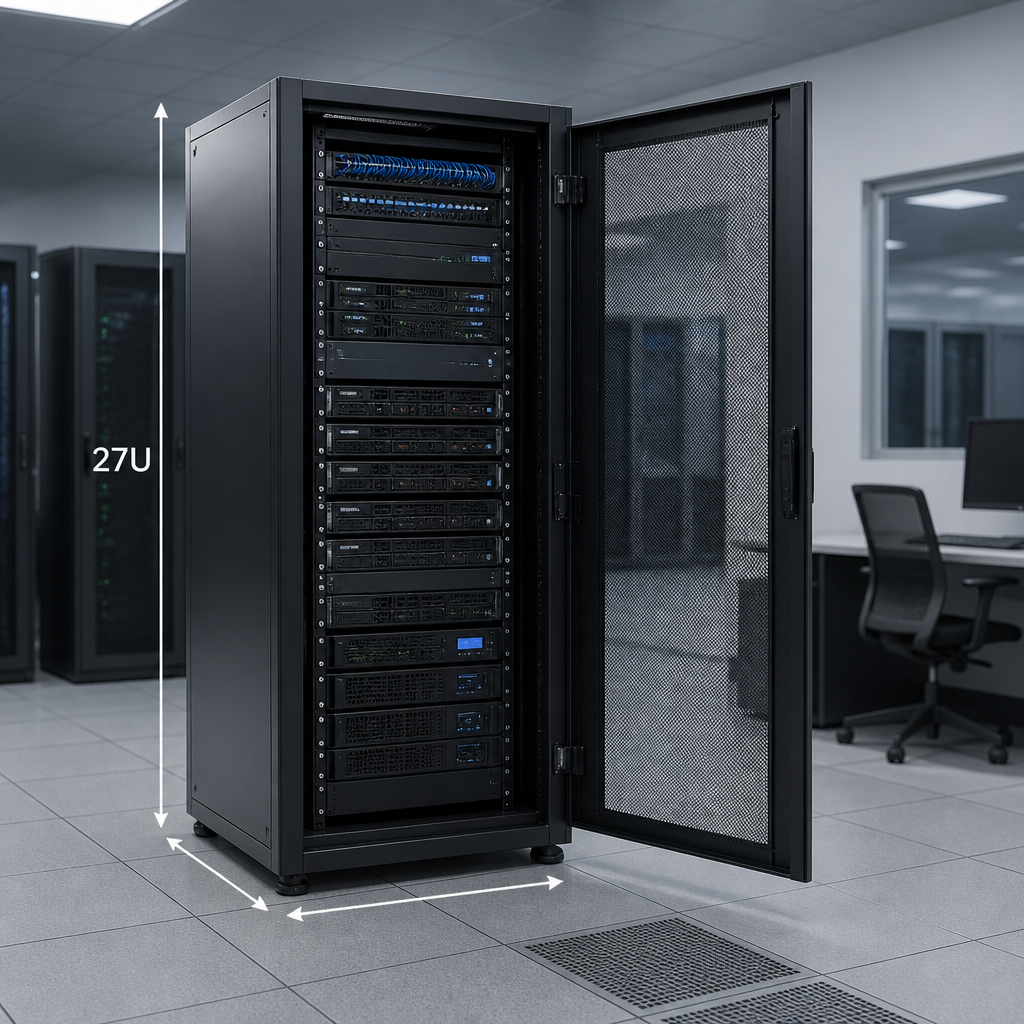
27U server cabinet dimensions are based on a standard 19-inch rack width and 27U of usable mounting height. A 27U rack provides 1,200.15 mm of vertical equipment space, while the complete cabinet is commonly about 1,300–1,500 mm high, 600–800 mm wide and 600–1,200 mm deep, depending on its frame, doors, castors and cable-management design.
The most important point is that “27U” describes the rack space inside the cabinet, not its external size. Before buying, check the usable mounting depth, overall dimensions, door clearance, access routes, floor loading and the depth of every device you intend to install.
What does 27U mean?
A rack unit, written as U or RU, is the standard vertical measurement used for rack-mounted IT and networking equipment. One rack unit is exactly 44.45 mm high. Therefore:
- 1U: 44.45 mm
- 2U: 88.9 mm
- 27U: 1,200.15 mm of mounting height
The 1,200.15 mm figure is the combined height of the numbered rack spaces. It does not include the cabinet roof, base, castors, adjustable feet, doors or any gap required for ventilation. This is why a 27U rack is always taller than 1,200 mm externally.
Rack equipment also needs to follow the standard 19-inch mounting format. The 19-inch measurement refers to the nominal width across the rack’s mounting rails, including the mounting ears of compatible equipment. It is not the external width of the cabinet.
27U server cabinet dimensions: the main measurements
When comparing cabinets, separate the dimensions into four categories: rack height, external height, external width and usable depth. Manufacturers may list these in millimetres, inches, or both, and the measuring method can vary. Always confirm whether a listed measurement includes doors, handles, castors or cable brushes.
| Measurement | Typical 27U consideration | Why it matters |
|---|---|---|
| Rack height | 27U or 1,200.15 mm | Determines how much rack equipment can be installed vertically. |
| External height | Often approximately 1,300–1,500 mm | Must fit through doors and beneath ceilings, shelving or services. |
| External width | Commonly 600 mm or 800 mm | Controls floor footprint and space for side cable management. |
| Usable mounting depth | Varies by model; commonly 450–1,000 mm or more | Determines whether servers, switches, UPS units and cables will fit. |
| Overall depth | Greater than usable depth | Includes front and rear doors, handles and cable-management space. |
These ranges are a planning guide rather than a universal specification. Two cabinets can both be described as 27U while having very different external dimensions and equipment capacity.
27U rack height and equipment capacity
The cabinet has 27U available in total, but the full height may not be available for equipment. For example, a patch panel, switch, server, shelf, power distribution unit or blanking panel may occupy 1U, 2U or more. Fixed shelves and cable-management accessories can also reduce usable space or restrict the position of equipment.
Allowing spare rack space is good practice. A cabinet installed completely full can be harder to cable, cool and maintain. Leaving unused U positions also makes it easier to add a switch, power unit or replacement device later. Plan the layout before installation and record the position of every component.
How wide is a 27U server cabinet?
A 27U cabinet designed for standard rack equipment is usually based on a 19-inch mounting system. Its external width is normally wider than 19 inches, with 600 mm and 800 mm formats being common choices.
600 mm-wide cabinets
A 600 mm cabinet is useful where floor space is limited. It can accommodate standard 19-inch servers, switches, patch panels and rack PDUs, provided the selected equipment is compatible with the cabinet’s rails. The narrower body leaves less room at the sides for vertical cable management and may provide less flexibility around unusually wide power or network equipment.
800 mm-wide cabinets
An 800 mm cabinet provides more lateral space for vertical PDUs, patch leads and cable-management channels. This can make a noticeable difference in a communications room with many copper or fibre connections. The trade-off is a larger floor footprint, so confirm that the cabinet will not obstruct walkways, doors or adjacent equipment.
Do not assume that a 19-inch device will fit simply because the cabinet is described as 19-inch. Check the rail spacing, mounting-hole pattern, front flange clearance and the manufacturer’s maximum equipment width.
How deep should a 27U server cabinet be?
Depth is often the most important part of selecting a 27U cabinet. Short-depth cabinets may suit patch panels, small switches, routers, security appliances and compact UPS units. Deeper cabinets are more appropriate for full-depth servers, storage systems, sliding-rail equipment and installations requiring rear cable clearance.
Compare these three measurements:
- Equipment depth: the front-to-rear length of the device, excluding or including connectors according to the manufacturer’s specification.
- Usable rack depth: the distance available between the front and rear mounting rails.
- Overall cabinet depth: the external measurement including doors, handles, hinges and other projections.
The equipment should not be selected against the cabinet’s overall depth. Instead, measure from the front mounting face to the rear rail and allow additional room for power plugs, network connectors, fibre bend radius, airflow and service access. A device that technically fits between the rails may still be unsuitable if its cables press against the rear door.
Depth planning for different equipment
- Patch panels and small switches: a shallow or medium-depth cabinet may be sufficient, subject to cable bend requirements.
- Rack servers and storage: choose a cabinet with enough rail depth for the equipment and its sliding or fixed rails.
- UPS systems: check both depth and weight, as a heavy unit may require a suitable shelf, rail kit or floor support.
- Fibre equipment: allow extra space for the minimum bend radius specified for the fibre type and connector arrangement.
- Rear-mounted PDUs: reserve space so sockets and plugs do not interfere with doors, fans or cable bundles.
Internal fit: rails, shelves and rack accessories
Most 27U cabinets use front and rear vertical rails that can be adjusted to suit different equipment depths. Confirm that the cabinet includes the rail type required by your equipment. Square-hole rails typically accept cage nuts, while threaded-hole rails use the specified screw size. Some cabinets use a combination of mounting systems or require separate cage nuts and fixing hardware.
Rail adjustment is valuable, but it does not eliminate the need to check clearances. Before installation, confirm:
- the minimum and maximum distance between front and rear rails;
- the maximum equipment depth, including handles and connectors;
- the usable width inside the side panels;
- the permitted weight per shelf, rail or cabinet;
- the position of cable-entry openings and brush panels;
- the compatibility of sliding rails with the cabinet frame.
Rack shelves are useful for non-rack-mountable equipment, but they consume vertical space and may have a lower load rating than the cabinet itself. Place heavy devices low in the cabinet to improve stability and reduce the risk of an unsafe top-heavy installation.
Clearance, ventilation and installation space
The cabinet dimensions are only part of the installation requirement. You also need space to open the front and rear doors, remove side panels if necessary, route cables and carry out maintenance. A cabinet placed tightly against a wall may be difficult to service even when the equipment fits.
Check the airflow direction of each device. Many rack servers draw air through the front and exhaust it at the rear, while some networking devices use side-to-side or alternative airflow paths. Avoid blocking ventilation openings with blanking plates, cable bundles or adjacent equipment. Use blanking panels where appropriate to reduce uncontrolled air recirculation in a managed rack.
Also check the room environment. A cabinet containing active servers, switches or UPS equipment needs suitable ventilation and a reliable electrical supply. Keep the rack away from water sources, excessive dust and locations where doors or stored items could block airflow.
Floor loading, stability and access
A 27U cabinet may become substantially heavier after servers, batteries, shelves and cables are installed. Review the manufacturer’s static load rating and compare it with the planned equipment weight. Do not rely only on the cabinet’s empty weight.
Use adjustable feet or the specified fixing method to stabilise a floor-standing cabinet. Castors can help with positioning, but they are not automatically a substitute for permanent levelling or anchoring. If the rack will be installed on a raised floor, confirm the floor panel and pedestal system can support the concentrated load.
Measure the complete delivery route before ordering. Check lift dimensions, stairways, corridor turns, door openings and the final installation area. External cabinet height and depth may increase when doors, handles or castors are fitted.
How to choose the right 27U cabinet dimensions
- List the equipment: record each device’s rack height, depth, width, weight, airflow direction and mounting method.
- Add the rack units: total the U height and include shelves, cable managers, patch panels and PDUs.
- Allow expansion space: reserve suitable U positions for planned additions and easier maintenance.
- Select usable depth: compare the deepest device and its cables with the distance between the rails.
- Choose the width: use 600 mm for a compact footprint or consider 800 mm where side cable management is important.
- Check the outside dimensions: verify height, width and depth with doors, handles, castors and cable entries included.
- Confirm load and ventilation: check weight ratings, airflow, power distribution and room conditions.
- Plan access: make sure the cabinet can be delivered, installed and serviced safely.
Practical rule: choose a cabinet by its usable rail-to-rail depth and equipment clearances, not by its advertised external depth alone.
27U server cabinet dimensions compared with other rack sizes
A 27U cabinet sits between small wall-mounted or compact floor-standing racks and larger data-centre cabinets. It offers more vertical capacity than a 12U or 18U cabinet while taking less height than a 42U cabinet. This makes it suitable for many network rooms, office server rooms, security installations and distributed IT locations.
However, a 27U cabinet is not automatically the best choice for every installation. A shallow 27U model may be ideal for networking equipment but unsuitable for long server rails. A deep 27U model may accommodate servers but need more rear clearance and stronger floor support. The correct size depends on the equipment list and the room rather than the U number alone.
Key takeaways
- 27U equals 1,200.15 mm of vertical rack-mounting space.
- The external height is greater than 1,200 mm because it includes the frame, roof, base, doors and castors or feet.
- 19 inches describes the standard mounting format, not the cabinet’s external width.
- 600 mm and 800 mm external widths are common planning options, but manufacturer specifications vary.
- Usable rail depth is more important than overall cabinet depth when checking equipment fit.
- Always allow space for cables, airflow, maintenance, weight, delivery and future expansion.
Frequently asked questions
What are the standard 27U server cabinet dimensions?
There is no single universal external size. A 27U cabinet always provides 1,200.15 mm of rack height, but its external dimensions vary. Many models are approximately 1,300–1,500 mm high and 600–800 mm wide, with depth selected according to the equipment and cable requirements.
How tall is a 27U rack in millimetres?
The usable rack space is 1,200.15 mm high because one rack unit is 44.45 mm. The complete cabinet is taller than this once the top, base, doors, castors and feet are included.
Will a standard 19-inch server fit in a 27U cabinet?
It may fit, but the 27U height alone does not confirm compatibility. Check that the cabinet has suitable 19-inch rails, enough rail-to-rail depth, adequate weight capacity and sufficient clearance for the server’s sliding rails, connectors and airflow.
How much depth should be left behind rack equipment?
Leave enough room for the device’s power and data connectors, cable bend radius, airflow and maintenance access. The required clearance depends on the equipment and cable type, so use the manufacturer’s installation instructions rather than a single universal number.
Is a 600 mm or 800 mm-wide 27U cabinet better?
A 600 mm cabinet has a smaller footprint and can suit compact installations. An 800 mm cabinet offers more room for vertical cable management and rear power distribution. Choose the width that matches the cable volume, equipment layout and available floor space.
Can a 27U cabinet be installed in an office?
Yes, provided the room can support the cabinet’s weight and heat output and there is adequate ventilation, electrical capacity, access and service clearance. Check noise, security, delivery access and local building or workplace requirements before installation.
{“@context”:”https://schema.org”,”@type”:”FAQPage”,”mainEntity”:[{“@type”:”Question”,”name”:”What are the standard 27U server cabinet dimensions?”,”acceptedAnswer”:{“@type”:”Answer”,”text”:”There is no single universal external size. A 27U cabinet always provides 1,200.15 mm of rack height, but its external dimensions vary. Many models are approximately 1,300–1,500 mm high and 600–800 mm wide, with depth selected according to the equipment and cable requirements.”}},{“@type”:”Question”,”name”:”How tall is a 27U rack in millimetres?”,”acceptedAnswer”:{“@type”:”Answer”,”text”:”The usable rack space is 1,200.15 mm high because one rack unit is 44.45 mm. The complete cabinet is taller than this once the top, base, doors, castors and feet are included.”}},{“@type”:”Question”,”name”:”Will a standard 19-inch server fit in a 27U cabinet?”,”acceptedAnswer”:{“@type”:”Answer”,”text”:”It may fit, but the 27U height alone does not confirm compatibility. Check that the cabinet has suitable 19-inch rails, enough rail-to-rail depth, adequate weight capacity and sufficient clearance for the server’s sliding rails, connectors and airflow.”}},{“@type”:”Question”,”name”:”How much depth should be left behind rack equipment?”,”acceptedAnswer”:{“@type”:”Answer”,”text”:”Leave enough room for the device’s power and data connectors, cable bend radius, airflow and maintenance access. The required clearance depends on the equipment and cable type, so use the manufacturer’s installation instructions rather than a single universal number.”}},{“@type”:”Question”,”name”:”Is a 600 mm or 800 mm-wide 27U cabinet better?”,”acceptedAnswer”:{“@type”:”Answer”,”text”:”A 600 mm cabinet has a smaller footprint and can suit compact installations. An 800 mm cabinet offers more room for vertical cable management and rear power distribution. Choose the width that matches the cable volume, equipment layout and available floor space.”}},{“@type”:”Question”,”name”:”Can a 27U cabinet be installed in an office?”,”acceptedAnswer”:{“@type”:”Answer”,”text”:”Yes, provided the room can support the cabinet’s weight and heat output and there is adequate ventilation, electrical capacity, access and service clearance. Check noise, security, delivery access and local building or workplace requirements before installation.”}}]}