
 FREE STANDING CABINETS
 WALL MOUNTED CABINETS
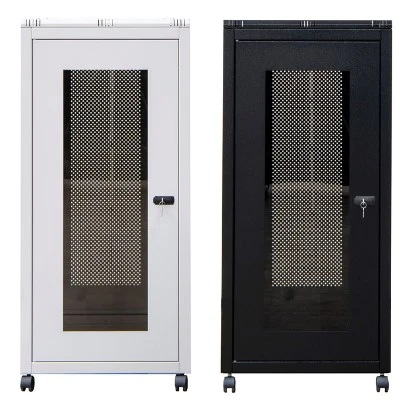
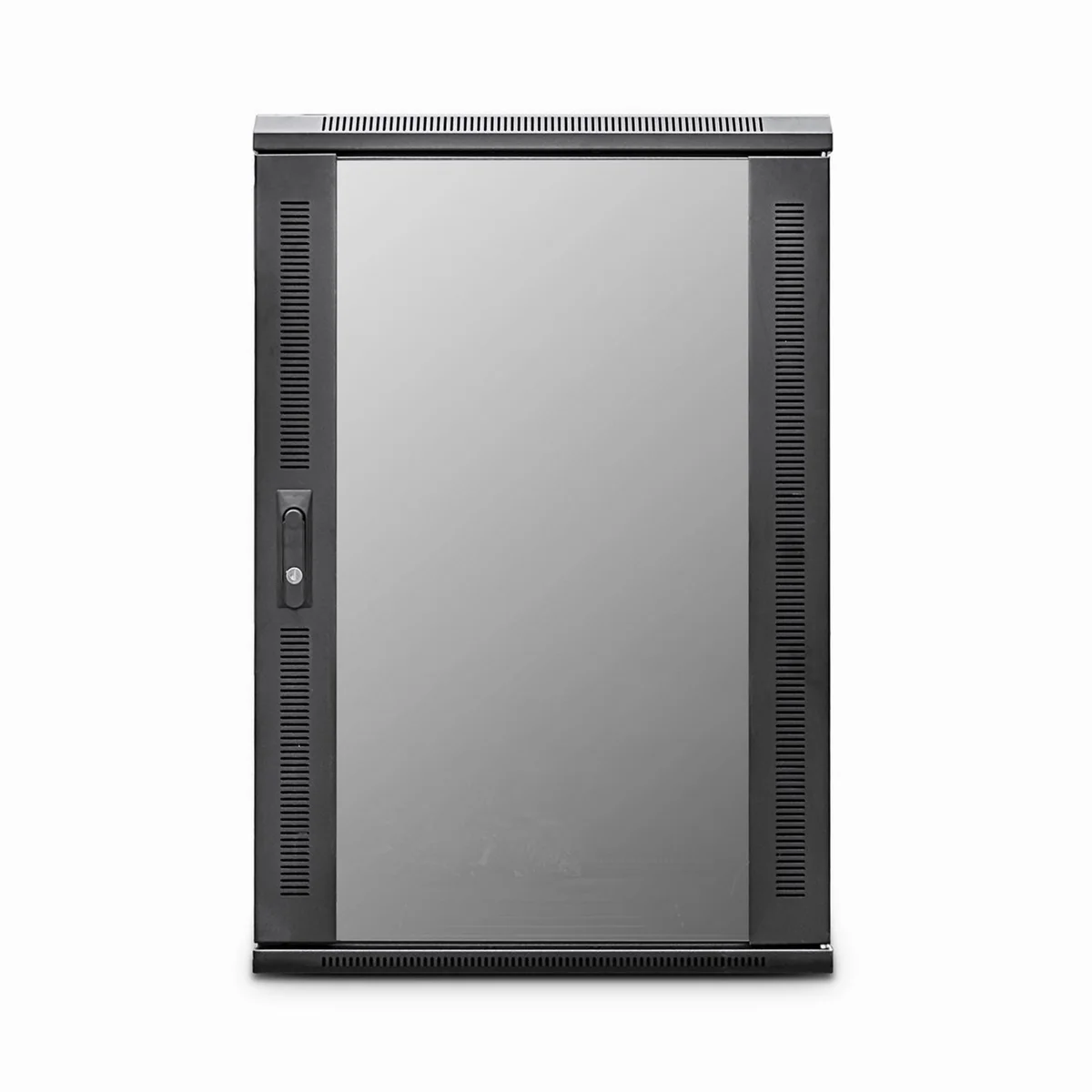
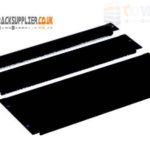 Blanking panel
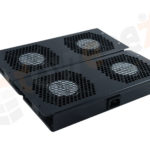 fan units
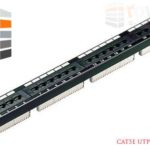 PATCH PANEL
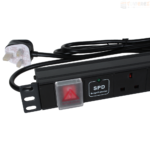 Power Distribution Unit
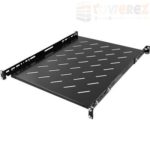 SHELVES
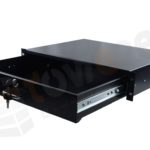 RACK DRAWER
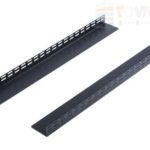 TOWEREZ RAILS
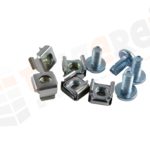 CAGE & NUTS

Network Rack vs Server Rack: What’s the Difference and Which One Do You Need in the UK?

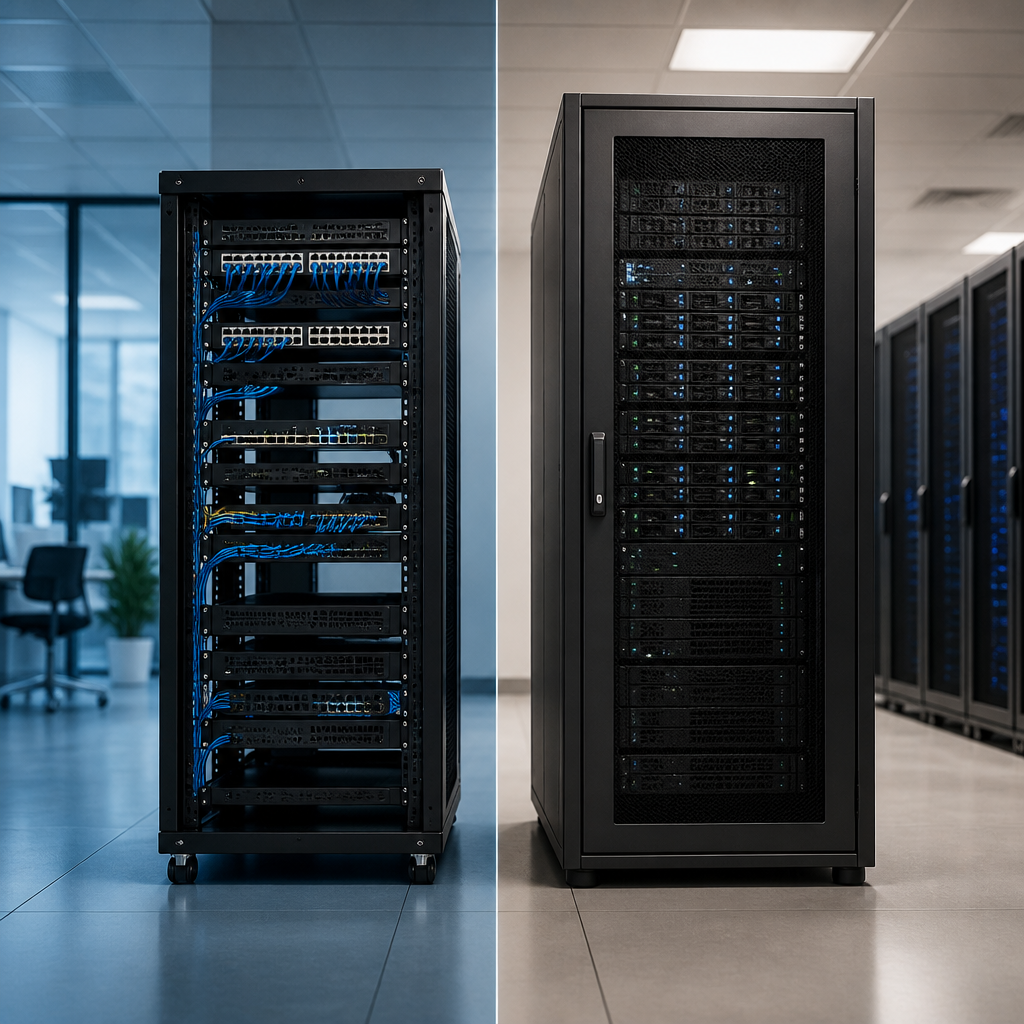
In brief: a network rack is usually designed for switches, patch panels and cabling, while a server rack is built for deeper, heavier equipment that produces more heat. Choose a network rack for compact connectivity installations; choose a server rack when you need to house servers, storage, UPS systems or other high-density hardware. The right decision in the network rack vs server rack debate depends mainly on equipment depth, heat output, weight, power and future expansion.
Although the terms are often used interchangeably, network racks and server racks are not always the same. Both may use the standard 19-inch mounting format, but their dimensions, airflow arrangements, cable management features and load capacity can differ significantly. Selecting the wrong cabinet can make installation difficult, restrict cooling and leave little room for maintenance.
Network rack vs server rack: the main difference
The simplest distinction is the equipment each rack is intended to support:
- Network racks are generally optimised for switches, routers, patch panels, fibre shelves and structured cabling.
- Server racks are generally optimised for rack servers, storage arrays, UPS units, power distribution units and other deep, high-load equipment.
A network rack is often shallower and may include wider cable access areas, brush panels and improved vertical cable management. A server rack is commonly deeper, stronger and more likely to have perforated doors, removable side panels and provisions for active cooling.
There is no universal rule that makes one cabinet suitable only for networking or only for servers. Many modern cabinets are marketed as universal 19-inch racks and can accommodate both. The important question is whether the cabinet’s internal dimensions and environmental features match the equipment you intend to install.
What is a network rack?
A network rack, sometimes called a network cabinet, is an enclosure for connectivity and communications equipment. Typical contents include Ethernet switches, routers, patch panels, cable management bars, fibre optic termination units and small security or telecommunications appliances.
Network equipment is often relatively shallow compared with a rack server. As a result, network racks may have a smaller usable depth. This can save floor space and make the cabinet easier to install in offices, retail premises, schools, comms rooms and small business environments.
Typical features of a network rack
- Shallower mounting depth: suitable for many switches, patch panels and connectivity devices.
- Strong cable management: space for horizontal and vertical organisers, patch leads and fibre bend-radius control.
- Wall-mounted options: useful where floor space is limited and the equipment load is modest.
- Ventilation: passive ventilation or fan kits to remove heat from active switches and other devices.
- Front and rear access: doors or panels that simplify patching, inspection and maintenance.
- Compact footprint: appropriate for distributed networks and small communications rooms.
A network cabinet should not be selected solely by counting rack units. Check the maximum usable depth, rear clearance, cable entry points and the space required for power supplies. A switch may fit on the mounting rails but still be unsuitable if its power lead, transceiver or patch cables cannot be routed safely.
What is a server rack?
A server rack is a cabinet designed for equipment that is typically deeper, heavier and more demanding in terms of power and cooling. Common examples include 1U and 2U rack servers, storage systems, blade chassis, network appliances, UPS systems and rack-mounted backup hardware.
Server cabinets are usually built with greater depth and a higher static load rating. They may also have perforated front and rear doors to support front-to-back airflow, which is common in server equipment. Some include roof-mounted fan units, cable routing channels, earthing points and lockable split doors.
Typical features of a server rack
- Greater depth: accommodates servers, rails, cable arms and rear connections.
- Higher load capacity: supports heavy servers, storage and uninterruptible power supplies.
- Enhanced airflow: perforated doors and optional fan systems help manage heat.
- Adjustable mounting rails: allow equipment to be positioned correctly within the cabinet.
- Power distribution support: provides room for vertical or horizontal PDUs and cable routing.
- Security and access control: lockable doors and removable panels help protect critical hardware.
Server racks are not automatically better for every installation. A deep cabinet can waste space in a small office and may make cabling harder if the network devices are shallow. It can also cost more than a compact network cabinet without providing a practical benefit.
Network rack vs server rack: comparison table
| Consideration | Network rack | Server rack |
|---|---|---|
| Common equipment | Switches, routers, patch panels and fibre equipment | Servers, storage, UPS systems and deep appliances |
| Typical depth | Shallow to medium | Medium to deep |
| Cooling requirement | Passive ventilation or modest fan assistance | Higher airflow capacity and active cooling options |
| Load requirement | Often moderate | Often high |
| Cable management | Usually a major design priority | Important, particularly around power and rear connections |
| Common installation | Office comms rooms, retail sites and wall-mounted locations | Data rooms, server rooms and equipment suites |
| Best suited to | Connectivity-focused installations | Compute, storage and high-density installations |
How to choose the right rack in the UK
When comparing a network rack vs server rack, assess the complete installation rather than the cabinet label. The following factors are particularly important for UK offices, commercial buildings and data rooms.
1. Measure equipment depth and clearance
Measure from the front mounting ears to the furthest rear point of each device. Then allow space for power connectors, network cables, fibre leads, transceivers, cable management arms and airflow. The usable rack depth should exceed the equipment depth by a sensible margin.
Do not rely on a device being described simply as rack-mountable. Two rack-mountable products can have very different depths. Check the manufacturer’s installation drawing and include any rail kit requirements. Server rails may need additional rear clearance or a particular cabinet depth.
2. Calculate rack units and allow for growth
Rack height is measured in rack units, abbreviated as U. One rack unit is 44.45 mm. A 24U, 27U or 42U cabinet therefore provides different amounts of vertical mounting space, although the external height will be greater than the usable rack-unit measurement.
Add the height of every planned device, including patch panels, shelves, blanking panels and cable managers. Leave room for future equipment and for vertical airflow. Filling every rack unit on day one can create avoidable relocation work later.
3. Match cooling to heat output
Heat management is one of the most important differences between a basic network cabinet and a server cabinet. Switches and routers generate heat, but a cabinet containing multiple servers, storage units and UPS equipment may produce substantially more.
Check how air moves through each device. Many servers draw cool air through the front and exhaust warm air at the rear. The cabinet should support that airflow rather than obstruct it. Perforated doors, roof fans and a suitable room ventilation strategy may be necessary for higher-density installations.
Keep blanking panels in unused front spaces where appropriate. They help prevent hot air from recirculating around equipment. Also avoid placing a heat-producing UPS directly beneath sensitive equipment without considering the manufacturer’s guidance and the cabinet’s ventilation design.
4. Check weight and mounting capacity
Estimate the combined weight of all equipment, shelves, PDUs, batteries and accessories. A rack’s stated load rating may differ depending on whether the load is static, supported by the floor or mounted on pull-out rails.
Wall-mounted network cabinets require particular care. Confirm the wall construction, fixing method, cabinet weight and equipment weight before installation. A masonry wall, stud partition and specialist containment system may require different fixings. Never assume that a wall cabinet can safely support a fully populated server installation.
5. Plan cable entry and bend radius
Good cable management improves reliability and makes future changes easier. Look for top and bottom cable-entry points, removable gland plates, brush strips, vertical managers and enough rear working space.
Fibre optic cables need special attention because excessive bending can damage performance. Follow the cable manufacturer’s minimum bend radius. Copper patch leads should also be routed so that they do not obstruct ventilation or place strain on switch ports.
For a network-focused installation, cable management can be more valuable than additional cabinet depth. A shallow rack with proper vertical organisers may be easier to maintain than a deep server cabinet with no dedicated routing space.
6. Consider power distribution and resilience
Decide where power distribution units will be installed and how supply cables will enter the cabinet. A server rack may need vertical PDUs to preserve rack units for computing equipment. A smaller network rack may use a horizontal PDU, provided it does not interfere with patching or equipment access.
If the installation requires an uninterruptible power supply, check its weight, depth, ventilation and battery replacement requirements. UPS units can be heavy and may generate heat. Confirm whether the rack, floor and electrical installation are suitable for the planned load. Electrical work in the UK should be carried out by a suitably qualified professional and in accordance with applicable requirements.
7. Assess physical security and access
Lockable doors and side panels can help prevent unauthorised access, accidental disconnection and tampering. In an office or shared commercial area, a lockable network cabinet may be essential. In a controlled server room, access control may be provided by the room itself, although cabinet locks can still add protection.
Consider how technicians will work on the equipment. Removable side panels, reversible doors and a split rear door can make maintenance easier. Make sure there is enough clearance in front of and behind the cabinet to open doors and remove equipment safely.
When should you choose a network rack?
A network rack is usually the better choice when the installation is primarily for connectivity equipment. It may suit you if:
- The cabinet will contain switches, patch panels, routers and fibre equipment.
- The equipment is shallow or medium depth.
- Floor space is limited or a wall-mounted solution is appropriate.
- Cable organisation and patching access are the main priorities.
- Heat output and equipment weight are moderate.
- You need a cabinet for a branch office, classroom, shop, reception area or small comms room.
Choose a cabinet with enough depth for the deepest planned device, not merely the smallest switch. If the network is likely to expand into servers, storage or large UPS systems, selecting a deeper floor-standing cabinet from the outset may provide better long-term value.
When should you choose a server rack?
A server rack is generally appropriate when the cabinet will house compute or storage hardware. It is likely to be the better option if:
- You are installing rack servers, storage arrays or deep network appliances.
- Equipment requires sliding rails or rear cable arms.
- The total equipment weight is substantial.
- Heat output requires strong front-to-back airflow.
- You need space for a UPS, multiple PDUs or future expansion.
- The installation is located in a dedicated server room or data room.
A server cabinet can also be used for networking equipment, but make sure its depth does not create unnecessary cable loops or poor access. Use adjustable rails, horizontal cable managers and blanking panels to keep the installation orderly.
Common mistakes to avoid
- Choosing by rack height alone: a cabinet can have enough U space but insufficient depth or load capacity.
- Ignoring the rear of the equipment: connectors, power leads and rails need clearance beyond the chassis.
- Filling every space: a fully packed cabinet leaves less room for cooling and future upgrades.
- Underestimating cable management: disorganised patching can obstruct airflow and complicate fault-finding.
- Mounting heavy equipment too high: place heavier items lower where possible to improve stability and handling.
- Installing a wall cabinet without a load check: verify the wall, fixings and total operating weight.
- Overlooking room conditions: consider temperature, ventilation, dust, water risk and access.
Key takeaways
- A network rack is normally shallower and optimised for switches, patch panels and cabling.
- A server rack is normally deeper and stronger, with greater emphasis on cooling and power.
- Measure equipment depth, cable clearance, rack units and total weight before buying.
- Use a wall-mounted network cabinet only when the wall and load are suitable.
- Choose a universal or deeper cabinet if future servers, storage or UPS equipment are likely.
- Good airflow, cable management and maintenance access matter as much as cabinet size.
FAQs
Is a network rack the same as a server rack?
No. Both may use 19-inch mounting rails, but a network rack is often shallower and designed around switches, patch panels and cabling. A server rack is usually deeper and stronger for servers, storage, UPS systems and other high-density equipment. Some universal cabinets can support both types.
Can I put a server in a network rack?
Sometimes. Check the server’s chassis depth, rail requirements, cable clearance, airflow direction and the cabinet’s load rating. If the server is deep or heavy, a purpose-built server rack is usually safer and easier to maintain.
What rack depth do I need for a server?
Use the server manufacturer’s overall depth and rail requirements as the starting point. Add clearance for rear connectors, power cables and cable management arms. The cabinet’s stated usable depth, rather than its external depth, must exceed the complete installed arrangement.
Is a wall-mounted network cabinet suitable for a switch?
It can be suitable for a switch if the cabinet is deep enough, properly ventilated and correctly fixed to the wall. Confirm the combined weight of the cabinet, switch, patch panels and cables. A wall-mounted cabinet is generally less suitable for heavy servers or large UPS units.
How many rack units should I allow for future expansion?
There is no single correct allowance because it depends on your equipment roadmap. List the planned devices, add their rack-unit heights and reserve additional space for cable management, blanking panels and likely upgrades. Avoid selecting a cabinet that will be full immediately after installation.
Do server racks need fans?
Not always. The need depends on the heat output of the equipment, the room’s cooling system and the cabinet’s airflow design. Low-density network equipment may work with passive ventilation, while a dense server installation may require a cabinet fan system and appropriate room cooling.
{“@context”:”https://schema.org”,”@type”:”FAQPage”,”mainEntity”:[{“@type”:”Question”,”name”:”Is a network rack the same as a server rack?”,”acceptedAnswer”:{“@type”:”Answer”,”text”:”No. Both may use 19-inch mounting rails, but a network rack is often shallower and designed around switches, patch panels and cabling. A server rack is usually deeper and stronger for servers, storage, UPS systems and other high-density equipment. Some universal cabinets can support both types.”}},{“@type”:”Question”,”name”:”Can I put a server in a network rack?”,”acceptedAnswer”:{“@type”:”Answer”,”text”:”Sometimes. Check the server’s chassis depth, rail requirements, cable clearance, airflow direction and the cabinet’s load rating. If the server is deep or heavy, a purpose-built server rack is usually safer and easier to maintain.”}},{“@type”:”Question”,”name”:”What rack depth do I need for a server?”,”acceptedAnswer”:{“@type”:”Answer”,”text”:”Use the server manufacturer’s overall depth and rail requirements as the starting point. Add clearance for rear connectors, power cables and cable management arms. The cabinet’s stated usable depth, rather than its external depth, must exceed the complete installed arrangement.”}},{“@type”:”Question”,”name”:”Is a wall-mounted network cabinet suitable for a switch?”,”acceptedAnswer”:{“@type”:”Answer”,”text”:”It can be suitable for a switch if the cabinet is deep enough, properly ventilated and correctly fixed to the wall. Confirm the combined weight of the cabinet, switch, patch panels and cables. A wall-mounted cabinet is generally less suitable for heavy servers or large UPS units.”}},{“@type”:”Question”,”name”:”How many rack units should I allow for future expansion?”,”acceptedAnswer”:{“@type”:”Answer”,”text”:”There is no single correct allowance because it depends on your equipment roadmap. List the planned devices, add their rack-unit heights and reserve additional space for cable management, blanking panels and likely upgrades. Avoid selecting a cabinet that will be full immediately after installation.”}},{“@type”:”Question”,”name”:”Do server racks need fans?”,”acceptedAnswer”:{“@type”:”Answer”,”text”:”Not always. The need depends on the heat output of the equipment, the room’s cooling system and the cabinet’s airflow design. Low-density network equipment may work with passive ventilation, while a dense server installation may require a cabinet fan system and appropriate room cooling.”}}]}