
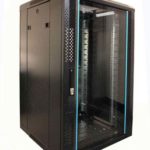
 FREE STANDING CABINETS
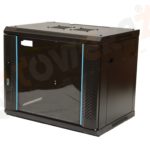 WALL MOUNTED CABINETS
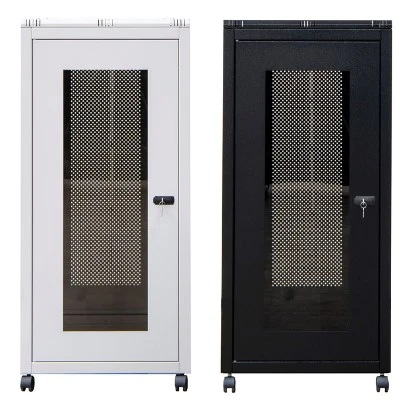
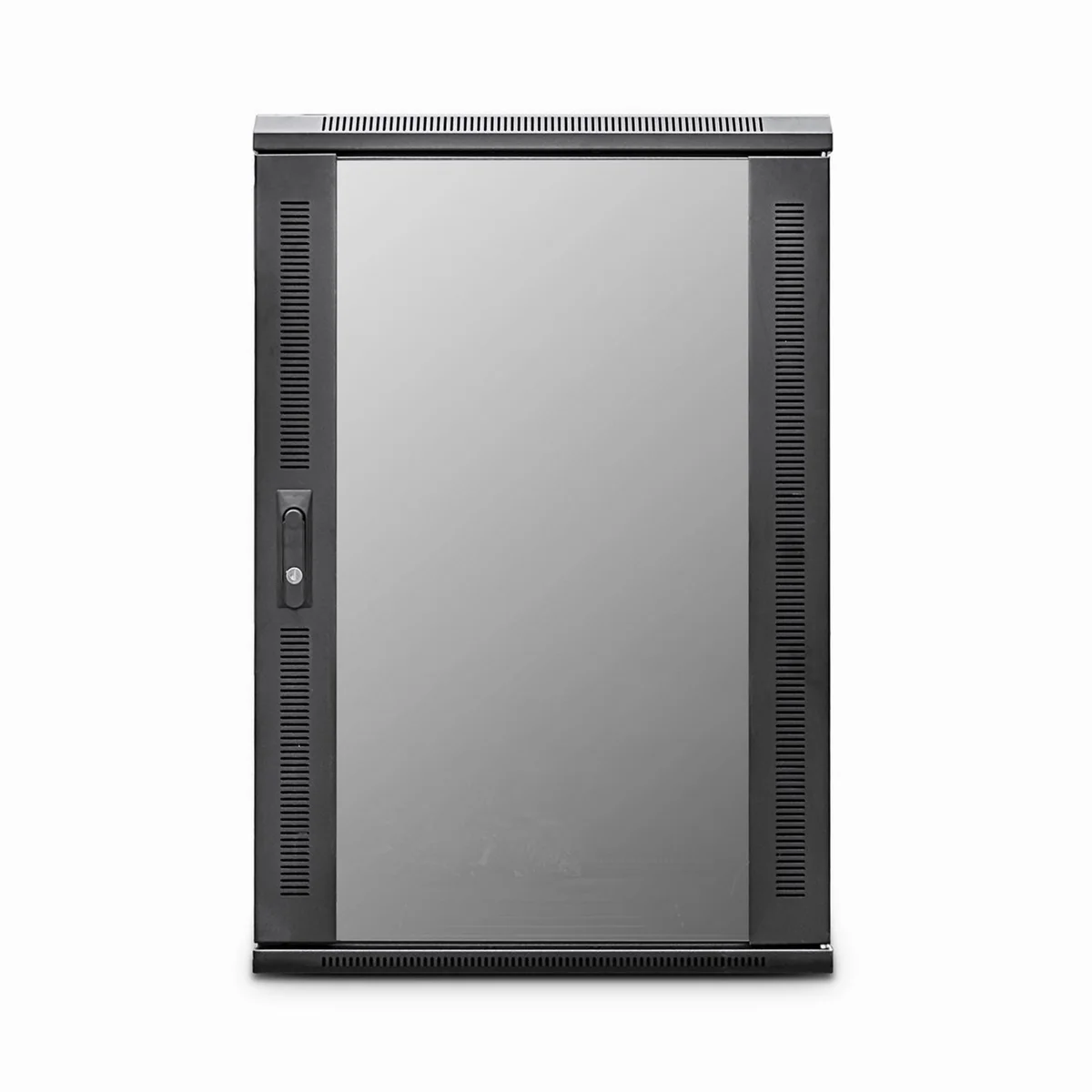
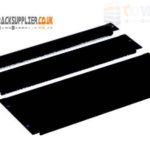 Blanking panel
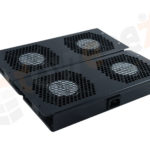 fan units
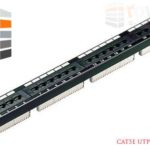 PATCH PANEL
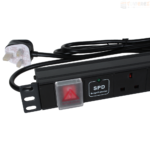 Power Distribution Unit
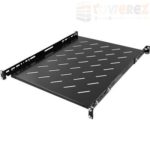 SHELVES
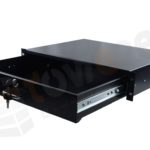 RACK DRAWER
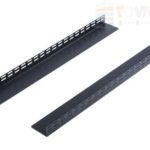 TOWEREZ RAILS
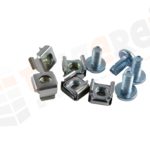 CAGE & NUTS

Server Rack Buying Guide: Sizes, Types, Dimensions and Essential Accessories

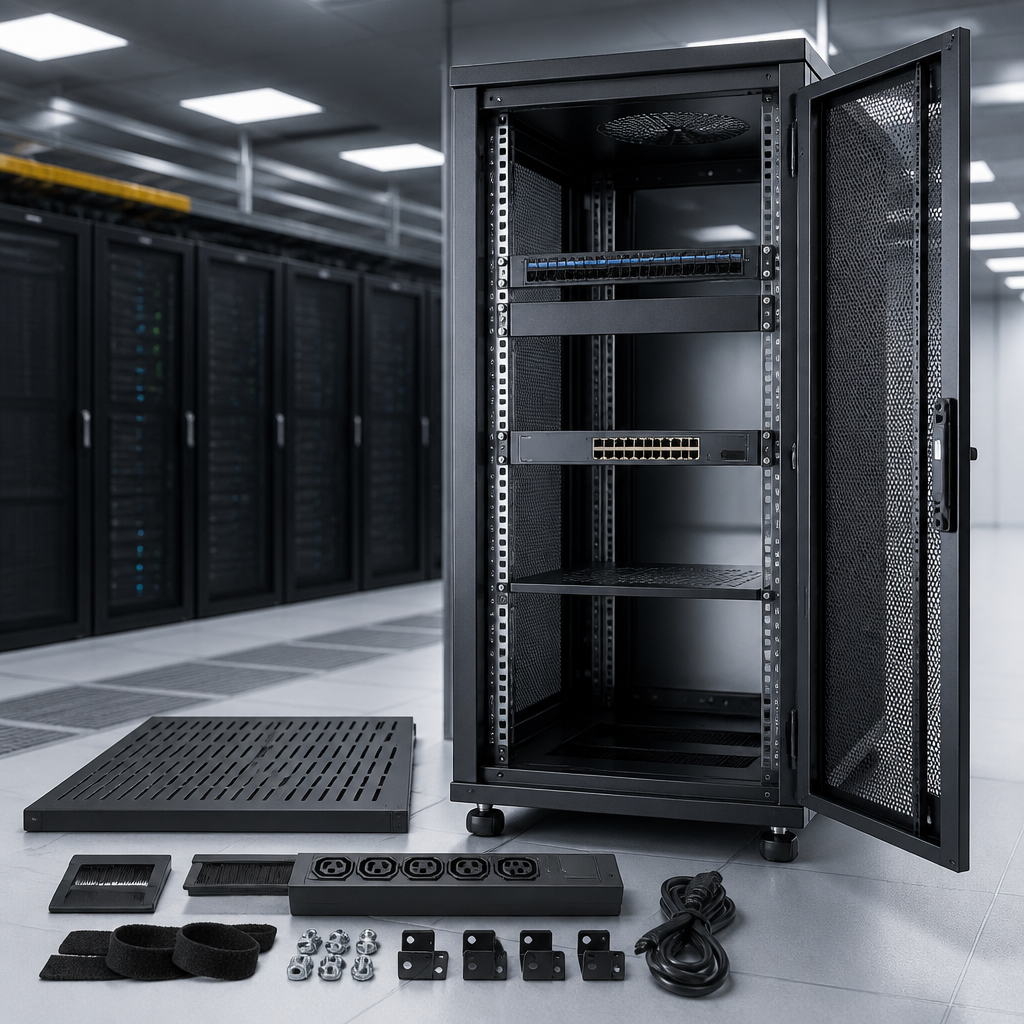
The right server rack depends on your equipment size, available floor space, airflow needs, security requirements and room for future expansion. Measure your hardware and installation area first, then choose the rack type, height, depth and accessories that support reliable operation.
What Is a Server Rack?
A server rack is a standardized frame or cabinet for mounting servers, switches, patch panels, power distribution units and other IT equipment. Most rack-mounted devices use a 19-inch mounting width, although the rack’s external width is usually greater because of its frame, doors and side panels.
Rack height is measured in rack units, written as U. One rack unit is 1.75 inches (44.45 mm) high. For example, a 12U rack provides 21 inches of vertical mounting space, before allowing for cable management and unused space.
Server Rack Sizes and Dimensions
Three dimensions matter when selecting a rack:
- Height: Measured in U, it determines how much equipment can be mounted vertically.
- Width: A 19-inch mounting width is standard for most IT equipment. Confirm the usable rail width before buying.
- Depth: The rack must accommodate the equipment chassis, rear cables, power plugs and airflow clearance.
Common choices range from compact wall-mounted racks for networking hardware to full-height floor cabinets for servers and storage systems. Do not select a rack based only on the equipment’s listed depth. Check the manufacturer’s maximum equipment depth and leave additional room behind the device for power and data cables.
| Rack characteristic | What to check | Best practice |
|---|---|---|
| Height | Total equipment height in U | Reserve space for expansion and airflow |
| Mounting width | Compatibility with 19-inch equipment | Verify rail spacing and mounting hardware |
| Usable depth | Chassis length plus rear clearance | Allow room for cables and ventilation |
| Weight capacity | Combined weight of installed devices | Choose a rack rated above the planned load |
Types of Server Racks
Enclosed server cabinets
Enclosed cabinets have doors and removable side panels. They provide physical protection, controlled cable access and better security, making them suitable for server rooms, offices and shared spaces. Look for lockable doors, adjustable rails and ventilated panels.
Open-frame racks
Open-frame racks offer easy access, simple installation and strong airflow. They are useful in dedicated equipment rooms where security and dust protection are less important. Because the sides are exposed, they require a controlled environment and careful cable management.
Wall-mounted racks
Wall-mounted racks save floor space and work well for switches, patch panels, small UPS units and communications equipment. Confirm the wall structure and mounting method can support the fully loaded rack. A swing-out design can make rear access easier.
Two-post and four-post racks
Two-post racks are lightweight and economical for patch panels and network switches. Four-post racks provide better support for deeper or heavier servers and usually offer adjustable front and rear rails. Select four-post construction when equipment needs support at both the front and rear.
Essential Server Rack Accessories
The rack itself is only part of a reliable installation. Consider these accessories:
- Rack shelves: Support non-rack-mountable equipment such as monitors, small appliances or controllers.
- Rack rails and cage nuts: Provide secure mounting for compatible devices.
- Power distribution units: Distribute power across the rack and simplify equipment connections.
- Vertical and horizontal cable managers: Keep power and data cables organized and improve service access.
- Blanking panels: Cover unused spaces and help maintain front-to-back airflow in enclosed cabinets.
- Fans and ventilation panels: Help remove heat where the room’s cooling system or equipment load requires extra airflow.
- Grounding hardware: Supports safe bonding of the cabinet, doors and installed equipment.
- Casters and leveling feet: Make a floor cabinet easier to position while providing stable final support.
How to Choose the Right Server Rack
- List every device and record its height, depth, width, weight and power connections.
- Add spare rack units for future equipment, cable access and ventilation.
- Measure doorways, corridors and the final installation area before ordering.
- Choose an enclosed cabinet for security and protection, or an open frame for accessibility and airflow.
- Confirm the rack’s load rating, rail adjustment range and accessory compatibility.
- Plan cable paths, power distribution and cooling before mounting equipment.
Key takeaway: A good rack provides more than a physical frame. It should safely support the equipment, allow airflow, simplify maintenance and leave practical room for growth.
Frequently Asked Questions
What size server rack do I need?
Choose a rack that fits the total height, depth and weight of your equipment, then add spare capacity for future expansion. Measure the deepest device and include rear cable clearance.
Are all server racks 19 inches wide?
Most rack-mounted IT equipment is designed for a 19-inch mounting width, but external rack dimensions vary. Always check the equipment and rack specifications before purchase.
Is an enclosed cabinet better than an open-frame rack?
An enclosed cabinet is better when security, dust protection and controlled cable access matter. An open-frame rack is often preferable for easy access, lower cost and high airflow in a dedicated equipment room.
How much empty space should a server rack have?
Leave enough space for planned expansion, cable routing and airflow. The exact amount depends on the equipment, cooling design and operational requirements, but a completely full rack can make installation and maintenance more difficult.