
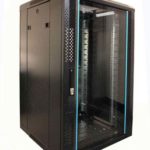
 FREE STANDING CABINETS
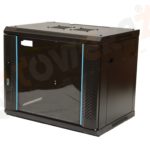 WALL MOUNTED CABINETS
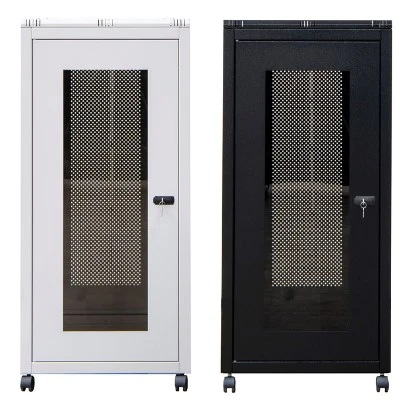
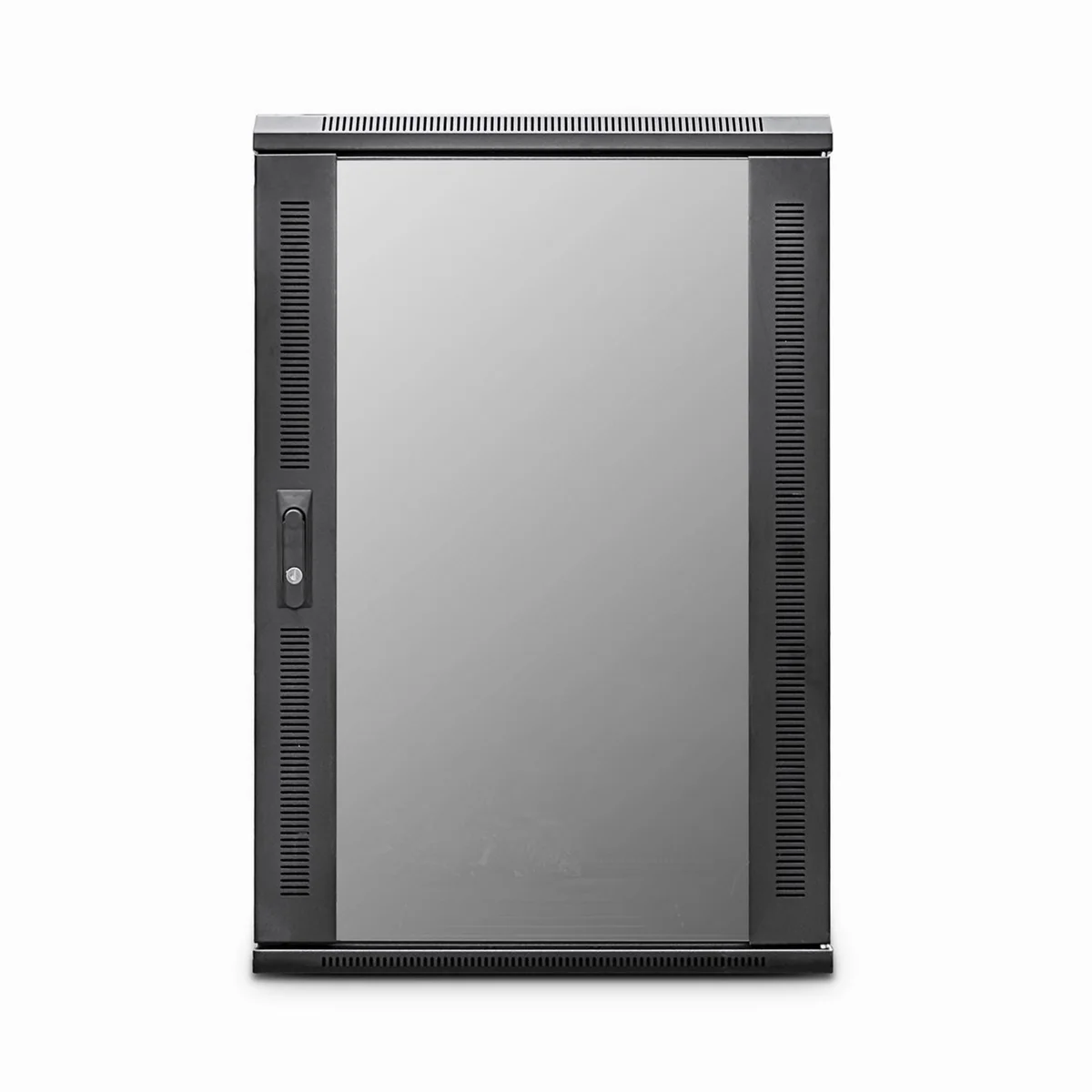
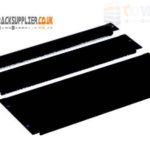 Blanking panel
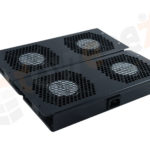 fan units
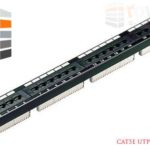 PATCH PANEL
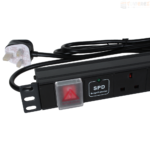 Power Distribution Unit
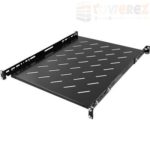 SHELVES
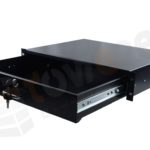 RACK DRAWER
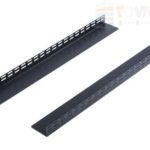 TOWEREZ RAILS
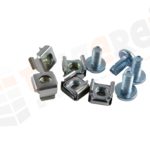 CAGE & NUTS

Server Cabinets: How to Choose the Right Size, Cooling and Access

Quick Answer
Server cabinets are enclosed racks that organize and protect servers, switches, storage and supporting equipment. Choose one by checking rack-unit capacity, rail compatibility, usable depth, load rating, airflow, cable space and access. Match the cabinet to your equipment and room conditions rather than selecting by external dimensions alone.
Key Takeaways
- Check usable mounting depth and equipment rail requirements; external cabinet depth does not confirm compatibility.
- Plan rack-unit capacity, weight and power together, including realistic expansion needs.
- Match cabinet ventilation to equipment airflow and the room’s ability to remove heat.
- Reserve space for power distribution, cable bends and maintenance access.
- Use appropriate locks, installation hardware and electrical bonding without treating the enclosure as a complete security or safety solution.
Server Cabinet vs. Server Rack: What Is the Difference?
A server rack is the mounting structure used to hold IT equipment. A server cabinet generally adds doors and side panels around that structure. Suppliers sometimes use the terms interchangeably, so check the enclosure specification rather than relying on the product name.
An open-frame rack offers straightforward access and may suit a controlled equipment room. An enclosed cabinet provides a physical access barrier and can support more deliberate airflow management. It also introduces practical questions about door ventilation, panel removal and working clearance.
Neither design automatically solves cooling, dust or noise problems. Those outcomes depend on the enclosure, installed equipment and surrounding room.
Start With an Equipment Inventory
Before comparing cabinets, list every device you intend to install. Include servers, storage systems, network switches, patch panels, uninterruptible power supplies (UPS units), shelves and rack-mounted accessories.
For each item, record its rack height, chassis depth, installed weight, power requirements and airflow direction. Also identify its mounting method: sliding rails, fixed rails, brackets or a shelf.
Check the equipment manufacturer’s installation documentation. A cabinet can offer enough empty space yet still be incompatible with a particular rail kit. Account for a realistic expansion plan, but do not treat spare rack units as proof that spare electrical or cooling capacity exists.
How to Size Server Cabinets Correctly
Rack Height and Mounting Width
Rack height is expressed in rack units, abbreviated U. One rack unit equals 1.75 inches of vertical mounting space. Add the U requirements of your equipment, then include space for rack-mounted accessories and planned additions.
Many IT devices use the 19-inch rack mounting format. This describes the mounting interface, not the cabinet’s outside width. Wider cabinet bodies can provide extra side space for cable management, but the internal arrangement still needs checking.
Usable Depth and Rail Compatibility
External depth is not the same as usable equipment depth. Check the adjustable distance between the front and rear mounting posts, the rail kit’s supported range, and clearance behind the equipment for connectors and cables.
Rear-mounted power distribution units (PDUs), cable managers and door hardware can reduce available space. Front handles and cable-management arms may also affect clearance. Confirm that equipment can slide out for maintenance without cable strain.
Load Rating and Floor Support
Calculate the combined installed weight, including accessories. Distinguish between static capacity and any rating for moving a loaded cabinet: a cabinet rated for a stationary load may not support that same load while rolling.
Check floor suitability and, for wall-mounted cabinets, the wall structure and specified fixing method. Place heavy equipment low in the cabinet, subject to manufacturer guidance, and follow requirements for stabilization or anchoring.
| Specification | What to verify |
|---|---|
| Rack-unit capacity | Installed equipment, accessories and planned expansion fit. |
| Mounting interface | Hole type, hardware and rails match the equipment. |
| Usable depth | Posts, doors, cables and PDUs leave adequate clearance. |
| Load capacity | The cabinet and installation surface support the intended load. |
| External dimensions | The cabinet fits its location and delivery route. |
Plan Airflow Before Adding Fans
A cabinet does not remove heat by itself. It must allow equipment to receive suitable intake air and discharge heated air into a room or cooling system capable of handling it.
Many rack servers move air from front to rear, making ventilated front and rear doors appropriate in many installations. Network switches can use different airflow directions. Check each device rather than assuming everything in the cabinet follows the same pattern.
For front-to-rear equipment, blanking panels in unused rack spaces can help limit hot exhaust air recirculating toward the front. Keep cable bundles away from vents and preserve the clearances specified for the equipment.
Cabinet fans may help a particular enclosure design, but they are not a substitute for adequate room cooling. Assess their airflow path rather than assuming more fans always improve temperatures. Monitor equipment inlet temperatures during normal operation and representative high-load conditions.
If noise or dust is a concern, choose a purpose-designed enclosure and assess its cooling requirements. Sealing an ordinary cabinet to make it quieter can restrict airflow and raise equipment temperatures.
Coordinate Power Distribution and Cable Management
Select rack PDUs to match the available supply, equipment plugs, required outlets and anticipated electrical load. Consider how their position affects rear access and server rail movement.
If equipment has dual power supplies and needs power-path redundancy, connecting both supplies to outlets on the same upstream circuit does not provide independent power paths. Have the electrical design reviewed by an appropriately qualified professional.
Leave room for patch leads, power cords and service loops without blocking airflow. Respect cable bend limits, especially for fiber connections, and label both ends of each cable. Keep cable routes organized so a routine replacement does not require disturbing unrelated connections.
Follow manufacturer instructions and applicable electrical requirements for grounding and bonding. Do not assume that bolting metal parts together provides every required electrical connection.
Choose Security and Service Access Together
Lockable doors and side panels can discourage casual interference, particularly in shared premises. Evaluate every access point, including removable panels and cable openings. A locking front door alone does not secure an enclosure with freely removable sides.
For sensitive equipment, combine cabinet controls with appropriate room access procedures and key or credential management.
Allow enough space to open doors, remove panels and service equipment safely. Check whether doors are reversible or removable and whether adjoining cabinets will block side access. Sliding rails are useful only when there is enough working space in front of the enclosure.
Match the Cabinet to Its Location
- Dedicated equipment room: Prioritize equipment compatibility, airflow, accessible cable routes and service clearance.
- Shared office: Assess noise, heat, locks and safe placement. A standard ventilated cabinet offers little sound isolation.
- Small network installation: A wall-mounted cabinet may suit patch panels and compact switches, provided depth, weight and wall support are adequate.
- Dusty or exposed location: Look for an enclosure with documented environmental protection and a compatible cooling approach.
Finally, measure the delivery route. Doors, lifts, stairs and tight turns can rule out a cabinet that fits perfectly in its intended room. Confirm whether it arrives assembled and whether removable parts affect handling.
Pre-Purchase Checklist
Before ordering, confirm these details in the relevant product documentation:
- Every device and rail kit fits the mounting posts and usable depth.
- Total weight stays within applicable cabinet and support limits.
- Intake and exhaust paths remain clear with doors closed.
- PDUs and cables do not obstruct maintenance or door closure.
- The room has suitable power, cooling and working clearance.
- Required rails, shelves, fasteners, panels and stabilization hardware are included or budgeted separately.
Frequently Asked Questions
What Size Server Cabinet Do I Need?
Add your equipment’s rack-unit requirements, then allow for accessories and planned expansion. Separately verify mounting depth, rail compatibility, weight and cable clearance. Height alone is not enough to select a cabinet.
Can a Network Cabinet Hold Servers?
Sometimes. A cabinet marketed for networking may be too shallow or lack suitable rear mounting posts for server rails. Check the specific server, rail kit and cabinet specifications before buying.
Do Server Cabinets Need Fans?
Not always. Ventilated cabinets can rely on equipment fans and suitable room cooling. Additional fans should support a defined airflow path; they cannot compensate for a room that cannot remove the generated heat.
Should I Leave Gaps Between Servers?
Follow each device’s installation instructions. Many front-to-rear rack servers are designed for adjacent mounting. Unused spaces may need blanking panels to limit air recirculation rather than being left open.
Does a Locked Cabinet Provide Complete Physical Security?
No. Locks are one layer of protection. Security also depends on side panels, other openings, enclosure construction, room access and how keys or access credentials are controlled.
One thought on “Server Cabinets: How to Choose the Right Size, Cooling and Access”