
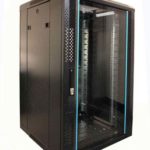
 FREE STANDING CABINETS
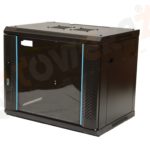 WALL MOUNTED CABINETS
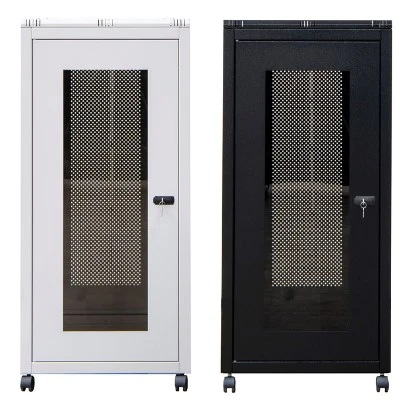
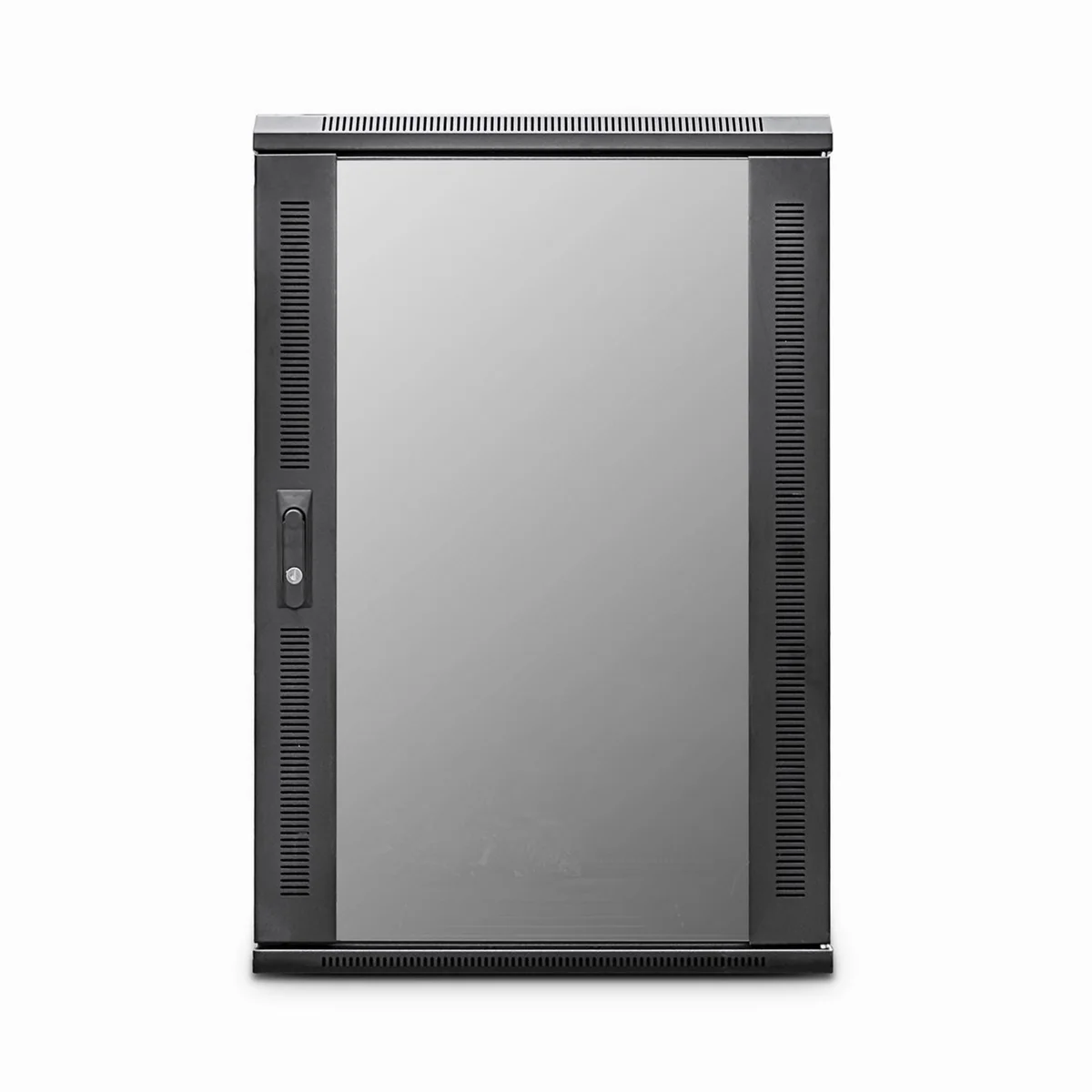
 Blanking panel
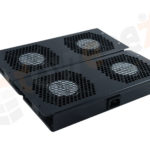 fan units
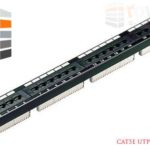 PATCH PANEL
 Power Distribution Unit
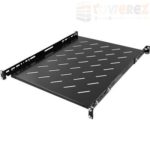 SHELVES
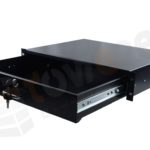 RACK DRAWER
 TOWEREZ RAILS
 CAGE & NUTS

What Is a Data Cabinet? A UK Guide to Network, Server and Comms Cabinets

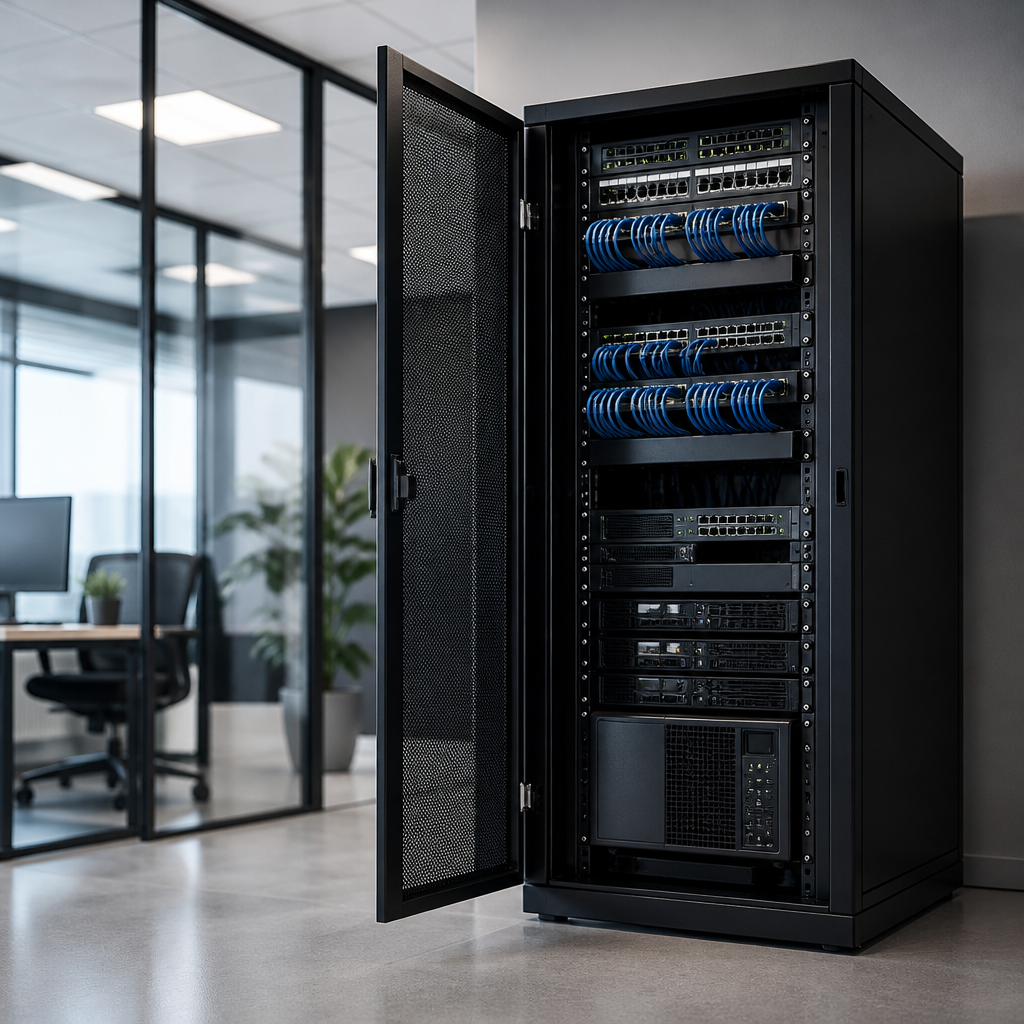
A data cabinet is an enclosure that houses, protects and organises networking, server and telecommunications equipment. In the UK, data cabinets are commonly used for switches, patch panels, routers, servers, power distribution units and fibre equipment in offices, schools, retail premises, industrial sites and data rooms.
Choosing the right cabinet is about more than finding a box that fits. You need to consider equipment size, rack units, depth, weight, airflow, security, cable routing, power and future expansion. This guide explains the main cabinet types and the practical decisions involved in selecting and installing one.
What Is a Data Cabinet?
A data cabinet is a structured metal enclosure built around a standard 19-inch rack mounting format. Equipment is fixed into the cabinet using vertical mounting rails, usually with cage nuts, screws or tool-less mounting hardware. The cabinet may be wall-mounted or floor-standing, depending on the amount and type of equipment it needs to support.
The terms data cabinet, network cabinet, server cabinet and comms cabinet are often used interchangeably. However, the design can vary considerably. A compact wall cabinet may hold a patch panel and network switch, while a deep floor cabinet may be designed for servers, backup hardware and heavier power equipment.
Good cabinet design creates a controlled location for critical equipment. It can reduce accidental damage, improve cable identification, support ventilation and make maintenance safer and faster.
What Does a Data Cabinet Contain?
The contents depend on the installation, but a typical cabinet may include:
- Patch panels: terminate and organise copper network cabling.
- Network switches: connect wired devices and distribute network traffic.
- Routers and firewalls: manage connections between networks and external services.
- Servers: provide applications, storage, virtual machines or other services.
- Fibre panels: protect and manage fibre optic connections.
- Power distribution units: provide organised power outlets for rack equipment.
- Uninterruptible power supplies: help maintain power during short interruptions and allow controlled shutdowns.
- Cable management accessories: keep copper, fibre and power cables separated and easy to trace.
- Shelves and blanking panels: support non-rack equipment and close unused spaces.
Not every installation needs all of these components. A small office may only require a patch panel, switch, PDU and cable manager. A larger environment may need several cabinets, dedicated cooling, monitored power and carefully planned airflow.
Why Use a Data Cabinet?
Protection and security
A lockable cabinet helps restrict access to switches, patch panels, servers and power connections. This is particularly useful in shared offices, schools, shops and areas where unauthorised access or accidental interference is possible. Doors and side panels can also protect equipment from knocks, dust and snagged cables.
Organisation and easier maintenance
Unstructured equipment and loose cables make faults harder to diagnose. A properly arranged cabinet gives each item a defined position and provides routes for horizontal and vertical cable management. Clear labelling makes it easier to identify ports, trace connections and replace equipment.
Improved airflow
Active network and server equipment produces heat. A cabinet with suitable ventilation, spacing and airflow direction can help equipment operate within its intended temperature range. Blanking panels are useful in server cabinets because they help prevent hot air from circulating through empty spaces.
Scalability
Installing a cabinet with some spare rack capacity makes future changes easier. It may provide room for an additional switch, patch panel, fibre shelf or backup device without requiring a complete reinstallation.
Types of Data Cabinet
Wall-mounted data cabinet
A wall-mounted data cabinet is suitable where floor space is limited and the equipment is relatively light. Common uses include small offices, retail units, classrooms and branch locations. Typical contents include patch panels, switches, routers and small power accessories.
Before choosing a wall cabinet, check the wall construction and the total loaded weight. Brick, block and suitable structural walls may support a cabinet when correctly fixed, but the mounting method should match the substrate. Allow enough clearance for the door, cables and maintenance access.
Floor-standing network cabinet
A floor-standing network cabinet provides more internal height, depth and weight capacity. It is often used for larger structured cabling installations, multiple switches, fibre equipment, storage devices and mixed network hardware.
Floor cabinets may have removable side panels, lockable front and rear doors, adjustable mounting rails, castors and levelling feet. A cabinet on castors can be useful during installation, but it should be levelled and secured according to the manufacturer’s instructions.
Server cabinet
A server cabinet is generally deeper and stronger than a compact network cabinet. It is designed to accommodate rack servers, storage arrays, heavier UPS systems and equipment that requires front-to-back airflow. Check the equipment depth, rail compatibility and rear clearance before ordering.
Open-frame rack
An open-frame rack provides easy access and good natural airflow, but it offers less physical security and dust protection than an enclosed cabinet. It can be appropriate in a controlled plant room or dedicated data room, but it may not be suitable in a public or shared area.
Understanding Rack Units and Cabinet Size
Cabinet height is normally described in rack units, written as U. One rack unit is 44.45 mm of vertical equipment height. A 42U cabinet, for example, has space for equipment occupying up to 42 rack units, subject to the cabinet’s usable mounting area and installation requirements.
Equipment may be 1U, 2U, 4U or another height. Add the rack units of each item together, then allow space for cable management, ventilation, power equipment and future growth. Avoid planning a cabinet so tightly that every available unit is occupied on day one.
Height is only one measurement. Check these dimensions carefully:
| Measurement | Why it matters |
|---|---|
| Usable rack height | Determines how many rack-mounted devices can be installed. |
| Internal depth | Must accommodate the longest equipment, rails, plugs and rear cable bend. |
| External width | Affects access through doors, corridors and lifts, as well as the installation footprint. |
| Load capacity | Confirms that the cabinet and floor can support the installed equipment. |
| Door and side-panel clearance | Provides room for opening, maintenance and cable access. |
Always use the equipment manufacturer’s dimensions rather than relying only on a nominal rack size. A device can be rack-mountable but still need additional rear clearance for power connectors, fibre leads or airflow.
How to Choose the Right Data Cabinet
1. List the equipment
Make an inventory of every item that will be installed now and any likely additions. Record rack height, depth, weight, power requirements and airflow direction. Include non-rack equipment that may need a shelf.
2. Calculate rack capacity
Add the required rack units and include a sensible allowance for growth. The right allowance depends on the project, but a cabinet that is completely full can be difficult to cable, cool and maintain. If future expansion is uncertain, a larger cabinet or an additional cabinet may be more economical than an early replacement.
3. Check depth and access
Measure the deepest device and allow room behind it. Check whether the cabinet can be accessed from the front only or whether rear access is available. Rear access is valuable for servers, power connections and dense cabling.
4. Plan power distribution
Decide where power will enter the cabinet and how outlets will be distributed. A rack-mounted PDU can reduce loose extension leads, but it must be correctly rated for the connected load. UPS systems also need adequate space, ventilation and consideration of battery weight.
5. Plan airflow and temperature
Identify the equipment’s airflow direction and keep ventilation paths clear. Do not place heat-producing equipment in a poorly ventilated cupboard without assessing the room conditions. Fans, roof ventilation kits or dedicated cooling may be needed for higher-density installations.
6. Consider security and environment
Choose lockable doors if access needs to be controlled. For dusty, damp or industrial environments, investigate the cabinet’s enclosure rating and whether additional filtration or environmental protection is required. An ordinary indoor cabinet should not automatically be treated as weatherproof or suitable for wash-down areas.
Data Cabinet Accessories That Improve the Installation
Accessories can make the difference between a cabinet that merely holds equipment and one that is easy to operate. Useful options include:
- Horizontal cable managers: organise patch leads between panels and switches.
- Vertical cable managers: manage larger cable bundles at the cabinet sides.
- Brush panels and cable entry panels: help route cables while limiting open gaps.
- Blanking panels: close unused rack spaces and support predictable airflow.
- Rack shelves: support equipment that cannot be mounted directly to rails.
- Fibre management trays: protect bend-sensitive fibre connections.
- Earthing and bonding accessories: support appropriate electrical and cabinet safety arrangements.
- Castors, plinths and levelling feet: assist positioning and stability on floor-standing cabinets.
- Temperature and door sensors: provide monitoring where environmental alerts are important.
Use hook-and-loop ties where practical for data cabling. They are easier to adjust than tightly applied plastic ties and reduce the risk of crushing or over-bending cables.
Installing and Organising a Comms Cabinet
Installation should begin with a layout rather than simply filling the cabinet from top to bottom. A common approach is to keep patch panels close to cable entry points, place switches near the patching field and position heavier equipment lower in a floor-standing cabinet. The exact arrangement depends on airflow, access and manufacturer guidance.
- Confirm the cabinet location, wall or floor strength, access route and available power.
- Install the cabinet securely and verify that doors and panels can open fully.
- Fit PDUs, shelves, cable managers and other accessories before loading equipment.
- Mount heavy equipment in a stable position and avoid exceeding the rated load.
- Route copper, fibre and power cables neatly, keeping bend radii within manufacturer guidance.
- Label both ends of each cable and document port connections.
- Check ventilation, earthing, power loading and door clearance before commissioning.
Keep data and power cabling organised and avoid blocking fans or cable-entry points. Where different cable types must share a route, follow the relevant installation guidance and maintain appropriate separation to reduce the risk of interference or accidental damage.
Common Data Cabinet Mistakes to Avoid
- Choosing only by height: a cabinet can have enough U space but not enough depth or rear clearance.
- Ignoring loaded weight: wall cabinets and shelves have limits that must not be exceeded.
- Leaving no growth capacity: a full cabinet is harder to expand and maintain.
- Mixing airflow without a plan: equipment with incompatible airflow directions can create hot spots.
- Using poor cable management: tight bends and tangled patch leads increase troubleshooting time.
- Forgetting door clearance: a cabinet may fit physically but be unusable once installed.
- Overlooking noise: fans, servers and UPS systems may not be appropriate beside occupied work areas.
- Treating every cabinet as weatherproof: indoor and outdoor requirements are different.
Maintenance and Safety
Keep an up-to-date cabinet schedule showing equipment, rack position, power connections and network ports. Review the installation after changes so that labels, diagrams and spare capacity remain accurate.
Inspect fans, filters, doors, locks, cable strain and visible signs of heat or dust. Keep the area around ventilation openings clear. Do not overload PDUs or connect equipment in a way that bypasses required protection. Electrical connections, fixed wiring, earthing and any work subject to UK regulations should be assessed and completed by a suitably competent professional.
Before working in a cabinet, identify the equipment being serviced and consider live power, stored energy, sharp edges and the risk of disconnecting a critical connection. A documented change process is especially important in business-critical environments.
Key Takeaways
- A data cabinet is a secure, organised enclosure for network, server and communications equipment.
- Wall-mounted cabinets suit smaller, lighter installations; floor-standing cabinets provide greater capacity and load support.
- Measure rack height, depth, weight, airflow and cable clearance before buying.
- Allow room for growth and use cable management, labelling and blanking panels to support maintenance.
- Plan power, cooling, security and safe access as part of the cabinet design.
Frequently Asked Questions
What is the difference between a data cabinet and a server cabinet?
A data cabinet is a broad term for an enclosure used for IT and communications equipment. A server cabinet is usually deeper, stronger and better suited to rack servers, storage systems and equipment with front-to-back airflow. The best choice depends on the equipment dimensions, weight and cooling requirements.
How many rack units do I need?
Add the rack height of all current equipment, then allow space for cable management, ventilation and future expansion. Also check the cabinet’s usable height, because accessories and installation clearances can reduce the space available for equipment.
Can a data cabinet be installed in an office?
Yes, provided the location has suitable power, ventilation, access and structural support. Consider noise from fans and servers, cabinet security, door clearance and whether the heat produced by the equipment will affect the room.
Should a network cabinet have a fan?
Not every cabinet requires an added fan. The need depends on equipment heat output, cabinet size, room temperature and natural airflow. A higher-density installation may need fans or dedicated cooling, while a small switch and patch panel installation may not.
Why is cable management important in a comms cabinet?
Good cable management makes ports easier to identify, reduces strain and bend problems, supports airflow and speeds up fault-finding. Labelling both ends and documenting connections is just as important as arranging the cables neatly.
{“@context”:”https://schema.org”,”@type”:”FAQPage”,”mainEntity”:[{“@type”:”Question”,”name”:”What is the difference between a data cabinet and a server cabinet?”,”acceptedAnswer”:{“@type”:”Answer”,”text”:”A data cabinet is a broad term for an enclosure used for IT and communications equipment. A server cabinet is usually deeper, stronger and better suited to rack servers, storage systems and equipment with front-to-back airflow. The best choice depends on the equipment dimensions, weight and cooling requirements.”}},{“@type”:”Question”,”name”:”How many rack units do I need?”,”acceptedAnswer”:{“@type”:”Answer”,”text”:”Add the rack height of all current equipment, then allow space for cable management, ventilation and future expansion. Also check the cabinet’s usable height, because accessories and installation clearances can reduce the space available for equipment.”}},{“@type”:”Question”,”name”:”Can a data cabinet be installed in an office?”,”acceptedAnswer”:{“@type”:”Answer”,”text”:”Yes, provided the location has suitable power, ventilation, access and structural support. Consider noise from fans and servers, cabinet security, door clearance and whether the heat produced by the equipment will affect the room.”}},{“@type”:”Question”,”name”:”Should a network cabinet have a fan?”,”acceptedAnswer”:{“@type”:”Answer”,”text”:”Not every cabinet requires an added fan. The need depends on equipment heat output, cabinet size, room temperature and natural airflow. A higher-density installation may need fans or dedicated cooling, while a small switch and patch panel installation may not.”}},{“@type”:”Question”,”name”:”Why is cable management important in a comms cabinet?”,”acceptedAnswer”:{“@type”:”Answer”,”text”:”Good cable management makes ports easier to identify, reduces strain and bend problems, supports airflow and speeds up fault-finding. Labelling both ends and documenting connections is just as important as arranging the cables neatly.”}}]}