
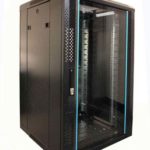
 FREE STANDING CABINETS
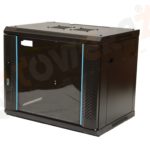 WALL MOUNTED CABINETS
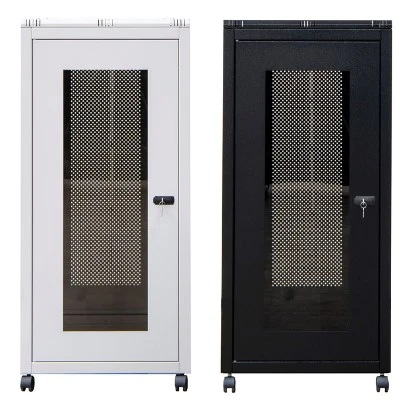
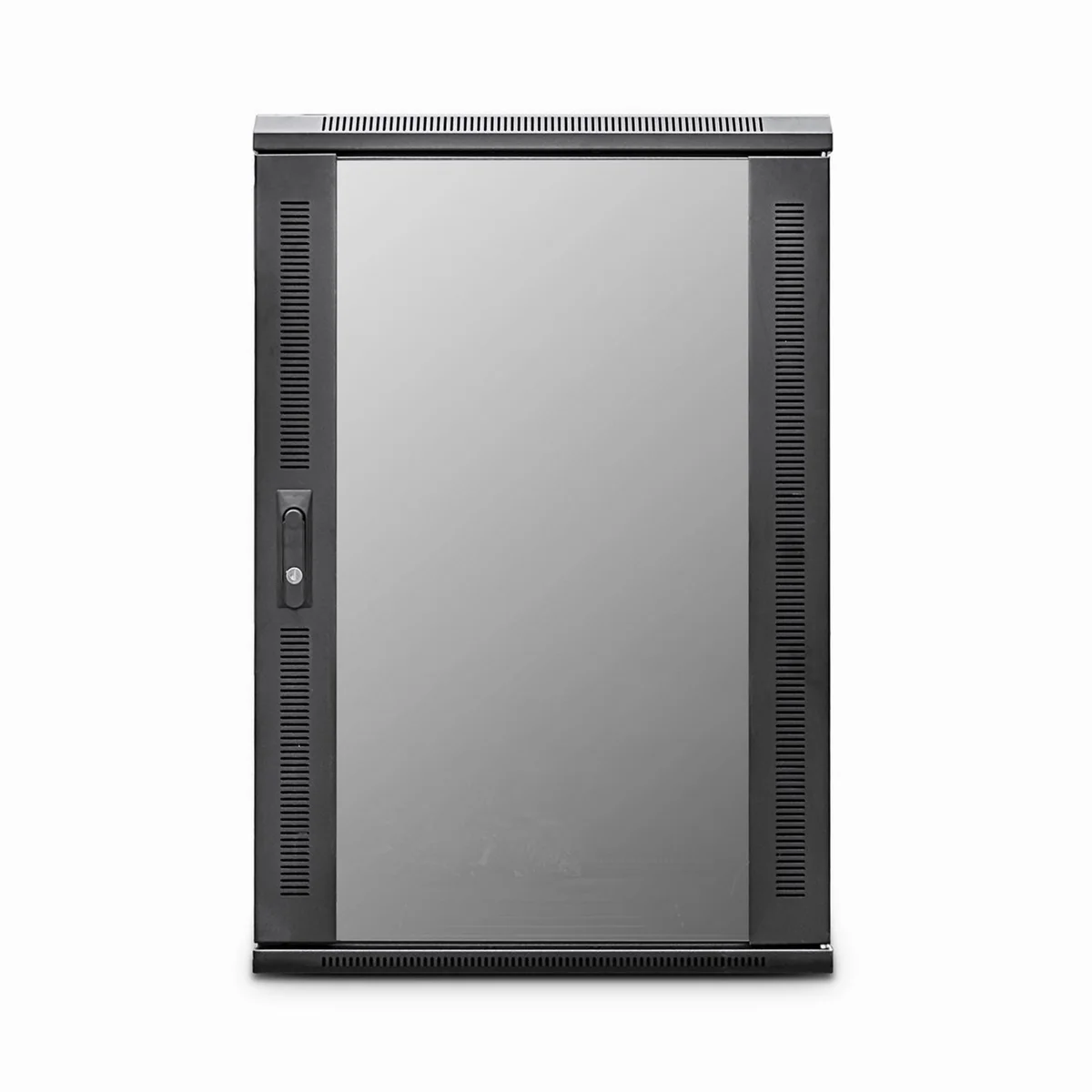
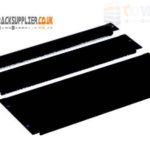 Blanking panel
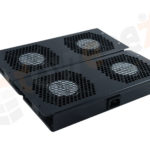 fan units
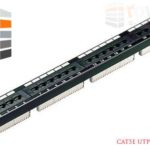 PATCH PANEL
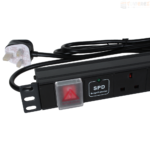 Power Distribution Unit
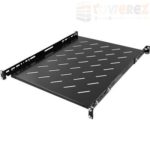 SHELVES
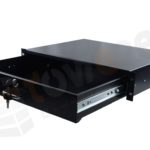 RACK DRAWER
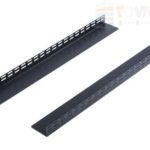 TOWEREZ RAILS
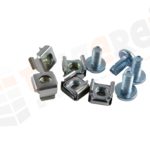 CAGE & NUTS

How Much Does a Data Cabinet Cost in the UK? Prices Explained


In the UK, a data cabinet typically costs between £100 and £2,500 before VAT, depending on its size, construction, security, cooling requirements and included accessories. Small wall-mounted cabinets are usually the least expensive, while large floor-standing server cabinets and fully installed systems cost considerably more. Allow extra budget for shelves, patch panels, cable management, power distribution and installation.
Choosing the right cabinet is not simply a matter of finding the lowest price. The cabinet must safely support your switches, patch panels, servers, power equipment and cabling while leaving enough room for ventilation and future expansion. This guide explains the main factors behind the data cabinet cost UK buyers should expect, plus the additional expenses that can affect the final project price.
Data cabinet cost UK: typical price ranges
Prices vary between suppliers and specifications, but the following ranges provide a useful planning guide. They are indicative rather than fixed quotations, and prices may change according to brand, availability, delivery and custom requirements.
| Cabinet type | Typical price before VAT | Common use |
|---|---|---|
| Small wall-mounted cabinet, 6U to 9U | £80–£250 | Small networks, CCTV and broadband equipment |
| Wall-mounted cabinet, 12U to 18U | £150–£450 | Office switches, patch panels and network hardware |
| Compact floor-standing cabinet, 18U to 27U | £300–£800 | Growing offices and small server installations |
| Standard floor-standing cabinet, 27U to 42U | £500–£1,500 | IT rooms, data rooms and larger networks |
| Premium or specialist cabinet | £1,500–£2,500 or more | High-load, secure, sound-reduced or specialist environments |
The term U means rack unit. One rack unit is 44.45 mm of usable vertical mounting height. For example, a 12U cabinet has approximately 533 mm of rack space, although the external dimensions will be larger.
What affects the price of a data cabinet?
Cabinet size and rack capacity
Size is one of the clearest influences on price. A small 6U cabinet may be adequate for a router, switch and patch panel, whereas a business with several switches, a UPS and a server may need a 24U or 42U enclosure.
It is usually sensible to leave spare rack space. A cabinet that is completely full can make cable management difficult and restrict airflow. Buying a slightly larger cabinet at the outset may be more economical than replacing it when the network expands.
Wall-mounted or floor-standing design
Wall-mounted cabinets are compact and can be suitable where floor space is limited. They are often used for network equipment rather than heavy servers. The wall, fixings and cabinet load rating must be checked before installation, particularly when the cabinet contains a UPS or other heavy equipment.
Floor-standing cabinets generally cost more because they are larger and designed to support greater loads. They may include adjustable mounting rails, castors, levelling feet, removable side panels and improved cable-entry options.
Depth and equipment compatibility
A cabinet may have enough rack units but still be unsuitable if it is not deep enough. Network switches and patch panels often fit in shallow cabinets, while servers, storage systems and some UPS units require greater depth.
Check the usable internal depth rather than relying only on the cabinet’s external dimensions. Leave clearance at the front and rear for power connectors, data cables, airflow and maintenance access.
Construction and load rating
Light-duty cabinets can be appropriate for modest network installations. Heavier equipment requires a stronger frame, suitable mounting rails and a load rating that exceeds the combined weight of the installed hardware.
Steel construction, reinforced doors and quality powder coating can increase the purchase price but may improve durability. A lockable glass or perforated front door can also affect cost, as can removable side panels and a split rear door.
Ventilation and cooling
Passive ventilation may be sufficient for a small switch cabinet. Higher-density installations can require fan trays, roof-mounted fans or a dedicated cooling arrangement. Fan kits and thermostatic controls add to the equipment budget, while specialist cooling can substantially increase the overall project cost.
Do not assume that installing fans solves every thermal problem. Equipment layout, room temperature, cable congestion and front-to-back airflow all matter. The cabinet should support the cooling method recommended by the equipment manufacturers.
Additional costs to include in your budget
The cabinet itself is only one part of the installation. A realistic data cabinet cost UK estimate should account for the supporting components and labour.
- Patch panels: commonly used to terminate and organise copper or fibre cabling.
- Rack shelves: useful for non-rack-mount equipment such as routers, small appliances and monitoring devices.
- Power distribution units: provide organised power connections inside the cabinet. Intelligent or metered models cost more than basic units.
- Cable management: horizontal managers, vertical managers, brush panels and overhead or underfloor routes help maintain airflow and simplify maintenance.
- Fans and ventilation: required where equipment heat output exceeds what passive airflow can handle.
- Blanking panels: close unused rack spaces and help maintain a more controlled airflow path.
- Earthing and bonding: may be necessary depending on the cabinet design, site requirements and electrical installation.
- Security accessories: door locks, electronic access controls and tamper monitoring can raise the total cost.
- Delivery: large cabinets may need specialist handling, timed delivery or delivery to a suitable room rather than a standard kerbside drop.
- Removal and disposal: replacing an old cabinet may involve dismantling, recycling and making good the installation area.
Basic accessories may add only a modest amount to a small cabinet. A fully equipped cabinet with power, shelves, cable management, cooling and patching can add several hundred pounds or more to the project.
How much does data cabinet installation cost?
Installation labour depends on the cabinet type, location and work required. A straightforward installation involving delivery, positioning, wall fixing and basic assembly may cost a few hundred pounds. More complex work can cost substantially more when it includes structured cabling, equipment migration, electrical work, testing or out-of-hours access.
Before requesting a quote, identify the following:
- Whether the cabinet is wall-mounted or floor-standing.
- The delivery route, access restrictions and final installation room.
- Whether power sockets or a dedicated circuit are already available.
- The number and type of data cables entering the cabinet.
- Whether existing equipment must be disconnected and moved.
- Whether the work must be completed outside normal business hours.
- Whether certification, labelling, test results or documentation is required.
Electrical alterations should be assessed and completed by an appropriately qualified professional. Likewise, a cabinet mounted on a wall must be fixed into a suitable structure using fixings appropriate for the load.
How to choose the right cabinet for your business
1. List the equipment first
Record every item that will be installed, including switches, patch panels, servers, routers, firewalls, UPS units and shelves. Note each item’s rack height, depth, weight, power requirements and airflow direction.
2. Calculate current and future rack space
Add the rack units required by the equipment, then reserve space for cable management, power equipment and ventilation. A sensible expansion allowance can prevent an expensive replacement later. However, avoid choosing a very large cabinet if the room, floor loading or cooling system cannot support it.
3. Check the site
Measure doorways, corridors and the available floor or wall area. Check whether the floor is level and strong enough, and confirm that technicians can access the front and rear of the cabinet. A cabinet that fits on paper may be impractical if doors cannot open fully or cables cannot be serviced.
4. Match security to the environment
A lockable cabinet may be sufficient in a controlled IT room. Offices, shared buildings and publicly accessible areas may need stronger physical security or restricted access to the room itself. Consider who can reach the equipment and what level of protection is proportionate to the risk.
5. Plan power and cooling together
Count the power connections and estimate the load of the equipment. Choose a suitable PDU and UPS strategy, if required. At the same time, check heat output and airflow direction. Power capacity and cooling capacity should be planned as one system rather than as separate afterthoughts.
Ways to control your data cabinet cost
- Buy for the application: avoid paying for server-grade features when the cabinet will hold only lightweight network equipment.
- Allow measured expansion: reserve practical spare capacity without buying an unnecessarily oversized enclosure.
- Compare the complete specification: check whether rails, doors, fans, shelves and castors are included or sold separately.
- Consider total delivered cost: include VAT, delivery, handling, installation and disposal when comparing quotations.
- Standardise accessories: using compatible patch panels, PDUs and cable-management components can simplify future changes.
- Protect airflow: good layout and blanking panels can reduce the need for more expensive cooling measures.
- Request an itemised quote: this makes it easier to identify missing components and compare suppliers fairly.
The cheapest cabinet is not always the lowest-cost option over its working life. Poor access, inadequate ventilation or insufficient capacity can lead to downtime and replacement costs. A well-specified cabinet should be secure, maintainable and suitable for the expected equipment load.
Key takeaways
- A small wall-mounted data cabinet may cost approximately £80 to £450 before VAT.
- Floor-standing cabinets commonly range from about £300 to £1,500 before VAT, depending on size and specification.
- Premium, specialist or fully configured cabinets can cost £1,500 to £2,500 or more.
- Installation, power, cooling, cable management and delivery can significantly increase the final price.
- Choose capacity, depth, load rating and airflow based on both current equipment and realistic future needs.
Frequently asked questions
How much does a 12U data cabinet cost in the UK?
A 12U data cabinet commonly costs around £150 to £450 before VAT, depending on depth, construction, door type, lock, ventilation and included accessories. Installation and equipment are normally charged separately.
Is a wall-mounted or floor-standing cabinet cheaper?
A wall-mounted cabinet is usually cheaper for a small installation because it uses less material and has lower capacity. A floor-standing cabinet may offer better support, depth and expansion room, but normally costs more.
Do data cabinet prices include VAT?
Many business equipment prices are displayed before VAT, although this depends on the supplier. Check whether VAT, delivery and installation are included before comparing quotes.
How much spare space should a data cabinet have?
There is no universal percentage that suits every installation. Allow enough spare rack units for planned expansion, cable management and airflow while considering the equipment’s depth, weight and heat output.
Can a data cabinet hold a server and a UPS?
It can, provided the cabinet has sufficient depth, rack capacity, load rating, ventilation and power provision. Check the dimensions and weight of both items, as some UPS units are too deep or heavy for smaller cabinets.
{“@context”:”https://schema.org”,”@type”:”FAQPage”,”mainEntity”:[{“@type”:”Question”,”name”:”How much does a 12U data cabinet cost in the UK?”,”acceptedAnswer”:{“@type”:”Answer”,”text”:”A 12U data cabinet commonly costs around £150 to £450 before VAT, depending on depth, construction, door type, lock, ventilation and included accessories. Installation and equipment are normally charged separately.”}},{“@type”:”Question”,”name”:”Is a wall-mounted or floor-standing cabinet cheaper?”,”acceptedAnswer”:{“@type”:”Answer”,”text”:”A wall-mounted cabinet is usually cheaper for a small installation because it uses less material and has lower capacity. A floor-standing cabinet may offer better support, depth and expansion room, but normally costs more.”}},{“@type”:”Question”,”name”:”Do data cabinet prices include VAT?”,”acceptedAnswer”:{“@type”:”Answer”,”text”:”Many business equipment prices are displayed before VAT, although this depends on the supplier. Check whether VAT, delivery and installation are included before comparing quotes.”}},{“@type”:”Question”,”name”:”How much spare space should a data cabinet have?”,”acceptedAnswer”:{“@type”:”Answer”,”text”:”There is no universal percentage that suits every installation. Allow enough spare rack units for planned expansion, cable management and airflow while considering the equipment’s depth, weight and heat output.”}},{“@type”:”Question”,”name”:”Can a data cabinet hold a server and a UPS?”,”acceptedAnswer”:{“@type”:”Answer”,”text”:”It can, provided the cabinet has sufficient depth, rack capacity, load rating, ventilation and power provision. Check the dimensions and weight of both items, as some UPS units are too deep or heavy for smaller cabinets.”}}]}