
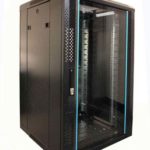
 FREE STANDING CABINETS
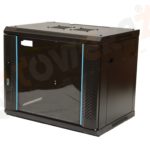 WALL MOUNTED CABINETS
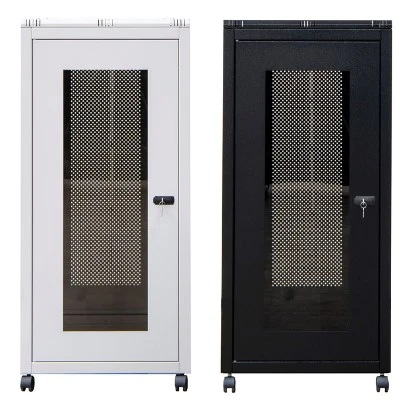
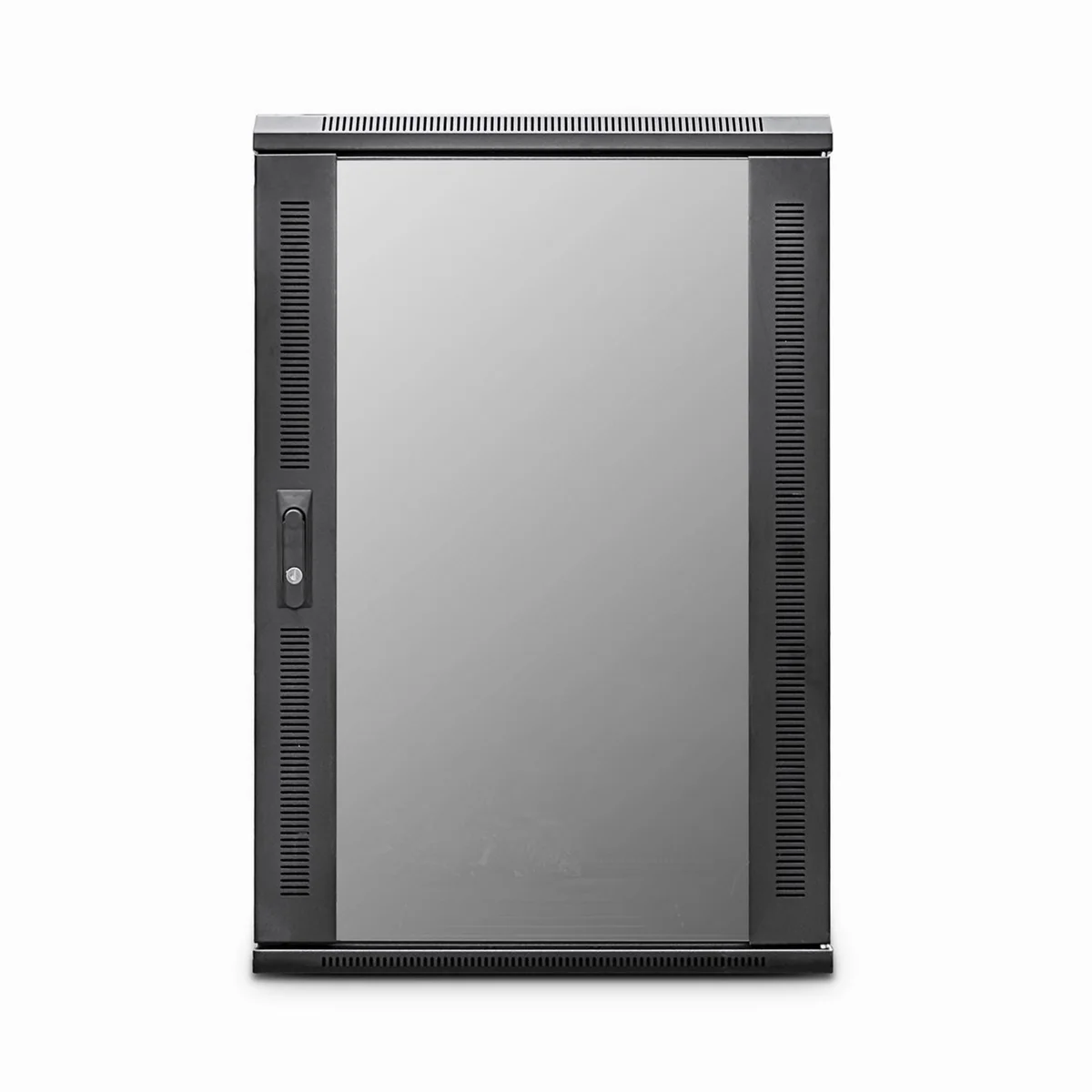
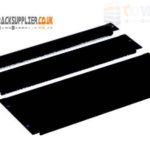 Blanking panel
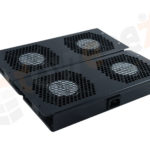 fan units
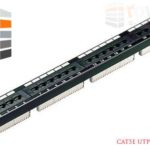 PATCH PANEL
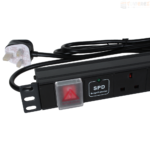 Power Distribution Unit
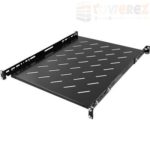 SHELVES
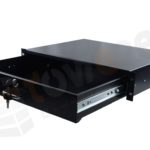 RACK DRAWER
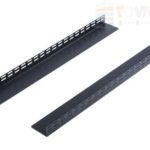 TOWEREZ RAILS
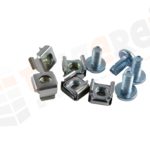 CAGE & NUTS

Can You Put a Network Cabinet in a Loft? UK Heat, Access and Fire-Safety Guide

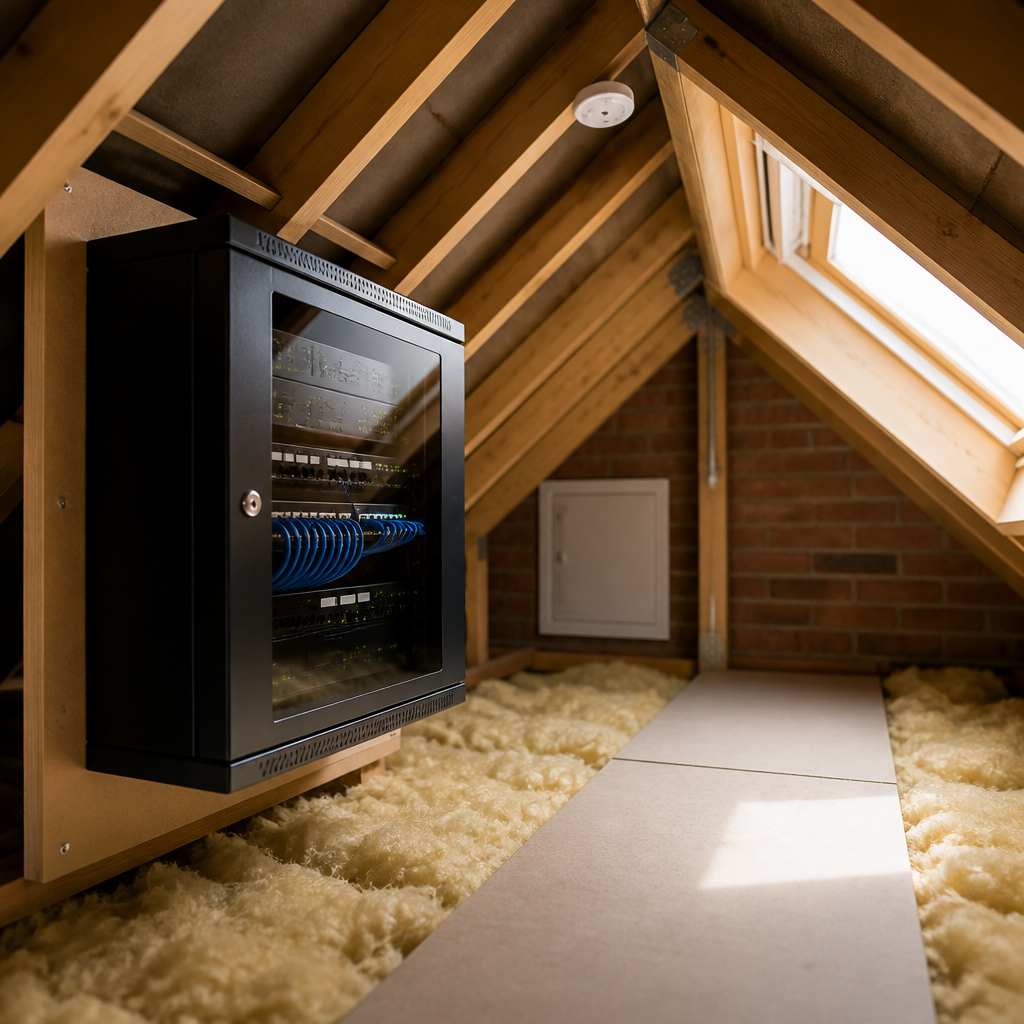
Yes, you can install a network cabinet in a loft in the UK, but only if the space stays within the equipment manufacturer’s temperature and humidity limits, has safe and practical access, provides suitable power, and does not compromise fire safety or the building structure. A loft can be convenient for centralising network cables, switches, patch panels and wireless networking equipment, but it is rarely a good location for heat-sensitive or business-critical hardware without careful planning.
This guide explains how to assess a network cabinet in loft UK installation, including summer heat, insulation, condensation, flooring, ventilation, electrical work, fire stopping and maintenance access.
Is a network cabinet in loft UK installation suitable?
A loft is suitable when it is dry, structurally capable of supporting the equipment, reasonably accessible and unlikely to reach damaging temperatures. A small passive patching cabinet may work well in a loft. A fully populated rack containing a network switch, router, server, storage system, UPS and power distribution unit demands much more careful design.
The main issue is that lofts can experience extreme temperature changes. In winter, the space may be close to outside temperature. In summer, a poorly ventilated loft can become considerably hotter than the rooms below. Dust, fibreglass particles, condensation and limited access can also shorten equipment life or make routine maintenance difficult.
Before choosing the location, ask:
- Can an adult reach the cabinet safely for inspection and repairs?
- Is there a permanent, boarded route to the cabinet?
- Can the floor support the cabinet and its contents?
- Will equipment remain within its specified operating temperature and humidity range?
- Is there an appropriate electrical supply nearby?
- Can data and power cables be routed without damaging insulation or breaching fire compartments?
- Will the installation remain accessible after additional insulation or storage is added?
Heat and ventilation requirements
Heat is usually the most important technical consideration. Network switches, PoE equipment, servers and uninterruptible power supplies convert electrical energy into heat. A closed cabinet does not remove that heat; it only delays the temperature increase unless air can enter and leave the enclosure.
Check equipment temperature limits
Read the installation instructions for every item. Do not rely on a general room-temperature assumption. Some devices have different operating and storage ranges, while batteries in UPS units may have stricter limits than networking hardware. The cabinet’s internal temperature can also be higher than the surrounding loft, particularly when fans are obstructed or equipment is installed close together.
Leave the clearances specified by the manufacturer around switches, servers and power equipment. Avoid placing a cabinet directly against a roof slope, hot flue, water tank or uninsulated external wall. Keep it away from roof windows that receive direct sunlight.
Choose passive or active ventilation
A lightly loaded wall-mounted cabinet may only need adequate perforation and free airflow. A deeper floor-standing rack with active equipment may require filtered fans, an extract route or a dedicated cooling approach. Fans should move air through the cabinet rather than simply circulate hot air inside it.
Any ventilation arrangement must not draw damp, dusty or contaminated air directly from an unsuitable roof void. Filters need periodic cleaning, and fans create another component that can fail. If the equipment load is substantial, calculate the heat output or obtain advice from a competent network or mechanical services professional rather than guessing.
Practical test: install a temperature and humidity sensor at the top of the cabinet and review readings during warm weather. A sensor does not replace design work, but it can reveal whether the chosen location is becoming unsafe.
Access, flooring and safe working space
A network cabinet should not be placed where someone has to balance on joists, crawl across loose insulation or work beside an unprotected loft opening. Routine tasks include replacing patch leads, rebooting equipment, cleaning filters, checking alarms and changing batteries. If these tasks are difficult, faults may remain unresolved and the installation becomes a safety risk.
Use a proper boarded route
Provide a stable, level and load-appropriate platform from the loft hatch to the cabinet. Loft boarding should not be treated as a simple cosmetic upgrade: it must be suitable for the intended load and should not compress insulation in a way that undermines its thermal performance. Keep the cabinet, cables and any accessories clear of eaves spaces where access is restricted.
Maintain a safe working area in front of the rack. A cabinet door that cannot open fully, or a rack positioned under a low roof slope, can make basic maintenance unnecessarily hazardous. Do not store combustible household items around the cabinet or block the loft hatch and escape route.
Consider cabinet weight
Cabinets are heavy before equipment is installed. A populated rack can impose a concentrated load, particularly when it includes batteries or storage systems. Confirm that the supporting structure and fixing method are appropriate. Never attach a heavy cabinet to plasterboard or lightweight lining without suitable structural support and fixings.
Power and electrical safety in a loft
Networking equipment should be supplied from a properly designed electrical circuit. Avoid relying on multiple extension leads or trailing cables across the loft floor. A fixed socket outlet located near the cabinet is usually preferable, with enough capacity for normal equipment and planned expansion.
Electrical installation work in a dwelling may fall within the scope of UK Building Regulations and, depending on the work, may need to be completed or inspected by a suitably competent person. A qualified electrician can assess circuit loading, earthing, protective devices, cable routes and the environmental conditions in the loft.
- Use a suitable rack power distribution unit rather than an overloaded domestic extension block.
- Keep mains cables separate from data cables where practical and follow equipment instructions.
- Provide strain relief so plugs and connectors are not pulled by cable weight.
- Do not place power supplies or UPS batteries where they can be exposed to leaks, condensation or excessive heat.
- Label isolators and circuits so the system can be safely shut down during maintenance.
- Keep the cabinet clear of water tanks, heating components and other sources of leakage.
A UPS can protect against short interruptions and allow an orderly shutdown, but it is not a substitute for reliable building services. UPS batteries also produce heat and have a finite service life. Check the manufacturer’s environmental requirements and replacement guidance.
Fire safety, insulation and cable routes
Fire safety needs to be considered alongside convenience. A loft may contain insulation, timber and stored belongings, so an electrical fault or overheated component can have serious consequences. Use equipment that is appropriate for the intended environment, keep ventilation openings clear and never cover cooling vents with insulation or stored items.
Data cables passing through walls, ceilings or floors should be routed and sealed in a way that preserves the relevant fire performance of the building element. Where a cable passes through a fire-resisting construction, use a suitable tested fire-stopping product and installation method. Expanding foam used casually around cables may not provide the required performance.
Do not run cables through or over hot flues, and maintain the clearances specified for heating appliances and chimney systems. If the loft is part of a converted dwelling or contains a protected escape route, seek professional advice before making penetrations or changes.
Smoke and heat alarms should remain unobstructed and should not be repositioned simply to accommodate a cabinet. The exact alarm requirements depend on the property and the work being carried out, so consult current UK guidance and a competent professional where necessary.
Condensation, dust and environmental protection
Temperature changes can cause condensation on metal surfaces and inside equipment. This risk increases where warm air from the home enters a cold roof space or where ventilation is poor. Seal unnecessary air paths, keep the cabinet away from damp areas and avoid installing equipment immediately after wet building work.
Dust is another concern. Fine particles can restrict heatsinks, clog filters and reduce fan performance. A cabinet with removable filters can help, but it still needs inspection. Keep roofing work, spray insulation and dusty storage away from active equipment. Do not use an open-frame rack where the loft is dusty or likely to be disturbed.
Wired networking and Wi-Fi considerations
A loft can be a useful termination point for Ethernet cables because many routes run through ceilings and wall cavities. Use appropriate low-voltage data cable, observe the cable manufacturer’s bend radius and avoid crushing cables beneath boards. Label both ends of every cable and leave service loops where practical.
Placing the main Wi-Fi access point inside a metal cabinet is usually a poor arrangement. The cabinet can weaken or distort the wireless signal, while the loft itself may be an inefficient location for coverage. A better design is often to keep the router or switch in the cabinet and connect separate ceiling- or wall-mounted access points using Ethernet and, where appropriate, Power over Ethernet.
Do not assume that a loft-mounted cabinet is automatically the best central point. Plan cable lengths, wireless coverage, future capacity and access to the internet service provider’s equipment before fixing the rack permanently.
Recommended installation process
- Survey the loft. Check access, structure, temperature, moisture, insulation, roof details and nearby services.
- List the equipment. Record power consumption, heat output, dimensions, clearances and environmental limits.
- Choose the cabinet. Select a lockable, adequately sized enclosure with suitable airflow and cable entry points.
- Design the platform. Provide safe boarding, structural support and a workable maintenance area.
- Plan power. Have the electrical supply and protective arrangements assessed by a competent electrician.
- Plan cable routes. Separate data and mains routes where practical, protect cables from abrasion and preserve fire performance at penetrations.
- Install and label. Fit patch panels, PDUs and equipment neatly, leaving room for airflow and future changes.
- Test under load. Check cabinet temperature, humidity, fan operation, power draw and network connectivity during normal use.
- Document the system. Keep a diagram, port schedule, equipment list, passwords policy and maintenance record.
When a loft is the wrong location
Choose another location if the loft is unboarded, damp, excessively hot, difficult to access or unable to support the cabinet safely. It is also unsuitable when the equipment is business-critical and the environment cannot be monitored or cooled reliably.
A cupboard, utility room or dedicated plant space may provide easier access and more stable conditions. However, these spaces still need ventilation, power and fire-safety planning. Moving the cabinet into a room does not remove the need to manage heat or cable penetrations.
Key takeaways for a loft network cabinet
- A network cabinet in loft UK installation can work, particularly for passive patching and modest network equipment.
- Measure temperature and humidity rather than assuming the loft is safe year-round.
- Provide a boarded, stable route and enough space to work safely at the cabinet.
- Use a suitable fixed electrical supply and avoid overloaded extension leads.
- Keep equipment away from heat sources, water, insulation blockages and combustible storage.
- Protect fire-resisting constructions when routing cables through them.
- Use separate access points if the metal cabinet would obstruct Wi-Fi coverage.
- Get qualified electrical, structural or fire-safety advice when the installation is complex.
Frequently asked questions
Can you put a network cabinet in a loft?
Yes. You can put a network cabinet in a loft if the cabinet is supported securely, the space is dry and accessible, equipment temperatures remain within manufacturer limits, and the electrical and cable installation is safe and compliant.
How hot is too hot for a loft network cabinet?
There is no single safe temperature for every cabinet or device. Use the strictest operating limit stated by the equipment manufacturers, allow for heat generated inside the cabinet and monitor conditions during hot weather. Servers, UPS batteries and other high-load equipment may need a more controlled environment.
Does a network cabinet need ventilation in a loft?
It depends on the equipment load and cabinet design. A lightly loaded cabinet may work with passive airflow, while switches, PoE hardware, servers and UPS units often require managed airflow. Fans, filters and any extract arrangement must be maintained and must not introduce damp or contaminated air.
Can a network cabinet sit on loft insulation?
No. The cabinet should stand on a stable, load-bearing platform rather than directly on loose or compressed insulation. The platform must preserve the intended insulation performance and provide safe access for inspection and maintenance.
Is a loft-mounted network cabinet safe from a fire-safety perspective?
It can be, provided electrical equipment is installed correctly, ventilation is not obstructed, combustible storage is kept away and cable penetrations are suitably fire-stopped where required. Complex installations should be reviewed by a competent electrician or fire-safety professional.
Should the Wi-Fi router be inside the loft cabinet?
It can be connected there, but a metal cabinet can reduce wireless performance. In many homes, it is better to keep wired network equipment in the cabinet and install one or more separate wireless access points in suitable locations throughout the property.
{“@context”:”https://schema.org”,”@type”:”FAQPage”,”mainEntity”:[{“@type”:”Question”,”name”:”Can you put a network cabinet in a loft?”,”acceptedAnswer”:{“@type”:”Answer”,”text”:”Yes. You can put a network cabinet in a loft if the cabinet is supported securely, the space is dry and accessible, equipment temperatures remain within manufacturer limits, and the electrical and cable installation is safe and compliant.”}},{“@type”:”Question”,”name”:”How hot is too hot for a loft network cabinet?”,”acceptedAnswer”:{“@type”:”Answer”,”text”:”There is no single safe temperature for every cabinet or device. Use the strictest operating limit stated by the equipment manufacturers, allow for heat generated inside the cabinet and monitor conditions during hot weather. Servers, UPS batteries and other high-load equipment may need a more controlled environment.”}},{“@type”:”Question”,”name”:”Does a network cabinet need ventilation in a loft?”,”acceptedAnswer”:{“@type”:”Answer”,”text”:”It depends on the equipment load and cabinet design. A lightly loaded cabinet may work with passive airflow, while switches, PoE hardware, servers and UPS units often require managed airflow. Fans, filters and any extract arrangement must be maintained and must not introduce damp or contaminated air.”}},{“@type”:”Question”,”name”:”Can a network cabinet sit on loft insulation?”,”acceptedAnswer”:{“@type”:”Answer”,”text”:”No. The cabinet should stand on a stable, load-bearing platform rather than directly on loose or compressed insulation. The platform must preserve the intended insulation performance and provide safe access for inspection and maintenance.”}},{“@type”:”Question”,”name”:”Is a loft-mounted network cabinet safe from a fire-safety perspective?”,”acceptedAnswer”:{“@type”:”Answer”,”text”:”It can be, provided electrical equipment is installed correctly, ventilation is not obstructed, combustible storage is kept away and cable penetrations are suitably fire-stopped where required. Complex installations should be reviewed by a competent electrician or fire-safety professional.”}},{“@type”:”Question”,”name”:”Should the Wi-Fi router be inside the loft cabinet?”,”acceptedAnswer”:{“@type”:”Answer”,”text”:”It can be connected there, but a metal cabinet can reduce wireless performance. In many homes, it is better to keep wired network equipment in the cabinet and install one or more separate wireless access points in suitable locations throughout the property.”}}]}