
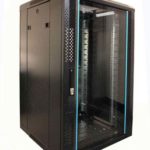
 FREE STANDING CABINETS
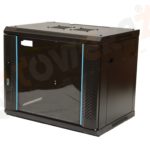 WALL MOUNTED CABINETS
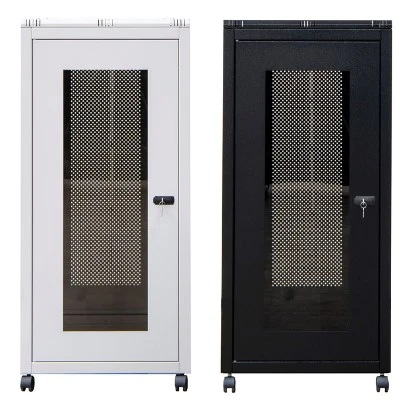
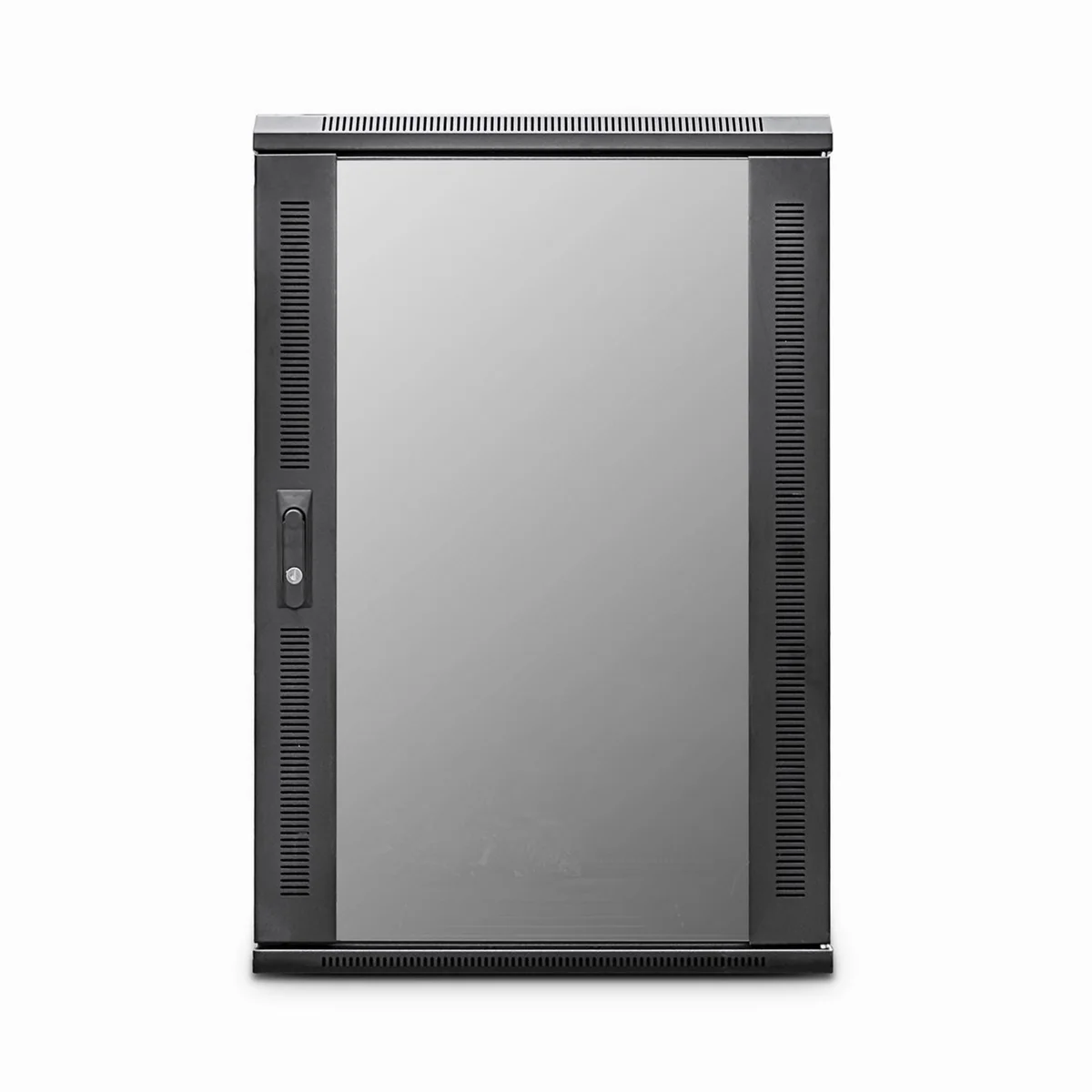
 Blanking panel
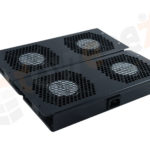 fan units
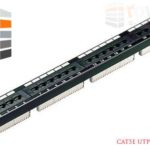 PATCH PANEL
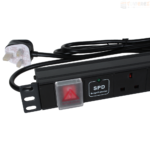 Power Distribution Unit
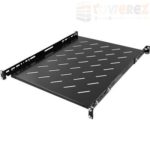 SHELVES
 RACK DRAWER
 TOWEREZ RAILS
 CAGE & NUTS

Can You Put a Server Cabinet in an Office? UK Noise, Heat and Clearance Guide

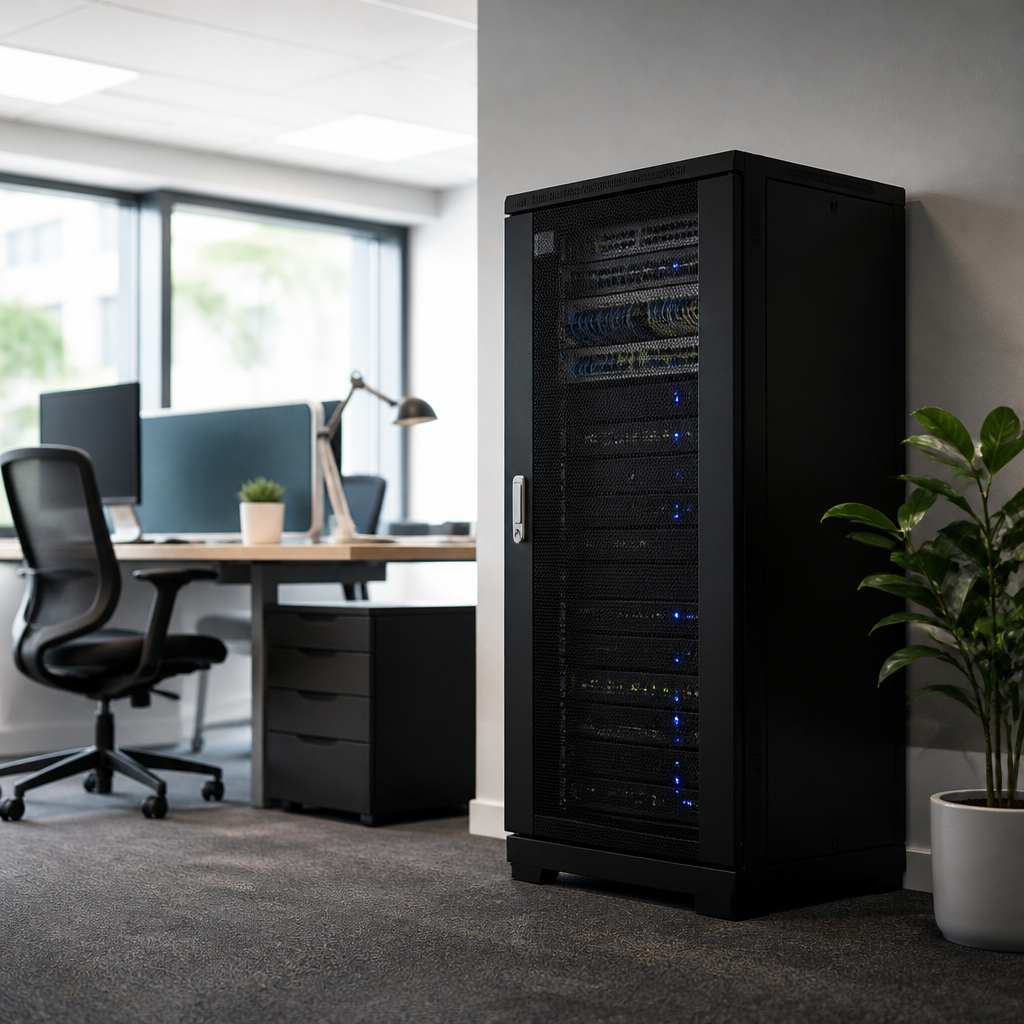
Yes, you can put a server cabinet in an office in the UK, provided the room, electrical supply, ventilation, floor loading, noise levels, fire precautions and access arrangements are suitable. A small network cabinet may work in a normal office, but servers and other high-power equipment can create substantial heat and noise. The right solution depends on the equipment load and the cabinet’s location.
This guide explains how to assess an office installation before you buy a cabinet or move live equipment. It covers UK workplace considerations, practical clearance, cooling, sound, security and the situations where a dedicated comms room is the better option.
Can you put a server cabinet in an office UK?
You can, but a server cabinet should not be treated as ordinary office furniture. It is part of the building’s electrical, cooling, fire and security arrangements. Before installation, confirm that:
- the floor can safely support the fully loaded cabinet;
- there is enough front, rear and side access for installation and maintenance;
- the room can remove the heat produced by the equipment;
- noise will not interfere with concentration, meetings or telephone calls;
- the electrical circuit, sockets, earthing and protection are appropriate;
- cables, doors and escape routes remain clear;
- the cabinet can be secured against unauthorised access; and
- the landlord, facilities manager, insurer and relevant contractors approve the work where necessary.
A small cabinet containing a patch panel, network switch and modest UPS may be suitable in a managed office. Multiple servers, storage arrays, large UPS units or high-density PoE switches normally justify a separate, ventilated IT or communications room.
Why an office server cabinet can be challenging
Servers turn electrical energy into heat. Fans then move air through the equipment, which creates continuous noise. In a dedicated server room, cooling and sound are planned around that load. In an open-plan office, the same equipment may make the working environment uncomfortable and can raise the room temperature.
The cabinet itself does not remove heat. A closed rack with no suitable airflow can allow internal temperatures to rise quickly. Glass doors, solid rear panels and tightly packed equipment may restrict airflow even when the room feels cool. The installation must therefore be assessed as a complete system: equipment, cabinet, room, ventilation and air-conditioning.
Noise: is a server cabinet too loud for an office?
Noise is often the first practical objection to an office-based rack. A single quiet network switch may be barely noticeable, while rack servers, storage systems and UPS cooling fans can produce a constant mechanical sound. Several devices together can be noticeably louder than any one unit.
There is no single UK office noise limit that automatically determines whether every server cabinet is acceptable. The relevant question is whether the equipment creates a suitable working environment and whether the employer has controlled any workplace risks. A competent acoustic or facilities assessment may be appropriate for a busy office, call centre or meeting area.
Ways to reduce server cabinet noise
- Position the cabinet away from desks, reception areas, meeting rooms and quiet work zones.
- Use equipment designed for office or low-noise operation where performance requirements allow.
- Choose efficient, temperature-controlled fans rather than relying on permanently high fan speeds.
- Keep the cabinet doors and panels correctly fitted; do not remove them as a permanent noise solution.
- Use a separate comms room or acoustic enclosure if the sound remains disruptive.
- Do not block ventilation openings or fit improvised materials that could increase fire risk.
- Monitor the equipment for failing fans, alarms or excessive vibration.
It is sensible to assess the cabinet after it is fully populated, not just when it is empty. Noise can increase as more equipment is installed or as filters become dusty.
Heat and ventilation requirements
Cooling is a design calculation, not a guess. The cabinet’s heat output is broadly related to its electrical power draw: equipment using 1 kilowatt of electricity will release approximately 1 kilowatt of heat into the room, apart from minor differences. UPS losses and power supplies can add to the total.
Ask the installer or equipment supplier for the expected power draw and heat output at normal and maximum load. Then check whether the office’s heating, ventilation and air-conditioning system can remove that heat continuously. A room that is comfortable during a short test may become too warm during a summer working day or when the building’s air-conditioning is switched off overnight.
Common cooling options
- Room cooling: the office HVAC system removes heat from the room. This is often adequate for a low-power network cabinet if the system operates when the equipment is running.
- Dedicated cooling: a separate air-conditioning system serves a higher-load comms room or cabinet area.
- Ventilation: extract and supply air can help with modest heat loads, but ventilation is not automatically equivalent to air-conditioning.
- Hot and cold airflow management: equipment should normally take cool air from the front and discharge warm air at the rear. Avoid placing the cabinet where its exhaust is drawn back into the intake.
- In-cabinet cooling: specialist systems may be needed for dense installations, but they require their own design, maintenance and condensate arrangements.
Do not simply open a cabinet door to cool it. That can defeat the intended airflow pattern, increase noise, reduce security and expose equipment to accidental contact. If temperatures are rising, check the load, airflow, filters, room conditions and cooling capacity.
Clearance around a server cabinet
Clearance is essential for safe installation, cable work, equipment replacement and airflow. The exact dimensions should come from the cabinet manufacturer, equipment suppliers and site risk assessment. As a practical planning principle, leave a clear working route in front of the cabinet and enough rear space to remove equipment and service power and data connections.
| Area | What to check |
|---|---|
| Front | Provide enough room to open the door fully, remove equipment and work safely without blocking a normal route. |
| Rear | Allow access to power, network connections, fans and replaceable components. Do not push the exhaust against a wall. |
| Sides | Follow the cabinet instructions. Side access may be needed for removable panels, cable management or ventilation. |
| Top | Check clearance for overhead cable routes, ventilation and lifting equipment. Avoid blocking ceiling services. |
| Floor and doors | Confirm that the cabinet can be delivered through corridors and doors, then positioned without narrowing an escape route. |
Leave more space than the absolute minimum if the cabinet will be maintained regularly. A congested rack encourages unsafe temporary cabling and makes faults harder to resolve. Keep the area free from stored boxes, coats, cleaning materials and other combustible or obstructive items.
Electrical safety and power planning in the UK
A server cabinet should have a planned power supply rather than a chain of extension leads or multiway adaptors. Have electrical work designed and carried out by a suitably competent person. The installation may need assessment against the requirements of BS 7671 Requirements for Electrical Installations, the Electricity at Work Regulations 1989 and the building’s own electrical procedures.
Before connecting equipment, establish:
- the expected running and peak load;
- the number and rating of dedicated circuits;
- the suitability of rack power distribution units;
- overload protection and discrimination between protective devices;
- earthing and bonding arrangements;
- UPS capacity, bypass arrangements and battery maintenance;
- how the cabinet will be isolated during an emergency or service visit; and
- how power will be restored after an outage without overloading the circuit.
Do not conceal power strips behind equipment or connect one power strip to another. Label both ends of every important cable and maintain an up-to-date rack elevation and circuit schedule. If the cabinet is in a rented office, obtain permission before altering circuits, floors, walls or containment.
Fire safety, access and security
Adding IT equipment can affect the premises fire risk assessment. Keep the cabinet away from escape routes, fire doors and firefighting equipment. Do not wedge open a fire door to improve cooling. Any penetrations through walls or floors for cables should be appropriately sealed, particularly where fire compartmentation is involved.
Consider the cabinet’s access control. A lockable cabinet can prevent casual interference, but it does not replace wider office security. Limit keys and access codes, record authorised personnel and protect backup media and network documentation. A cabinet located in an open office may need additional controls because visitors, contractors and staff can approach it easily.
Check whether the building has an automatic detection, suppression or shutdown policy for IT areas. Do not install a suppression system or alter fire detection without competent design and approval. Portable extinguishers and emergency procedures should be suitable for the premises and managed by the responsible person for fire safety.
Floor loading, cabinet size and installation
A fully populated cabinet can be heavy, especially when it includes servers, batteries, storage equipment and accessories. Confirm the floor’s allowable loading with the landlord, building manager or structural professional where necessary. Concentrated loads may matter more than the average load across the room.
Measure the entire delivery route before ordering. Check lift dimensions, door widths, thresholds, turning circles and any steps. A cabinet that fits the final position may still be impossible to move through the building. Use castors and levelling feet according to the manufacturer’s instructions, and anchor the cabinet where stability or local policy requires it.
Select a cabinet with enough rack units and depth for current equipment, cable bend radii, power distribution and future changes. Avoid filling every available unit immediately. Spare space makes maintenance easier and reduces the temptation to install equipment with restricted airflow.
Where should a server cabinet go in an office?
The best location is usually a secure, low-traffic room with stable temperature, suitable power, adequate ventilation and enough maintenance space. It should be accessible to authorised engineers without placing live equipment in the middle of normal office activity.
If a separate room is unavailable, choose a position away from windows, radiators, sinks, kitchens, printers and dusty areas. Avoid locations where water pipes could leak onto the cabinet or where sunlight adds unnecessary heat. Do not place the cabinet under an air-conditioning drain or directly below services that cannot be protected.
Think about future access as well as today’s layout. Desks, partitions and storage may move, but the cabinet will still need front and rear clearance. Keep network routes short where practical, while preserving separation and safe cable management.
When is a dedicated comms room better?
A separate room is generally preferable when the installation has significant continuous heat or noise, contains sensitive systems, requires frequent maintenance or must remain operational outside office hours. It also provides better control over access, cooling, fire arrangements and planned expansion.
Consider a dedicated space if:
- multiple servers or storage units will run continuously;
- the cabinet requires substantial UPS batteries or high-power networking;
- staff are already disturbed by equipment noise;
- the office cooling system cannot operate reliably around the clock;
- there is no secure way to protect the cabinet from visitors or accidental interference; or
- maintenance would obstruct staff or an important circulation route.
A comms room is not automatically compliant simply because it has a door. It still needs suitable power, cooling, fire precautions, access, housekeeping and documented maintenance.
Practical installation checklist
- List every device, its dimensions, weight, power draw and airflow direction.
- Calculate the expected heat load and confirm cooling at peak and out-of-hours conditions.
- Survey the delivery route, floor, doors and final maintenance clearances.
- Plan dedicated electrical circuits, PDUs, UPS equipment, earthing and isolation.
- Confirm landlord, insurer, facilities and fire-safety approvals.
- Choose a secure cabinet with suitable depth, ventilation, cable management and load rating.
- Install containment and labelled data and power routes before populating the rack.
- Test temperatures, alarms, noise, power failover and network connectivity after commissioning.
- Record the rack layout, circuit schedule, equipment details and maintenance responsibilities.
- Review the installation whenever equipment load, room layout or building services change.
Key takeaways
- Yes, an office can accommodate a server cabinet, but suitability depends on heat, noise, power, clearance and security.
- Low-power networking equipment is easier to accommodate than dense server and storage hardware.
- The cabinet must have a clear airflow path and adequate front and rear working space.
- Use planned electrical circuits and competent installation; avoid extension-lead solutions.
- Protect escape routes, fire compartmentation, equipment access and confidential information.
- Move to a dedicated comms room when noise, heat, power demand or security exceeds what the office can safely support.
Frequently asked questions
Can you put a server cabinet in an office UK?
Yes. A server cabinet can be installed in a UK office if the location can safely support its weight, heat, noise, electrical demand, ventilation, access and security requirements. The equipment load is more important than the cabinet alone.
How much clearance does a server cabinet need?
There is no universal clearance dimension for every cabinet. Follow the manufacturer’s instructions and provide enough front and rear space to open doors, remove equipment, manage cables and maintain airflow. Keep all routes and escape paths clear.
Do server cabinets need air-conditioning?
Not always. A small, low-power cabinet may be supported by the office’s existing cooling system. Higher-power installations may need dedicated cooling, especially if equipment operates continuously or the room cannot remain cool outside normal office hours.
Are server cabinets noisy?
They can be. Network switches may be relatively quiet, while servers, storage systems and UPS units can produce continuous fan and alarm noise. Test the fully populated cabinet and place it away from desks or use a separate comms room if sound is disruptive.
Can a server cabinet be placed in an open-plan office?
It can be possible for a small, secure, low-power installation, but an open-plan location makes noise, security, accidental interference and maintenance more difficult. A lockable cabinet does not solve inadequate cooling or blocked access.
Does a server cabinet need its own electrical circuit?
A dedicated, properly designed supply is usually preferable to shared office sockets, particularly for servers and UPS equipment. A competent electrical professional should determine circuit capacity, protection, earthing, isolation and compliance for the specific installation.
When should a business use a dedicated server room?
Use a dedicated room when the rack produces substantial heat or noise, contains critical equipment, needs controlled access, requires continuous cooling or would obstruct normal office work. The room still needs professional design and ongoing maintenance.
{“@context”:”https://schema.org”,”@type”:”FAQPage”,”mainEntity”:[{“@type”:”Question”,”name”:”Can you put a server cabinet in an office UK?”,”acceptedAnswer”:{“@type”:”Answer”,”text”:”Yes. A server cabinet can be installed in a UK office if the location can safely support its weight, heat, noise, electrical demand, ventilation, access and security requirements. The equipment load is more important than the cabinet alone.”}},{“@type”:”Question”,”name”:”How much clearance does a server cabinet need?”,”acceptedAnswer”:{“@type”:”Answer”,”text”:”There is no universal clearance dimension for every cabinet. Follow the manufacturer’s instructions and provide enough front and rear space to open doors, remove equipment, manage cables and maintain airflow. Keep all routes and escape paths clear.”}},{“@type”:”Question”,”name”:”Do server cabinets need air-conditioning?”,”acceptedAnswer”:{“@type”:”Answer”,”text”:”Not always. A small, low-power cabinet may be supported by the office’s existing cooling system. Higher-power installations may need dedicated cooling, especially if equipment operates continuously or the room cannot remain cool outside normal office hours.”}},{“@type”:”Question”,”name”:”Are server cabinets noisy?”,”acceptedAnswer”:{“@type”:”Answer”,”text”:”They can be. Network switches may be relatively quiet, while servers, storage systems and UPS units can produce continuous fan and alarm noise. Test the fully populated cabinet and place it away from desks or use a separate comms room if sound is disruptive.”}},{“@type”:”Question”,”name”:”Can a server cabinet be placed in an open-plan office?”,”acceptedAnswer”:{“@type”:”Answer”,”text”:”It can be possible for a small, secure, low-power installation, but an open-plan location makes noise, security, accidental interference and maintenance more difficult. A lockable cabinet does not solve inadequate cooling or blocked access.”}},{“@type”:”Question”,”name”:”Does a server cabinet need its own electrical circuit?”,”acceptedAnswer”:{“@type”:”Answer”,”text”:”A dedicated, properly designed supply is usually preferable to shared office sockets, particularly for servers and UPS equipment. A competent electrical professional should determine circuit capacity, protection, earthing, isolation and compliance for the specific installation.”}},{“@type”:”Question”,”name”:”When should a business use a dedicated server room?”,”acceptedAnswer”:{“@type”:”Answer”,”text”:”Use a dedicated room when the rack produces substantial heat or noise, contains critical equipment, needs controlled access, requires continuous cooling or would obstruct normal office work. The room still needs professional design and ongoing maintenance.”}}]}