
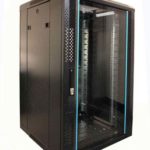
 FREE STANDING CABINETS
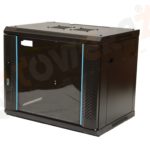 WALL MOUNTED CABINETS
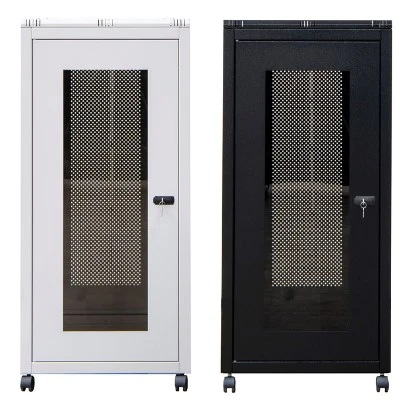
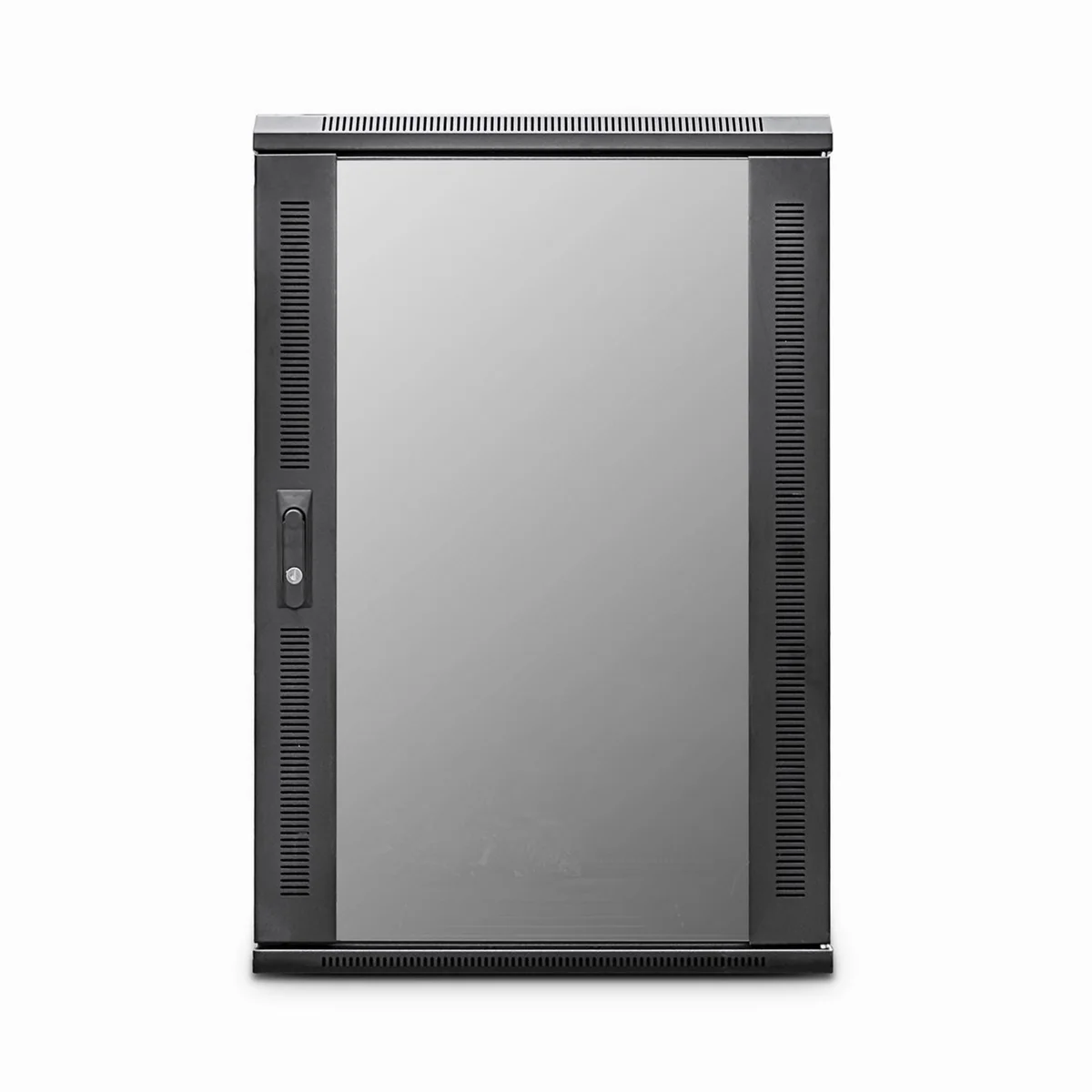
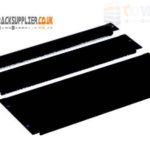 Blanking panel
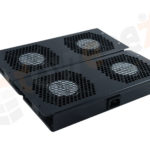 fan units
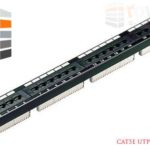 PATCH PANEL
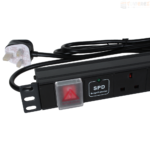 Power Distribution Unit
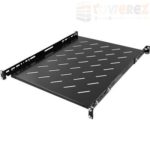 SHELVES
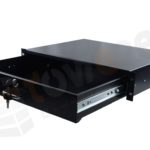 RACK DRAWER
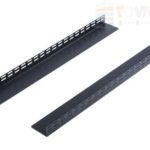 TOWEREZ RAILS
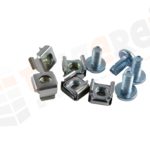 CAGE & NUTS

How Many Devices Fit in a 12U Server Cabinet? UK Capacity Planning Guide

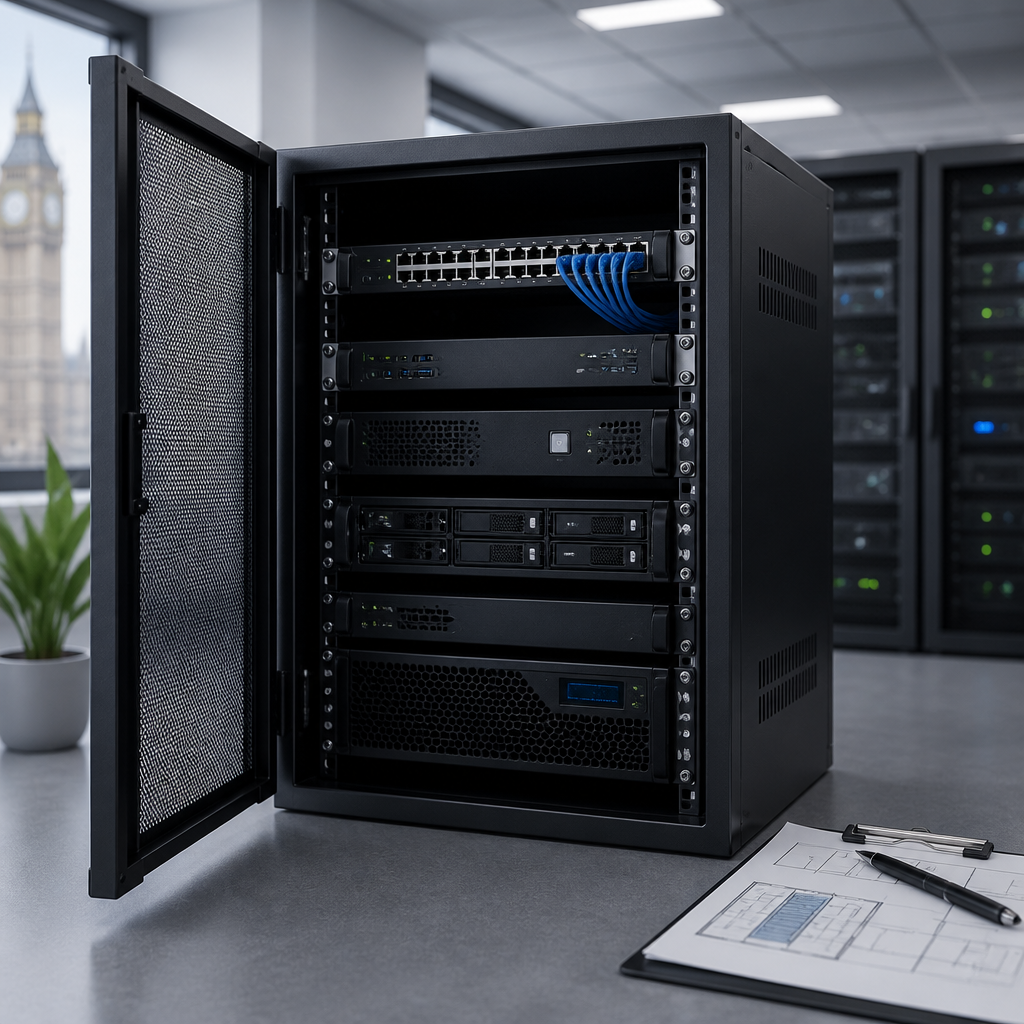
Short answer: A 12U server cabinet provides 12 rack units of usable vertical space, so it can hold up to twelve 1U devices, six 2U devices, or a practical mixed installation after allowing space for patch panels, power distribution, cable management, shelves and airflow. The real 12U server cabinet capacity depends on each device’s height, depth, weight, power and cooling requirements.
A 12U cabinet is a useful size for small businesses, branch offices, laboratories, security systems and network installations that need more protection and organisation than an open wall rack. However, counting devices alone can produce an unrealistic plan. A cabinet may have enough vertical space for several servers but lack the depth, electrical capacity or ventilation needed to operate them safely.
What does 12U mean?
The letter U means rack unit. One rack unit measures 1.75 inches, or 44.45 mm, in height. A 12U cabinet therefore offers a nominal equipment height of:
12 × 44.45 mm = 533.4 mm
This measurement describes the mounting space between the cabinet’s front and rear rack rails. It does not necessarily equal the cabinet’s total external height, because the frame, top, base, castors, doors and cable entry space are additional to the usable rack area.
Rack equipment is normally described by its U height. A 1U switch occupies one rack unit, a 2U server occupies two, and a 4U storage chassis occupies four. Equipment that is not designed for rack mounting may need a fixed shelf, which can consume several U of space and may reduce the cabinet’s practical capacity.
12U server cabinet capacity by equipment size
The theoretical calculation is straightforward: add the U height of every rack-mounted item and keep the total at or below 12U. The following examples show the maximum vertical fit before allowances for accessories and future growth.
| Equipment arrangement | Vertical space used | Theoretical quantity |
|---|---|---|
| 1U devices | 1U each | 12 |
| 2U devices | 2U each | 6 |
| 3U devices | 3U each | 4 |
| 4U devices | 4U each | 3 |
| Mixed 1U and 2U devices | Varies | Up to 12U total |
These are maximum theoretical figures, not installation recommendations. For example, twelve 1U servers may fit vertically but leave no room for a rack PDU, brush panel, cable manager, blanking panel or future equipment. If a project needs reliable operation and easy maintenance, the usable target should be lower than the full 12U.
A simple rack space formula
Use this formula when estimating capacity:
Total rack space required = equipment U height + fixed accessories + cable management + planned spare capacity
For example, a small installation might include two 1U servers, one 1U network switch, one 1U patch panel and one 1U rack PDU. That uses 5U, leaving 7U of nominal space. The remaining space could support additional equipment, but the final decision should also consider weight, heat, depth and electrical load.
How many devices fit in a 12U cabinet in practice?
For many small installations, a practical 12U layout contains between four and eight rack-mounted devices, depending on their size and supporting hardware. A compact network cabinet with switches and patch panels may accommodate more individual units than a server cabinet containing deep, heavy computing equipment.
Typical arrangements include:
- Network-focused cabinet: one or two switches, patch panels, a fibre enclosure, a cable manager and a rack PDU.
- Small office IT cabinet: one or two servers, a network switch, patch panel, UPS or PDU and cable management.
- Security or access-control cabinet: a network switch, recorder, power equipment, patching and equipment shelves for non-rack devices.
- Edge computing cabinet: one to four servers, depending on their U height, depth, power draw and cooling needs.
A non-rack-mountable modem, firewall, mini PC or appliance may need a shelf. Shelves are often available in 1U or 2U formats, but the supported load varies. A shelf can make an installation more flexible while using space that could otherwise hold rack equipment.
Allow space for accessories and expansion
Calculating only the server height is one of the most common rack-planning mistakes. A cabinet also needs space for the infrastructure that makes the equipment usable and serviceable.
Power distribution
A rack-mounted power distribution unit, or PDU, may occupy 1U, although vertical PDUs can use little or no front rail space. Check the PDU’s mounting method before adding it to the layout. A UPS may be rack-mounted or installed on a shelf, and heavier models may require dedicated support rails.
Confirm the available supply, plug type, circuit protection and total load with a qualified person. The cabinet’s physical capacity does not indicate how much electrical power the installation can safely use.
Patch panels and cable managers
Patch panels commonly occupy 1U or 2U. Horizontal cable managers may use additional rack space, while brush panels can improve cable routing and reduce open gaps. Allow room for bend radius, particularly with fibre and high-speed copper cabling.
Blanking panels
Blanking panels close unused front spaces and help control the movement of air through equipment. They also give a more finished appearance and reduce the risk of cables or objects entering unused openings. A fully populated cabinet will use fewer blanking panels, but a growing installation should reserve some space for them.
Service and growth space
Leaving spare capacity makes it easier to install a replacement, add a switch or move patch leads without dismantling the cabinet. A common planning approach is to keep roughly 20 to 30 percent of the rack’s U space available for growth, subject to the project’s priorities. This is a planning allowance rather than a universal rule.
Check cabinet depth before buying
Height is only one part of 12U server cabinet capacity. A 12U cabinet can have enough U space for a server but still be unsuitable if the chassis is too deep for the rails, doors or cable connections.
Compare the equipment’s full installation depth with the cabinet’s usable mounting depth. Do not rely only on the cabinet’s external depth. Account for:
- Front and rear rack-rail adjustment.
- Server handles, bezels and front cable connections.
- Rear power cables, network leads and fibre bend radius.
- Airflow clearance at the front and rear of each device.
- Rear doors, side panels and any internal obstructions.
- Rail kits, sliding mechanisms and cable-management arms.
Short-depth network cabinets are often suitable for switches, patch panels and compact appliances, but some rack servers and storage systems need a deeper enclosure. Always obtain the manufacturer’s chassis depth and rail requirements before finalising the cabinet.
Weight and mounting considerations
Two cabinets with identical 12U ratings may have different load limits. A lightweight wall-mounted enclosure is not automatically suitable for several servers, batteries or a large UPS. Check the static load rating, dynamic load rating if the cabinet will be moved, wall construction and fixing method.
Place heavier equipment low in the cabinet. This improves stability and makes the installation easier to handle. A wall-mounted cabinet should be assessed carefully because the combined weight of the enclosure, equipment, cabling and power accessories is transferred to the wall and its fixings.
Use the correct cage nuts, screws, shelves and rail kits for the cabinet and equipment. Avoid supporting heavy devices by their front ears alone unless the manufacturer specifically permits it. Sliding servers often need rear support or a compatible rail kit.
Cooling and airflow in a 12U server cabinet
Heat output can limit practical capacity before the cabinet is physically full. Servers, storage systems, PoE switches and UPS units all produce heat. If warm air cannot leave the enclosure, internal temperatures may rise and equipment fans may run faster, increasing noise and energy use.
Check the airflow direction of every major device. Many servers draw cool air through the front and exhaust warm air at the rear, but some network equipment uses side-to-side or alternative airflow. Do not install equipment with incompatible airflow paths directly beside one another without a suitable plan.
Good practice includes:
- Keep front and rear ventilation openings clear.
- Use blanking panels in significant unused front spaces.
- Route cables without blocking fan intakes or exhausts.
- Keep the cabinet away from heaters, direct sunlight and dusty areas.
- Use cabinet fans only when they support a considered airflow design.
- Monitor temperature and humidity where the equipment is business-critical.
A fan kit can improve air movement, but it does not remove heat from the room. For higher-density installations, assess the room’s ventilation or cooling as well as the cabinet itself.
Plan the cabinet layout before installation
Draw a simple front-and-rear elevation before ordering equipment. Mark each item’s U position, depth, weight, power connection and airflow direction. Include the PDU, patch panels, shelves, cable managers and any equipment that may be added within the planning period.
A logical arrangement often places patching and network connections where cable runs are shortest, while heavier equipment sits lower. Keep frequently accessed equipment at a comfortable service height. Leave enough room to remove a device without disconnecting unrelated equipment wherever possible.
- List every device and record its rack height, depth, weight and power draw.
- Identify which items are rack-mountable and which need shelves.
- Add PDUs, patch panels, cable managers, UPS equipment and blanking panels.
- Check the total U height against 12U.
- Check the cabinet’s usable depth and rail compatibility.
- Check total weight, electrical supply and heat output.
- Reserve space for maintenance and planned expansion.
- Validate the final arrangement with the cabinet and equipment documentation.
Example 12U cabinet layouts
Example one: small office network cabinet
A possible layout is a 1U patch panel, a 1U cable manager, a 1U network switch, a 1U shelf for a compact appliance and a vertically mounted PDU. This uses 4U of front rail space if the PDU is vertical, leaving 8U for future equipment. The final arrangement still needs checks for shelf load, cable bend radius and ventilation.
Example two: compact server installation
A cabinet containing two 2U servers, one 1U switch, one 1U patch panel and one 1U cable manager uses 7U. The remaining 5U may appear generous, but the servers could be deep and heavy. Before adding more equipment, verify rear clearance, power demand, UPS requirements and heat output.
Example three: mixed rack and non-rack equipment
One 2U recorder, one 1U switch, one 1U patch panel and a 2U vented shelf use 6U. The shelf may hold a modem, gateway or small appliance, but its safe load and ventilation must be confirmed. This leaves 6U nominally available for additional rack equipment or a second shelf.
Is a 12U cabinet suitable for your project?
A 12U cabinet is often suitable when the installation has a modest number of shallow or standard-depth devices, limited expansion needs and a manageable heat load. It can be a good choice for a small office, retail site, classroom, workshop, CCTV location or branch network.
Consider a larger cabinet or enclosure when the design includes multiple deep servers, substantial storage, a large UPS, high-density PoE, extensive patching or significant future growth. A 12U cabinet may also be unsuitable if equipment cannot be serviced safely once the enclosure is populated.
When comparing products, look beyond the U rating. Review the usable depth, rail type, load rating, ventilation, door clearance, cable-entry options, lock, earthing arrangements and installation method. For UK deployments, also confirm that the supplied power accessories and installation approach suit the site’s electrical requirements.
Key takeaways
- A 12U cabinet has 12 rack units, with one U equal to 44.45 mm.
- The theoretical maximum is twelve 1U devices, six 2U devices or three 4U devices.
- Real capacity is reduced by shelves, patch panels, PDUs, cable management and expansion space.
- Depth, weight, power and cooling can be more restrictive than vertical space.
- Plan the complete installation, not just the servers or switches.
- Use the manufacturer’s dimensions and load limits before purchasing or mounting equipment.
Frequently asked questions
How many 1U servers fit in a 12U cabinet?
In theory, twelve 1U servers fit into 12U. In practice, the usable number is lower if the cabinet also needs a PDU, patch panel, cable management, shelves, blanking panels or spare capacity. Depth, weight, power and cooling must also be checked.
Can a 12U cabinet hold a UPS?
Yes, if the UPS is compatible with the cabinet and its weight, depth, rail requirements and ventilation are suitable. A rack-mounted UPS uses U space, while a floor or shelf-mounted UPS needs adequate support and may reduce the remaining capacity.
Does 12U describe the external cabinet height?
No. Twelve U describes the usable vertical mounting space between the rack rails. The cabinet’s external height is greater because it includes the frame, doors, top, base and other construction features.
How much spare space should be left in a 12U rack?
The right allowance depends on the project, but reserving around 20 to 30 percent for growth and servicing is a useful starting point. A smaller allowance may be acceptable for a fixed installation, while a growing business may need more.
Will any 19-inch equipment fit in a 12U cabinet?
Not necessarily. The equipment may fit the 19-inch rack width but still be too deep, heavy or poorly ventilated for the enclosure. Check the cabinet’s usable depth, rail adjustment, load rating, airflow and cable clearance against the equipment specifications.
{“@context”:”https://schema.org”,”@type”:”FAQPage”,”mainEntity”:[{“@type”:”Question”,”name”:”How many 1U servers fit in a 12U cabinet?”,”acceptedAnswer”:{“@type”:”Answer”,”text”:”In theory, twelve 1U servers fit into 12U. In practice, the usable number is lower if the cabinet also needs a PDU, patch panel, cable management, shelves, blanking panels or spare capacity. Depth, weight, power and cooling must also be checked.”}},{“@type”:”Question”,”name”:”Can a 12U cabinet hold a UPS?”,”acceptedAnswer”:{“@type”:”Answer”,”text”:”Yes, if the UPS is compatible with the cabinet and its weight, depth, rail requirements and ventilation are suitable. A rack-mounted UPS uses U space, while a floor or shelf-mounted UPS needs adequate support and may reduce the remaining capacity.”}},{“@type”:”Question”,”name”:”Does 12U describe the external cabinet height?”,”acceptedAnswer”:{“@type”:”Answer”,”text”:”No. Twelve U describes the usable vertical mounting space between the rack rails. The cabinet’s external height is greater because it includes the frame, doors, top, base and other construction features.”}},{“@type”:”Question”,”name”:”How much spare space should be left in a 12U rack?”,”acceptedAnswer”:{“@type”:”Answer”,”text”:”The right allowance depends on the project, but reserving around 20 to 30 percent for growth and servicing is a useful starting point. A smaller allowance may be acceptable for a fixed installation, while a growing business may need more.”}},{“@type”:”Question”,”name”:”Will any 19-inch equipment fit in a 12U cabinet?”,”acceptedAnswer”:{“@type”:”Answer”,”text”:”Not necessarily. The equipment may fit the 19-inch rack width but still be too deep, heavy or poorly ventilated for the enclosure. Check the cabinet’s usable depth, rail adjustment, load rating, airflow and cable clearance against the equipment specifications.”}}]}