
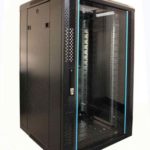
 FREE STANDING CABINETS
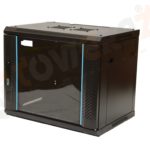 WALL MOUNTED CABINETS
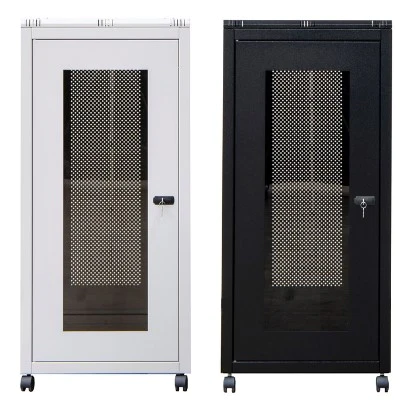
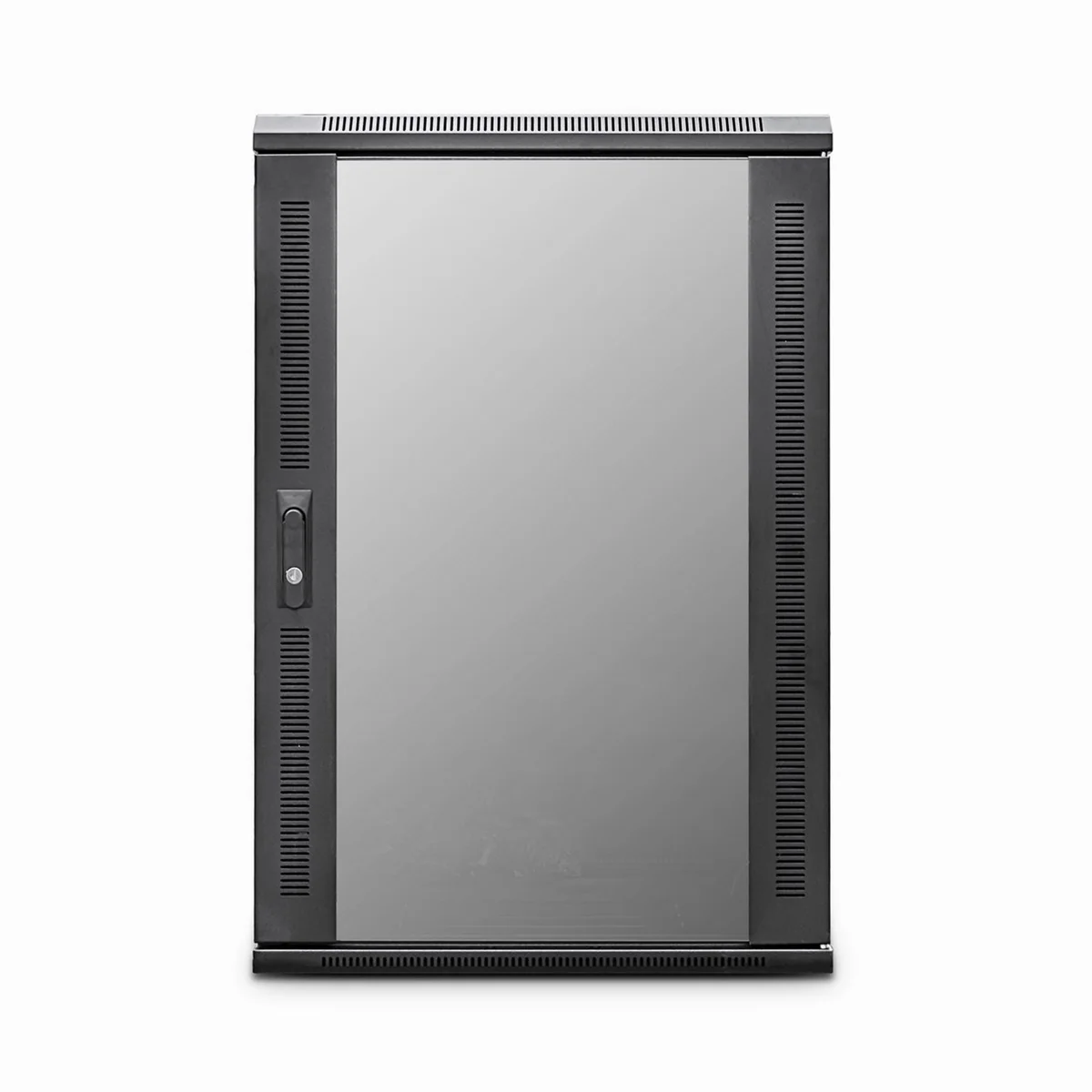
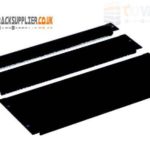 Blanking panel
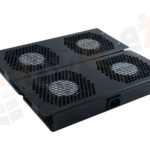 fan units
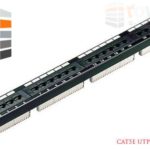 PATCH PANEL
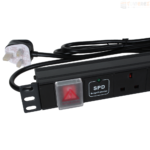 Power Distribution Unit
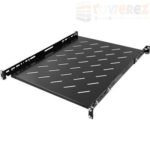 SHELVES
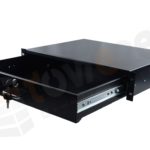 RACK DRAWER
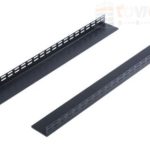 TOWEREZ RAILS
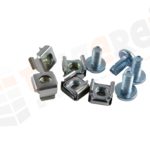 CAGE & NUTS

Can a 1200mm Deep Server Cabinet Fit GPU Servers? UK Clearance, Cooling and Power Guide

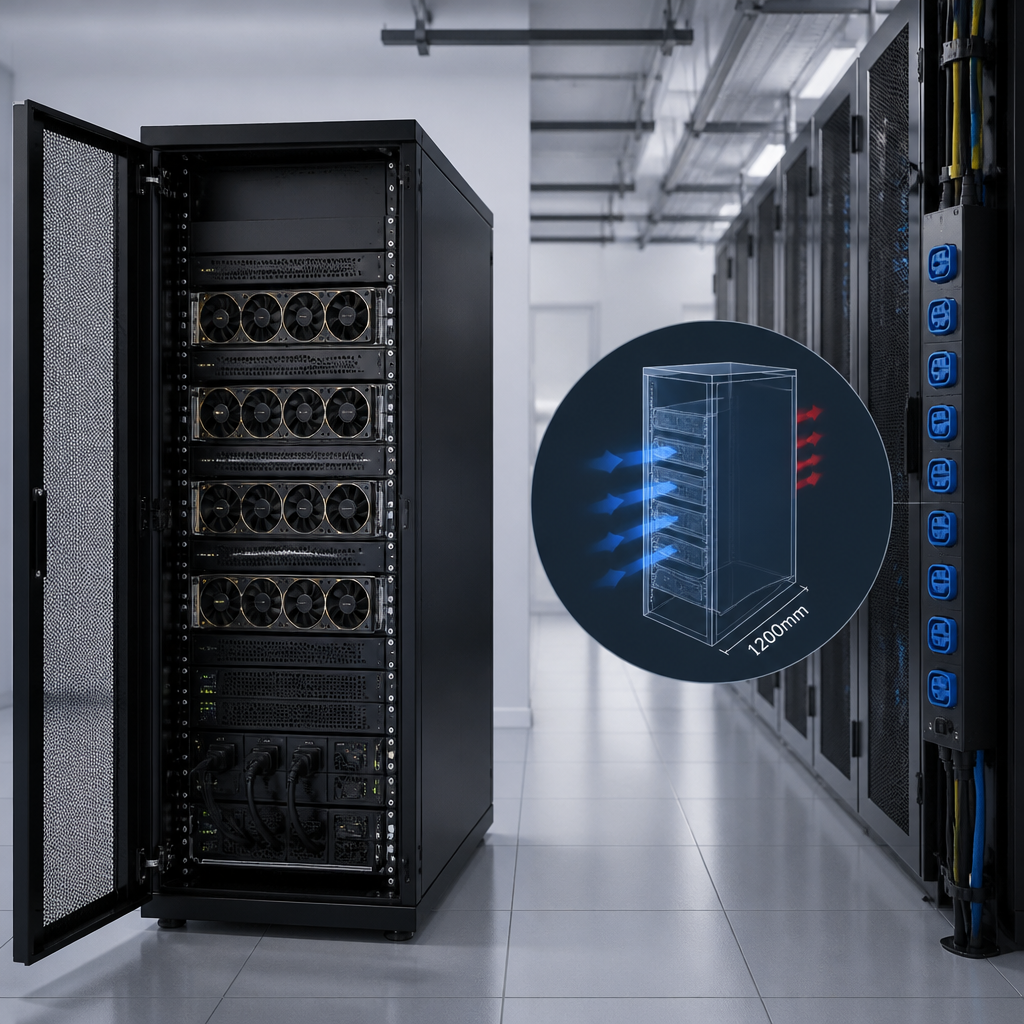
Yes, a 1200mm deep server cabinet for GPU servers can be suitable, but only if its usable internal depth, rail position, door clearance, weight rating, airflow and power capacity match the GPU server chassis. The stated 1200mm measurement is usually the cabinet’s external depth, not the space available for equipment, so careful specification is essential.
GPU servers are deeper, heavier and more power-hungry than many conventional 1U or 2U systems. A cabinet that appears large enough on paper may leave too little room for rear cables, power distribution units (PDUs), airflow or safe maintenance. This guide explains how to assess a 1200mm cabinet for a UK installation and when a deeper or wider enclosure may be the better choice.
What does 1200mm cabinet depth actually mean?
Rack manufacturers commonly quote the cabinet’s outside dimension from the front of the front frame to the rear of the enclosure. That measurement can include doors, handles, rear panels and cable-management space. It is not necessarily the distance between the front and rear mounting rails.
Before ordering, ask the supplier for these separate measurements:
- Overall external depth: the space occupied by the cabinet in the room or data centre aisle.
- Usable mounting depth: the adjustable distance between the front and rear rack rails.
- Clear internal depth: the unobstructed space available for the server chassis and cabling.
- Door clearance: the additional room needed for the front and rear doors to open.
- Cable-management clearance: space for power cords, network leads, fibre and bend radius.
A server advertised as 900mm deep may fit physically between the rails but still need another 100mm or more behind it for power connectors and network cables. The cabinet must therefore be selected around the complete installed system, not just the chassis length.
Can a 1200mm deep server cabinet for GPU servers fit typical chassis?
In many cases, yes. A well-designed 1200mm cabinet can accommodate long 2U, 4U and 5U GPU servers, including systems with several high-performance graphics processing units. However, compatibility depends on the server’s exact dimensions and the cabinet’s rail arrangement.
Check the manufacturer’s installation drawing rather than relying on a product name such as “deep rack”. Confirm all of the following:
| Specification | What to verify | Why it matters |
|---|---|---|
| Chassis depth | Measure from the front mounting ears to the furthest rear component or connector | Determines whether the chassis reaches the rear rails or obstructs the door |
| Rail compatibility | Adjustable front and rear 19-inch rails, plus the correct cage nuts or fixing kit | Allows the server to be supported at its designed mounting points |
| Rear clearance | Room for power leads, network cables, fibre and airflow exhaust | Prevents crushed cables, blocked fans and difficult servicing |
| Vertical capacity | Available rack units (U) and the server’s height | GPU systems can occupy several rack units and require adjacent space |
| Load rating | Static and dynamic load ratings for the cabinet and rails | GPU servers, rails, PDUs and batteries can create a substantial total load |
Sliding GPU server rails often extend beyond the rear of the chassis during maintenance. A cabinet may fit the server when closed but provide insufficient service clearance when the system is pulled forward. Check the rail travel and whether the rear door must be removed during maintenance.
Front and rear clearance for GPU servers
Rack mounting clearance
Most enterprise GPU servers are designed for standard 19-inch rack mounting, but their rail kits are not universally interchangeable. Some systems use a specific inner-rail and outer-rail design, while others require tool-less mounting brackets or a manufacturer-approved kit.
The front rails should be positioned so that the server’s mounting ears sit flush with the cabinet frame. Avoid placing the chassis too far forward simply to gain rear space. This can prevent the front door from closing, reduce cold-air delivery and make the equipment vulnerable to accidental impact.
Rear cable and door clearance
The rear of a GPU server can contain multiple high-current power connectors, network ports, management ports and exhaust openings. Allow enough space for plugs to be inserted without forcing them against the rear door. Right-angle cables may help, but they should not be used to compensate for an unsuitable cabinet layout.
A practical installation check is to draw the full depth of the server, rail handles, cable connectors and rear bend radius on the cabinet plan. Include the thickness of vertical PDUs and any rear cable managers. If the cabinet has split rear doors, confirm that the doors can close without pressing on plugs or obstructing exhaust airflow.
Cooling a GPU server in a 1200mm cabinet
Cabinet depth alone does not provide cooling. GPU servers usually draw cool air through the front and exhaust warm air through the rear. The cabinet and room layout must preserve that front-to-back airflow path.
For a reliable thermal design:
- Use perforated front and rear doors with a suitable open-area design.
- Keep blanking panels fitted in unused rack spaces to reduce hot-air recirculation.
- Separate cold-air intake and hot-air exhaust paths where possible.
- Keep rear cable bundles away from fan outlets and server exhaust openings.
- Use a cabinet roof, base or side entry system that does not block fan airflow.
- Confirm that the room’s cooling system can handle the combined heat load of the servers, PDUs and other equipment.
A deeper cabinet may make cable routing easier, but it does not automatically reduce server inlet temperature. If hot air is trapped behind the chassis, the server fans may run faster, increasing noise and power consumption. In a dense GPU deployment, the cooling assessment should cover the complete row, cold aisle, hot aisle and room HVAC arrangement.
Airflow direction and cabinet accessories
Before installing a server, confirm whether it uses front-to-back airflow or another configuration. Some specialist systems use rear-to-front, side-to-side or ducted cooling. A conventional cabinet with standard perforated doors may be unsuitable for a non-standard airflow pattern.
Useful accessories can include brush cable-entry panels, vertical airflow baffles, roof fans, rear-door heat exchangers and containment panels. These should be selected from the server’s thermal requirements rather than added as a substitute for proper room cooling. Active fans in the cabinet can assist airflow, but they cannot remove the total heat generated by a high-density GPU load without an appropriate heat-rejection system.
Power requirements and PDUs
Power is often the limiting factor when choosing a GPU server cabinet. A single GPU server may require several power feeds, while a cabinet containing multiple systems can need dedicated circuits, high-capacity PDUs or three-phase distribution. The exact requirement depends on the server configuration, GPU model, CPUs, memory, storage and workload.
Assess power using the manufacturer’s input rating and measured or designed maximum load. Do not size the cabinet from the typical idle consumption alone. Include the following:
- Server power supplies and their redundancy mode.
- GPU and CPU peak demand under sustained workloads.
- Network switches, storage systems and management hardware.
- Cabinet fans, monitoring equipment and intelligent PDUs.
- UPS operating limits, circuit ratings and available headroom.
Choose PDUs with the correct UK plug and outlet types, voltage, current rating, phase arrangement and monitoring capability. Make sure the PDU mounting position does not reduce the usable depth or obstruct rear doors. Vertical PDUs are often preferable for large GPU systems because they preserve rack units, but the cabinet must have suitable vertical mounting channels.
Power redundancy also needs a physical plan. If a server has two or more power supplies, connect them to separate PDUs and, where appropriate, separate upstream circuits. Label both ends of every power lead and keep cable loops controlled so they do not block airflow or interfere with sliding rails. Electrical work and circuit design should be checked by a suitably qualified professional and completed in accordance with applicable UK requirements.
Weight, rails and structural safety
GPU servers can be considerably heavier than standard general-purpose servers, particularly when fitted with multiple GPUs, large memory configurations, storage and reinforced rail kits. The cabinet’s total load rating must cover the servers, rails, PDUs, cable management, shelves and any installed UPS equipment.
Check whether the published rating applies to a stationary cabinet only or also covers equipment being extended on sliding rails. A cabinet should be levelled and, where required, bolted or stabilised before heavy servers are installed. Use a lift or suitable handling equipment for large chassis rather than attempting a manual lift into high rack positions.
Place the heaviest equipment low in the cabinet to improve stability. Do not rely on a shelf that is not rated for the server’s weight, and do not install a deep chassis on front rails alone unless the manufacturer’s rail system is designed for that load.
UK installation and room-clearance considerations
A 1200mm cabinet may fit the equipment but fail the building-access test. Measure the route from delivery point to final position, including doors, lifts, corridors, ramps and turning areas. Add the cabinet’s packaged dimensions, not only its unloaded dimensions.
At the final location, allow enough space to open the front and rear doors, remove side panels if necessary and safely service the equipment. Keep access to electrical isolation points, fire-safety equipment and room exits unobstructed. The required working clearance can vary by site policy, equipment design and electrical rules, so confirm the layout with the facilities or data-centre manager.
Also consider:
- Floor loading and the cabinet’s concentrated load on raised-floor tiles.
- Ramp, threshold and lift limitations during delivery.
- Bonding and earthing arrangements for the cabinet and PDUs.
- Fire detection, suppression and environmental monitoring requirements.
- Noise levels if the cabinet is installed in an office, laboratory or workshop.
- Locking doors and access-control procedures for sensitive GPU hardware.
For a UK deployment, obtain the cabinet drawing, electrical schedule and installation instructions before procurement. A simple floor plan showing cabinet depth, door swing, aisle width, cable routes and cooling direction can expose problems before delivery.
When is a 1200mm cabinet the right choice?
A 1200mm deep server cabinet for GPU servers is usually a sensible option when the server manufacturer specifies a standard rack enclosure, the rails can be adjusted to the required mounting depth and there is sufficient rear space for connectors and airflow. It is especially useful when the installation needs additional cable-management room without moving to a larger cabinet footprint.
Consider a deeper cabinet, a specialised GPU enclosure or an alternative cooling design when:
- The server chassis and connectors leave little or no rear clearance.
- Extended rails project into the rear door or collide with PDUs.
- The equipment uses side-to-side or ducted airflow.
- The total electrical load exceeds the cabinet’s PDU or site capacity.
- The combined server weight exceeds the rail or cabinet rating.
- High-density GPU equipment will be installed in multiple adjacent cabinets.
Procurement checklist
Before purchasing, send the cabinet supplier a complete equipment schedule. Include each server’s height, depth, weight, rail type, airflow direction, power connectors and recommended clearances. Ask for a written confirmation of compatibility rather than relying on a generic depth label.
- Measure the server chassis, including front handles and rear connectors.
- Confirm the cabinet’s usable mounting depth and adjustable rail range.
- Allow for cable bend radius, rear doors and vertical PDUs.
- Check static and extended-load ratings for rails and cabinet frame.
- Plan cold-air intake, hot-air exhaust and room cooling capacity.
- Calculate normal and peak electrical demand with redundancy included.
- Verify delivery route, floor loading, aisle space and maintenance access.
- Confirm accessories, earthing, blanking panels, locks and cable management.
Key takeaways
- A 1200mm external depth does not equal 1200mm of usable server space.
- GPU server compatibility depends on chassis depth, rails, rear clearance and weight.
- Cooling must be designed around airflow direction and total heat output.
- PDUs and circuits should be sized for peak demand and planned redundancy.
- UK installation planning must include delivery access, floor loading and safe service clearance.
FAQ
Is 1200mm enough depth for a GPU server?
Often it is, but the answer depends on the server chassis, rail position, rear connectors, cable bend radius and door clearance. Check usable mounting depth rather than the cabinet’s external measurement.
Does a deeper server cabinet improve GPU cooling?
Additional depth can make cable routing easier, but it does not by itself improve cooling. Effective cooling requires clear front-to-back airflow, suitable doors, blanking panels and enough room-level heat-rejection capacity.
How much rear clearance does a GPU server need?
The required clearance varies by chassis and cable type. Allow space for power plugs, data cables, bend radius, exhaust airflow and rail movement, then confirm the final dimension in the server and rail installation manuals.
Can standard 19-inch rails support GPU servers?
Many GPU servers use 19-inch rack mounting, but the correct manufacturer rail kit may still be required. Verify the rail range, fixing method, weight rating and extended-load rating before installation.
What PDU should be used in a GPU server cabinet?
Use a PDU with the correct UK input, outlet type, voltage, current, phase and monitoring features for the planned load. Size it for peak demand and connect redundant server power supplies to separate power paths where the site design supports this.
Is a 1200mm cabinet suitable for several GPU servers?
It can be suitable if the combined rack height, weight, electrical demand, airflow and maintenance clearance remain within the cabinet and facility limits. Dense multi-server installations should be reviewed as a complete thermal and electrical design.
Final recommendation: choose a 1200mm deep server cabinet for GPU servers only after comparing the cabinet’s usable rail depth with the complete server installation drawing. Confirm clearance, cooling, power, structural loading and UK site access before placing the order.
{“@context”:”https://schema.org”,”@type”:”FAQPage”,”mainEntity”:[{“@type”:”Question”,”name”:”Is 1200mm enough depth for a GPU server?”,”acceptedAnswer”:{“@type”:”Answer”,”text”:”Often it is, but the answer depends on the server chassis, rail position, rear connectors, cable bend radius and door clearance. Check usable mounting depth rather than the cabinet’s external measurement.”}},{“@type”:”Question”,”name”:”Does a deeper server cabinet improve GPU cooling?”,”acceptedAnswer”:{“@type”:”Answer”,”text”:”Additional depth can make cable routing easier, but it does not by itself improve cooling. Effective cooling requires clear front-to-back airflow, suitable doors, blanking panels and enough room-level heat-rejection capacity.”}},{“@type”:”Question”,”name”:”How much rear clearance does a GPU server need?”,”acceptedAnswer”:{“@type”:”Answer”,”text”:”The required clearance varies by chassis and cable type. Allow space for power plugs, data cables, bend radius, exhaust airflow and rail movement, then confirm the final dimension in the server and rail installation manuals.”}},{“@type”:”Question”,”name”:”Can standard 19-inch rails support GPU servers?”,”acceptedAnswer”:{“@type”:”Answer”,”text”:”Many GPU servers use 19-inch rack mounting, but the correct manufacturer rail kit may still be required. Verify the rail range, fixing method, weight rating and extended-load rating before installation.”}},{“@type”:”Question”,”name”:”What PDU should be used in a GPU server cabinet?”,”acceptedAnswer”:{“@type”:”Answer”,”text”:”Use a PDU with the correct UK input, outlet type, voltage, current, phase and monitoring features for the planned load. Size it for peak demand and connect redundant server power supplies to separate power paths where the site design supports this.”}},{“@type”:”Question”,”name”:”Is a 1200mm cabinet suitable for several GPU servers?”,”acceptedAnswer”:{“@type”:”Answer”,”text”:”It can be suitable if the combined rack height, weight, electrical demand, airflow and maintenance clearance remain within the cabinet and facility limits. Dense multi-server installations should be reviewed as a complete thermal and electrical design.”}}]}