
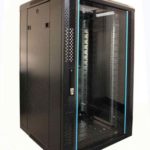
 FREE STANDING CABINETS
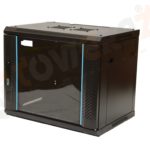 WALL MOUNTED CABINETS
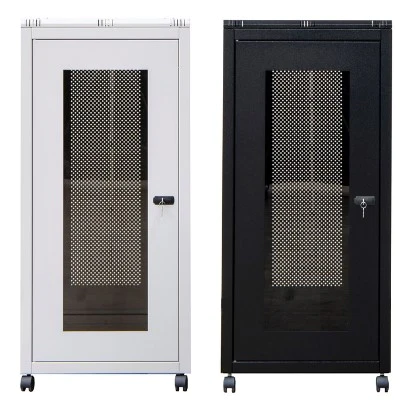
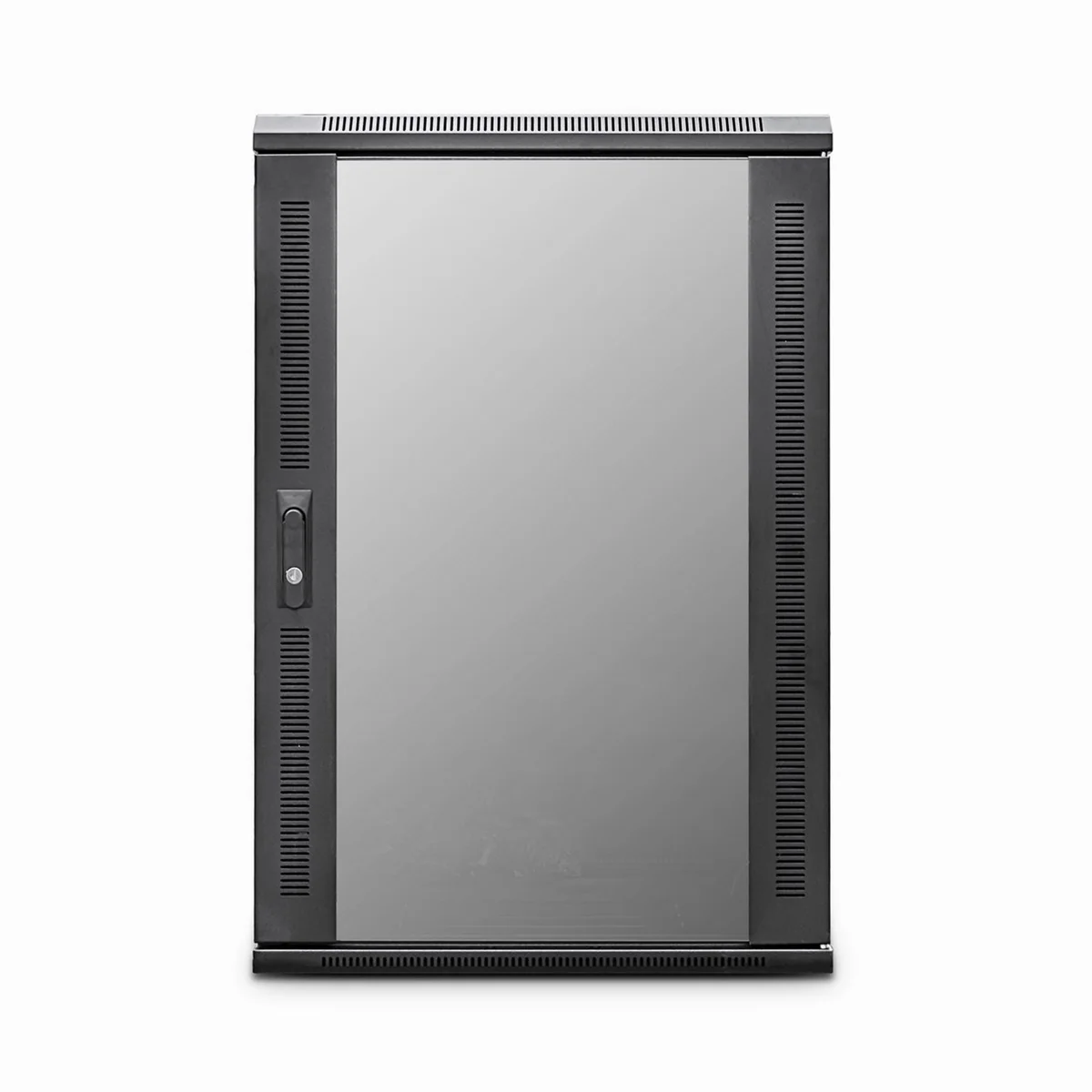
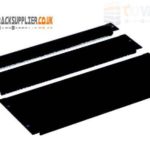 Blanking panel
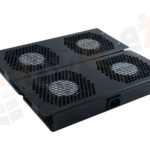 fan units
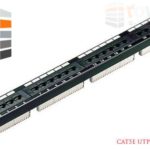 PATCH PANEL
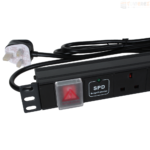 Power Distribution Unit
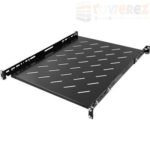 SHELVES
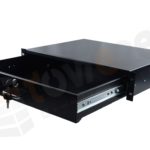 RACK DRAWER
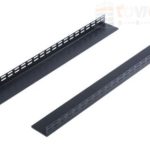 TOWEREZ RAILS
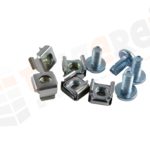 CAGE & NUTS

Server Cabinet vs Network Cabinet: UK Differences, Uses and Buying Guide

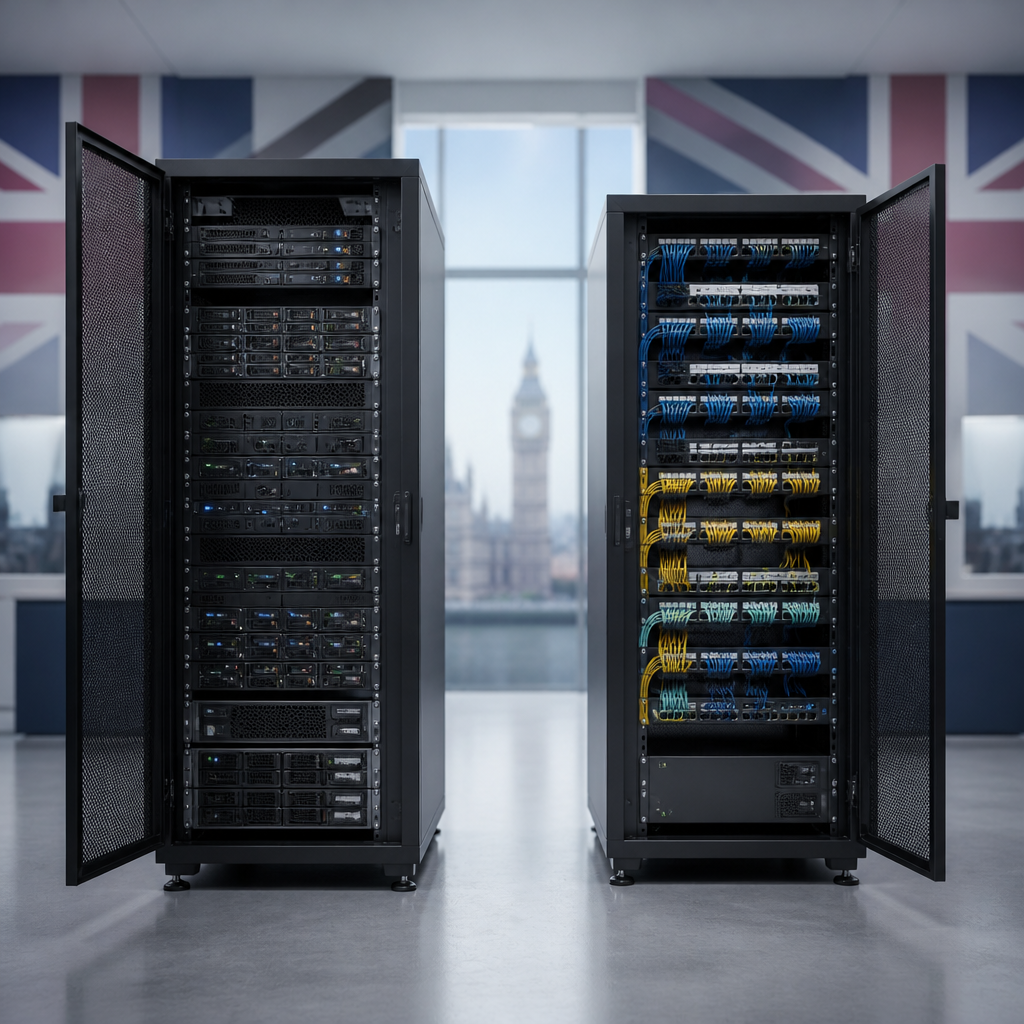
In brief: The main difference in the server cabinet vs network cabinet debate is depth, capacity and cooling. Server cabinets are generally deeper and designed for heavy, high-density equipment such as servers, storage and UPS systems. Network cabinets are often shallower and better suited to switches, patch panels, routers and structured cabling. The right choice depends on your equipment dimensions, heat output, cable needs, security requirements and available room.
Although the terms are sometimes used interchangeably, choosing the wrong cabinet can create practical problems. A shallow cabinet may not accept a full-depth server, while an unnecessarily deep cabinet can waste floor space and make a small communications room harder to manage. This UK buying guide explains the differences, where each type works best and what to check before ordering.
Server Cabinet vs Network Cabinet: What Is the Difference?
Both products are usually based on the 19-inch rack standard. This allows compatible servers, switches, patch panels, PDUs and other rack-mounted devices to be installed using rack units, commonly written as U. A 1U device occupies one rack unit of vertical space; a 2U device occupies two.
| Feature | Server cabinet | Network cabinet |
|---|---|---|
| Typical equipment | Servers, storage, UPS units and appliances | Switches, patch panels, routers and fibre equipment |
| Typical depth | Deeper to accommodate full-depth equipment | Often shallower for network hardware and cabling |
| Cooling needs | Usually higher, particularly in dense installations | Often lower, though switches can still generate significant heat |
| Installation style | Commonly a floor-standing enclosure | Floor-standing or wall-mounted, depending on size |
| Best suited to | Data rooms, server rooms and equipment requiring depth | Comms rooms, offices, branch sites and structured cabling points |
These are general design tendencies rather than absolute rules. A network cabinet can be deep, and a server cabinet can be used for network equipment. Always compare the usable internal dimensions with the manufacturer’s equipment requirements.
What Is a Server Cabinet?
A server cabinet is a rack enclosure designed to house IT equipment that is often deep, heavy or heat-intensive. Typical contents include rack servers, disk arrays, blade systems, tape units, firewalls, power distribution units and uninterruptible power supplies.
Server cabinets are commonly floor-standing and available in a range of heights and depths. They may have adjustable front and rear mounting rails, lockable front and rear doors, removable side panels, cable-entry points and ventilation features. Higher-capacity models may support perforated doors, roof-mounted fans, plinths, castors and additional load capacity.
When a server cabinet is the better choice
- You are installing full-depth rack servers or storage systems.
- The equipment produces substantial heat and needs front-to-back airflow.
- You need room for cable management behind the equipment.
- The cabinet must support heavier equipment or a larger UPS.
- You expect to expand the installation with more servers or storage.
Depth is especially important. The cabinet’s advertised external depth is not the same as the usable mounting depth. Doors, rails, rear cable clearance and airflow space all reduce the room available for equipment. Check the maximum equipment depth and the distance between the front and rear mounting posts before buying.
What Is a Network Cabinet?
A network cabinet, also called a network rack cabinet or data cabinet, is intended primarily for communications and connectivity equipment. Common contents include Ethernet switches, patch panels, routers, fibre shelves, media converters, cable management panels and small security appliances.
Many network cabinets are shallower than server cabinets because switches and patch panels do not always require the same depth. Wall-mounted versions are popular in offices, retail units, classrooms and smaller branch locations where floor space is limited. Floor-standing network cabinets are more suitable for larger installations or locations with extensive copper and fibre termination.
When a network cabinet is the better choice
- Your equipment is shallow or specifically designed for wall mounting.
- The installation is mainly patch panels, switches and cable management.
- You need a compact cabinet for a small comms room or branch office.
- Easy access to patching and port identification is a priority.
- The site has limited floor space but adequate wall structure for the load.
Network cabinets are not automatically low-temperature environments. A high-port-count switch, PoE switch or several active appliances can produce considerable heat. Ventilation must be assessed using the equipment manufacturer’s thermal guidance, not just the cabinet category.
Key Differences to Consider in the UK
1. Depth and equipment compatibility
Depth is usually the decisive factor in a server cabinet vs network cabinet comparison. A server may require a deep enclosure plus rear clearance for power and data cables. Network switches and patch panels may fit comfortably in a shallower cabinet, but their power connectors, transceivers and bend radius requirements still need to be considered.
Before selecting a cabinet, list every device and record its rack height, width, depth and weight. Include rails, cable arms, power leads and any manufacturer-recommended clearance. If a device is not rack-mountable, check whether a suitable shelf is available and whether the shelf has enough load capacity.
2. Airflow and thermal management
Most rack equipment is designed around a front-to-back airflow pattern, but not every device follows it. Avoid placing equipment in a way that blocks perforated doors or internal vents. Keep blanking panels over unused rack spaces where appropriate, because open gaps can allow cooled air to bypass equipment.
Server cabinets may need greater ventilation capacity, fan trays or a controlled data-room cooling system. Network cabinets may rely on passive ventilation, but this is only suitable when the heat load and ambient temperature allow it. PoE switches deserve particular attention because they can run warmer than non-PoE models.
3. Cable management
Network installations often contain a large number of patch leads and permanent horizontal cables. A cabinet should provide enough vertical and horizontal cable management to prevent tight bends, blocked ports and accidental strain on connectors.
For copper cabling, follow the relevant installation guidance and the cable manufacturer’s minimum bend radius. Fibre requires especially careful handling. Plan top, bottom or side cable entry according to the room layout, and confirm that doors can close without crushing cable bundles.
4. Security and physical access
Lockable doors and side panels can help prevent unauthorised access, accidental unplugging and tampering. A glazed door may make equipment status visible, while a perforated metal door can prioritise airflow and durability. Consider whether the cabinet will be installed in a restricted comms room, a shared office or a publicly accessible area.
For wall-mounted cabinets, the wall and fixings must be suitable for the fully loaded weight. Do not assess the cabinet in isolation: switches, patch panels, shelves, batteries and cable bundles all add load.
5. Power distribution and UPS equipment
A cabinet-mounted PDU can simplify power distribution, but socket type, plug orientation, cable length and available circuits must be checked in advance. Server cabinets may also need a rack-mounted UPS or larger external battery arrangement. Confirm the UPS dimensions, rail requirements, heat output and weight before allocating rack space.
In the UK, electrical work and power provision should be planned and installed by a suitably competent professional. The cabinet itself does not replace appropriate circuit protection, earthing, labelling or safe working practices.
Floor-Standing or Wall-Mounted Cabinet?
A wall-mounted network cabinet can be an efficient option for a small installation. It keeps equipment off the floor, supports short patching runs and can fit in a communications cupboard. However, it has a finite load capacity and may offer less room for deep equipment, batteries and future expansion.
Floor-standing cabinets provide more capacity and generally offer better access for larger cable bundles and heavier devices. They are usually the safer long-term option when the installation includes servers, storage, a substantial UPS or a significant amount of structured cabling.
Measure doorways, corridors, lifts and the final installation area before ordering. Also check whether the cabinet can be moved into position when fully assembled, and allow sufficient clearance to open front and rear doors for maintenance.
How Much Rack Space Do You Need?
Calculate the total rack units required by adding the height of every rack-mounted device. Then allow space for cable management, PDUs, shelves, blanking panels and future growth. A cabinet filled to its maximum capacity can be difficult to maintain and may restrict airflow.
- Create an equipment schedule with device height, depth, weight and power requirements.
- Assign rack positions, keeping heavier items low where practical.
- Reserve space for patch panels and cable management near the relevant cable routes.
- Allow realistic spare capacity for planned upgrades.
- Check that the combined weight remains within the cabinet and floor or wall loading limits.
Rack units alone do not describe the whole installation. A cabinet with enough vertical space can still be unsuitable if its mounting depth, rail adjustment or cable clearance is inadequate.
Buying Checklist for UK Businesses
- Confirm the 19-inch standard: Make sure all equipment, rails and accessories are compatible.
- Measure usable depth: Compare the equipment depth with the actual front-to-rear mounting range.
- Check height and load rating: Include the weight of batteries, shelves, PDUs and cable bundles.
- Plan airflow: Match door perforation, fans and room cooling to the expected heat load.
- Review cable entry: Check roof, base and side access, brush strips and bend-radius space.
- Choose suitable doors: Consider security, visibility, noise, airflow and maintenance access.
- Allow expansion: Avoid selecting a cabinet that only fits today’s equipment.
- Check accessories: Verify compatibility of shelves, cage nuts, castors, plinths, fan trays and PDUs.
- Consider delivery: Confirm dimensions, packaging, assembly requirements and access to the site.
- Document the layout: Keep a rack elevation and cable schedule for future maintenance.
Practical rule: Choose the cabinet around the deepest and hottest equipment, then validate the result against cable clearance, weight, airflow and future capacity.
Common Mistakes to Avoid
One common mistake is choosing by external dimensions alone. A cabinet may appear deep enough but have insufficient usable depth once doors and rails are taken into account. Another is assuming that every 19-inch device will fit without the correct rails, cage nuts or shelf.
It is also easy to underestimate cable volume. A neat installation needs more than a single horizontal management panel when multiple patch panels and switches are involved. Finally, do not treat ventilation as an optional feature for active equipment. Heat can shorten equipment life, cause instability and increase the demands on room cooling.
Which Cabinet Should You Choose?
Choose a server cabinet when the installation includes deep servers, storage, a rack UPS, heavy equipment or a significant thermal load. Choose a network cabinet when the installation is mainly switches, patch panels, routers and structured cabling, particularly where a shallower or wall-mounted enclosure is useful.
There is no universal winner in the server cabinet vs network cabinet decision. A well-specified network cabinet can house some server appliances, while a server cabinet can provide an excellent home for network equipment. The best option is the cabinet that matches the equipment’s dimensions, heat output, weight, cabling and maintenance requirements.
Key Takeaways
- Server cabinets are typically deeper and better suited to servers, storage and UPS equipment.
- Network cabinets are often shallower and suited to switches, patch panels and structured cabling.
- Both types can use the 19-inch rack format, but usable depth and rail adjustment vary.
- PoE switches and dense network installations still require careful thermal planning.
- Always check rack units, depth, weight, cable clearance, airflow, security and expansion space.
Frequently Asked Questions
Can a network cabinet hold a server?
It can, provided the server’s depth, mounting rails, weight and airflow requirements are compatible with the cabinet. Many network cabinets are too shallow for full-depth servers, so check usable mounting depth rather than external cabinet depth.
Can I use a server cabinet for network equipment?
Yes. A server cabinet can house switches, patch panels, routers and other 19-inch network equipment. Its extra depth may be useful for cable management, but it can occupy more floor space than necessary in a small installation.
Are network cabinets always wall-mounted?
No. Network cabinets are available as wall-mounted and floor-standing models. Wall-mounted cabinets suit compact installations, while floor-standing cabinets provide more room for equipment, cabling and future expansion.
How deep should a server cabinet be?
It should be deeper than the longest installed device and provide clearance for rails, rear connectors, power leads and airflow. The correct depth depends on the equipment schedule, so measure the deepest device and follow the equipment manufacturer’s clearance guidance.
Do network cabinets need cooling fans?
Not always. The requirement depends on equipment heat output, cabinet ventilation, ambient temperature and room cooling. High-density or PoE network equipment may require active ventilation even in a relatively small cabinet.
How much spare rack space should I allow?
Allow enough space for planned equipment, cable management and maintenance access rather than filling every rack unit. The exact allowance depends on the growth plan, but a cabinet with no practical expansion space can lead to an expensive replacement or a second cabinet later.
{“@context”:”https://schema.org”,”@type”:”FAQPage”,”mainEntity”:[{“@type”:”Question”,”name”:”Can a network cabinet hold a server?”,”acceptedAnswer”:{“@type”:”Answer”,”text”:”It can, provided the server’s depth, mounting rails, weight and airflow requirements are compatible with the cabinet. Many network cabinets are too shallow for full-depth servers, so check usable mounting depth rather than external cabinet depth.”}},{“@type”:”Question”,”name”:”Can I use a server cabinet for network equipment?”,”acceptedAnswer”:{“@type”:”Answer”,”text”:”Yes. A server cabinet can house switches, patch panels, routers and other 19-inch network equipment. Its extra depth may be useful for cable management, but it can occupy more floor space than necessary in a small installation.”}},{“@type”:”Question”,”name”:”Are network cabinets always wall-mounted?”,”acceptedAnswer”:{“@type”:”Answer”,”text”:”No. Network cabinets are available as wall-mounted and floor-standing models. Wall-mounted cabinets suit compact installations, while floor-standing cabinets provide more room for equipment, cabling and future expansion.”}},{“@type”:”Question”,”name”:”How deep should a server cabinet be?”,”acceptedAnswer”:{“@type”:”Answer”,”text”:”It should be deeper than the longest installed device and provide clearance for rails, rear connectors, power leads and airflow. The correct depth depends on the equipment schedule, so measure the deepest device and follow the equipment manufacturer’s clearance guidance.”}},{“@type”:”Question”,”name”:”Do network cabinets need cooling fans?”,”acceptedAnswer”:{“@type”:”Answer”,”text”:”Not always. The requirement depends on equipment heat output, cabinet ventilation, ambient temperature and room cooling. High-density or PoE network equipment may require active ventilation even in a relatively small cabinet.”}},{“@type”:”Question”,”name”:”How much spare rack space should I allow?”,”acceptedAnswer”:{“@type”:”Answer”,”text”:”Allow enough space for planned equipment, cable management and maintenance access rather than filling every rack unit. The exact allowance depends on the growth plan, but a cabinet with no practical expansion space can lead to an expensive replacement or a second cabinet later.”}}]}