
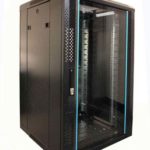
 FREE STANDING CABINETS
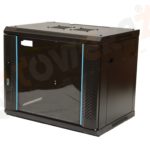 WALL MOUNTED CABINETS
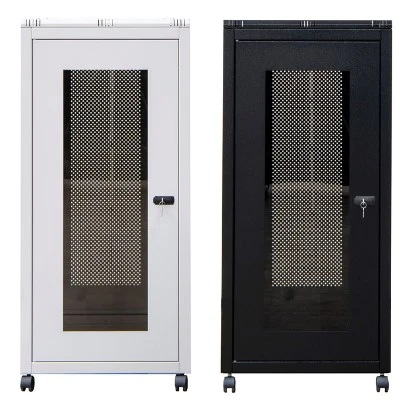
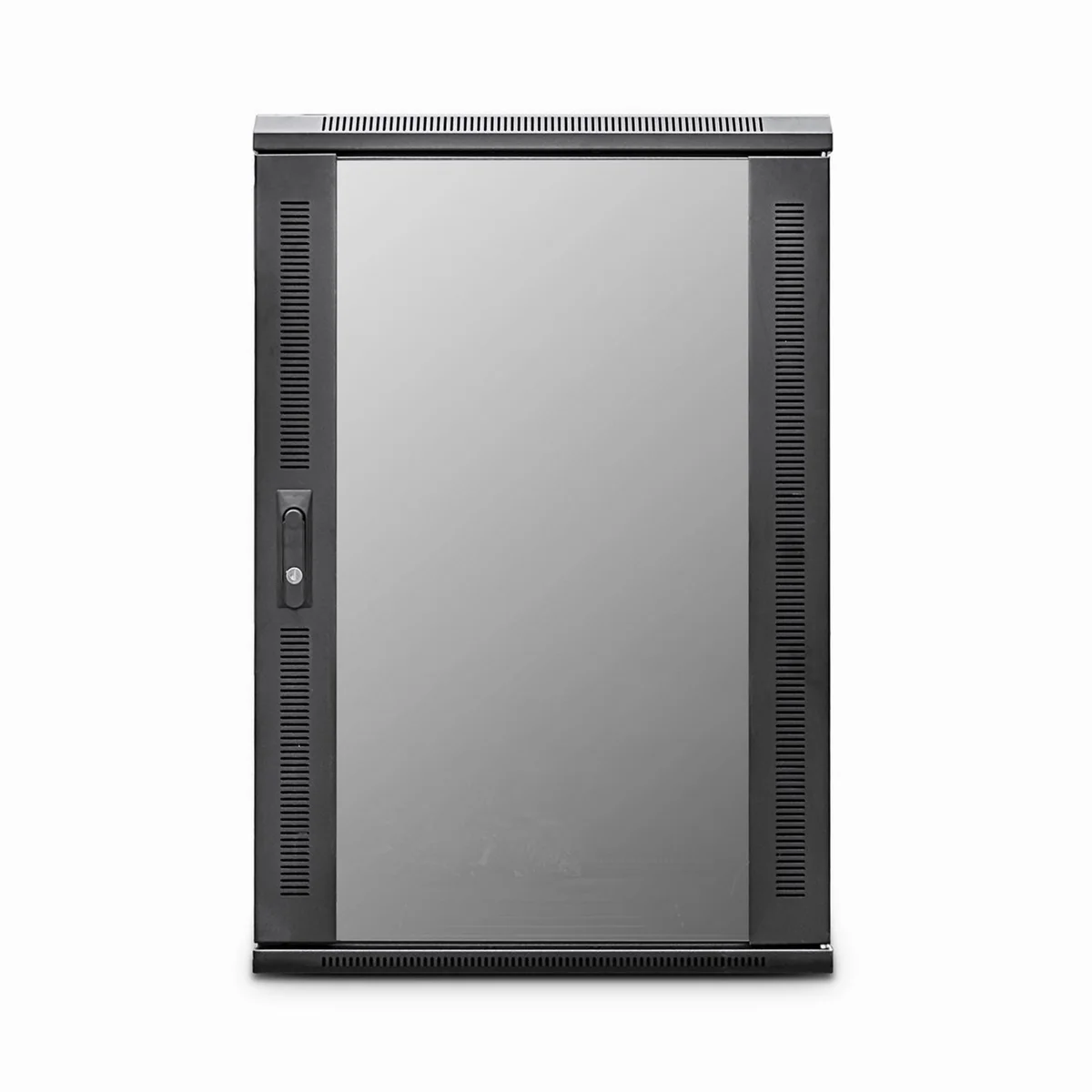
 Blanking panel
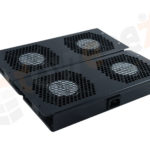 fan units
 PATCH PANEL
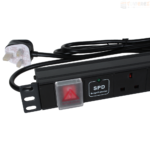 Power Distribution Unit
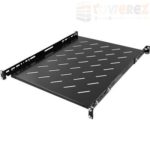 SHELVES
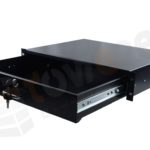 RACK DRAWER
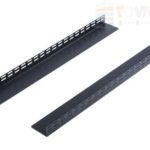 TOWEREZ RAILS
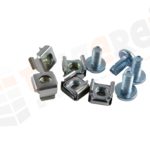 CAGE & NUTS

Can You Install a UPS in a Wall-Mounted Server Cabinet? UK Sizing and Safety Guide

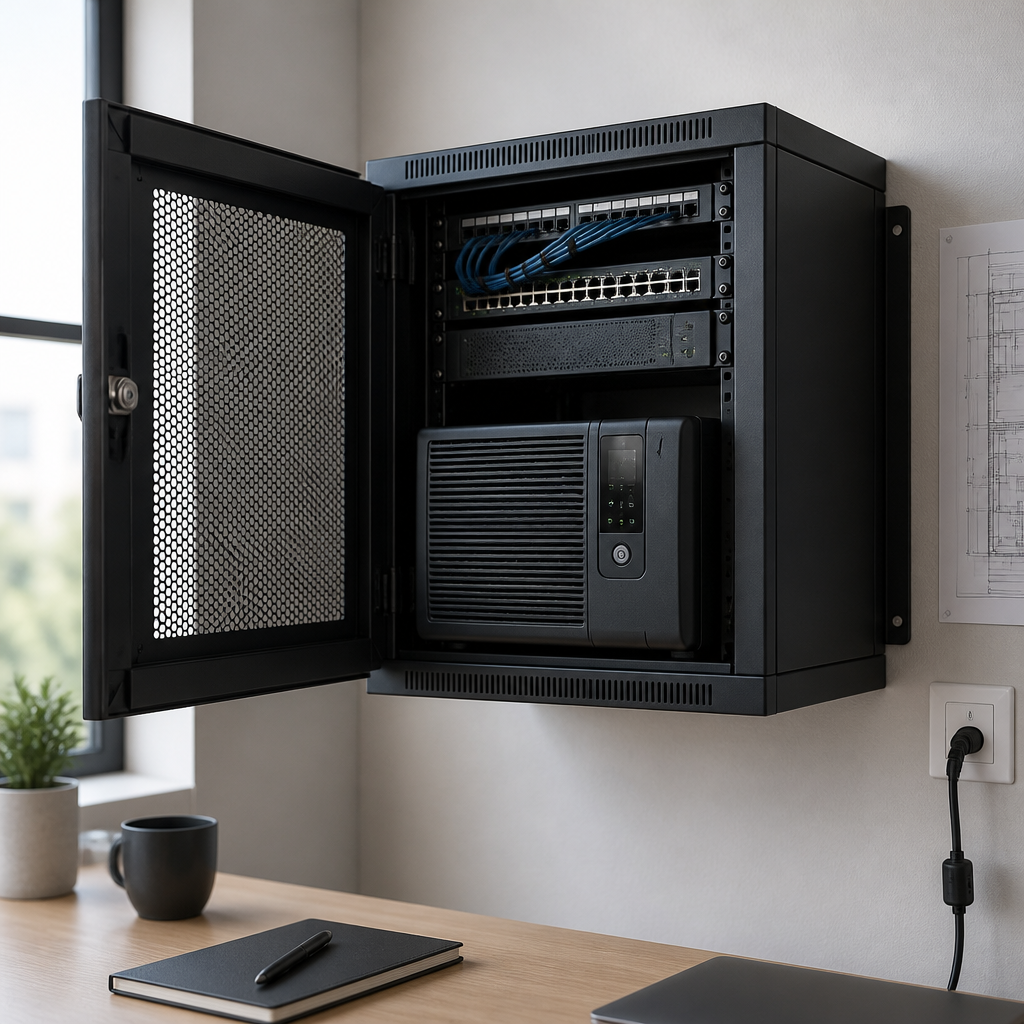
Yes, you can install a wall mounted server cabinet UPS, but only when the cabinet is rated for the UPS’s weight, depth, heat output and mounting method. For most small network cabinets, a compact rack-mounted or wall-mount UPS is more suitable than a large online UPS. Check the load in watts, available rack units, ventilation, battery access and the cabinet’s fixing capacity before installation.
A UPS, or uninterruptible power supply, keeps selected network and IT equipment running during a short power interruption. It can also help protect equipment from voltage disturbances, giving you time to shut down servers, switches, routers and storage devices in a controlled way. This guide explains how to choose a UPS for a wall-mounted cabinet in the UK and how to install it safely.
Can a UPS go inside a wall-mounted server cabinet?
It can, provided the cabinet and UPS are compatible. A UPS installed in a wall-mounted enclosure adds a concentrated load to a structure that may already contain patch panels, switches, a router, cable management and power distribution equipment. The cabinet must support the combined weight without distorting its back panel, mounting rails or wall fixings.
Before buying, confirm the following:
- Cabinet load rating: Check the manufacturer’s maximum equipment load and whether the rating applies to wall-mounted equipment, not just a freestanding cabinet.
- Rack compatibility: Confirm the UPS fits the cabinet’s 19-inch rails and has the correct rack-unit height, rail kit or shelf.
- Depth: Measure usable internal depth, including the position of rear doors, cable plugs and bend radius requirements.
- Wall and fixing strength: The wall, anchors and mounting frame must support the cabinet and its fully loaded contents.
- Ventilation: Leave the clearances specified by the UPS manufacturer and do not block air inlets or outlets.
- Service access: Batteries may need inspection or replacement, so avoid an installation that makes the UPS impossible to remove safely.
Small cabinets are often installed on plasterboard, masonry or partition walls with different fixing requirements. If the total loaded weight is significant, obtain advice from a competent installer and use a suitable mounting system rather than relying on generic wall plugs.
Choosing the right wall mounted server cabinet UPS
The best UPS is not necessarily the one with the largest battery. It should provide enough capacity for the equipment you genuinely need to keep running, fit the cabinet and support the required runtime. Oversizing can increase cost, weight and heat without improving the resilience of non-critical devices.
Standby, line-interactive or online UPS?
- Standby UPS: Usually suited to basic network or office equipment where a simple battery backup is sufficient. It normally has a lower cost and smaller footprint, but may provide less voltage conditioning.
- Line-interactive UPS: Often a practical choice for network cabinets. Automatic voltage regulation can help manage moderate voltage changes without using the battery for every event.
- Online UPS: Continuously regenerates the output supply and can provide a higher level of power conditioning. It may be appropriate for sensitive or critical loads, but it commonly produces more heat, costs more and requires careful ventilation.
For a typical small UK communications cabinet, a compact line-interactive model is often considered first. The final choice should reflect the equipment manufacturer’s requirements, the quality of the local electrical supply, the consequence of downtime and the desired runtime.
How to size a UPS in watts and VA
UPS capacity is commonly stated in volt-amperes (VA) and watts (W). Both figures matter. The VA rating represents apparent power, while the watt rating represents the real power available to the connected load. A UPS must meet the equipment’s watt demand and remain within its VA limit.
Step 1: List the equipment
Write down every device that will connect to the battery-backed outlets. This may include a network switch, firewall, router, wireless controller, small server, NAS, fibre terminal or monitoring appliance. Do not automatically connect printers, heaters or other high-inrush devices to the UPS. They may overload it or use battery capacity unnecessarily.
Step 2: Measure or estimate the actual load
Manufacturer nameplates show maximum ratings, not always normal consumption. A plug-in power meter can provide a more useful reading for equipment already in service. Measure the load during normal operation and, where practical, during a busy or start-up condition.
Add the watt readings together. If using estimates, allow sensible headroom rather than selecting a UPS that operates continuously at its limit. A common design approach is to keep the expected load comfortably below the UPS’s rated output, but the exact margin should follow the UPS manufacturer’s guidance and the equipment’s start-up characteristics.
Step 3: Check both output ratings
For example, if the connected equipment draws 420 W, a UPS rated at 600 W may be suitable from a wattage perspective, provided its VA rating and peak-load capability also accommodate the equipment. A model rated at 600 VA but only 360 W would not be suitable, even though the VA number appears large enough.
Do not use battery runtime tables as a guarantee. Runtime changes with load, battery age, temperature, battery condition and the UPS model. Select the UPS using the manufacturer’s published runtime chart and verify whether the quoted runtime applies to the complete load or a much smaller test load.
Runtime: how long should the UPS operate?
The required runtime depends on the purpose of the installation:
- Short interruptions: A few minutes may be enough to ride through brief outages and voltage events.
- Graceful shutdown: Choose enough runtime for monitoring software to detect the outage and shut down servers or storage safely.
- Generator or standby supply: The UPS may bridge the delay before another supply becomes available, subject to compatibility and operating procedures.
- Extended operation: Long runtimes may require a larger UPS, external battery packs or a different power resilience design. These options add weight and maintenance requirements.
Use USB, serial or network communication if automatic shutdown is important. Test the shutdown sequence rather than assuming the software will work as soon as it is connected. A UPS that stays powered but allows a server battery to fail may not provide the protection you intended.
Wall-mounted cabinet installation and safety
Mount the cabinet before loading it
Never rely on the cabinet’s rack rails to support the cabinet itself. Secure the empty cabinet to suitable structural points, following the enclosure manufacturer’s instructions. Where possible, use a backboard, mounting frame or additional support designed for the wall type. Load equipment gradually and keep heavy items low to reduce stress and improve stability.
Use the correct rack support
Some rack UPS units are designed for four-post cabinets or floor-standing racks and may not be suitable for a shallow wall box. A front-mounted unit can put excessive leverage on the front rails. If the manufacturer specifies rear rails, a shelf or a dedicated support bracket, install that support. Do not improvise with an unsupported shelf that is not rated for the UPS weight.
Manage heat and airflow
Every UPS loses some energy as heat, and online models can generate more heat than comparable standby designs. A closed wall cabinet can therefore become warmer than the surrounding room. High temperatures reduce battery life and may cause the UPS to derate or alarm.
Keep vents clear, follow the required front and rear clearances, and avoid placing heat-producing devices directly above sensitive equipment. If the cabinet has fans, check their airflow direction and filter condition. Do not install a fan or ventilation opening that compromises the cabinet’s intended fire, dust or environmental protection without assessing the effect.
Plan cables and power distribution
Use suitable power leads and a compatible rack power distribution unit (PDU). Avoid daisy-chaining extension blocks or connecting a UPS output to another UPS unless the manufacturers specifically permit it. Keep mains and data cabling organised, preserve plug access and prevent cables from pulling on the cabinet or UPS sockets.
In the UK, the upstream circuit, protective device, earthing arrangement and any fixed wiring work should be assessed by a suitably competent electrical professional. Follow the UPS installation manual and applicable UK electrical requirements. A plug-in UPS does not remove the need for safe isolation, correct polarity, adequate earthing and appropriate overload protection.
Battery safety and maintenance
Most compact UPS units use sealed lead-acid batteries, while some newer designs use lithium-ion batteries. Both types require the manufacturer’s charging, temperature and replacement instructions to be followed. Do not open, modify, short-circuit or dispose of UPS batteries with general waste.
Important battery practices include:
- Keep the UPS in the temperature and humidity range stated by the manufacturer.
- Provide access for battery inspection and replacement.
- Replace batteries using the specified type and approved procedure.
- Label the UPS and its isolation point so another person can identify the equipment quickly.
- Test alarms, battery operation and automatic shutdown at planned intervals.
- Record tests, faults, battery changes and any runtime concerns.
A battery can fail without obvious external damage. An annual test may be appropriate for some low-risk installations, while critical environments may need more frequent monitoring and documented procedures. Follow the manufacturer’s maintenance schedule and the organisation’s risk assessment.
Common mistakes to avoid
- Choosing by VA alone: Always compare the UPS watt rating with the measured or calculated load.
- Ignoring depth: A UPS can fit the rack width but still obstruct the rear door or prevent safe cable routing.
- Overloading the wall: Include the weight of the cabinet, UPS, batteries, equipment and cables in the structural assessment.
- Blocking ventilation: Tight clearances can increase temperature and shorten battery life.
- Backing up everything: Prioritise critical equipment and leave non-essential or high-inrush loads off the battery outlets.
- Skipping a shutdown test: Confirm that monitoring software detects the UPS and shuts systems down in the intended order.
- Forgetting bypass arrangements: For important systems, plan how equipment will be powered during UPS maintenance or replacement.
Wall mounted server cabinet UPS checklist
- Measure the actual load in watts and estimate peak or start-up demand.
- Check the UPS watt and VA ratings, not just one of them.
- Confirm rack units, depth, rail type and support requirements.
- Calculate the fully loaded cabinet weight.
- Verify the wall, fixings and mounting system are suitable.
- Allow the specified airflow and service clearances.
- Choose the required runtime and battery communication method.
- Use a suitable PDU and avoid unapproved daisy-chaining.
- Arrange safe electrical installation where fixed wiring or circuit changes are involved.
- Document and test alarms, battery operation and automatic shutdown.
Key takeaway: A wall-mounted cabinet can safely house a UPS when the cabinet, wall, UPS and electrical installation are designed as one system. Capacity, weight, heat and maintenance access are just as important as battery runtime.
Frequently asked questions
Can I put any rack UPS in a wall-mounted server cabinet?
No. Check the UPS depth, weight, rack-unit height, rail requirements, airflow and mounting instructions. Some UPS units are intended only for floor-standing or four-post cabinets.
How do I know what size UPS I need?
Add the measured watt demand of the equipment that needs battery backup, check the UPS’s watt and VA ratings, and allow appropriate headroom for peak demand. Then use the manufacturer’s runtime chart to confirm the expected backup time.
Should a UPS be at the bottom of a wall cabinet?
Heavy equipment is generally best kept low to reduce leverage and improve stability, but the final position must follow the cabinet and UPS mounting instructions. Use the specified shelf, rails or support brackets.
Does a UPS need ventilation in a network cabinet?
Yes. A UPS produces heat while operating and charging. Keep its air inlets and outlets clear, follow the manufacturer’s clearances and monitor cabinet temperature where heat build-up could affect batteries or equipment.
Can I connect a UPS to an extension lead or another UPS?
Do not daisy-chain extension blocks or connect UPS units together unless the relevant manufacturers explicitly approve the arrangement. Use correctly rated leads and a suitable PDU, with the installation checked for overload and earthing safety.
How often should a cabinet UPS be tested?
Follow the UPS manufacturer’s maintenance guidance and your site’s risk assessment. Test alarms, battery operation and automatic shutdown on a documented schedule, and replace batteries according to condition and manufacturer recommendations.
{“@context”:”https://schema.org”,”@type”:”FAQPage”,”mainEntity”:[{“@type”:”Question”,”name”:”Can I put any rack UPS in a wall-mounted server cabinet?”,”acceptedAnswer”:{“@type”:”Answer”,”text”:”No. Check the UPS depth, weight, rack-unit height, rail requirements, airflow and mounting instructions. Some UPS units are intended only for floor-standing or four-post cabinets.”}},{“@type”:”Question”,”name”:”How do I know what size UPS I need?”,”acceptedAnswer”:{“@type”:”Answer”,”text”:”Add the measured watt demand of the equipment that needs battery backup, check the UPS’s watt and VA ratings, and allow appropriate headroom for peak demand. Then use the manufacturer’s runtime chart to confirm the expected backup time.”}},{“@type”:”Question”,”name”:”Should a UPS be at the bottom of a wall cabinet?”,”acceptedAnswer”:{“@type”:”Answer”,”text”:”Heavy equipment is generally best kept low to reduce leverage and improve stability, but the final position must follow the cabinet and UPS mounting instructions. Use the specified shelf, rails or support brackets.”}},{“@type”:”Question”,”name”:”Does a UPS need ventilation in a network cabinet?”,”acceptedAnswer”:{“@type”:”Answer”,”text”:”Yes. A UPS produces heat while operating and charging. Keep its air inlets and outlets clear, follow the manufacturer’s clearances and monitor cabinet temperature where heat build-up could affect batteries or equipment.”}},{“@type”:”Question”,”name”:”Can I connect a UPS to an extension lead or another UPS?”,”acceptedAnswer”:{“@type”:”Answer”,”text”:”Do not daisy-chain extension blocks or connect UPS units together unless the relevant manufacturers explicitly approve the arrangement. Use correctly rated leads and a suitable PDU, with the installation checked for overload and earthing safety.”}},{“@type”:”Question”,”name”:”How often should a cabinet UPS be tested?”,”acceptedAnswer”:{“@type”:”Answer”,”text”:”Follow the UPS manufacturer’s maintenance guidance and your site’s risk assessment. Test alarms, battery operation and automatic shutdown on a documented schedule, and replace batteries according to condition and manufacturer recommendations.”}}]}