
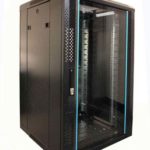
 FREE STANDING CABINETS
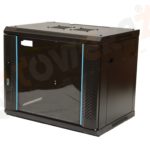 WALL MOUNTED CABINETS
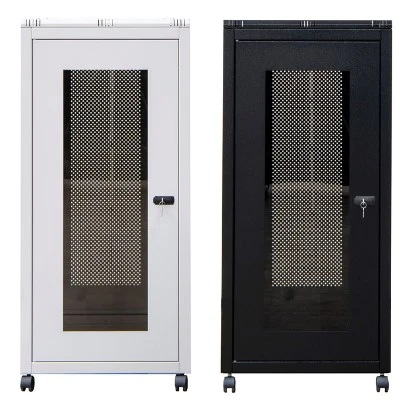
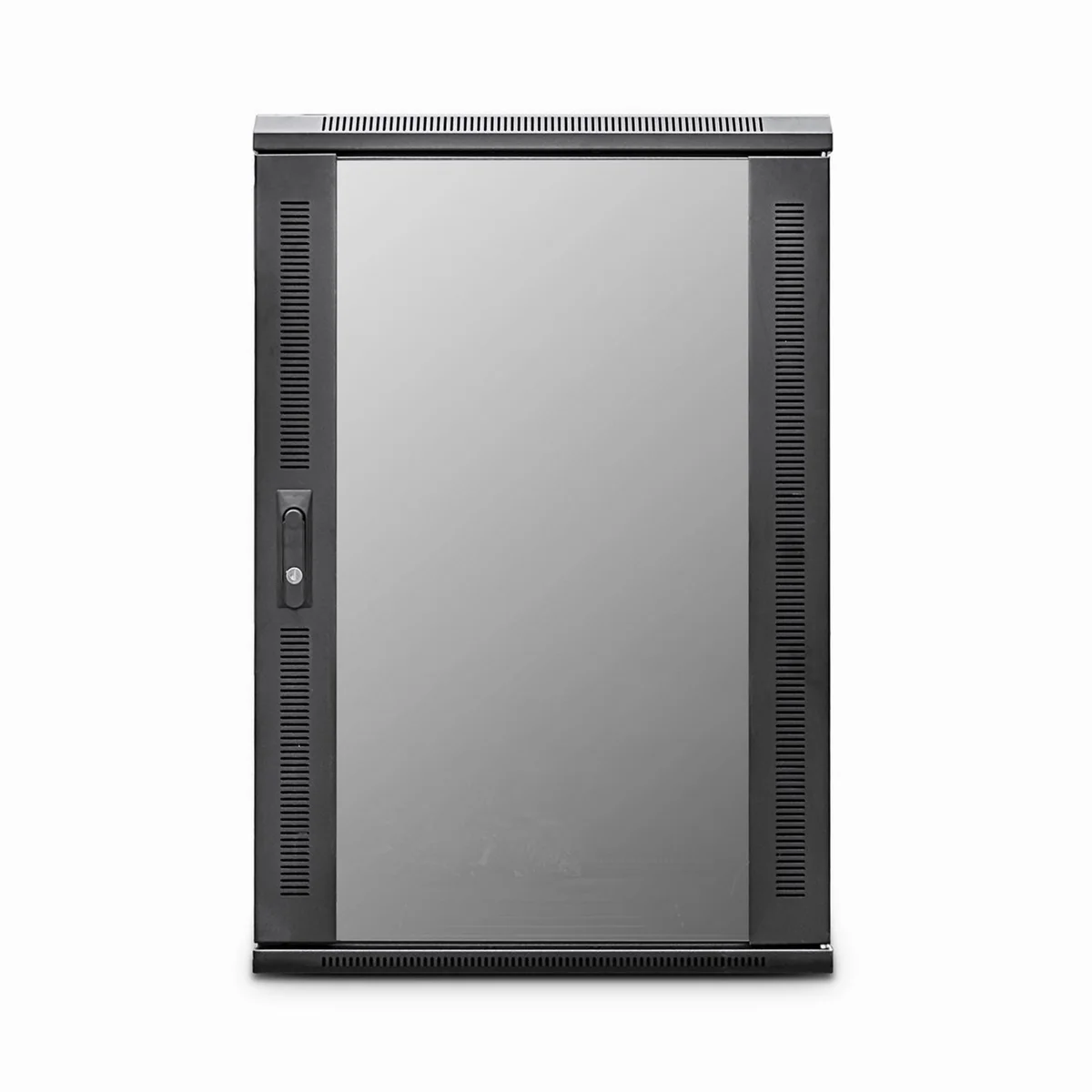
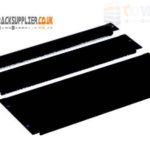 Blanking panel
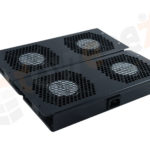 fan units
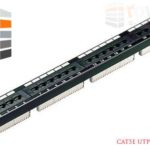 PATCH PANEL
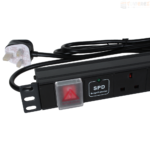 Power Distribution Unit
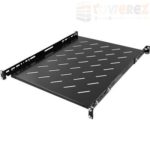 SHELVES
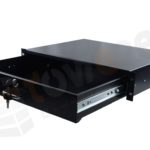 RACK DRAWER
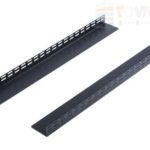 TOWEREZ RAILS
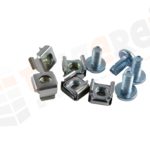 CAGE & NUTS

What Size Server Cabinet Do I Need? A UK Guide to Rack Units, Depth and Load Capacity

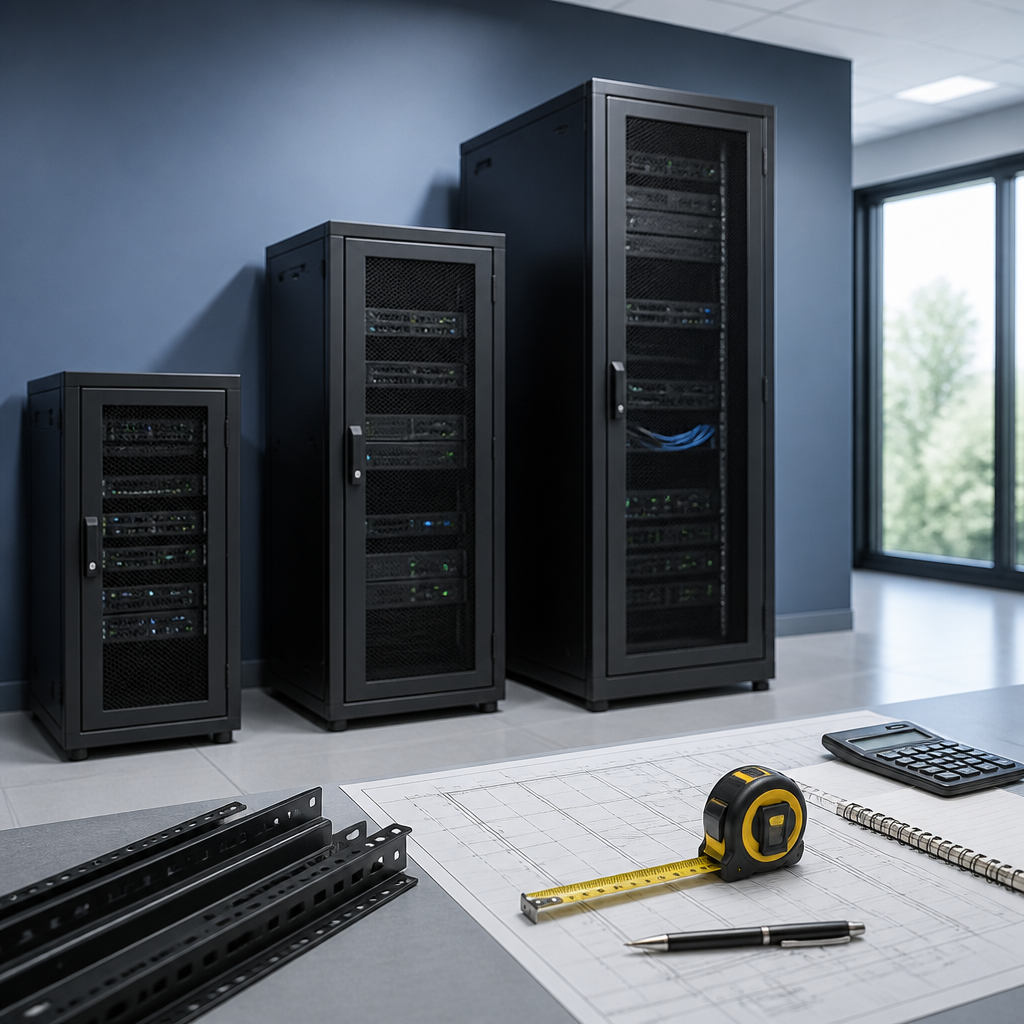
Short answer: choose a server cabinet by matching its rack units (U), usable depth, external width, weight capacity, cooling requirements and available floor or wall space. For many small-business installations, a 12U to 24U cabinet is a practical starting point, while larger server rooms may need 42U cabinets. Always measure the deepest equipment, allow space for cables and airflow, and leave spare capacity for future growth.
This server cabinet size guide UK explains how to select the right enclosure for servers, switches, patch panels, UPS systems and other 19-inch rack equipment. The right cabinet is not simply the tallest or deepest model available. It must safely support your equipment, fit through doors and corridors, provide suitable ventilation and leave enough room for installation and maintenance.
What does server cabinet size mean?
Server cabinet size usually refers to four separate measurements:
- Rack height: measured in rack units, written as U. One rack unit is 44.45 mm of vertical mounting space.
- Mounting width: most professional IT equipment is designed for a nominal 19-inch rack.
- Usable depth: the front-to-back space available between the mounting rails.
- External dimensions: the cabinet’s overall height, width and depth, including doors, side panels, castors and other fittings.
A cabinet described as 24U, 600 mm wide and 800 mm deep has 24U of vertical rack capacity, a standard rack mounting width and an external or nominal depth that must still be checked against the manufacturer’s specification. Different brands may describe depth differently, so confirm whether a stated measurement means overall cabinet depth or usable rail-to-rail depth.
How many rack units do I need?
Calculate the vertical space required by adding the U height of every rack-mounted item. Then add space for cable management, blanking panels, ventilation and future equipment. Do not plan to fill every available unit unless the cabinet is intended for a very fixed, carefully managed installation.
Common rack unit sizes
| Cabinet size | Typical application | Planning considerations |
|---|---|---|
| 6U to 9U | Small network installations, patching and compact edge equipment | Check power supply and cable bend space carefully |
| 12U to 18U | Small offices, CCTV, telephony and modest network systems | Suitable where expansion needs are limited |
| 22U to 27U | Growing businesses and mixed server and network equipment | Offers useful capacity without the height of a full cabinet |
| 36U to 42U | Server rooms, data centres and larger equipment deployments | Requires adequate room height, access and floor loading |
For example, a system containing a 2U server, 1U switch, 1U patch panel, 2U UPS and 1U cable manager uses 7U before any allowance for growth. A 9U cabinet may technically fit the equipment, but a 12U or 15U cabinet could be the better choice if you expect more patching, another switch or additional power protection.
Use a rack unit calculation
- List every rack-mounted device and record its height in U.
- Add the individual U values together.
- Add space for vertical cable managers, shelves, patching and blanking panels.
- Add a growth allowance based on your equipment roadmap.
- Choose the next available cabinet size rather than rounding down.
Some equipment is not rack-mounted and will need a fixed shelf. A desktop firewall, small NAS, modem or non-standard power device may occupy more space than its physical dimensions suggest because the shelf also needs clearance for cables and ventilation. Measure the complete installed footprint, not just the device casing.
How deep should a server cabinet be?
Depth is one of the most important decisions in a server cabinet size guide UK because a cabinet can have enough U capacity but still be too shallow for the equipment. Measure from the front mounting ears to the rearmost part of the device, including handles, power connectors, transceivers and cables.
Allow additional room behind the equipment for:
- Power leads and IEC connectors.
- Network and fibre patch cables.
- Cable bend radius, especially for fibre and high-density copper cabling.
- Rear doors or side access during maintenance.
- Airflow clearance around fans and ventilation outlets.
- Sliding rails, cable arms and other moving components.
Typical depth choices
Shallow wall-mounted cabinets are often suitable for patch panels, switches, small routers and structured cabling. They may not be suitable for full-depth servers, large UPS units or equipment with rear cable assemblies. Mid-depth cabinets can accommodate a broader mixture of networking and compact server hardware. Deep floor-standing cabinets are usually the safest option for full-depth servers, sliding rails and equipment requiring substantial rear clearance.
There is no universal depth that fits every server. Consult the equipment installation guide for the minimum cabinet depth and rail requirements. If a server uses sliding rails, check the minimum and maximum rail positions, front-to-back adjustment range and whether the rails require a specific cabinet design.
Practical rule: measure the deepest installed device, then add space for connectors, cable bend radius and airflow. Never select a cabinet based only on the depth of the chassis.
What cabinet width is standard in the UK?
Most rack servers, switches, patch panels and accessories use a 19-inch mounting format. This refers to the distance between the front mounting rails, not the cabinet’s external width. A cabinet may be described as 600 mm wide or another external dimension while still accepting standard 19-inch equipment.
Check the following before ordering:
- Whether the cabinet has adjustable front and rear mounting rails.
- Whether the rails are square-hole, round-hole or threaded.
- Whether cage nuts, screws or proprietary fixings are included.
- Whether side-to-side cable management space is sufficient.
- Whether wide equipment uses a special mounting arrangement or requires a wider enclosure.
Wider cabinets can make cable routing and maintenance easier, but they also need more floor space. A cabinet that fits the equipment but blocks an aisle, door or access panel is not a good installation choice.
How much weight can a server cabinet hold?
Every cabinet has a maximum load rating, and the rating may differ depending on whether the cabinet is on castors, levelling feet or fixed directly to a wall. The load rating should exceed the combined weight of servers, UPS units, batteries, switches, shelves, patch panels and accessories.
UPS systems and battery modules can be particularly heavy. Place heavy equipment low in a floor-standing cabinet to improve stability and reduce the risk of the cabinet becoming top-heavy. Avoid installing a heavy device on a shelf that is not rated for its weight, and verify that the rack rails can support the equipment over its full extension when a sliding server is pulled forward.
Wall-mounted cabinet load capacity
For a wall cabinet, the limiting factor may be the wall and fixing method rather than the cabinet’s own rating. Consider the construction of the wall, the quality of the fixings, the position of studs or masonry, and the combined weight of the cabinet and equipment. Do not rely on plasterboard alone for a heavily loaded installation unless an appropriate mounting system has been professionally designed.
Follow the manufacturer’s installation instructions and obtain competent advice where the load is significant or the wall construction is uncertain. A floor-standing cabinet may be safer and easier to maintain when equipment is heavy or likely to expand.
Cooling, airflow and power requirements
Cabinet dimensions and cooling are closely connected. Servers generally draw cool air through the front and exhaust warm air at the rear, so the cabinet layout should support a clear front-to-back airflow path. Use perforated doors or ventilated panels where appropriate, and avoid blocking equipment fans with solid panels, poorly placed shelves or tightly packed cables.
Consider these points:
- Keep front and rear ventilation paths clear.
- Use blanking panels in unused rack spaces to reduce uncontrolled air recirculation.
- Route cables so they do not obstruct fan intakes or exhausts.
- Check whether the cabinet needs roof fans, plinth ventilation or an external cooling system.
- Confirm that the room itself can remove the heat generated by the equipment.
- Allow sufficient space to access filters, fans, power distribution units and rear connections.
Power planning is equally important. Confirm the available electrical supply, plug types, power distribution unit format and UPS requirements before choosing a cabinet. A cabinet with adequate U space but insufficient power capacity will not support a reliable installation.
Wall-mounted or floor-standing server cabinet?
Choose a wall-mounted cabinet when:
- The installation contains mainly switches, patch panels, routers or compact appliances.
- Floor space is limited and the wall can safely support the load.
- Equipment depth and weight are within the cabinet’s limits.
- There is enough working clearance to open the door and service the equipment.
Choose a floor-standing cabinet when:
- You need full-depth servers, large UPS systems or sliding rails.
- The equipment is heavy or expected to grow over time.
- You need better front and rear access for maintenance.
- You require more cooling, power distribution or cable management options.
Also check delivery access. Measure doorways, lifts, corridors and turning areas, and confirm the cabinet’s packaged dimensions. A tall cabinet may need to be assembled in position or moved using suitable handling equipment.
Server cabinet size guide UK: a practical selection process
Use this process to select a cabinet with fewer surprises:
- Inventory the equipment. Record the U height, depth, width, weight, power draw and rail type for each item.
- Measure the installation area. Include ceiling height, door clearance, service space, cable routes and access to power.
- Choose the cabinet type. Decide between wall-mounted, floor-standing, open-frame and enclosed designs.
- Calculate rack capacity. Add equipment U values, cable management and a realistic allowance for expansion.
- Verify depth and rails. Check usable depth, rail adjustment, hole pattern and cable clearance.
- Check loading. Compare total equipment weight with the cabinet, shelf, rail, castor and wall-fixing ratings.
- Plan cooling and power. Confirm ventilation, PDU compatibility, UPS space and the room’s heat management.
- Review security and access. Consider lockable doors, removable side panels, monitoring and service access.
It is usually more economical to select a cabinet with sensible spare capacity than to replace an undersized enclosure later. However, oversizing can waste floor space and make cooling, cable routing and installation more complicated. Base the allowance on a documented growth plan rather than choosing the largest cabinet by default.
Common server cabinet sizing mistakes
- Counting only the U height: a cabinet can fit vertically while being too shallow for the hardware.
- Ignoring cables: rear connectors and bend radius can add significant installation depth.
- Filling every rack unit: no allowance is left for airflow, cable management or expansion.
- Underestimating UPS weight: batteries may require stronger rails, shelves or a lower mounting position.
- Confusing external and usable dimensions: doors and rear panels reduce the space available to equipment.
- Forgetting maintenance access: equipment needs room to slide out, unplug and be serviced.
- Choosing a wall cabinet for floor-standing equipment: the enclosure and wall may not be designed for that load.
Key takeaways
- Rack units determine vertical capacity; one U equals 44.45 mm.
- Measure usable depth, not just the advertised external cabinet depth.
- Allow space for connectors, cable bend radius, airflow and future expansion.
- Check the mounting rail type and adjustment range before ordering.
- Compare total equipment weight with the cabinet and fixing load ratings.
- Use a floor-standing cabinet for heavy, deep or expanding installations.
- Plan cooling, power, delivery access and maintenance space as part of the cabinet selection.
FAQ
What size server cabinet do I need for a small business?
A small business may need anything from a compact wall-mounted cabinet for networking equipment to a 12U, 18U or 24U floor-standing cabinet for servers, UPS equipment and future expansion. Add the U height of the equipment, check its depth and weight, and choose a cabinet with sensible spare capacity.
Is a 600 mm deep cabinet enough for a server?
It depends on the server chassis, rail kit, connectors and cable clearance. A 600 mm cabinet may suit compact servers and networking equipment, but many full-depth servers need more usable depth. Check the manufacturer’s minimum cabinet depth and add room for rear cables and airflow.
What is the difference between a 19-inch rack and a 19-inch cabinet?
A 19-inch rack describes the standard equipment mounting format. A cabinet is an enclosed enclosure that normally contains 19-inch mounting rails, doors, side panels and cable or ventilation features. The external width of the cabinet is not the same as the 19-inch rail spacing.
Should I leave empty space in a server cabinet?
Yes. Spare rack units can accommodate future equipment, cable management and blanking panels. Empty space also makes maintenance and upgrades easier. The amount of spare capacity should reflect your likely growth rather than a fixed universal percentage.
Can a wall-mounted server cabinet hold a UPS?
Only if the cabinet, shelf or rails and the wall-fixing system are all rated for the UPS and any battery modules. Because UPS equipment can be heavy, a floor-standing cabinet is often more suitable for larger power-protection systems.
{“@context”:”https://schema.org”,”@type”:”FAQPage”,”mainEntity”:[{“@type”:”Question”,”name”:”What size server cabinet do I need for a small business?”,”acceptedAnswer”:{“@type”:”Answer”,”text”:”A small business may need anything from a compact wall-mounted cabinet for networking equipment to a 12U, 18U or 24U floor-standing cabinet for servers, UPS equipment and future expansion. Add the U height of the equipment, check its depth and weight, and choose a cabinet with sensible spare capacity.”}},{“@type”:”Question”,”name”:”Is a 600 mm deep cabinet enough for a server?”,”acceptedAnswer”:{“@type”:”Answer”,”text”:”It depends on the server chassis, rail kit, connectors and cable clearance. A 600 mm cabinet may suit compact servers and networking equipment, but many full-depth servers need more usable depth. Check the manufacturer’s minimum cabinet depth and add room for rear cables and airflow.”}},{“@type”:”Question”,”name”:”What is the difference between a 19-inch rack and a 19-inch cabinet?”,”acceptedAnswer”:{“@type”:”Answer”,”text”:”A 19-inch rack describes the standard equipment mounting format. A cabinet is an enclosed enclosure that normally contains 19-inch mounting rails, doors, side panels and cable or ventilation features. The external width of the cabinet is not the same as the 19-inch rail spacing.”}},{“@type”:”Question”,”name”:”Should I leave empty space in a server cabinet?”,”acceptedAnswer”:{“@type”:”Answer”,”text”:”Yes. Spare rack units can accommodate future equipment, cable management and blanking panels. Empty space also makes maintenance and upgrades easier. The amount of spare capacity should reflect your likely growth rather than a fixed universal percentage.”}},{“@type”:”Question”,”name”:”Can a wall-mounted server cabinet hold a UPS?”,”acceptedAnswer”:{“@type”:”Answer”,”text”:”Only if the cabinet, shelf or rails and the wall-fixing system are all rated for the UPS and any battery modules. Because UPS equipment can be heavy, a floor-standing cabinet is often more suitable for larger power-protection systems.”}}]}