
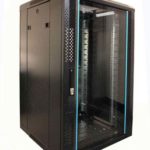
 FREE STANDING CABINETS
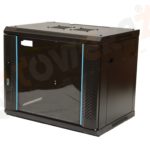 WALL MOUNTED CABINETS
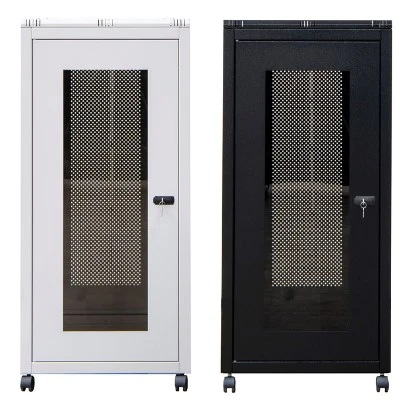
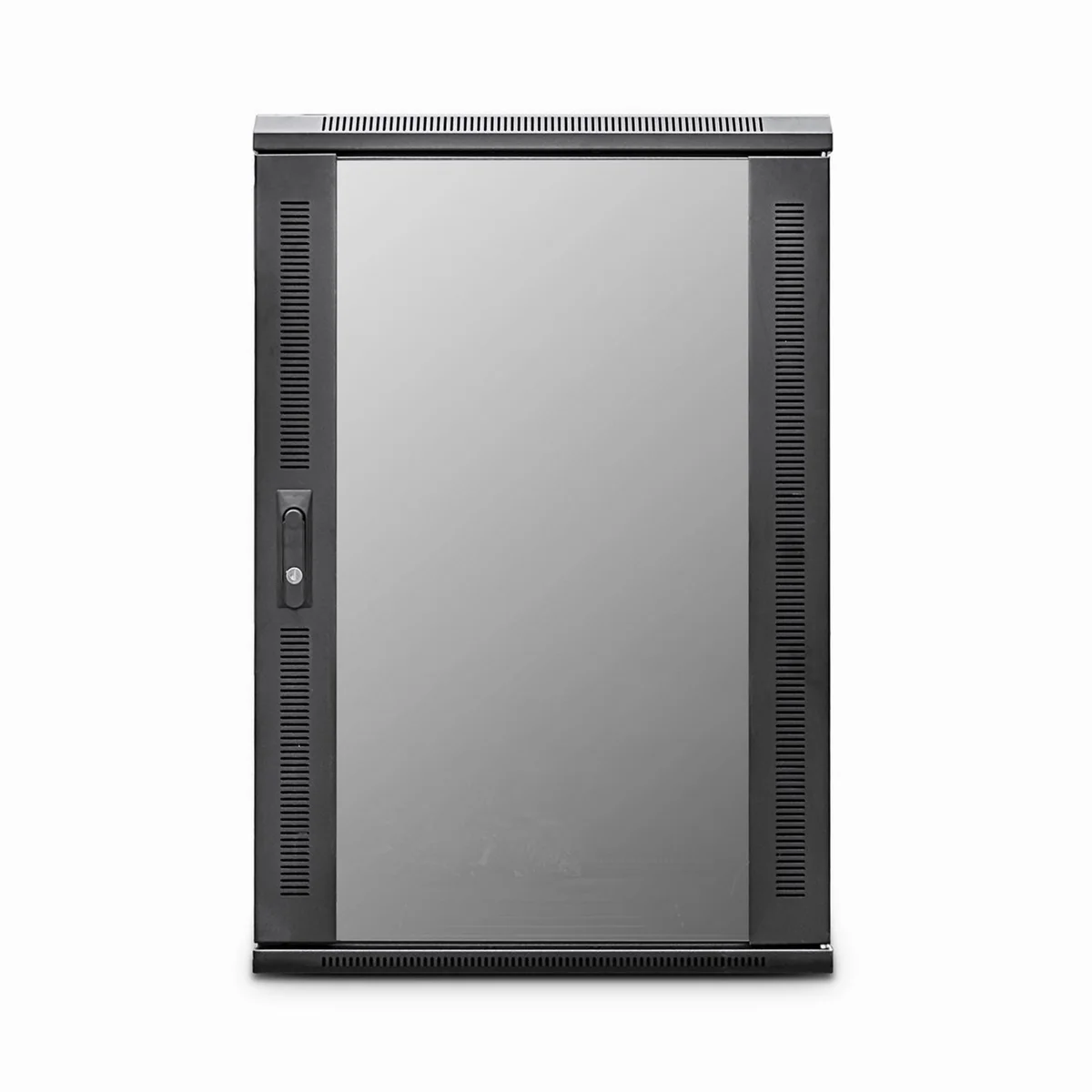
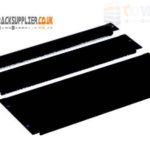 Blanking panel
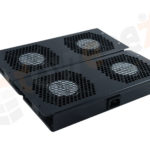 fan units
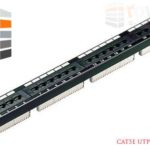 PATCH PANEL
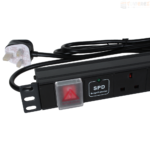 Power Distribution Unit
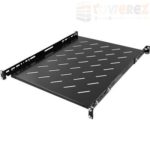 SHELVES
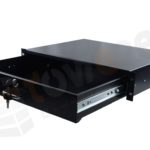 RACK DRAWER
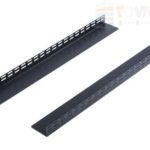 TOWEREZ RAILS
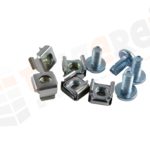 CAGE & NUTS

What Accessories Do You Need for a 19-Inch Server Cabinet? UK Guide

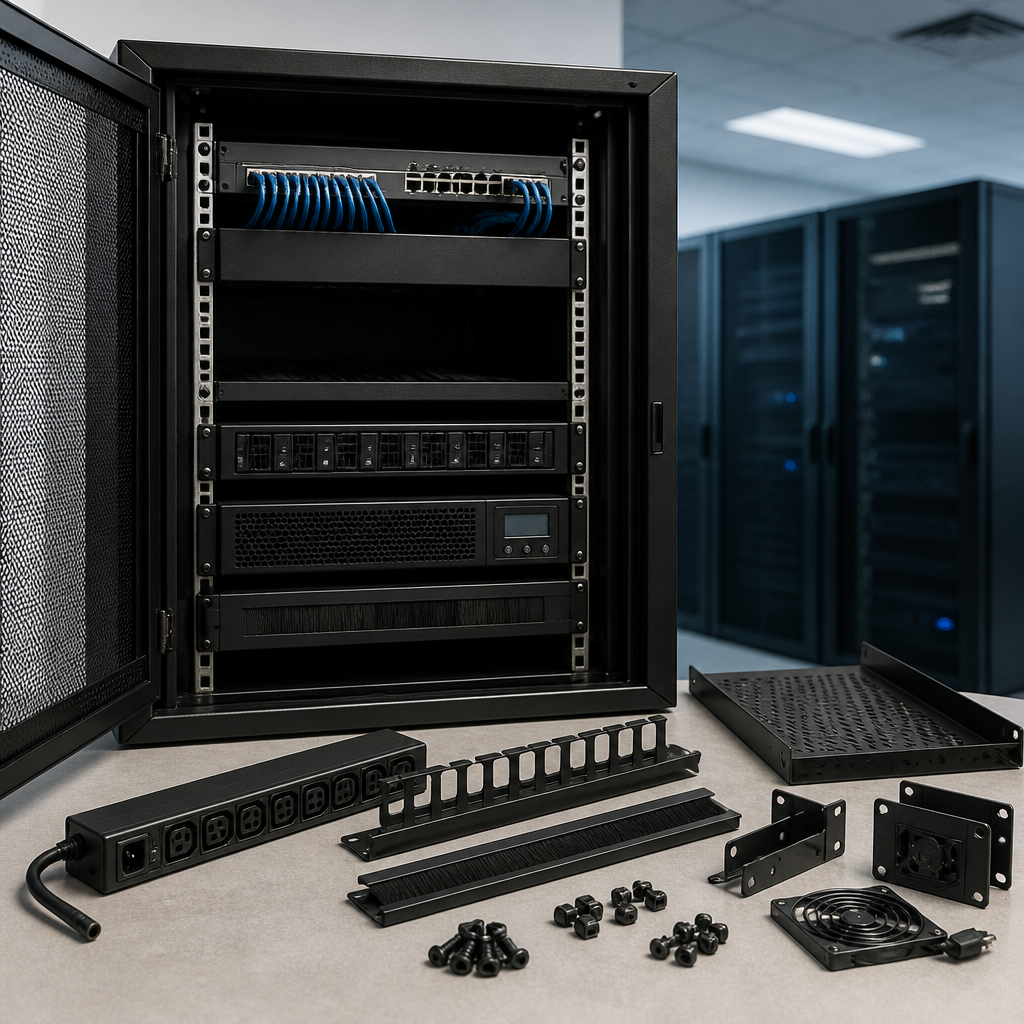
What accessories do I need for a 19 inch server cabinet UK? In most installations, you will need a rack PDU, cage nuts and screws, cable-management accessories, patch panels, shelves or rails, blanking panels, and suitable cooling and security equipment. The correct selection depends on your servers, network devices, cabinet size, power demand, airflow requirements and location.
A 19-inch cabinet is a standard mounting enclosure, not a complete installation by itself. Accessories make the cabinet safe, organised, serviceable and suitable for future expansion. This UK guide explains what to buy first, what is optional, and how to avoid common compatibility mistakes.
What accessories do I need for a 19 inch server cabinet UK?
The essential accessories for most 19-inch server cabinets are:
- Rack PDU: distributes mains power to servers, switches and other equipment.
- Cage nuts and rack screws: secure equipment to square-hole mounting rails.
- Rack rails or a fixed shelf: support equipment that is not supplied with compatible mounting hardware.
- Patch panels and cable managers: keep copper and fibre connections labelled and orderly.
- Blanking panels: close unused rack spaces and help maintain front-to-back airflow.
- Earthing and bonding accessories: support electrical safety where required by the installation.
- Cooling and environmental monitoring: prevent heat accumulation and provide early warning of problems.
- Security accessories: protect equipment from unauthorised access or accidental interference.
Before ordering, check the cabinet’s usable height in U, mounting-hole type, depth, maximum load, cable-entry points and power arrangement. A compact wall-mounted network cabinet needs a different accessory set from a deep floor-standing server rack.
Start with compatibility checks
Accessories are not universally interchangeable. Confirm these specifications before adding items to your basket.
Rack height and usable depth
Cabinet height is measured in rack units, or U. One U is 44.45 mm of vertical equipment space. A device listed as 2U occupies two rack units, although you should allow space for cable bends, airflow and maintenance.
Depth is equally important. Measure the cabinet’s usable mounting depth rather than its external depth. A server may fit between the front and rear rails but still leave too little room for power plugs, network cables or airflow. Check the equipment manufacturer’s minimum and recommended rack depth.
Mounting-hole and rail type
Most modern cabinets use square mounting holes for cage nuts, while some use threaded holes. Do not assume that every screw will fit. Verify whether you need M6 cage nuts and screws, 10-32 hardware, 12-24 hardware or another system.
Equipment may be rack-mountable, supplied with sliding rails, designed for a shelf, or intended to stand outside a rack. Never suspend heavy equipment from a front mounting flange unless the manufacturer specifically permits it.
Power accessories for a 19-inch cabinet
Rack power distribution unit
A rack PDU is one of the first accessories to purchase. It provides multiple outlets within the cabinet and can be mounted vertically or horizontally. Choose a UK-compatible PDU with the correct input plug, rated current, outlet type and cable length.
A basic PDU distributes power but does not provide battery backup or voltage correction. If equipment must continue operating during a power interruption, use an appropriately sized uninterruptible power supply, or UPS. The UPS may be installed in the cabinet, placed nearby, or connected through a dedicated power arrangement depending on its weight and design.
Consider the following when selecting a PDU:
- Input connector and supply rating.
- Number and position of outlets.
- Maximum current and total power capacity.
- Horizontal or vertical mounting format.
- Switching, metering or remote-monitoring requirements.
- Power-cable reach to the equipment and wall outlet.
Earthing and bonding
Metal cabinets should be installed in accordance with applicable UK electrical and workplace requirements. A cabinet may have an earth bonding point, while equipment may use protective earth through its power cable. Do not improvise electrical connections. A qualified electrician or competent installer should confirm the arrangement, especially in a commercial, data-centre or multi-cabinet installation.
Mounting accessories: rails, shelves and hardware
Rack rails
Sliding rails make heavy servers easier to install and service. They also help prevent equipment from being supported only by the front rack posts. Rails must match the server model, cabinet depth and mounting-hole design. Check whether the rails require square posts, threaded posts or a particular minimum distance between the front and rear rails.
Fixed and cantilever shelves
A rack shelf is useful for routers, small computers, test equipment, external drives and other non-rack-mountable devices. Select a shelf with enough depth and a load rating above the equipment’s actual weight. A cantilever shelf may be suitable for lighter items, while heavy equipment usually needs a four-point fixed shelf or manufacturer-approved rails.
Cage nuts and screws
Keep spare cage nuts and rack screws in the cabinet. They are inexpensive but essential when equipment is moved or additional devices are installed. Use the correct size and avoid forcing incompatible hardware into the mounting rail, as this can damage threads or distort the cabinet.
Cable management and connectivity
Patch panels
A copper patch panel terminates permanent network cabling and provides a neat connection point for short patch leads. For fibre installations, use a suitable fibre patch panel or enclosure with the correct adapters, splice management and bend-radius protection.
Patch panels improve labelling, fault finding and future changes. They also prevent permanent building cabling from being repeatedly unplugged from active switches. Select the correct category and connector type for the network cabling being installed.
Horizontal and vertical cable managers
Horizontal managers organise patch leads between rack devices. Vertical managers provide larger routing channels along the sides of a cabinet, which is particularly useful in wider floor-standing racks. Look for brush strips, finger ducts, D-rings or covered channels according to the required cable density.
Use hook-and-loop ties rather than overtightened plastic cable ties around data cables. Keep power and data cables organised separately where practical, and preserve the manufacturer’s minimum bend radius for copper and fibre. Leave enough slack for equipment to be pulled forward during maintenance.
Labelling and cable-entry accessories
Labels should identify both ends of every cable and, where useful, the source, destination, port and service. Brush panels, gland plates and cable-entry panels help seal unused openings while allowing cables to enter without sharp edges or excessive airflow loss.
Cooling, airflow and environmental monitoring
Heat is a common cause of unreliable rack equipment. Most servers and switches draw cool air from the front and exhaust warm air at the rear, so the cabinet should support a clear front-to-back airflow path.
Blanking panels
Install blanking panels in unused rack spaces. They reduce the amount of hot air that recirculates through gaps and help the equipment’s fans draw air through the intended path. Blanking panels are especially useful in cabinets with high-density servers or active ventilation.
Fan trays and cabinet ventilation
A fan tray or roof-mounted fan unit may be appropriate when passive ventilation is insufficient. Match the fan system to the cabinet design and consider noise, dust, filter maintenance and the direction of airflow. Do not add fans without checking that they support, rather than disrupt, the equipment’s intended airflow pattern.
Temperature and humidity monitoring
A basic temperature sensor can provide early warning of failed fans, blocked vents or rising room temperature. More advanced monitoring may include humidity, door status, smoke detection or alerts through a network-management system. Sensors are particularly valuable in unattended comms rooms and remote sites.
Security and physical protection
Choose a lockable cabinet or add compatible door and side-panel locks if unauthorised access is a concern. In public, shared or lightly supervised areas, locking doors are only part of the solution. Consider the cabinet’s location, wall or floor anchoring, key control and protection against accidental impact.
Some installations also benefit from anti-tip measures, seismic or structural restraints, cable locks and tamper-evident seals. The accessory should match the cabinet manufacturer’s design and the building’s requirements. Keep keys, access codes and maintenance records under controlled administration.
Accessories for wall-mounted and floor-standing cabinets
| Cabinet type | Useful accessories | Important checks |
|---|---|---|
| Wall-mounted network cabinet | Patch panel, cable manager, shallow shelf, PDU, brush panel and lock | Wall load capacity, cabinet depth, door clearance and cable bend radius |
| Floor-standing server cabinet | Sliding rails, heavy-duty shelf, vertical PDU, blanking panels, fan unit and castors or levelling feet | Total load, floor strength, equipment depth and safe movement |
| Small home or office rack | Basic PDU, shelf, patch panel, short patch leads and labelling kit | Noise, ventilation, available mains power and future expansion |
| High-density or critical installation | Metered PDU, UPS, environmental sensors, structured cable management and access control | Power capacity, heat output, resilience and monitoring coverage |
How to choose accessories in the right order
- List the equipment: record each device’s rack height, depth, weight, power connection and airflow direction.
- Calculate rack space: include room for cable management, blanking panels and future equipment.
- Plan power: select the PDU, UPS and cable lengths based on actual and expected demand.
- Plan connections: decide where patch panels, switches and cable managers will sit.
- Confirm cooling: check heat output, room ventilation and the need for fans or sensors.
- Confirm safety and security: review earthing, load limits, anchoring, locks and access procedures.
- Label and document: create a simple rack elevation, power schedule and cable map before installation.
Buy the structural and compatibility-dependent items first: rails, shelves, PDU, mounting hardware and patch panels. Add convenience accessories such as extra cable rings, spare blanking panels and replacement labels after the layout is confirmed.
Common mistakes to avoid
- Buying rails based only on the server brand without checking the exact model.
- Filling the cabinet without reserving space for airflow and future expansion.
- Using a PDU whose plug, outlet format or current rating does not match the installation.
- Ignoring the weight of UPS units, batteries and fully populated shelves.
- Routing fibre or copper cables with bends tighter than the manufacturer allows.
- Blocking cabinet vents or placing a rack where hot exhaust air can recirculate.
- Leaving network cables unlabelled, making future troubleshooting unnecessarily difficult.
- Assuming a lock replaces proper physical anchoring and controlled access.
Key takeaways
- The essential starting set is usually a compatible PDU, mounting hardware, cable management, patch panels, blanking panels and suitable shelves or rails.
- Check rack height, usable depth, mounting-hole type, load rating and power requirements before ordering.
- Use rails or a properly rated shelf for heavy or non-rack-mountable equipment.
- Good airflow, labelling and cable routing improve reliability and make maintenance safer.
- For critical installations, add a UPS, metered or monitored PDU, environmental sensors and controlled physical access.
Frequently asked questions
Do I need a PDU in a 19-inch server cabinet?
A PDU is recommended for most installations because it provides organised power distribution inside the cabinet. Choose one with a UK-compatible input, suitable outlets and a rating that exceeds the expected load. A PDU does not replace a UPS when battery backup is required.
Are rack shelves universal?
No. Shelves vary by depth, width, mounting method and load rating. Confirm the cabinet’s rail spacing and the equipment’s dimensions and weight before buying. Heavy equipment should use a four-point shelf or compatible rails where possible.
How many blanking panels should I buy?
Buy enough to close the unused rack spaces after your equipment is installed, with a few spare panels for future changes. The correct number depends on the cabinet layout and how much open space remains.
Does every server cabinet need a fan tray?
No. A fan tray is not automatically required. It depends on equipment heat output, cabinet ventilation, room conditions and the manufacturer’s airflow design. Monitor temperature and provide active ventilation when passive airflow is not adequate.
What is the difference between a server cabinet and a network cabinet?
A server cabinet is generally deeper and designed to support heavier, higher-power equipment. A network cabinet is often shallower and suited to patch panels, switches and telecommunications hardware. Always compare the actual depth, load rating and ventilation rather than relying only on the product name.
Can I install a non-rack-mountable device in a cabinet?
Yes, if you use a properly rated shelf or another manufacturer-approved mounting solution. Leave space for ventilation and connections, and do not place heavy equipment on an unsupported surface or on top of other devices.
{“@context”:”https://schema.org”,”@type”:”FAQPage”,”mainEntity”:[{“@type”:”Question”,”name”:”Do I need a PDU in a 19-inch server cabinet?”,”acceptedAnswer”:{“@type”:”Answer”,”text”:”A PDU is recommended for most installations because it provides organised power distribution inside the cabinet. Choose one with a UK-compatible input, suitable outlets and a rating that exceeds the expected load. A PDU does not replace a UPS when battery backup is required.”}},{“@type”:”Question”,”name”:”Are rack shelves universal?”,”acceptedAnswer”:{“@type”:”Answer”,”text”:”No. Shelves vary by depth, width, mounting method and load rating. Confirm the cabinet’s rail spacing and the equipment’s dimensions and weight before buying. Heavy equipment should use a four-point shelf or compatible rails where possible.”}},{“@type”:”Question”,”name”:”How many blanking panels should I buy?”,”acceptedAnswer”:{“@type”:”Answer”,”text”:”Buy enough to close the unused rack spaces after your equipment is installed, with a few spare panels for future changes. The correct number depends on the cabinet layout and how much open space remains.”}},{“@type”:”Question”,”name”:”Does every server cabinet need a fan tray?”,”acceptedAnswer”:{“@type”:”Answer”,”text”:”No. A fan tray is not automatically required. It depends on equipment heat output, cabinet ventilation, room conditions and the manufacturer’s airflow design. Monitor temperature and provide active ventilation when passive airflow is not adequate.”}},{“@type”:”Question”,”name”:”What is the difference between a server cabinet and a network cabinet?”,”acceptedAnswer”:{“@type”:”Answer”,”text”:”A server cabinet is generally deeper and designed to support heavier, higher-power equipment. A network cabinet is often shallower and suited to patch panels, switches and telecommunications hardware. Always compare the actual depth, load rating and ventilation rather than relying only on the product name.”}},{“@type”:”Question”,”name”:”Can I install a non-rack-mountable device in a cabinet?”,”acceptedAnswer”:{“@type”:”Answer”,”text”:”Yes, if you use a properly rated shelf or another manufacturer-approved mounting solution. Leave space for ventilation and connections, and do not place heavy equipment on an unsupported surface or on top of other devices.”}}]}